
Microsoft launches Windows 10 timeline extension for Chrome
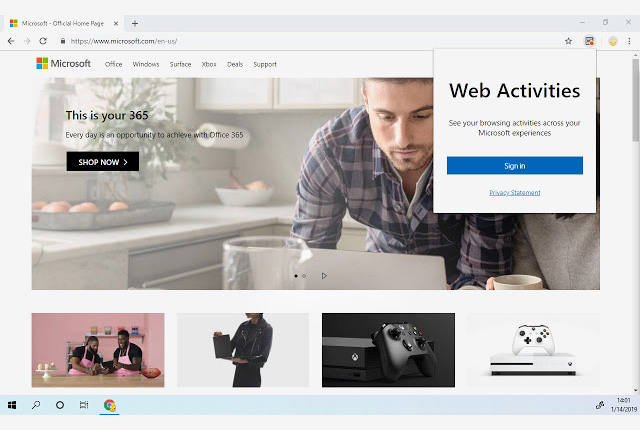
Microsoft has launched its official Timeline extension for Google Chrome, which is available to install from the Chrome Web Store.
Named Web Activities, the extension allows users to share browsing activities across Windows devices and the Chrome browser where it is installed.
Users can install the extension and sign in to their Microsoft account to make their browsing history available on all their Windows devices.
This means they can continue a browsing session from another device by seamlessly picking up where they left off on a Chrome browser with the Web Activities extension installed.
Web Activities will also sync with Timeline for Android via the Microsoft Launcher, and Microsoft has stated that it will bring Timeline support to more platforms in the future.
Now read: Chrome to stop websites from blocking Incognito users





 Loading ...