Windows 11 Support Thread

Last edited:

August 27, 2026—KB5120998 (OS Builds 26200.9278 and 26100.9278) Preview - Microsoft Support​

This cumulative update for Windows 11, version 25H2 and 24H2 (KB5120998), includes production-quality improvements.

Highlights

This update is available through two release phases: gradual rollout and normal rollout. A gradual rollout delivers an update in phases, so features reach devices over time instead of all at once, meaning availability varies by device. A normal rollout is the broad release to all eligible devices at the same time, usually when it reaches general availability (GA).

Components updates

AI components
This release updates the following AI components to version 1.2608.951.0: Image Search, Content Extraction, Semantic Analysis, and Settings Model.
To learn more, see Release information for AI components.
Servicing stack update (SSU)
Includes KB5120997 (Build 26100.9270), which improves the reliability of the Windows update installation process. To learn more about SSUs, see Simplifying on-premises deployment of servicing stack updates.

Known issues in this update

Microsoft is not currently aware of any issues with this update.
 
  • Like
Reactions: Wut

August 27, 2026—KB5120998 (OS Builds 26200.9278 and 26100.9278) Preview - Microsoft Support​

This cumulative update for Windows 11, version 25H2 and 24H2 (KB5120998), includes production-quality improvements.

Highlights

This update is available through two release phases: gradual rollout and normal rollout. A gradual rollout delivers an update in phases, so features reach devices over time instead of all at once, meaning availability varies by device. A normal rollout is the broad release to all eligible devices at the same time, usually when it reaches general availability (GA).

Components updates

AI components
This release updates the following AI components to version 1.2608.951.0: Image Search, Content Extraction, Semantic Analysis, and Settings Model.
To learn more, see Release information for AI components.
Servicing stack update (SSU)
Includes KB5120997 (Build 26100.9270), which improves the reliability of the Windows update installation process. To learn more about SSUs, see Simplifying on-premises deployment of servicing stack updates.

Known issues in this update

Microsoft is not currently aware of any issues with this update.
Installed it a few hours ago and haven't noticed any problems other than my screen brightness being changed to maximum after my computer rebooted.
 
Installed it a few hours ago and haven't noticed any problems other than my screen brightness being changed to maximum after my computer rebooted.
I installed it on 2 separate Lenovo laptops - a 2015 i3 5th Gen & a 2024 i5 12th Gen - no issues with brightness resetting to maximum on either of them - they both remained at 65% after the final reboot & login... ;)
 

Microsoft Admits Windows 11 KB5120998 Update Breaks Mouse Cursors, With Wallpapers Turning Black Until You Uninstall It - wccftech​

1788099245121.png

The issue appears to be widespread, which has caused even Microsoft to acknowledge the problem with its latest Windows update.

A few days ago, Microsoft rolled out its one of the major Windows 11 updates, which affects the Taskbar, Start Menu,l and Windows Search. This is the optional Windows 11 KB5120998 update, which brings some major changes to the operating system, but at the same time, resulted in a lot of bugs causing problems for the users.

As reported by Windows Latest, there are apparently so many reports of users that suggest a mouse cursor issue with this optional update. Users are reportedly seeing their mouse cursors broken after applying the latest update. Windows Latest seems to have confirmed it in their own testing as the issue appeared right after the update was applied. With this update, the mouse cursor either goes missing or may become very large.

In some cases, the cursor goes very small, making it uncomfortable for the users. Some users also reported the cursor going back to the default settings and may change its color and size despite applying the changes. After this became a widespread issue, Microsoft finally acknowledged the problem and has included a note in their release notes.

Microsoft has received reports indicating that mouse cursor personalization settings are being changed or reverted to certain standard settings,

This occurs following installation of Windows updates released August 27, 2026 (KB5120998) and later.

- Microsoft


It's clear that Microsoft knows that the problem is related to the latest KB5120998 update, which is why it explicitly mentioned it.

However, the problem doesn't just include mouse cursor changes, but also involves wallpaper changes as well. Windows Latest found that this bug causes your wallpaper to turn into a black screen despite making changes. Whenever you change the wallpaper and restart your system, the operating system keeps displaying the black screen.

Both mouse cursor and wallpaper bugs are reportedly fixed when the update is removed. We expect Microsoft to release an update to fixe these issues in the coming days. Meanwhile, if you are suffering from these problems, you may roll back to the previous update by uninstalling KB5120998.

 
Last edited:
But Wait, There's More... :p

Microsoft says KB5120998 Windows update resets desktop settings - Bleeping Computer​

Microsoft has confirmed that desktop settings are lost or reset on some Windows devices after installing the KB5120998 August 2026 preview update.

Microsoft's confirmation follows a wave of user reports saying their wallpaper switched to a black background automatically after installing this Windows update.

The known issue impacts systems running Windows 11 24H2 and Windows 11 25H2, and it may affect the wallpaper, the desktop theme, and various other settings.

"Following installation of Windows updates released August 27 2026 (KB5120998) and later, some Windows Desktop settings fail to load, resulting in desktop backgrounds displaying as a solid black color," Microsoft said in a Windows release health update on Wednesday."

"It is possible other desktop settings may be affected, such as slideshow settings or contrast themes."


According to Microsoft, because of this bug, users will also be unable to restore their custom settings on affected devices.

"On affected devices, attempting to manually restore customized settings does not work. This is because the issue prevents the correct loading of settings, regardless of their value. In this case, a default black background is used instead," the company added.

KB5120998 was released on August 27 with Start menu, taskbar, and Windows search improvements for Windows 11 versions 25H2 and 24H2.

As Microsoft acknowledged one day later, this preview update also changes or resets mouse settings and makes it impossible for affected users to restore the previous settings after they are reverted.

Since KB5120998 is an optional, non-security update, users must click the "Download and install" link. However, if they already have the "Get the latest updates as soon as they're they're available" option enabled, the update will install automatically.

Microsoft addressed a similar bug six years ago, in February 2020, after the KB4539602 update broke desktop wallpaper functionality and caused Windows 7 wallpapers in 'Stretch' mode to display a blank black screen.


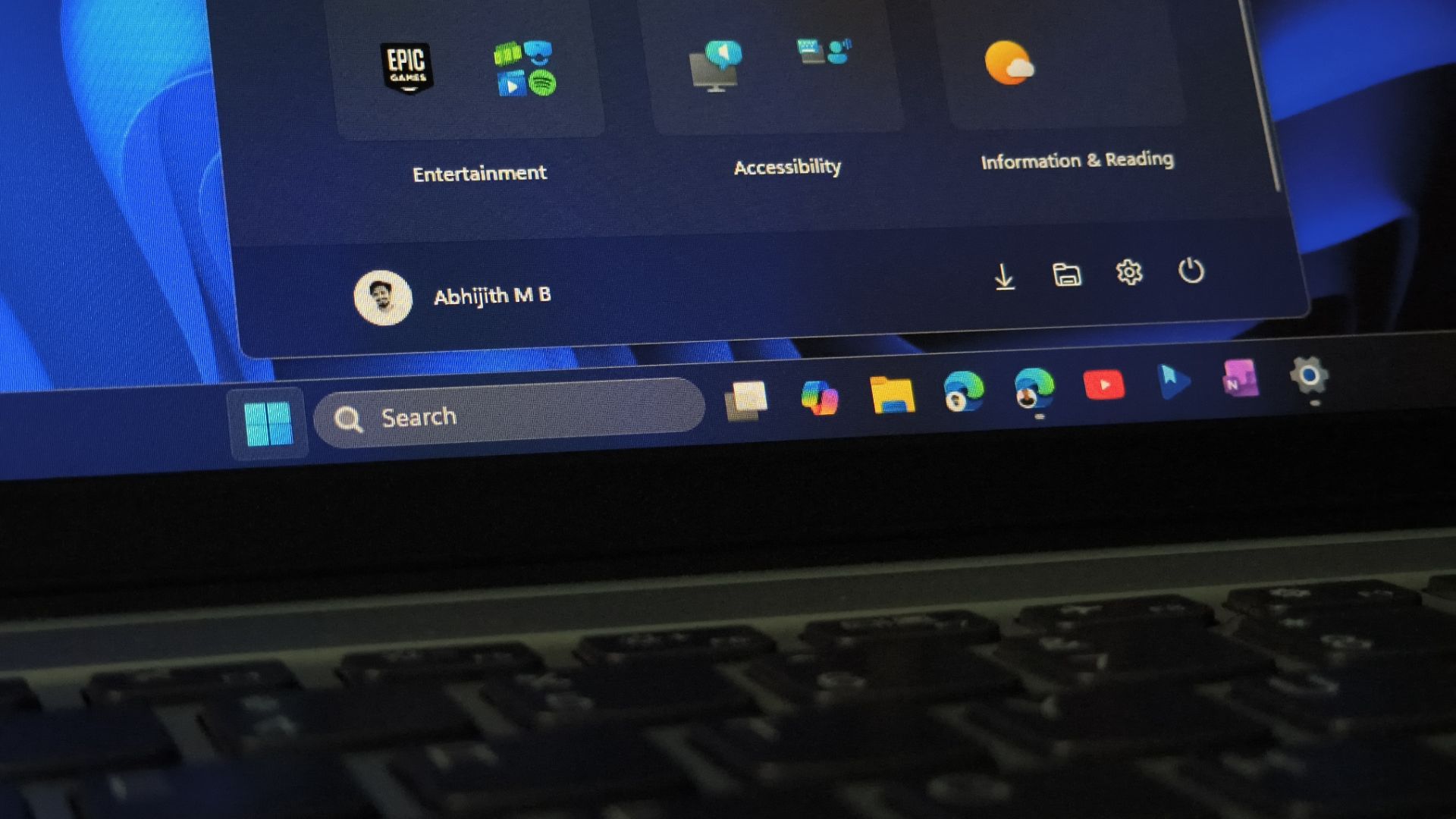
Windows 11 users were right about the giant Start menu, and Microsoft now lets you shrink it using these steps - Windows Latest​

1788532741638.png

Windows 11’s Start menu has taken up close to 90% of the screen on plenty of PCs since last November, and I have been complaining about that since we first measured it.

The August optional update finally gives you a way to shrink it, hide sections you do not want, and stop it from eating your whole display.

However, for most people, the new customizable Start menu will not show up right away because Microsoft rolls it out gradually.

Fortunately, there is a well-tested and safe way to force it on now.

 
Last edited:
Top
Sign up to the MyBroadband newsletter
X