28"-32" screens for office work, coding.

georgelza

Expert Member
Joined
Sep 13, 2004
Messages
1,073
Reaction score
81
Location
Johannesburg/Alberton
Hi guys

I primarily work on my MBP 16" screen. Currently have a old 22/23" screen on the right, but can clearly see the quality difference.

Thinking about maybe getting 2 x 28" screens, something like 100Mhz... etc.

Experience, Suggestions.

G
 
I recently bought myself a 32 inch monitor but it is 180hz (Gaming) which is a bit overboard for work. I went from 24 inch to 32, it is so much bigger and feel way more productive when I am coding
 
I got this specifically, obviously not the best monitor brand to go for, but for the price I think it's a bargain and been loving it.
If you go 32 inch, I would suggest going at least 1440p resolution
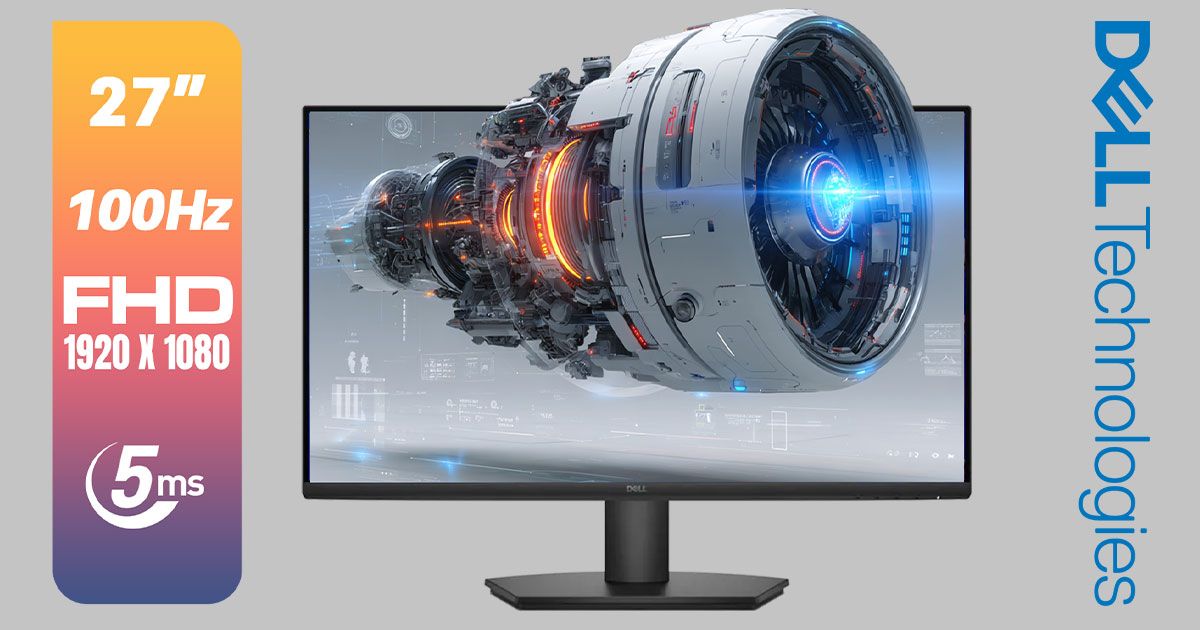
For work purposes I would suggest this:
Price I think is okay and it's Dell which is a decent monitor
Maybe other have better suggestions
 
So from what I've read, it seems if you're going to be connecting it to a Macbook, you'd want it to be 5k @ 27" so that it maintains the retina quality. Or something like that.
 
Oh flip I didn't even see the Mac Book Pro part, I didn't get the abbreviation, then if you want the same resolution, you'll need to cough up quite a bit
 
Not entirely relevant, but when my old 24' Samsung died (used for coding and music production), I ended putting my 46' Bravia TV in my office as an immediate temporary measure. I had to put quite far back to be comfortable, about 3-4 feet away on the other side of the desk, bump up the font sizes, and use the VGA connection (HDMI causes eye strain with text) and the completely unexpected result is almost no eye strain/pain compared to the smaller monitor that was a lot closer.
And there it still sits. Not sure how it would compare to a 32' though.

Having said that, I prefer coding with 2 monitors: 1 for the code, the other for the console, tools, browser, etc. If I had space for a 2nd screen I would add one. And its pretty immersive gaming as well (on HDMI or VGA) - not that I do much.
 
So from what I've read, it seems if you're going to be connecting it to a Macbook, you'd want it to be 5k @ 27" so that it maintains the retina quality. Or something like that.

Retina is really just scaling.

It’s more about DPI than it is about outright resolution.

QHD more than does the job.
 
Last edited:
@georgelza whatever you do just make sure you get a USB-C capable screen that can both display and charge your MacBook all on one cable and acts as a docking station at the same time.

It’s life changing.

I have the https://www.dellonline.co.za/collec...ed-video-conferencing-monitor-210-bfob-186209 and that feature alone has been more life changing than everything else.

Don’t dual screen at all any more and just run in clamshell with 1/3 and 2/3 windows stacked.

And if you are worried about Curved, don’t be. I also hate it as a concept but these are so slight you don’t even notice and it does what it was originally meant to do.
 
hmm, interesting... I'd def think of using this with a wall mount arm, as I still use my MBP and its keyboard.
just love the keyboard so not looking at putting laptop on the side/closed.
I'd position the screen so as to be right above my MBP screen,
and yes I do like the Dell's
Interesting that no one has comment wrt a Samsung which I know is big in the game world.
G

@georgelza whatever you do just make sure you get a USB-C capable screen that can both display and charge your MacBook all on one cable and acts as a docking station at the same time.

It’s life changing.

I have the https://www.dellonline.co.za/collec...ed-video-conferencing-monitor-210-bfob-186209 and that feature alone has been more life changing than everything else.

Don’t dual screen at all any more and just run in clamshell with 1/3 and 2/3 windows stacked.

And if you are worried about Curved, don’t be. I also hate it as a concept but these are so slight you don’t even notice and it does what it was originally meant to do.
 
32” 4K @ 125% scaling /end thread IMO 🤷‍♂️

2x portrait windows fit perfectly, and you can easily switch to full screen without having to move your head/eyes a lot.
 
I’ve been using the Dell 43” monitor for the last few years. For me it’s perfect for coding because I get a lot of vertical screen space.
 
I find 24inch a good size for a multi monitor setup. When you go bigger it works better to split the screen and have multiple things open on the same screen or otherwise sit further back but that kind of defeats the point for me.

We are hopefully not too far from being able to buy an 8K 76" OLED to use as a video wall. That would be the sweet spot.
 
dumb question, all these screens have their method to mount onto their stands at the back... if i was to get a arm to mouth it to the wall, are there a standardise set of holes on the screens that allow them to be screwed to a arm ?

G
 
dumb question, all these screens have their method to mount onto their stands at the back... if i was to get a arm to mouth it to the wall, are there a standardise set of holes on the screens that allow them to be screwed to a arm ?

G
yes, its called a vesa mount
 
Top
Sign up to the MyBroadband newsletter
X