ros_b
Senior Member
Hi all
Ever since Windows 7 came out, I've used this software called "Classic Shell" to make my Windows Start Menu continue to look and act like it did under XP. I prefer using the keyboard over the mouse, and I have set up my start menu so that all of my often-used programs can be accessed using the keyboard with minimal keystrokes. I open the start menu using Ctrl+Esc, and then use P to access the Programs menu, followed by the first letter of the program I want. I also set up folders that are accessible via other letters that contain other programs, so that every program is accessible uniquely by Ctrl+Esc followed by two letters. Eg: Excel is Ctrl+Esc, P, E; Google Chrome is Ctrl+Esc, I, G, etc.
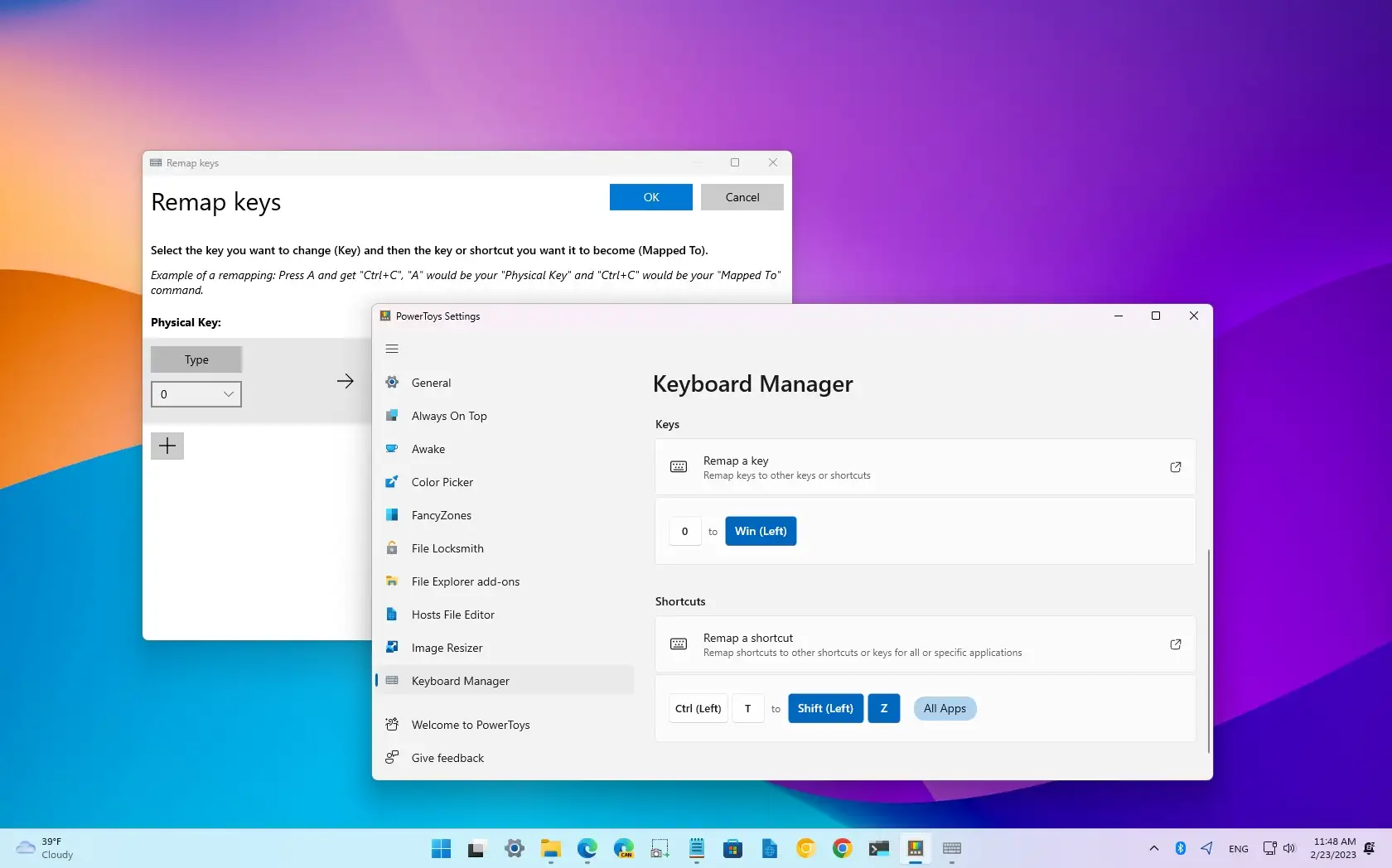
I have just "upgraded" to Windows 11, and I have my Classic Start Menu, but now I have to access it by clicking on the Start Menu button - Ctrl+Esc now opens the Windows 11 Start Menu and not my Classic Start Menu. Classic Shell is no longer being updated or supported. Before I embark on the search for a new program to help me out, I thought I'd ask the clever folk on here for any ideas as to a solution.
Thanks!
Ever since Windows 7 came out, I've used this software called "Classic Shell" to make my Windows Start Menu continue to look and act like it did under XP. I prefer using the keyboard over the mouse, and I have set up my start menu so that all of my often-used programs can be accessed using the keyboard with minimal keystrokes. I open the start menu using Ctrl+Esc, and then use P to access the Programs menu, followed by the first letter of the program I want. I also set up folders that are accessible via other letters that contain other programs, so that every program is accessible uniquely by Ctrl+Esc followed by two letters. Eg: Excel is Ctrl+Esc, P, E; Google Chrome is Ctrl+Esc, I, G, etc.
I have just "upgraded" to Windows 11, and I have my Classic Start Menu, but now I have to access it by clicking on the Start Menu button - Ctrl+Esc now opens the Windows 11 Start Menu and not my Classic Start Menu. Classic Shell is no longer being updated or supported. Before I embark on the search for a new program to help me out, I thought I'd ask the clever folk on here for any ideas as to a solution.
Thanks!