Exposing slow speeds - 500/250

Aqox

Well-Known Member
Joined
Jul 28, 2005
Messages
197
Reaction score
7
Just wanted to make you all aware of the great danger ahead if ISP's started implemented this on their networks, we are in for a big exposure of slower speeds within our countries boundaries, incl. going overseas.

ISP - CoolIdeas
Speed - 500/250
IP Address range - 102.132.231.xx
Network - Openserve
Area - Durbanville, Cape Town

I started realizing slower speeds locally from Cape Town TO places like Johannesburg, Bloemfontein and Pretoria.
I'm getting "full speeds" for 500/250 locally, locally meaning, Cape Town to Cape Town.
However, once you start going just a bit outside the borders of the province, things get ugly.

Network infrastructure at home
- 1 Gbps LAN NIC connected to Tp-Link WAN Router AX5400 (Wi-Fi 6)

See attached speedtest results for proof.

This raises red alarm bells for selling a product that doesn't live up to its advertised speeds.
Prove me wrong, I'll wait...
Consumer Protection Act following suit.
What's going on CoolIdeas?
 

Attachments

  • Cpt to Cpt.PNG
    Cpt to Cpt.PNG
    36.8 KB · Views: 83
  • Cpt to Bloem.PNG
    Cpt to Bloem.PNG
    37.1 KB · Views: 71
  • Cpt to Jhb.PNG
    Cpt to Jhb.PNG
    35.2 KB · Views: 67
  • Cpt to Pta.PNG
    Cpt to Pta.PNG
    35.7 KB · Views: 66
  • Cpt to London EOH.PNG
    Cpt to London EOH.PNG
    35.4 KB · Views: 69
  • Cpt to London Hyperoptic.PNG
    Cpt to London Hyperoptic.PNG
    36.6 KB · Views: 78
  • ping replies.PNG
    ping replies.PNG
    18.7 KB · Views: 81
Went from 100/100 to 200/200 and then 500/200.

I download a lot of stuff and have bandwidth dashboards on my desktop. Its been flatout.

Nothing wrong with cool ideas where im based in jhb
 
We haven't "implemented" anything, and there's nothing to expose.

Our network is unshaped, and unthrottled.

And overprovisioned even on our international capacity.

I would suggest you log a ticket and go through our diagnostics with the team.

I also concur with @cavedog check your adapter settings, and also check with another machine potentially.

I would recommend doing some iperf tests to check for packet loss too. Packet loss affects TCP throughput over higher latency paths such as Pta and Jhb, from Cape Town.

Your tests indicate something of that nature.
 
Last edited:
Seems all good here.

6a1f8630-cd97-42b1-ad1f-57348f123fe9.png

cac9c1e2-fb91-4fe1-99a1-f34f1b56ab5e.png

13383225634.png
 
Turns out @cavedog was correct. I owe you some chocolates and wine.

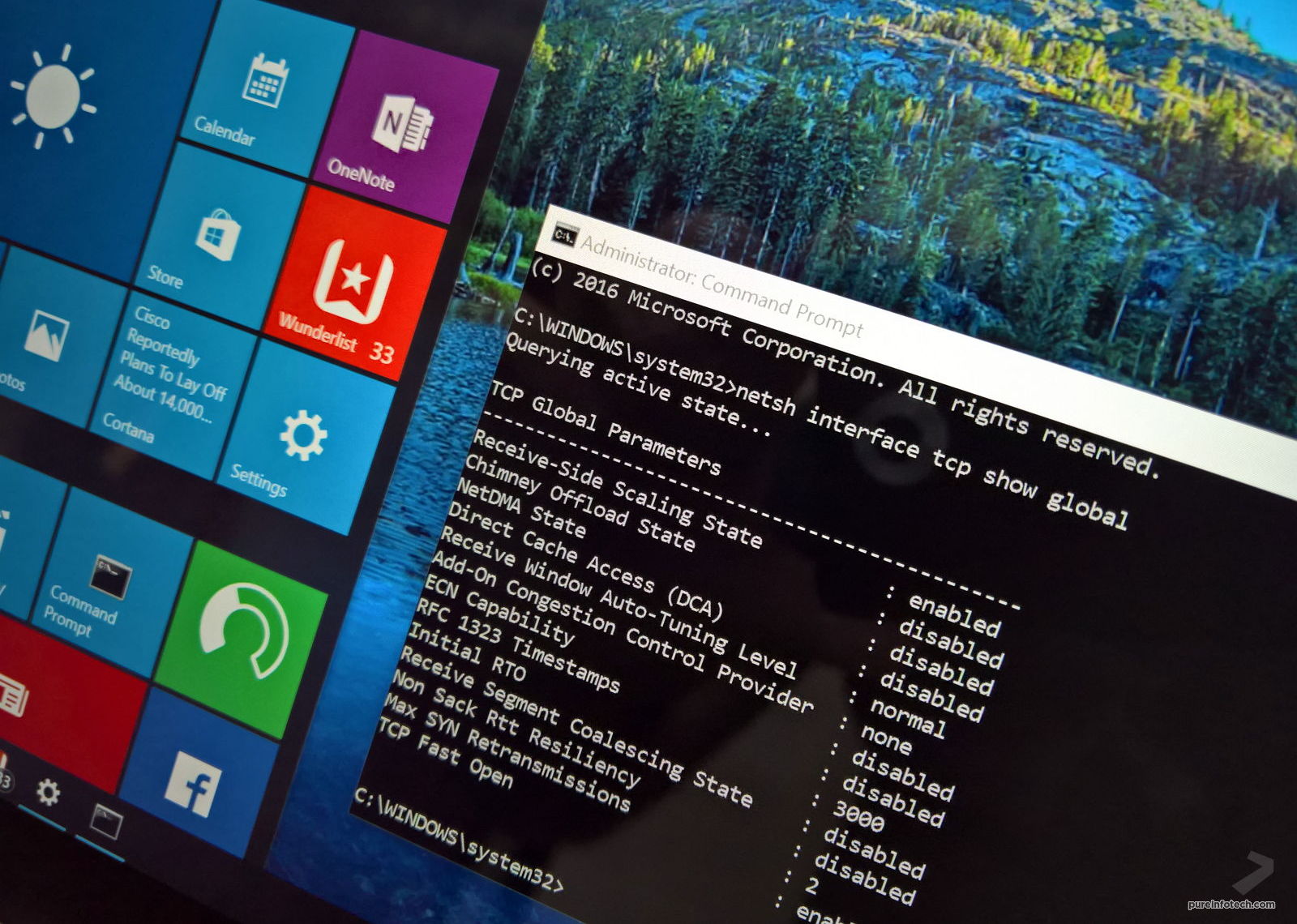
I ran the command and my internet got fixed.
WIERDness won - 1
@Aqox baffled - 0

Sorry @TheRoDent - no need to help anymore
I'm sorry for misguiding everyone. But thanks for the help.

Still don't understand how Cpt to Cpt would have 0 effect on it, but Cpt to Jhb does. #WTF
- Same browser session, same pc, etc.

References
 

Attachments

  • Cpt to London after.PNG
    Cpt to London after.PNG
    31.8 KB · Views: 55
Turns out @cavedog was correct. I owe you some chocolates and wine.

I ran the command and my internet got fixed.
WIERDness won - 1
@Aqox baffled - 0

Sorry @TheRoDent - no need to help anymore
I'm sorry for misguiding everyone. But thanks for the help.

Still don't understand how Cpt to Cpt would have 0 effect on it, but Cpt to Jhb does. #WTF
- Same browser session, same pc, etc.

References

Glad it worked.

The giveaway was the speedtests. They were seemingly capped no matter the destination but were capped at certain speeds as the latency increased.

If the line has packet loss or there is congestion of some sort the speeds vary and they won't come accross as being capped.

I'm a big fan of windows and will always use it but they really let everyone down with their networking. They are forcing people to use the TCP Autotuning feature in Win 10 and 11. If you don't they fix the TCP window scaling no matter the destination and for South Africans it doesn't work. We need dynamic TCP scaling because of our distance from most servers.

Take the same PC to Germany,France or USA and they won't even know there is an issue because all the traffic is just a few ms away.
 
It's been an issue for decades, there is actually a Wikipedia page about it:

Indeed and what windows do if you switch auto tuning off it no longer adjusts the tcp window size so no matter if you test to a server 1ms away or 160ms away the size stays the same and the speeds drop to high latency destinations.
 
Indeed and what windows do if you switch auto tuning off it no longer adjusts the tcp window size so no matter if you test to a server 1ms away or 160ms away the size stays the same and the speeds drop to high latency destinations.

It's also why you can't realistically expect 200Mbps over long-distance TCP (which requires ack packets and re-transmission), but you can via UDP which ignores lost packets (fine for streaming video).
 
1659342737482.png

Not having this issue so yeah must be that side....
Always get my speed no matter the day.

Sound also like a Karen with this

This raises red alarm bells for selling a product that doesn't live up to its advertised speeds.
Prove me wrong, I'll wait...
Consumer Protection Act following suit.
What's going on CoolIdeas?
 
Top
Sign up to the MyBroadband newsletter
X