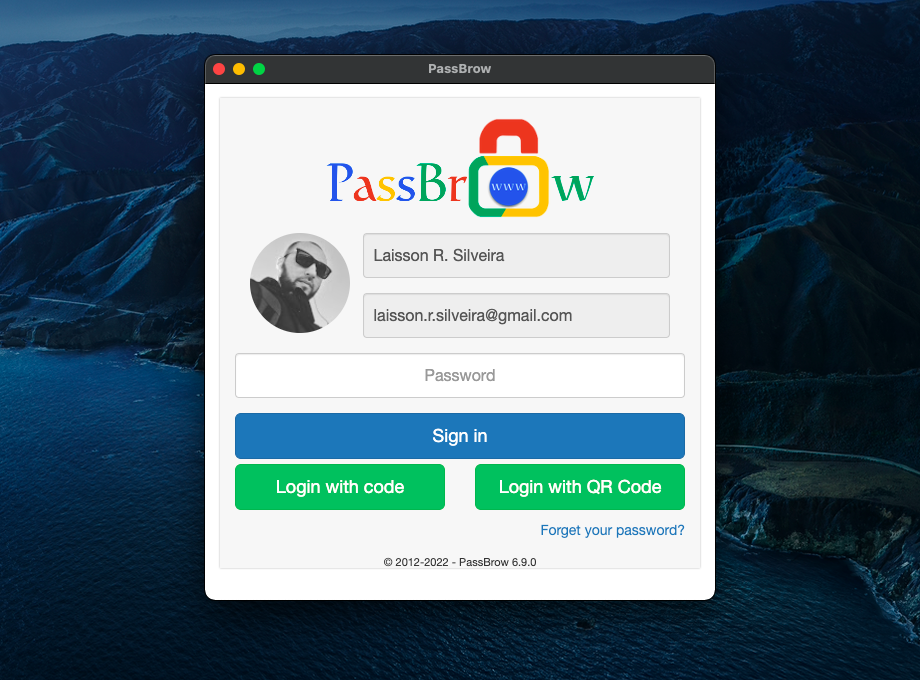
I need something that locks the firefox browser from any user on the computer or network.Only a password will allow the use of it.
Hopefully this is what you want ?
Test the free version.
Download PassBrow: Browser Password/Site Blocking for Firefox. Protect your browser with a synced password on any browser using the same account and keep any site you want blocked. Also you can generate passwords.

addons.mozilla.org
PassBrow: Browser Password/Site Blocking
Protect your browser with a synced password on any browser using the same account and keep any site you want blocked. Also you can generate passwords.
Also available for Chrome, Edge, Chromium, Brava and Opera browsers.
-------------
PassBrow is offered in trial mode, being able to use its main functionality (protect the browser with a password) 10 times a day in the free version and unlimited in the paid version. It is possible to unlock using a code, sent to the email or using the code generated by PassBrow-Authenticator. With PassBrow-Authenticator it is also possible to read the QR Code generated in the extension, all of the above options being optional.
In the free and paid version, it is also possible, through the extension's popup, to generate alphanumeric passwords and with some special characters.
In its paid version, all features are released:
- disable browser lock without having to remove password
- lock with keyboard shortcut
- auto lock after some time
- lock if browser is inactive
- lock using Omnibox
- hide personal data in login and license
- protect extension popup with password
- password protect extensions page
- enable logging of some user activities for security and query
And another very important feature
- blocking or redirecting any website/domain
Payment can be made on the extension's options page, with Stripe, PayPal, Google Pay (through Stripe), MercadoPago or PicPay options. The value is currently USD 1.99 or R$ 10.00, and after payment the use is lifetime.
-------------
PassBrow blocks access to the Chrome browser, allowing no access to browser data, bookmarks, settings, internet, etc.
It is very simple to use, just access the extension options and register a new password. After that, you can lock Chrome by reopening the browser, clicking the Lock pop-up button, pressing the shortcut key Ctrl+Shift+9 or Command+Shift+9, typing 'pb lock' in the address bar, or accessing the Lock Browser option from the menu of context.
Another very interesting option is to be able to block access to certain sites by accessing browser options and adding to the list the sites you want to block.
* PassBrow is developed particularly, having no ties to the company Google Inc. *