Forgot Apple ID password

bigboy529

Expert Member
Joined
Apr 23, 2012
Messages
2,929
Reaction score
99
Location
Pretoria
Hi all
I'm trying to help my dad, he forgot his Apple ID password. His only Apple device is a iPhone 7, the phone is still on and working, iCloud backups still work, but it seams he is no longer signed in to iCloud on the phone.

The Apple support website says to first try use a friends iPhone to recover, but we apparently can't download that Apple Support app here in SA, I tried on my phone.

On the computer I chose the forgot password option on the Apple ID website, it then sends a OTP SMS to the phone and I entered that, it then sends a OTP to the email address and I entered that, then it asks for the credit card which was used with the Apple ID. I enter the credit card details but it says the security code CVV is wrong. I think this is happening because that card got deactivated, not sure if they can pick it up. The card expiry date is only 2022, but it got stolen a couple months ago so he got the bank to stop it. I am however certain that it's the correct card details.

Anyway then since I can't enter the card details it just gives a message that it can take even longer to recover the password and I can only choose ok.

Around 24 to 48 hours later I then get a email on his email address that I can't recover the password because I couldn't give enough details, or something to that effect. I tried this process around 3 times now with the same results.

Now I'm thinking, since the phone is still on and working, will it maybe work if I create a new Apple ID and then do a iCloud backup of contacts, photos, Whatsapp etc. to the new Apple ID. He is about to upgrade to a new phone, so as long as I can transfer all data to the new phone then having to start with a new Apple ID won't be a issue, he anyway doesn't use that email address for anything.

If this will work how do I go about it, is it possible to switch off iCloud backup to the current @gmail address and keep all data on the phone until I can create a new @icloud Apple ID and switch on iCloud backup again? If I go to iCloud backup and try to switch off something let's say reminders, I get prompted that all reminders will be deleted from the iPhone if I switch it off and that's not what I want.
 
This happened to an elderly friend

Put in a new Apple ID and recreate everything. Apple are very unhelpful when it comes to this sort of thing
 
This happened to an elderly friend

Put in a new Apple ID and recreate everything. Apple are very unhelpful when it comes to this sort of thing


Do I first delete the old one somehow and then create a new one, or do I just create a new one on the phone alongside the old one? Sorry I'm just scared of messing up and losing his data.

Yes it's a stupid system, I can verify the phone number and email address, what more do they want? Going to the iStore for a upgrade tomorrow, but I doubt they will be able to do anything more than what I am currently trying.
 
Hi all
I'm trying to help my dad, he forgot his Apple ID password. His only Apple device is a iPhone 7, the phone is still on and working, iCloud backups still work, but it seams he is no longer signed in to iCloud on the phone.

The Apple support website says to first try use a friends iPhone to recover, but we apparently can't download that Apple Support app here in SA, I tried on my phone.

On the computer I chose the forgot password option on the Apple ID website, it then sends a OTP SMS to the phone and I entered that, it then sends a OTP to the email address and I entered that, then it asks for the credit card which was used with the Apple ID. I enter the credit card details but it says the security code CVV is wrong. I think this is happening because that card got deactivated, not sure if they can pick it up. The card expiry date is only 2022, but it got stolen a couple months ago so he got the bank to stop it. I am however certain that it's the correct card details.

Anyway then since I can't enter the card details it just gives a message that it can take even longer to recover the password and I can only choose ok.

Around 24 to 48 hours later I then get a email on his email address that I can't recover the password because I couldn't give enough details, or something to that effect. I tried this process around 3 times now with the same results.

Now I'm thinking, since the phone is still on and working, will it maybe work if I create a new Apple ID and then do a iCloud backup of contacts, photos, Whatsapp etc. to the new Apple ID. He is about to upgrade to a new phone, so as long as I can transfer all data to the new phone then having to start with a new Apple ID won't be a issue, he anyway doesn't use that email address for anything.

If this will work how do I go about it, is it possible to switch off iCloud backup to the current @gmail address and keep all data on the phone until I can create a new @icloud Apple ID and switch on iCloud backup again? If I go to iCloud backup and try to switch off something let's say reminders, I get prompted that all reminders will be deleted from the iPhone if I switch it off and that's not what I want.

You won't be able to login with a new Apple ID and see the content under his other Apple ID, or else the FBI would have done that with that terrorists device.

 
You won't be able to login with a new Apple ID and see the content under his other Apple ID, or else the FBI would have done that with that terrorists device.


As far as I understand the big issue there was the passcode, I've got the passcode, the phone is open, I can see all the data.
 
Hi all
I'm trying to help my dad, he forgot his Apple ID password. His only Apple device is a iPhone 7, the phone is still on and working, iCloud backups still work, but it seams he is no longer signed in to iCloud on the phone.

The Apple support website says to first try use a friends iPhone to recover, but we apparently can't download that Apple Support app here in SA, I tried on my phone.

On the computer I chose the forgot password option on the Apple ID website, it then sends a OTP SMS to the phone and I entered that, it then sends a OTP to the email address and I entered that, then it asks for the credit card which was used with the Apple ID. I enter the credit card details but it says the security code CVV is wrong. I think this is happening because that card got deactivated, not sure if they can pick it up. The card expiry date is only 2022, but it got stolen a couple months ago so he got the bank to stop it. I am however certain that it's the correct card details.

Anyway then since I can't enter the card details it just gives a message that it can take even longer to recover the password and I can only choose ok.

Around 24 to 48 hours later I then get a email on his email address that I can't recover the password because I couldn't give enough details, or something to that effect. I tried this process around 3 times now with the same results.

Now I'm thinking, since the phone is still on and working, will it maybe work if I create a new Apple ID and then do a iCloud backup of contacts, photos, Whatsapp etc. to the new Apple ID. He is about to upgrade to a new phone, so as long as I can transfer all data to the new phone then having to start with a new Apple ID won't be a issue, he anyway doesn't use that email address for anything.

If this will work how do I go about it, is it possible to switch off iCloud backup to the current @gmail address and keep all data on the phone until I can create a new @icloud Apple ID and switch on iCloud backup again? If I go to iCloud backup and try to switch off something let's say reminders, I get prompted that all reminders will be deleted from the iPhone if I switch it off and that's not what I want.
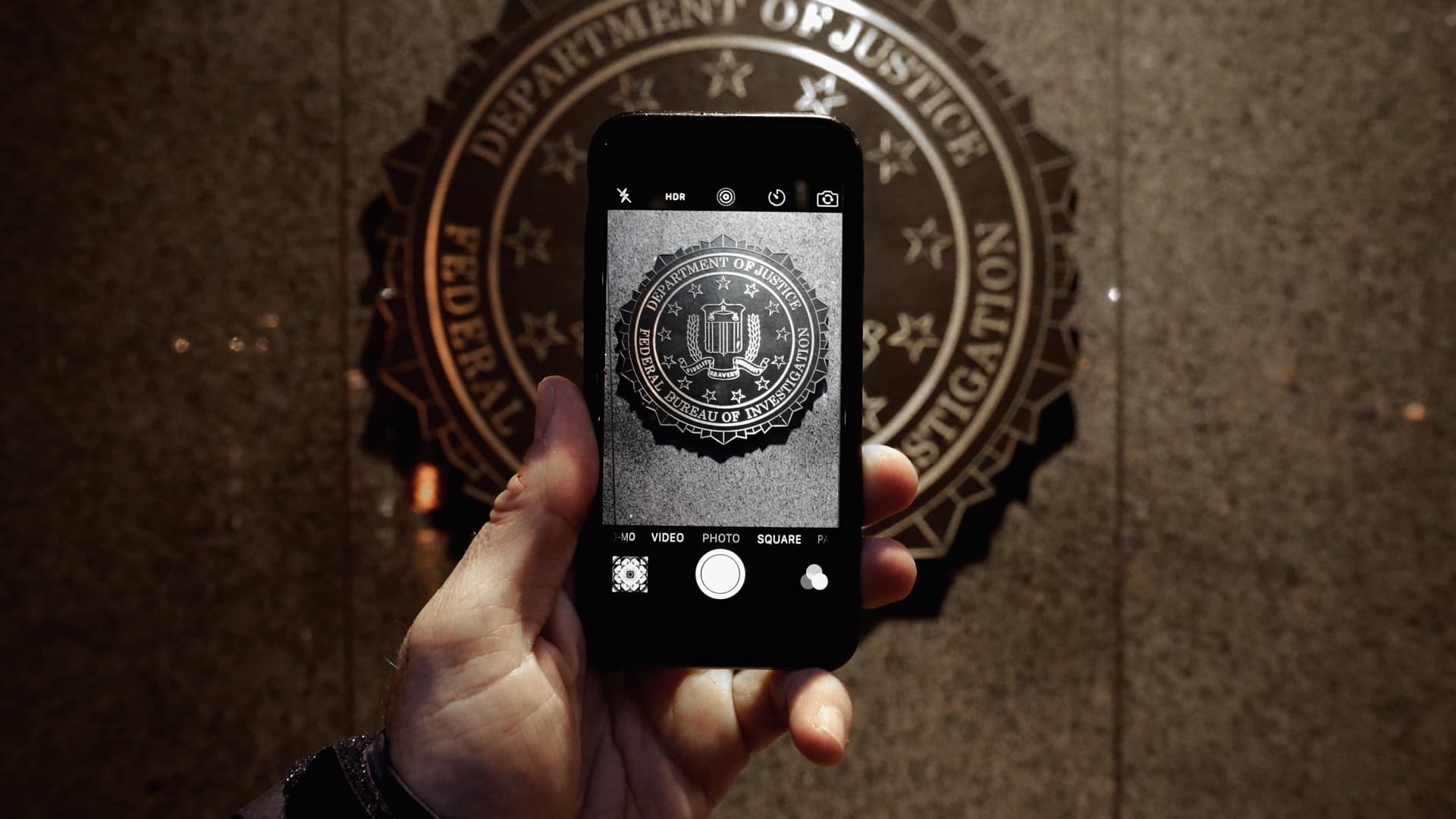
That's very weird. I have never been asked for my credit card details! It can sometimes be a bit tricky to reset the Apple ID password, but it also is dependent on how it was all set up. Where the recovery details go to.
 
Dont think you can swap Apple ID on the phone/device until you provide the password for the linked Apple Id. Isnt that their security against stolen devices?

Let us know how you manage to resolve this.
 
@chrisc Apple aren't very helpful ...not quite so....security is the actual reason.
They would take a massive credibility hit if people's iCloud accounts were compromised.
This isn't a Twitter, WhatsApp or Facebook account.
It is a bummer, but better safe than sorry I guess.
Passwords like keys require some care.
 
Get proof of purchase for the phone and send that to Apple and they should be able to reset the password or send the old password to you.
Thats the only way iCloud can be removed from the phone.
 
Have you tried launching iTunes and making a local backup? I don't remember if that asks for an Apple ID when restoring. But a local backup should at least give you a copy of everything in case fiddling with settings deletes data off the phone.

Turning off iCloud backup will not delete local reminders etc. There are separate iCloud switches for various apps. My understanding was that disabling Reminders would delete iCloud reminders, but not any created locally. I could be wrong about that though.
 
This happened to an elderly friend

Put in a new Apple ID and recreate everything. Apple are very unhelpful when it comes to this sort of thing
And if they made it too easy someone would complain that they aren't doing enough to keep accounts secure.
 
I once called apple and gave them all the details including emails address, phone number used in phone, name and surname etc. Eventually they reset the password 3 days later and sent a reset link to the email address used on the iPhone.
 
There is a process where by the password is reset after a waiting period of two weeks I think.

I had to do this when a previous Apple ID was tied to an email address and phone number I no longer had access to.
 
It’s not that bad ... I think it’s just a lack of understanding and what to do once this happens but trust me it’s simple if you have your Apple ID and password to the ID
 
Top
Sign up to the MyBroadband newsletter
X