iPad A1822 5th Gen & iOS 17/18

wookiemonster

Well-Known Member
Joined
Nov 21, 2019
Messages
253
Reaction score
169
Location
Mordor
I was wondering if there is anyone that knows where to get the .ipsw to flash my iPad with either iOS 17 or 18.
It has stopped at 16.7.11. I'm sure it is possible to flash newer ios onto the iPad. Have heard of people who has done it before, plus if one can do it with Android it should be possible with an Apple device.
Any constructive and positive assistance and guidance would be appreciated, thank you.
 
I was wondering if there is anyone that knows where to get the .ipsw to flash my iPad with either iOS 17 or 18.
It has stopped at 16.7.11. I'm sure it is possible to flash newer ios onto the iPad. Have heard of people who has done it before, plus if one can do it with Android it should be possible with an Apple device.
Any constructive and positive assistance and guidance would be appreciated, thank you.

It’s not possible, because Apple sign the installation against each piece of hardware.

Whoever told you this was lying.

The IPSW’s are available all over the place, you just can’t install them because there’s a verification check when doing so.
 
That's a bit of a shame, had the idea it would be as easy as with Android, apparently not. Should have thought so, it is Apple.
Seeing that I can not flash my iPad with iOS 17/18 is there a site where I can download the apps, e.g. APK Pure for Android. There are one or two apps I'm looking to install but can't, need iOS 17 or older.
Thanks, @bwana & @SauRoNZA
 
That's a bit of a shame, had the idea it would be as easy as with Android, apparently not. Should have thought so, it is Apple.
Seeing that I can not flash my iPad with iOS 17/18 is there a site where I can download the apps, e.g. APK Pure for Android. There are one or two apps I'm looking to install but can't, need iOS 17 or older.
Thanks, @bwana & @SauRoNZA
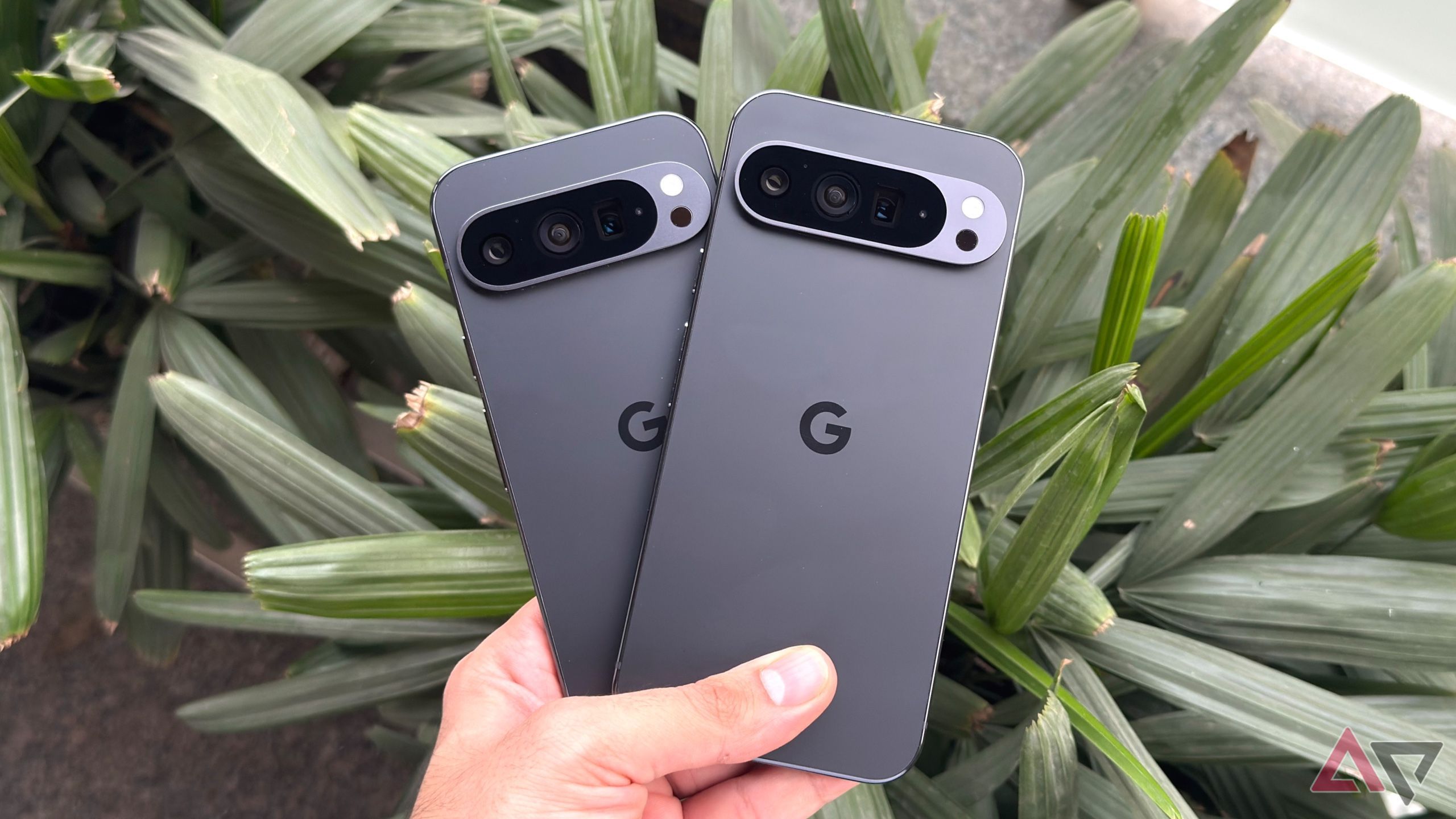
Google is making it much harder as well. It's no longer the early days of Android.
For years, Google used its Pixel phones as reference devices for AOSP development. As part of this, the company also published the device trees and driver binaries, ensuring that developers could compile a fully working AOSP build of Android for Pixels. Custom ROM developers also relied on the same device trees and driver binaries to ensure core features worked properly in their ROMs.

This won't be the case going forward, though. While Google has already published the Android 16 source code, it won't be releasing the device trees and driver binaries for compatible Pixel phones. Rumors swirling around in the community speculated that Google made this change as it planned to discontinue AOSP entirely.

However, Seang Chau, VP and GM of Android Platform, refuted such rumors and provided a clearer picture (via Android Authority). He made it clear that Google is not doing away with AOSP. But going forward, AOSP will use a reference target device "that is flexible, configurable, and affordable — independent of any particular hardware, including those from Google." And so, Google is switching from Pixels to Cuttlefish — a virtual Android device— as the reference AOSP device. Since it's a virtual platform, developers can run Cuttlefish remotely or locally.
 
That's a bit of a shame, had the idea it would be as easy as with Android, apparently not. Should have thought so, it is Apple.
Seeing that I can not flash my iPad with iOS 17/18 is there a site where I can download the apps, e.g. APK Pure for Android. There are one or two apps I'm looking to install but can't, need iOS 17 or older.
Thanks, @bwana & @SauRoNZA
It's been a while but you'd probably need to jailbreak your ipad in order to install apps from other sources.
 
That's a bit of a shame, had the idea it would be as easy as with Android, apparently not. Should have thought so, it is Apple.
Seeing that I can not flash my iPad with iOS 17/18 is there a site where I can download the apps, e.g. APK Pure for Android. There are one or two apps I'm looking to install but can't, need iOS 17 or older.
Thanks, @bwana & @SauRoNZA
Install them on a newer ipad or iphone and then go to your App store purchase history and download a compatible version on the old ipad.
 
Last edited:
That's a bit of a shame, had the idea it would be as easy as with Android, apparently not. Should have thought so, it is Apple.
Seeing that I can not flash my iPad with iOS 17/18 is there a site where I can download the apps, e.g. APK Pure for Android. There are one or two apps I'm looking to install but can't, need iOS 17 or older.
Thanks, @bwana & @SauRoNZA

Even if you could Jailbreak it and install the apps they still wouldn’t work because you don’t have the required underlying OS version.

Side loading it doesn’t change that.

If you had the apps before you can just re-download them from the AppStore and it will grab the last compatible version.
 
Thanks for the advice, gents. Guess it's time to donate the iPad to one of the little ones and get a new one.
 
Top
Sign up to the MyBroadband newsletter
X