Doringblik
Well-Known Member
Hello folks.
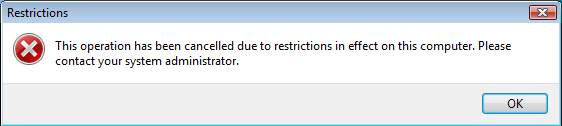
I found one post on another forum that did not answer or solve the problem. I have disabled IE on Server 2016. Now hyperlinks in Outlook 2013 are not working. Error message: "Your organization's policies are preventing us from completing this action for you."
Any suggestions? Thank you.
I found one post on another forum that did not answer or solve the problem. I have disabled IE on Server 2016. Now hyperlinks in Outlook 2013 are not working. Error message: "Your organization's policies are preventing us from completing this action for you."
Any suggestions? Thank you.