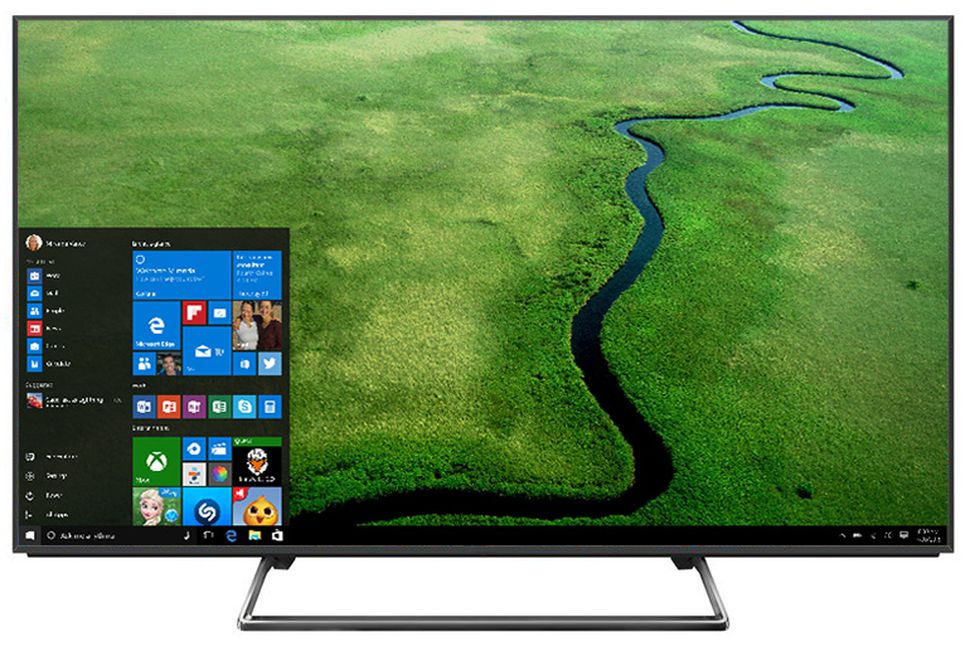
Mirror PC screen to TV?

Toxxyc

Executive Member
Joined
Dec 12, 2012
Messages
5,502
Reaction score
3,662
Hi guys,

I'm trying to mirror my PC screen to my TV. They're both on the same WiFi network, but Windows 10 and the Samsung Smart TV software refuses to work together. I have a Raspberry Pi 3 I can use, I just need to know what software I need to run and how to set it up?
 
That apparently requires something called Miracast that comes with Win10. However, my Win10 installation was upgraded from an older version, it doesn't work, or something like that. I spent a good while trying to get it to work, but the PC doesn't see the TV. Was thinking, can you turn the RPi into something like a Chromecast?
 
My HP laptop came with Win8 and that was around 2013, I specifically remember one of the main selling features of the laptop at the time was that it had this tech called "Wi-Di" but you had to buy this dongle (for your TV) from MS, I reckon that was before most smart TVs had casting as a standard feature - tbh I've never tried to use it but I only recently got a smart TV so maybe I'll try tonight and see if it works.

But when I upgraded my PC with the free Win10 download from like 2 years ago my fingerprint scanner doodad stopped working so I wonder if maybe the same thing happens to other components like the built-in Wi-Di display adapter etc.
 
Yeah I don't want to buy a dongle, and I don't want to cast media. I want to mirror the screen, with audio as well. Just for media I can easily use the Smart View app, but that's not what I want. I want to mirror the screen. Specifically, I want to cast a browser window every day from 18:30 to 19:00 (news).
 
I've got a MiBox on my dumb tv to make it smart. Windows 10 - Right click, cast, MiBox and POOF, it's on TV with sound.
 
Top
Sign up to the MyBroadband newsletter
X