Network Usage Management and Quotas

tkbaby

Well-Known Member
Joined
Aug 14, 2015
Messages
138
Reaction score
66
Location
East London
Hi All

Hoping this is the correct thread. If there are other threads where this would be more relevant, please let me know and I'll post it there too.

So we have a little holiday home that we share on a farm down by a river. There is WIFI available through a WISP. The problem is, the data is pricey as there is no monthly connection, which suits us as we not there too often, sadly. I'm trying to figure out a way to manage the usage and maybe place quotas, either on users or on SSID as this place is shared by quite a few people and we want to try stay to just one installation.

The supplied router is a cheap NETIS (I think that's the brand) and acts as a bridge as the router itself is on the outside connecting to the tower. The router allows me to create a couple SSID but no quotas etc. We are not wanting some people to go down and use all the data up that others have paid for. So if they pay to top up 10 gigs, I want to be able to add 10 gigs to those relevant users or to their own SSID and then when that's up its up.

Is there anyway I can do that cheaply? Instead of expensive hardware or software. I have no experience with Microtik routers, but apparently they have good features on their firmware. If not that, then some other method that serves the same purpose?

Thanks for taking the time to reply, and again, if I can add this to another thread too, let me know.
 
Hi All

Hoping this is the correct thread. If there are other threads where this would be more relevant, please let me know and I'll post it there too.

So we have a little holiday home that we share on a farm down by a river. There is WIFI available through a WISP. The problem is, the data is pricey as there is no monthly connection, which suits us as we not there too often, sadly. I'm trying to figure out a way to manage the usage and maybe place quotas, either on users or on SSID as this place is shared by quite a few people and we want to try stay to just one installation.

The supplied router is a cheap NETIS (I think that's the brand) and acts as a bridge as the router itself is on the outside connecting to the tower. The router allows me to create a couple SSID but no quotas etc. We are not wanting some people to go down and use all the data up that others have paid for. So if they pay to top up 10 gigs, I want to be able to add 10 gigs to those relevant users or to their own SSID and then when that's up its up.

Is there anyway I can do that cheaply? Instead of expensive hardware or software. I have no experience with Microtik routers, but apparently they have good features on their firmware. If not that, then some other method that serves the same purpose?

Thanks for taking the time to reply, and again, if I can add this to another thread too, let me know.

You need a decent router to do this, Mikrotik is actually the best way to achieve what you want. Other option is an old PC that runs all the time and does the job of the Mikrotik.
 
Hi All

Hoping this is the correct thread. If there are other threads where this would be more relevant, please let me know and I'll post it there too.

So we have a little holiday home that we share on a farm down by a river. There is WIFI available through a WISP. The problem is, the data is pricey as there is no monthly connection, which suits us as we not there too often, sadly. I'm trying to figure out a way to manage the usage and maybe place quotas, either on users or on SSID as this place is shared by quite a few people and we want to try stay to just one installation.

The supplied router is a cheap NETIS (I think that's the brand) and acts as a bridge as the router itself is on the outside connecting to the tower. The router allows me to create a couple SSID but no quotas etc. We are not wanting some people to go down and use all the data up that others have paid for. So if they pay to top up 10 gigs, I want to be able to add 10 gigs to those relevant users or to their own SSID and then when that's up its up.

Is there anyway I can do that cheaply? Instead of expensive hardware or software. I have no experience with Microtik routers, but apparently they have good features on their firmware. If not that, then some other method that serves the same purpose?

Thanks for taking the time to reply, and again, if I can add this to another thread too, let me know.
Go mikrotik then follow this guide super simple


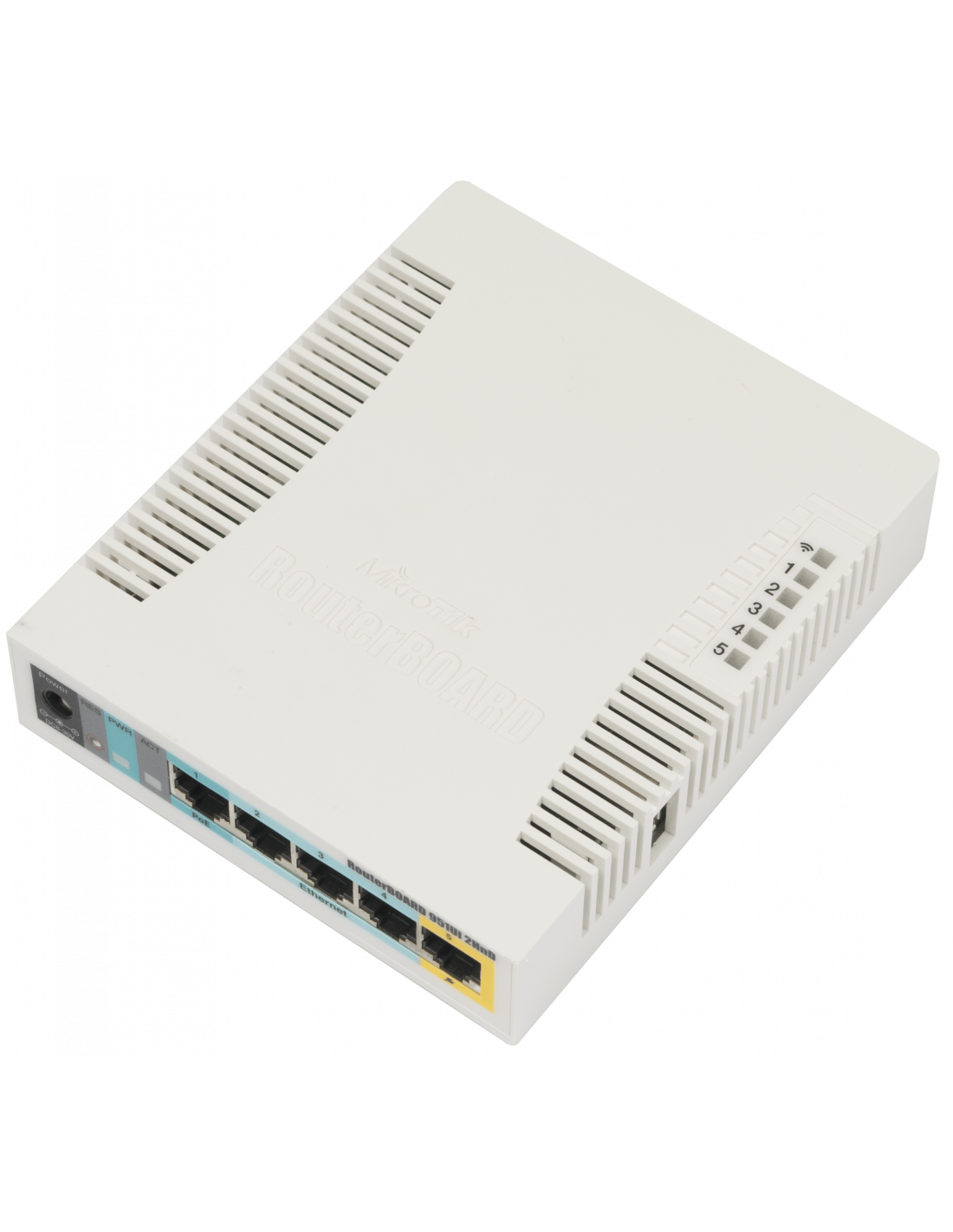
Can maybe help you with the smaller settings this guy forgets but get this router


Since your connection etc is so slow this will be more than enough
Range is mad good on this one and also set usage limits and speed....


This one is even cheaper and you can just buy from them without and account https://scoop.co.za/mikrotik-hap-2-4ghz-1-5dbi-5-port-ethernet-wifi-router-rb951ui-2nd.html
 
Last edited:
Go mikrotik then follow this guide super simple


Can maybe help you with the smaller settings this guy forgets but get this router


Since your connection etc is so slow this will be more than enough
Range is mad good on this one and also set usage limits and speed....


This one is even cheaper and you can just buy from them without and account https://scoop.co.za/mikrotik-hap-2-4ghz-1-5dbi-5-port-ethernet-wifi-router-rb951ui-2nd.html

Thanks I will look in to this
 
So if you have 4 clients sharing the house, each can have his own active PPPoE, subnet, wireless SSID. They manage their own connections paying the ISP directly as typically the account is linked to the PPPoE. Its probably no hassle for the WISP and you dont have to maintain anything. By default the PPPoE server accepts multiple connections from a host, unless they have limited it for some reason. Ask the WISP
 
Top
Sign up to the MyBroadband newsletter
X