Only one device slow on WiFi network

OldGoat

Senior Member
Joined
May 24, 2006
Messages
522
Reaction score
16
Location
Uniondale, Western Cape
Hi all

I have a weird situation and I hope someone can help.

All of my devices connected to my WiFi router have "reasonable" internet speeds except for my laptop which recently slowed to barely usable.
Today, my cell phone shows speeds of around 5Mbps where my laptop shows speeds of 0.2Mbps. They are both connected to same WiFi and are right next to each other.
Side note: I have 2 routers in the same vicinity with same SSID and did switch one off. This is when I noticed the issue. Since then I switched the second router on again and rebooted etc. but the issue did not resolve itself.

Any ideas would be most welcome :crying:
 
If you can maybe elaborate on how the network is connected in your setup, then can maybe see if something is not right.
 
Hi all

I have a weird situation and I hope someone can help.

All of my devices connected to my WiFi router have "reasonable" internet speeds except for my laptop which recently slowed to barely usable.
Today, my cell phone shows speeds of around 5Mbps where my laptop shows speeds of 0.2Mbps. They are both connected to same WiFi and are right next to each other.
Side note: I have 2 routers in the same vicinity with same SSID and did switch one off. This is when I noticed the issue. Since then I switched the second router on again and rebooted etc. but the issue did not resolve itself.

Any ideas would be most welcome :crying:
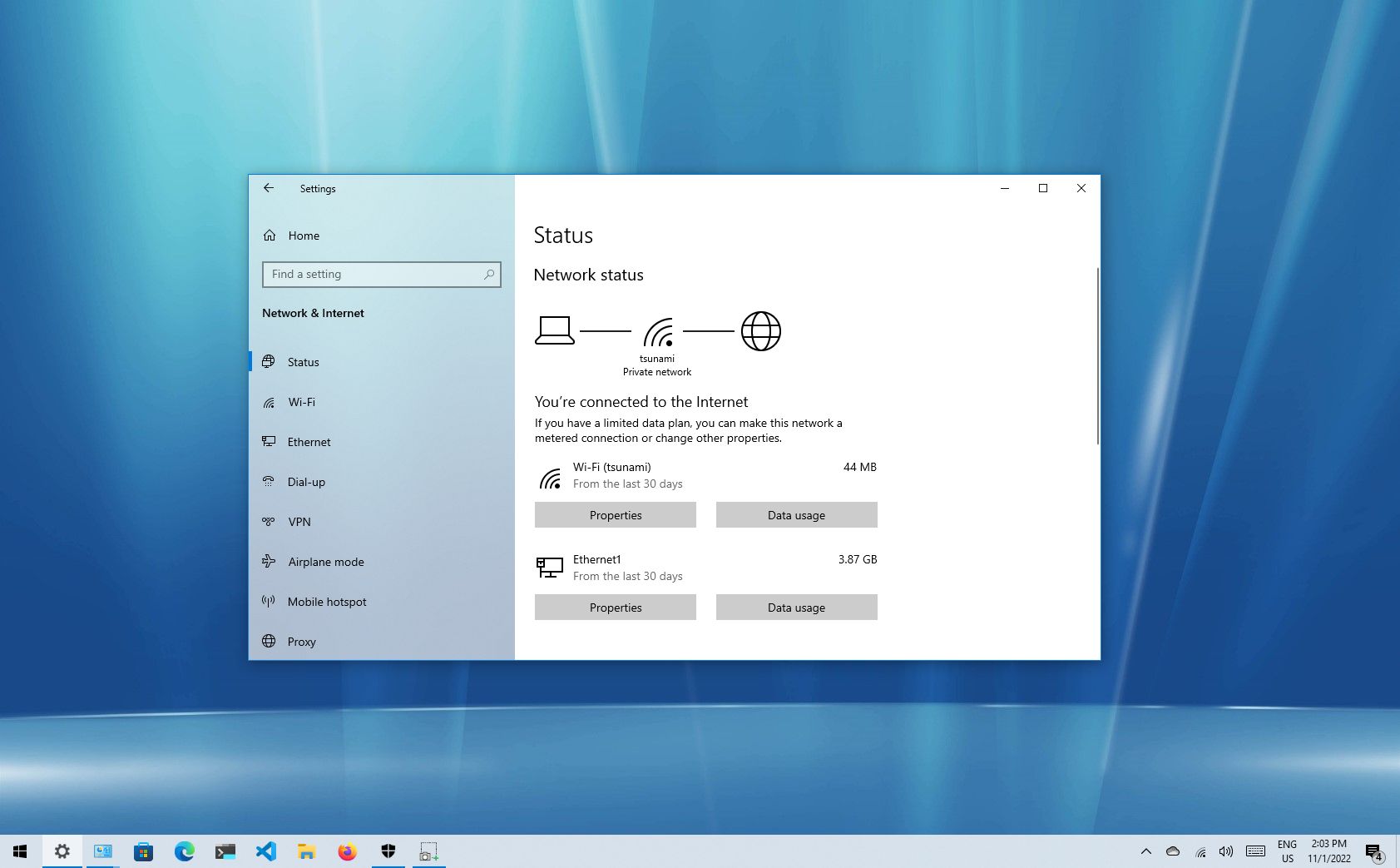
If it's Windows 10. Reset your entire network on the laptop side and test again:
Do a page search on the above link for:

How to reset network adapter using Settings​

 
I had reset all adaptor settings etc.
It turns out it was an application at start-up (don't know which one yet). I stopped all, except Windows apps from startup task manager and after that my WiFi was back to normal..
 
Seems it was MyAsus app. If I start their services.. WiFi hangs :0

I've never understood why people run that vendor bundled crap, it's the first stuff that should be uninstalled on a new machine as it serves zero purpose.

Just checked and I only have two startup apps.
 
The "nice" part of their app is the battery saver. Can set it to not ever charge to 100% so can leave power plugged in all the time
TBH OSs take care of that part without 3rd party software.

Just set the power profile to balanced.
Click on the battery icon and choose the level of performance.

Once unplugged and running off battery only, you can also change the levels to get best battery life depending on what you do.

I agree with ponder.
There's no use in that software.

Window's/Linux/MAC won't destroy a battery if it is on charge a lot.

My Inspiron was used on charge for 5days a week, from 7:00 to 16:00.
Today I work mostly on my Desktop.

My Inspiron's battery still lasts 4.5 hours.
No third party tools for battery management.

To put it in greater context. I purchased the laptop in 2013.
 
Top
Sign up to the MyBroadband newsletter
X