Photo viewer windows

upup

Executive Member
Joined
Jun 1, 2009
Messages
9,938
Reaction score
1,712
Location
currently offline
When try to open a pic in windows, it say not enough memory.

I install irfan , but the program does not have a send to email feature. Which app do you use, I just want to see the pic, and be able to send it.
 
How much memory do you have that you run out of memory trying to view a picture?
 
....why do you need the viewer app to have a sendmail feature? Or are you doing this on a regular basis?
 
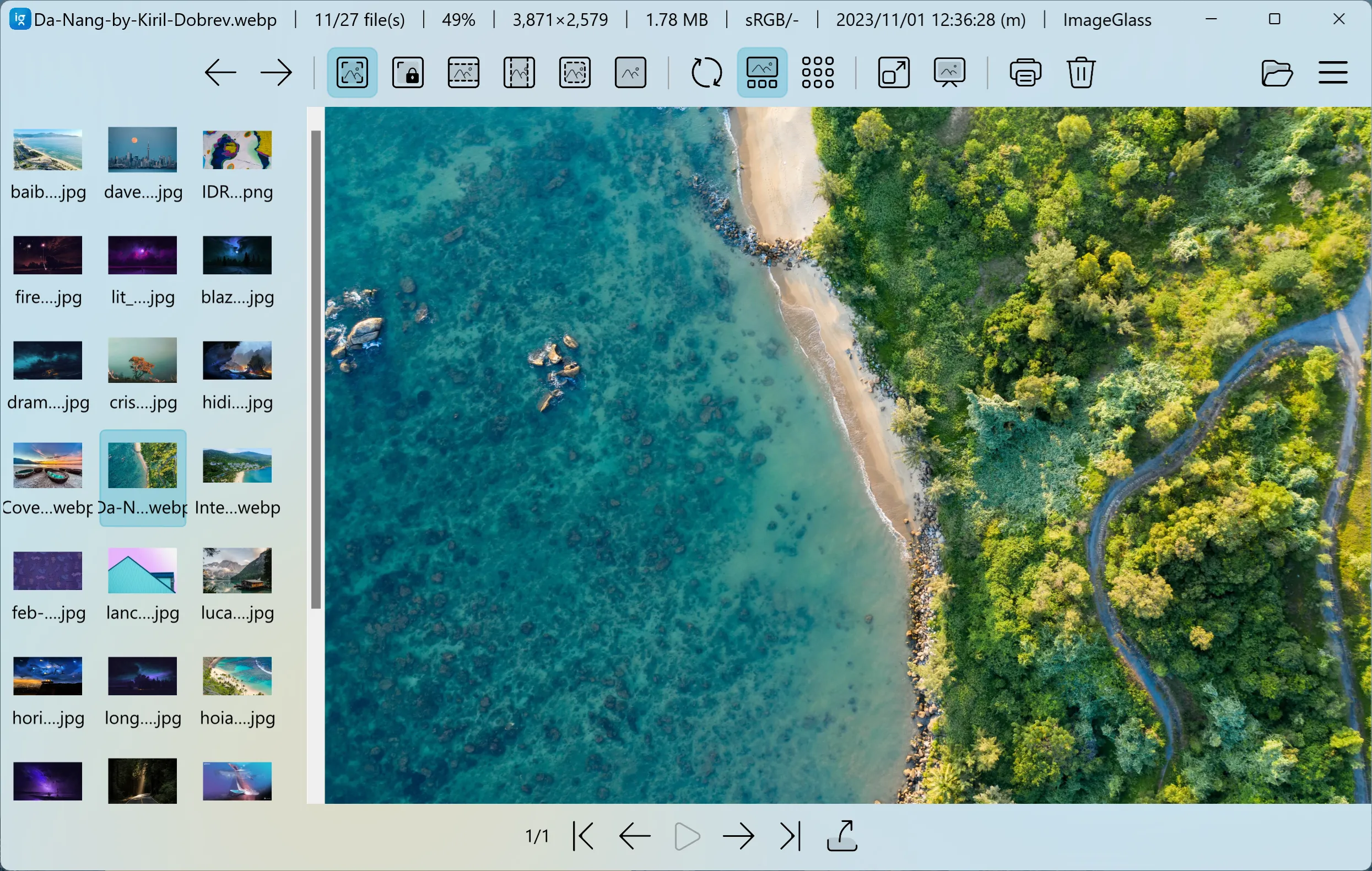
Image Viewer:
Do the following to send picture by email - right click on file:
 

Attachments

  • 1.png
    1.png
    22.5 KB · Views: 7
Windows 10 Photos is the weirdest application.

It has a lightweight video editor on the inside. XD


video editor.PNG
 
....why do you need the viewer app to have a sendmail feature? Or are you doing this on a regular basis?
took lots of pics, view them one by one, email this one to mr x and comments, next one to mr d and comments. file names are just numbers.
 
Open it with paint then CTRL+A then CTRL+C then paste it in your email.
 
I still like to use the old Windows 7 photo viewer on Windows 10. Can email from it, as well.
 
Or open your Email application and then select the Paperclip icon or use attach item and select all the pics you want to sent to Mr D and Mr X separately, and you should still be able to see the images you want to select in the previewer screen
 
Top
Sign up to the MyBroadband newsletter
X