Thermal repasting

notinterested

Senior Member
Joined
Nov 1, 2015
Messages
694
Reaction score
470
I'm planning to buy a MSI GS65 and I've read a few reviews that redoing the thermal paste makes a pretty big difference to the laptop's thermals.

The problem with this laptop though is that the motherboard is flipped over and you have to disconnect it completely to apply the paste, which I'm not comfortable doing myself.

Can anyone recommend a place that will be able to do this without voiding my warranty?

Thanks.
 
I'm planning to buy a MSI GS65 and I've read a few reviews that redoing the thermal paste makes a pretty big difference to the laptop's thermals.

The problem with this laptop though is that the motherboard is flipped over and you have to disconnect it completely to apply the paste, which I'm not comfortable doing myself.

Can anyone recommend a place that will be able to do this without voiding my warranty?

Thanks.

Bullocks. Why trying to fix it if it's not broken? Clear out your fans and your laptop's sorted.
 
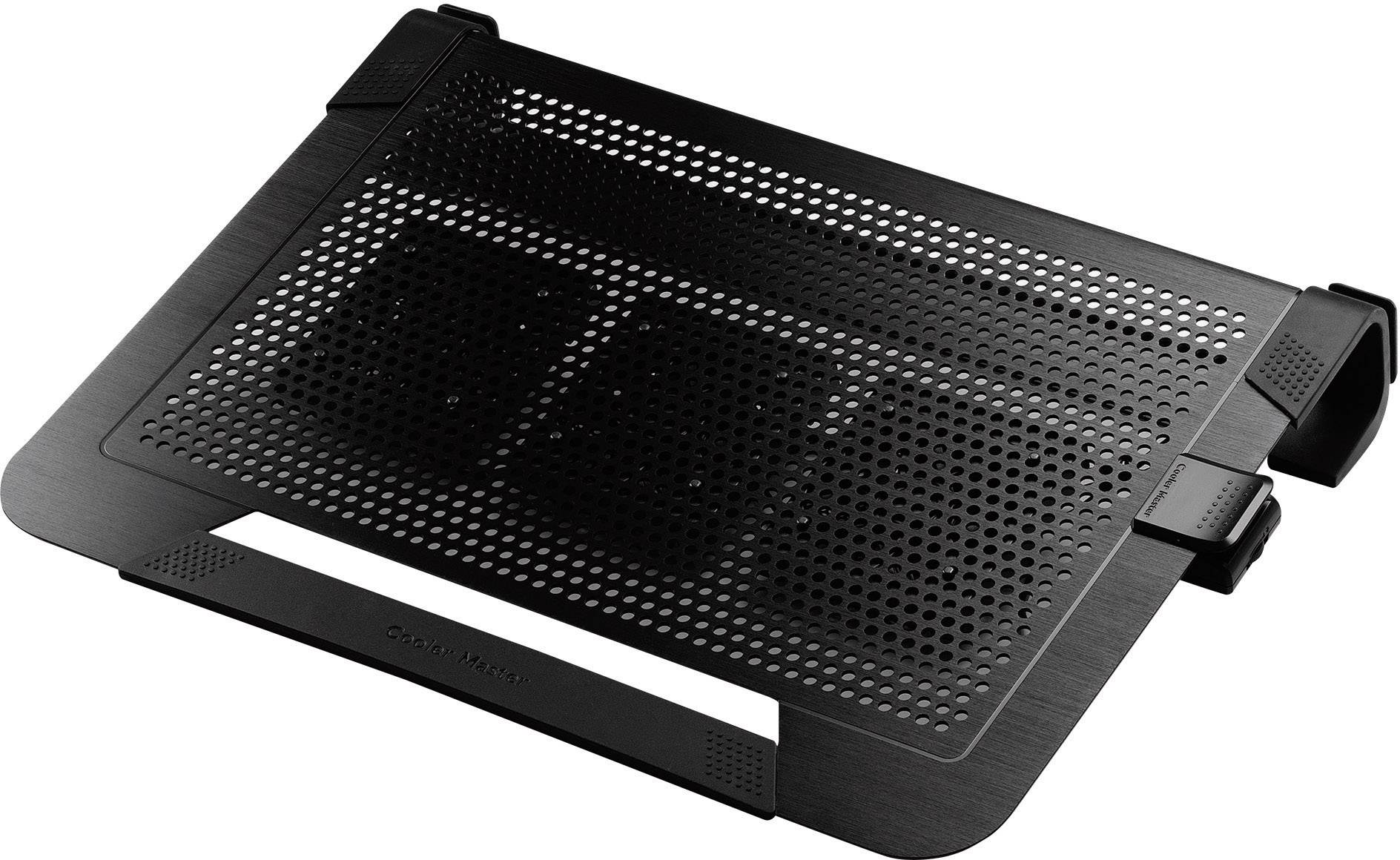
I do know that when I have my laptop on my lap, it can restrict airflow of the fans, which is why I got me something like this:

image.jpg


My laptop never overheats since I got it.

-G-
 
I do know that when I have my laptop on my lap, it can restrict airflow of the fans, which is why I got me something like this:

image.jpg


My laptop never overheats since I got it.

-G-
where did you buy it ? how much!
 
The repasting definitely helps if you use a decent brand, but try it with a laptop cooler first, and consider undervolting the cpu and gpu as those will both make a decent difference.
 
@notinterested @Gallderhen

i have got a solution for you :D
go to your conrol panel open power options :D now if yu using windows 10 you will only see balance power usage click on "change plan settings" click on advanced power settings now go to Maximum processor state notice the default is 100% set it to 90percent recommended you must also experiment with this setting change your game settings to normal not low not high not ultra or very high just normal this setting maximum processor state works for video editing and gaming :D

hope this helps you :D
 
You will really void your warranty if will do so, so please be prepared if you decided to go that route. What you are decided to do is professional repairing of it and require tons of skill for doing so anyway. Nobody can do that wihout voiding warranty.
 
Top
Sign up to the MyBroadband newsletter
X