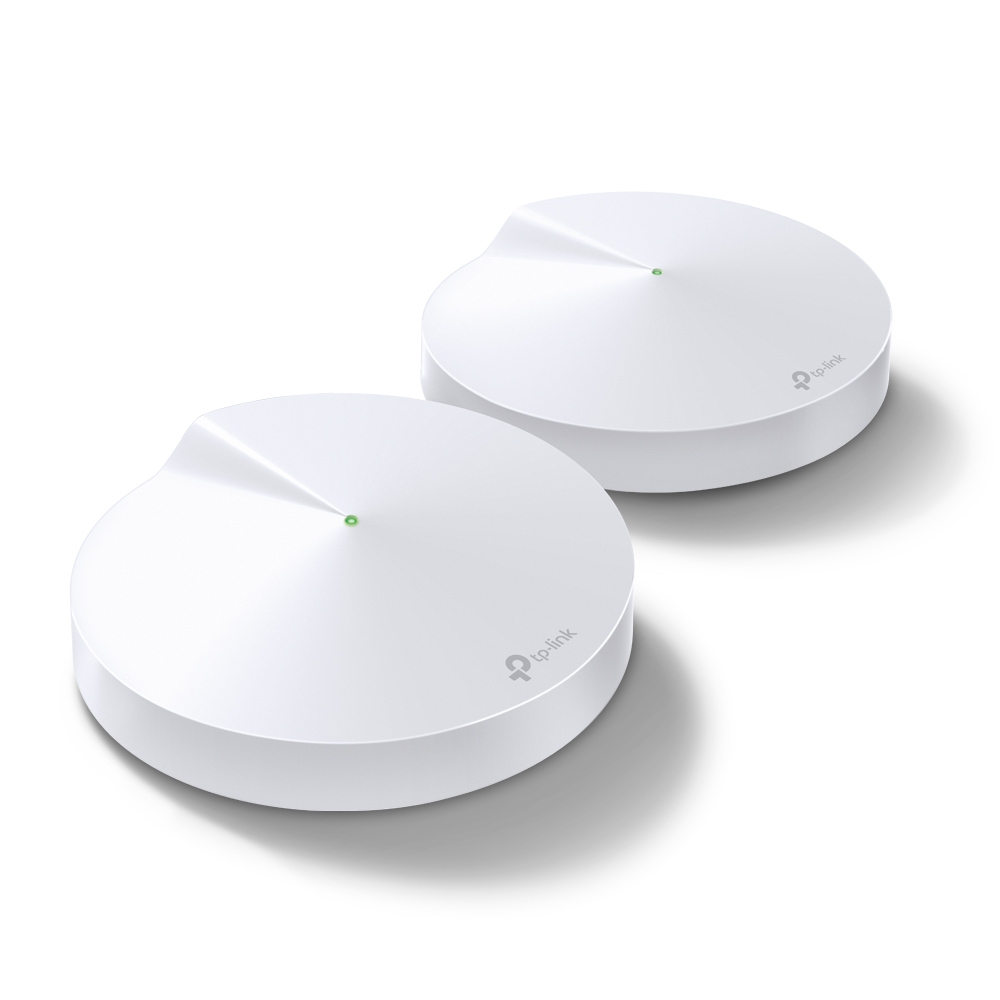
TP-Link DECO M4 or similar

drew137

Well-Known Member
Joined
Nov 21, 2007
Messages
479
Reaction score
17
Location
Cape Town, On the Mountain
Looking for a TP-Link DECO unit (or 2) must have gigabit ethernet, I have the E4 setup but it doesn't support 200mbps fibre due to the 10/100 ethernet limitation.

Collection would need to be in CPT.
 
Geez those things are expensive, R2k+ each. You would be better off buying something like the TP-Link Archer C6 AC1200 router. They are less than R1k each.

Looks like it's on the TAL list of items that can be delivered.
 
I have a gigabit router but once you connect the deco with cable the maximum throughput on the unit is 100mbps. Hence needing another single unit or 2 which have gigabit ports.
 
Geez those things are expensive, R2k+ each. You would be better off buying something like the TP-Link Archer C6 AC1200 router. They are less than R1k each.

Looks like it's on the TAL list of items that can be delivered.
I bought a 3 pack deco m5 from Amazon last year for 3k landed. Half the price of takealot
 
I have a gigabit router but once you connect the deco with cable the maximum throughput on the unit is 100mbps. Hence needing another single unit or 2 which have gigabit ports.
You can use any wireless router/switch/AP in place of a Deco and it is a hang of a lot cheaper. You have one router with DHCP enabled. The others you disable DHCP and set the SSID and Password to the same as all the others. Run a cable to each router and there you have wifi everywhere with a 1Gbps connection between routers (if routers have gigabit).
 
You can use any wireless router/switch/AP in place of a Deco and it is a hang of a lot cheaper. You have one router with DHCP enabled. The others you disable DHCP and set the SSID and Password to the same as all the others. Run a cable to each router and there you have wifi everywhere with a 1Gbps connection between routers (if routers have gigabit).

How does the handoff work in this situation?
I tried something similar with different SSIDs and the devices hang on the weaker AP and not change over. I ended up upgrading to a mesh system and it's much better allowing walking and talking on a facetime call
 
How does the handoff work in this situation?
I tried something similar with different SSIDs and the devices hang on the weaker AP and not change over. I ended up upgrading to a mesh system and it's much better allowing walking and talking on a facetime call
You give the same SSID and Password. That's it. Seamless handoff to the strongest signal. I have tried with the same and different channels, but never on auto. Beauty of living in the sticks. No other wifi around so all the channels are available.
 
You can use any wireless router/switch/AP in place of a Deco and it is a hang of a lot cheaper. You have one router with DHCP enabled. The others you disable DHCP and set the SSID and Password to the same as all the others. Run a cable to each router and there you have wifi everywhere with a 1Gbps connection between routers (if routers have gigabit).
The deco mesh is supposed to be used when you cant connect a wire between the stations. They communicate wirelessly. If you can run a wire then you might as well do what you are doing.
 
The deco mesh is supposed to be used when you cant connect a wire between the stations. They communicate wirelessly. If you can run a wire then you might as well do what you are doing.

True. I'm using it because my office is on the 2nd floor and my router is on the ground floor. Places a station per floor.

Mesh also works well as a 'single' SSID instead of devices trying to switch over to the extender SSID. The M5 is also quite nice as it is able to handle 802.11r wifi standard, which allow handoff in the same way as cell networks. If your device has the functionality. Quite useful if you walk from station to station.
 
The deco mesh is supposed to be used when you cant connect a wire between the stations. They communicate wirelessly. If you can run a wire then you might as well do what you are doing.

I use an ethernet backbone from the router to two of the three stations. That way the overall wifi traffic is reduced as it don't need to be rebroadcasted through two or more structural walls and floors.
 
Just installed 2 M5s in AP mode as I have ethernet cable connecting the front and back of the house. Can I add a third one without a cable half way along the house?
 
Just installed 2 M5s in AP mode as I have ethernet cable connecting the front and back of the house. Can I add a third one without a cable half way along the house?
Yes you can.. It will connect to one of the other nodes wirelessly
 
Top
Sign up to the MyBroadband newsletter
X