Using Linux as a file server

carnagelan

Senior Member
Joined
Jul 4, 2015
Messages
562
Reaction score
146
Hi All,

The server is a HP Proliant DL380G6

It will only be used to backup the staffs computers. There are 4 total staff that will be using this.

Will ubuntu Server be stable for the file server?

There was a tiral version of windows server on but as it is only going to be used for 4 staff members the company doesnt want to fork out the money for a windows license.
 
How much memory and RAM does it have. What software are you going to use to backup the computers? Complete backup, or just documents etc. What speed NIC's to the machines have?

Ubuntu will do the job just fine - shouldn't take long to setup a samba file share. Make sure the permissions are setup correctly.

Run it in non gui (text) mode and you will get even better speeds.
 
How much memory and RAM does it have. What software are you going to use to backup the computers? Complete backup, or just documents etc.

Ubuntu will do the job just fine - shouldn't take long to setup a samba file share. Make sure the permissions are setup correctly.
It has 24gb ddr3 and 16 core processors(2 * Xeon)
I am not sure about the back software as i will still have a look and see what ill install on there pc's.

The backups will only be the desktop and documents folder
 
It has 24gb ddr3 and 16 core processors(2 * Xeon)
I am not sure about the back software as i will still have a look and see what ill install on there pc's.

The backups will only be the desktop and documents folder
More than enough. You can run the whole company with those specs. :)

Have a look at fbackup, cobian, easeus backup for free backup client software. Last time I looked at this I settled on fbackup but it was few years ago.

Make sure to setup a RAID array, and also have some sort of offsite secure backup. If disaster strikes (ransomware, physical damage to all devices etc) you will lose everything without a offsite backup.
 
More than enough. You can run the whole company with those specs. :)

Have a look at fbackup, cobian, easeus backup for free backup client software. Last time I looked at this I settled on fbackup but it was few years ago.
Thanks man. I will do that. The owner of the company immigrated to NZ. He always wants to connect to the server from there so he can also upload documents for his staff. so im also going to install OpenVPN
 
Be very careful when exposing stuff to the internet. Make sure it's secure and patched and use MFA.
What type of info is in the docs? Client info? Last thing you want is a insecure VPN with your data being downloaded.

If the docs aren't too big maybe consider a cloud option - onedrive, google drive with MFA.
 
Be very careful when exposing stuff to the internet. Make sure it's secure and patched and use MFA.
What type of info is in the docs? Client info? Last thing you want is a insecure VPN with your data being downloaded.

If the docs aren't too big maybe consider a cloud option - onedrive, google drive with MFA.
The docs are not sensitive information and yes everything will be secured.
 
Ubuntu server also automatically installs NextCloud if you tick the box during the install process if you're looking for a self-hosted OneDrive-like solution.
 
Ubuntu server also automatically installs NextCloud if you tick the box during the install process if you're looking for a self-hosted OneDrive-like solution.
I don't like NextCloud much. It's soooo sloooow....

I used SeaFile for the longest time but I've become slightly less happy with it lately. I'm not sure what I'd recommend to a business though, I'm kind of inbetween self-hosted solutions.
 
Hi All,

The server is a HP Proliant DL380G6

It will only be used to backup the staffs computers. There are 4 total staff that will be using this.

Will ubuntu Server be stable for the file server?

There was a tiral version of windows server on but as it is only going to be used for 4 staff members the company doesnt want to fork out the money for a windows license.

For only 4 users rather go O365.To much effort to setup on-prem infrastructure for so few users.Dont cheap out , it will bite you in the ass later on.Just get MS licences.
 
For only 4 users rather go O365.To much effort to setup on-prem infrastructure for so few users.Dont cheap out , it will bite you in the ass later on.Just get MS licences.
Yeah, one MS 365 family license for R129/pm and 3 free accounts. Then share the 6TB among the 4. Even Google one 2TB for R159pm split among 4 free google accounts.
 
Cloud stuff has its place, but some people value sovereignty over their own data. Cloud services can (admittedly in rare cases) just lock you out arbitrarily, which won't happen if you have access to the physical server yourself.

In all cases though, you shouldn't rely on one avenue. If you have some kind of cloud, keep regular backups on a local server, or vice versa.

For locally hosted stuff, OpenMediaVault does well - it's more intended towards hosting media files but in principle it's just a NAS. TrueNAS is a very good product, mostly easy to administer. Or just stock Ubuntu can be configured to work just fine. All of these will involve a bit of learning, but there are lots of resources available, it's how we all learned. Where are you located? might be helpful to talk to someone in meat space.

+1 for the tailscale suggestion, it's going to make things easier than configuring openvpn securely.
 

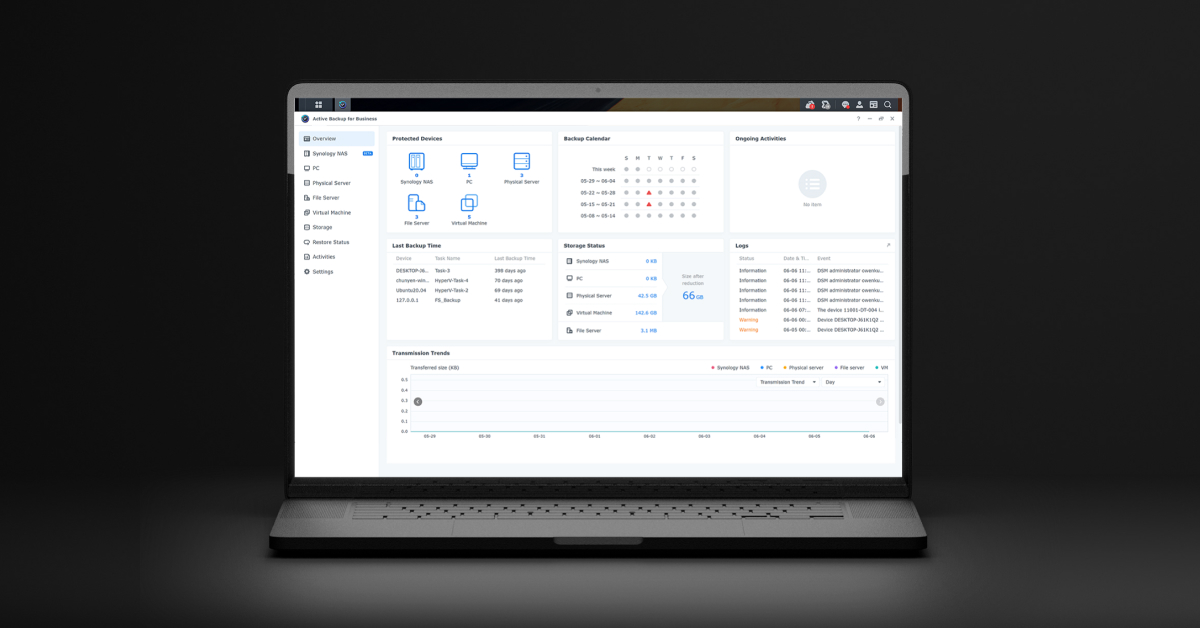
Turn it into Synology


Baremetal or run as Proxmox VM or run from USB

Proxmox tutorial

 
When you take this approach, IE a file share - consider a ransomware attack and how to mitigate against that, super NB.

The best approach in my opinion is to implement immutable backups.
 
When you take this approach, IE a file share - consider a ransomware attack and how to mitigate against that, super NB.

The best approach in my opinion is to implement immutable backups.
And remember to test your backups from time to time.
 
Top
Sign up to the MyBroadband newsletter
X