Using one switch to switch on another

derp90

Expert Member
Joined
Mar 10, 2018
Messages
1,181
Reaction score
300
I currently have the following setup:

1x set (A) of undercounter lights controlled with a physical mounted switch in one area of the kitchen
1x set (B) of undercounter lights in another area, switched on and off at the wall

I want to use the physical switch box on set A to somehow control set B too, without installing wires across the ktichen. Is there an easy way to do this?

Thanks!
 
I should mention that set A is not switched on at the plug. The plug connects to a switch mounted under the counter, and that switch turns on the lights.
 
Perhaps Sonoff or similar switches could work.
I see they have a WiFi switch, but I'm not sure how I would get the current physical switch to 'trigger' another set of lights.
 
Sonoff swtiches + home assistant is one solution.

In home assistant you can use the Sonoff integration to bring the entities in, then set an automation to turn on the B device when the A device turns on. Using something similar actually.

I know you can group devices in eWelink but don't think it works with physical switches. Only on the app. Might be mistaken.

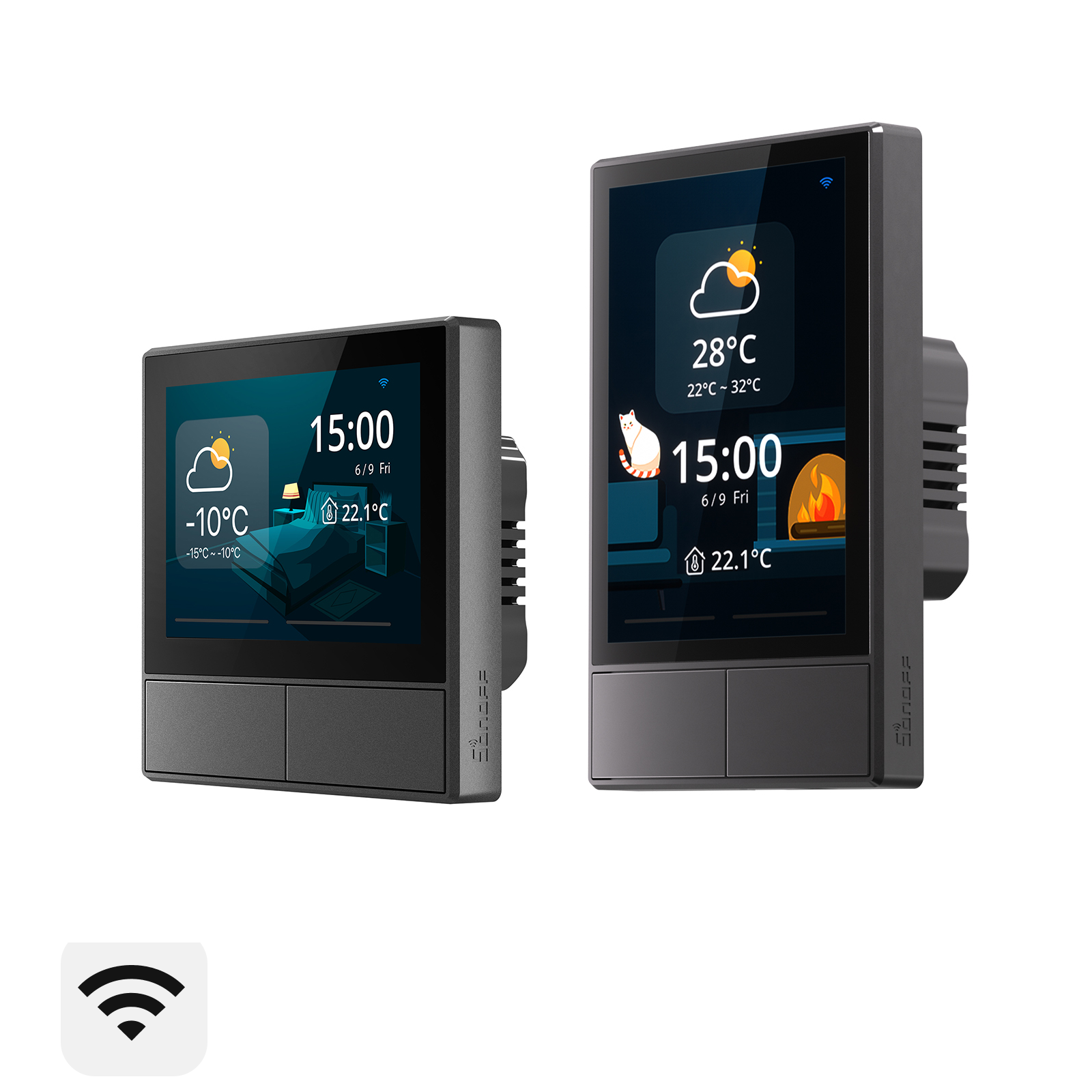
Alternatively perhaps an NS Panel would be of use.

Another option is RF control/switching as some of the Sonoff devices support that.

EDIT: S-Mate could be a good option too to use with physical switches. https://sonoff.tech/product/diy-smart-switches/s-mate/

They can wirelesly trigger other Sonoff devices. Or you can use a Sonoff switch such as the R5 - https://sonoff.tech/product/accessories/r5/
 
Last edited:
Probably don't even need Home Assistant for this, I think all you need is 2 x Sonoff Basic switches and then set it up as a scene on the eWeLink app.
Haha ok yeah I was definitely overthinking it. Since I was already a HA user I just use the HA automation methods as I have more control over it.

Haven't played around with eWelink itself much in terms of scenes. But I see it is possible so that would be an easy method which you could set up in a few taps :)
 
Sonoff smartplug on both or sonoff basic

Sonoff switch / app / alexa / hey google as switch
 
Haha ok yeah I was definitely overthinking it. Since I was already a HA user I just use the HA automation methods as I have more control over it.

Haven't played around with eWelink itself much in terms of scenes. But I see it is possible so that would be an easy method which you could set up in a few taps :)
Ja they've added a lot of stuff to the eWeLink app in the last few months/years. I tend not to take any notice since I'm also using HA but the app has some really useful features now.
 
Sonoff smartplug on both or sonoff basic

Sonoff switch / app / alexa / hey google as switch
But this would mean that the physical switch is useless? I have to use a separate sonoff switch and leave the physical switch on?
 
Just use a sonoff mini. Wire physical switch to Switch terminals. Choose switch type in settings. Voila.

I see the new minis are tiny.
To confirm, I use a sonoff mini on both sets of lights and leave the second set always on, then setup the first set to switch on the second set when I flick the physical switch?
 
Yes and the scene to do that in eWelink will be simple something like this.

Then do one for off as well.

If you don't need a physical switch at the B lights then just use a Sonoff Basic and leave it on at the plug/wall or however you are powering it.

IMG_8285.PNG
 
I didn't think of this, but the existing system is running off 240v, and I want to attach the lights to a DC battery backup. Plus I'll have to replace the existing fluorescent fittings with LED fittings, bringing the cost up more.

I think a better solution would be to replace everything with LED track lights, and just use a wireless switch for everything.
 
Top
Sign up to the MyBroadband newsletter
X