


leonb
Senior Member
How do one enable/use wifi calling on a S8 on Vodacom? Cellphoe signal at our house is very bad and I frequently miss cell calls.
South Africa’s biggest forum. Discuss, discover, and connect with thousands of members.
No. Cant finf any settings related to wifi calling on my phone. Also not on my wife's S9.Do you have the Volte sign next to your signal level indicator?
Are the phones Vodacom issued phones with the Vodacom firmware on it? If so, check if your Volte indicator is on like I asked in my previous post. The S8 should have wifi calling available according to this, but it has to have been a phone bought from Vodacom with Vodacom firmware on it.No. Cant finf any settings related to wifi calling on my phone. Also not on my wife's S9.
 www.vodacombusiness.co.za
Are the phones Vodacom issued phones with the Vodacom firmware on it? If so, check if your Volte indicator is on like I asked in my previous post. The S8 should have wifi calling available according to this, but it has to have been a phone bought from Vodacom with Vodacom firmware on it.
Wifi Calling | Seamless Wi-Fi Connection | Vodacom Business
Wifi calling allows you to make crystal-clear calls locally or abroad. Ensures your connected even in low-signal areas. Stay in touch with Vodacom.

There is no Volte indicator.
I'm not sure if it is a Vodacom issued phone. Bought it new directly from a cell store (long time ago) and being on prepaid since then. Is it possible to change to Vodacom firmware, and if so, will it work then?
There is no Volte indicator.
I'm not sure if it is a Vodacom issued phone. Bought it new directly from a cell store (long time ago) and being on prepaid since then. Is it possible to change to Vodacom firmware, and if so, will it work then?
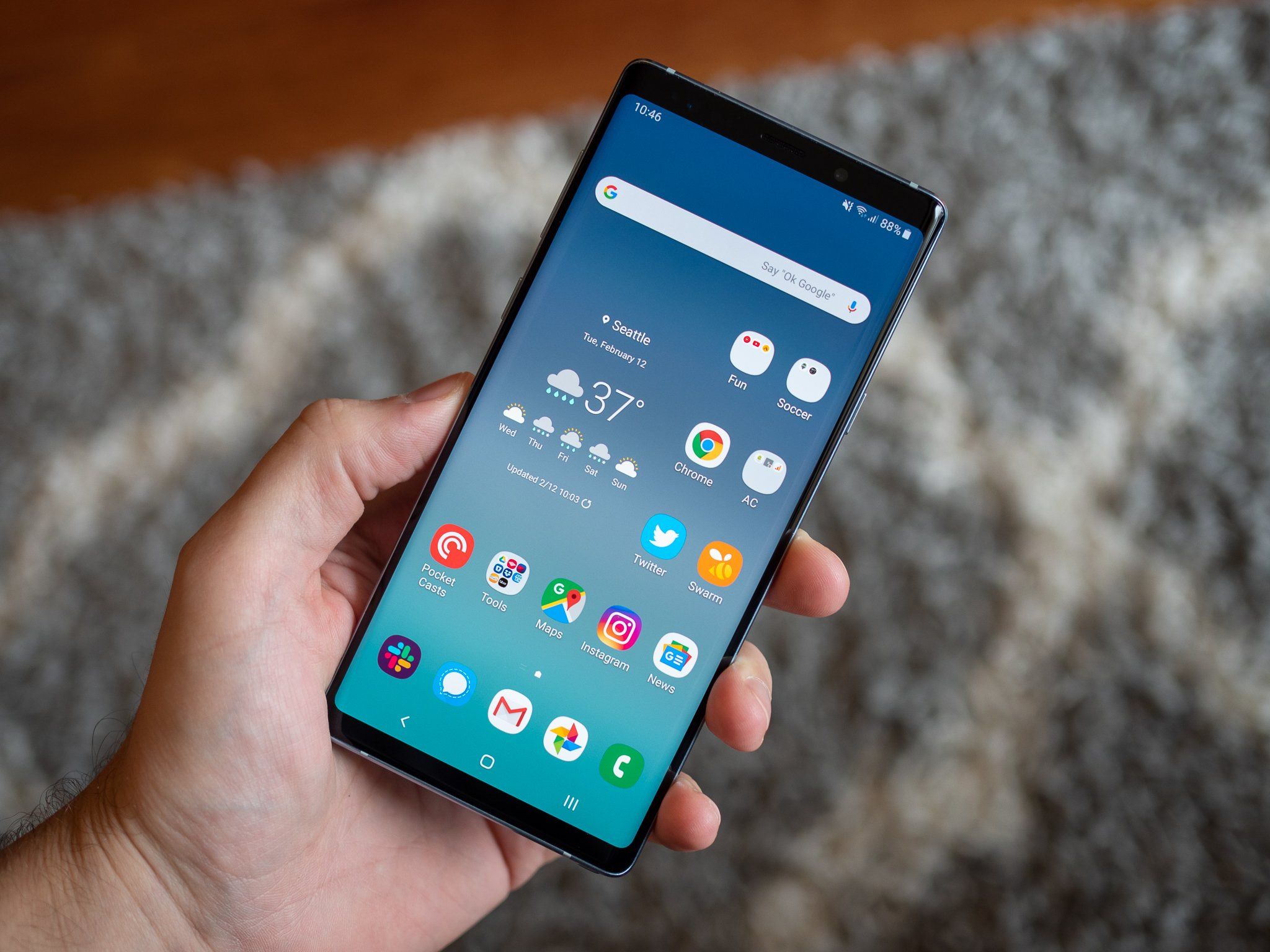
 www.androidcentral.com
Make sure your Volte is enabled.
How to enable VoLTE on a Samsung Galaxy phone
Make sure that the VoLTE setting is switched on to get the best call and data quality from your wireless carrier. We'll walk you through just how easy it is to do.
If it is, then it means either your phone was not issued by Vodacom and does not have the Vodacom firmware on it. If your phone was issued by Vodacom and the Volte is enabled on your handset, but you do not get the Volte indicator next to your signal level on your home screen, then it means your sim is not provisioned for Volte. If it is not provisioned then it means your VoWiFi also wont work. You need to then contact 082111 or go into a Vodacom store and request Volte to be enabled on your sim.


Seems you dont have the Vodacom firmware. Should have XFV and not XFAThere is no Volte setting in my settings under Mobile Networks:
View attachment 996870
This is the firmware (latest OTA):
View attachment 996872

Ok. So what can I do to make this work?

Download the XFV firmware from sammobile or another reputable site and flash it with Odin. Half an hour later you will be up and running if the services was also provisioned on your sim. I have done this on an S8 and also from XFV to XFA (this is the really tricky one) on an S9. Your phone will factory reset though so be sure to backup on cloud or with the Smart Switch Windows app. This does not trip your knox. There is a full guide online on how to do it on I think xda developers. I just followed the guide and had no issues. If you get stuck I will gladly assistOk. So what can I do to make this work?
This really my last resort. The xfa firmware seems to be from MTN. MTN also supports volte and wifi calling, so why does it not work when on Vodacom?Download the XFV firmware from sammobile or another reputable site and flash it with Odin. Half an hour later you will be up and running if the services was also provisioned on your sim. I have done this on an S8 and also from XFV to XFA (this is the really tricky one) on an S9. Your phone will factory reset though so be sure to backup on cloud or with the Smart Switch Windows app. This does not trip your knox. There is a full guide online on how to do it on I think xda developers. I just followed the guide and had no issues. If you get stuck I will gladly assist
Vodacom Volte and Vowifi only work on Vodacom software. MTN, Cell C and Telkom all use XFA so all their Volte and Vowifi will work on XFA software. I think you may even get some like Cell C to work on the Vodacom XFV but not the other way around. Dunno why it has to be so diffucult but it is.This really my last resort. The xfa firmware seems to be from MTN. MTN also supports volte and wifi calling, so why does it not work when on Vodacom?
This really my last resort. The xfa firmware seems to be from MTN. MTN also supports volte and wifi calling, so why does it not work when on Vodacom?
Thanks for all the help.
Does the XFV firmware have any downsides compared to XFA, e.g. additional bloatware, etc?
Also, in the 0din instructions it say:
"Add each file to its respective field in Odin v3.14.4. Use CSC_*** if you want to do a clean flash or HOME_CSC_*** if you want to keep your apps and data."
Will it be possible to change from XFA to XFV doing a HOME_CSC flash, i.e. to keep all data?
For me again, it could be worth it....Got it working after flashing the xfv firmware, but required full factory reset even using the home_csc.
Wifi calling only working when in airplane mode. My lte signal is very weak, but phone still use volte rather than wifi calling. Even when I force 2g/3g only, it will make call via cellular rather than using wifi.
So the whole wifi calling is a bit pointless for me.


