Xbox One S Double NAT

Devo1

Expert Member
Joined
Aug 4, 2014
Messages
1,500
Reaction score
591
Location
Worcester
Hi fellow forumites

Some assistance please!

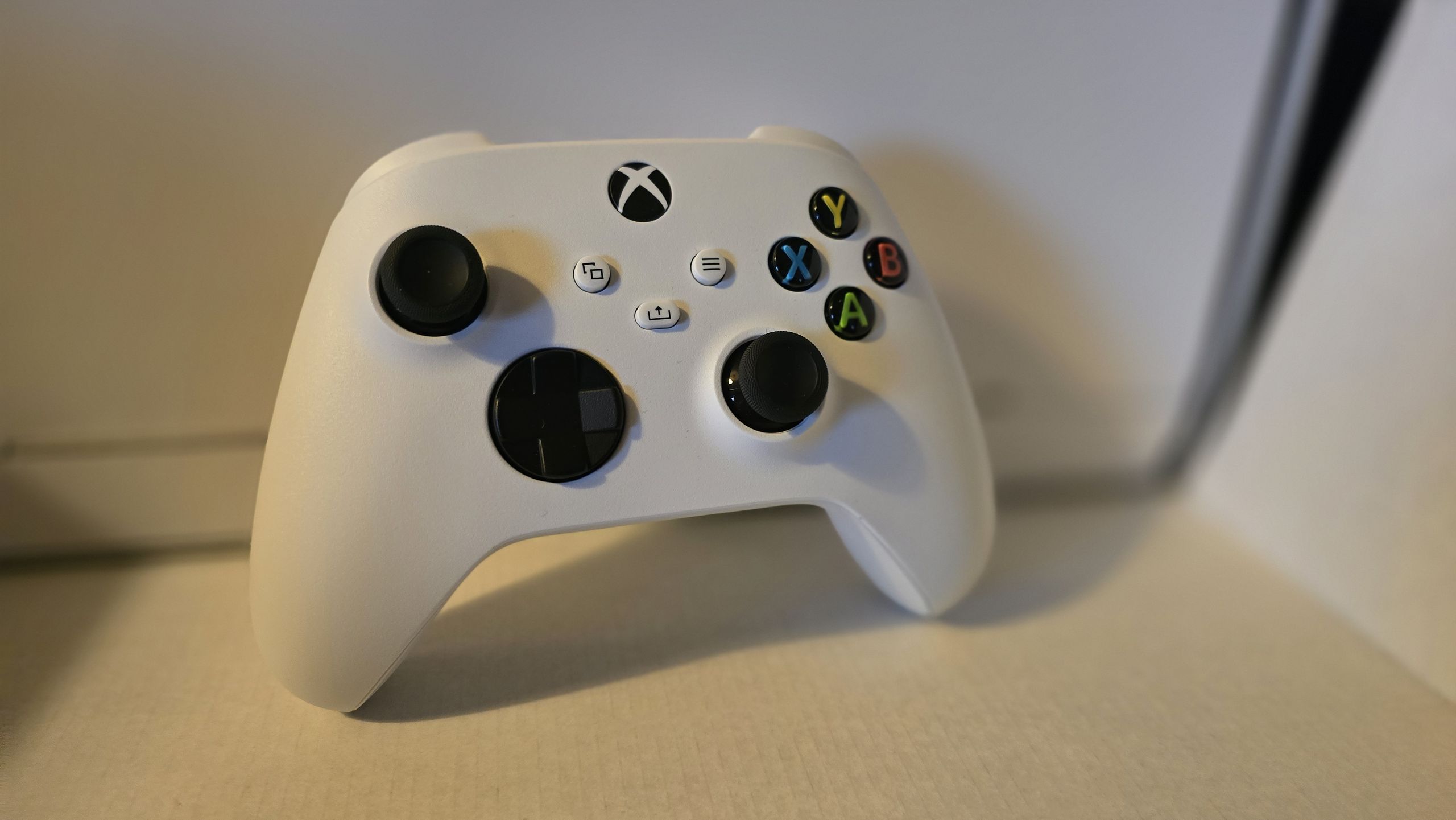
My son plays Minecraft (mostly) on his Xbox. He has been complaining about being unable to join multiplayer games the last few days. Error is "Unable to connect to world".

I went into the network settings on the Xbox and the NAT type shows "Strict" due to a double NAT.

I only have one router (fibre) through Herotel. The router is locked so I cannot access it to forward a port or anything.

I restarted the router, changed his XBOX IP and selected another port on the Xbox but the double NAT is still there, and I suspect (googled for 2 days, lol) that the "strict" double NAT is the problem.

How can I fix this? Herotel is of no help, they just say the internet is running perfectly from their side.

Please help!

Regards
 
Herotel is probably using CGNAT (https://en.wikipedia.org/wiki/Carrier-grade_NAT).

You can ask them if they provide public IPs on request, I know certain providers will.
I read that over the weekend yes. ISPs support just says no to anything I ask them.

According to them they do not do changes because my internet is 'working' on from their side.

Will call them again and beg to enable UPnP as @AlphaJohn suggested but I suspect the same reply from them.

Thank you both for the response.

Was hoping for something that I can do myself as they wont change anything when I asked them.

Will try again.
 
I read that over the weekend yes. ISPs support just says no to anything I ask them.

According to them they do not do changes because my internet is 'working' on from their side.

Will call them again and beg to enable UPnP as @AlphaJohn suggested but I suspect the same reply from them.

Thank you both for the response.

Was hoping for something that I can do myself as they wont change anything when I asked them.

Will try again.

They should, UPnP is a fairly common service that even some VoIP services (SIP Phones) require.
 
@AlphaJohn
@DrJohnZoidberg

Herotel just called me back after my email.

They say UPnP is turned on on the router.

Only workaround is to apply for a public IP which is R50 extra per month.

If applied and they assign my public IP, I must supply them with the ports they must forward for the games.

1. Where do I get this info to give them?

2. Is a public IP safe?

3. Can I still use my VPN (not on the Xbox but my PC and cellphone)?

ANY help / feedback is really appreciated.
 
I'm no expert but here goes. A public ip is basically a static ip for your internet connection. If you want them to setup port forwarding, you'll also need to set a static ip on your Xbox on your internal network that falls outside of your DHCP scope you'll need to check your DHCP server for this (probably on the same router).

A quick Google says these ports: https://www.teammidwest.com/interne...uides-tutorials/port-forwarding-on-xbox-live/. You'll also have to tell them the internal ip of your Xbox so that they can forward these ports to the Xbox.

Having a public ip should not affect your ability to connect to VPN.
 
@AlphaJohn
@DrJohnZoidberg

Herotel just called me back after my email.

They say UPnP is turned on on the router.

Only workaround is to apply for a public IP which is R50 extra per month.

If applied and they assign my public IP, I must supply them with the ports they must forward for the games.

1. Where do I get this info to give them?

2. Is a public IP safe?

3. Can I still use my VPN (not on the Xbox but my PC and cellphone)?

ANY help / feedback is really appreciated.

Ouch.... That worked for me, then again I have access to my router so could set UPnP & Cone NAT instead of Symmetric.

Oh well, enjoy em ports:

These ports must be open to connect to the Xbox network:
  • Port 88 (UDP)
  • Port 3074 (UDP and TCP)
  • Port 53 (UDP and TCP)
  • Port 80 (TCP)
  • Port 500 (UDP)
  • Port 3544 (UDP)
  • Port 4500 (UDP)
Source: https://support.xbox.com/en-ZA/help/hardware-network/connect-network/network-ports-used-xbox-live

Glad I don't have to do em Public IP
 
Only workaround is to apply for a public IP which is R50 extra per month.

If applied and they assign my public IP, I must supply them with the ports they must forward for the games.

Public IP + UPnP means you don't need to open any ports manually.

If you don't want UPnP enabled then you'll need to tell them to open specific ports.
 
Thanks for all the info!

I applied for the Public IP just now, so waiting to hear back from them.

Also asked them to make sure that UPnP is enabled when they change the IP.

Once done I will test and give feedback.

Hopefully problem solved.

Thanks once again
 
They gave me the public IP and the double nat is gone now.

They (Herotel) wanted to charge me R50 / month for the IP. I told them it is fine they should just hurry up because my son wants to play his games. Then they said "Oh, you want to use it for gaming? In that case the public IP is free".

Thanks gents
 
Top
Sign up to the MyBroadband newsletter
X