
Top Windows 10 Anniversary Update tips

The latest figures from NetMarketShare show that Microsoft’s Windows 10 has a 21.13% global desktop market share.
It is in second place behind Windows 7, which enjoys 47.01% market share.
As the popularity of Windows 10 grows, Microsoft releases tips for users on how to improve their experience with the operating system.
Below are Microsoft’s top Windows 10 tips for the past month – following the release of its Anniversary Update.
Use the dark theme for low-light conditions
One of the features of the Anniversary Update is a dark theme setting.
Users can change their apps from light mode to dark – which Microsoft said it great for low-light conditions like working at night.
“When you make the switch, UWP apps including Mail, Calendar, and the Windows Store app go to a black background.
To select night mode, go to Settings (Windows key + I) > Personalization > Colors > App Mode > Dark.

Microsoft Edge extensions
Another feature which arrived with the Anniversary Update was extensions for Microsoft Edge.
The Edge extensions will work like regular extensions in other browsers, and allow users to customise their online experience with various apps.
To add extensions to Edge, users must open the broswer and select its Options Menu.
Scroll down to Extensions, then select Get Extensions from the Store.

The Windows Store
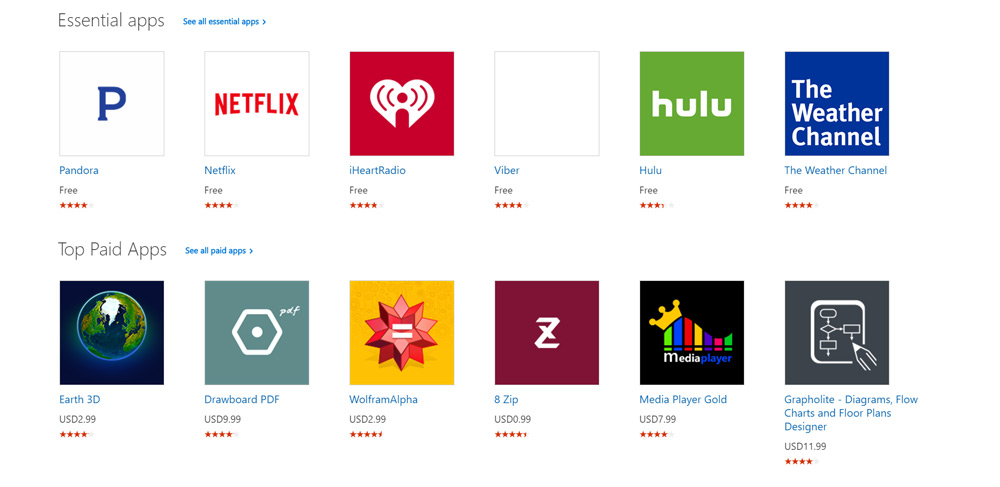
The Windows Store sells movies, TV series, music, apps, and games – and received an upgrade following the Anniversary Update.
To access the store, select the Store tile in the Windows Start menu.
Featured content is displayed on the store’s homepage, while different sections hold the various content on offer.
Use Cortana in the lock screen
Windows 10 now allows users to talk to Cortana while on their device’s lock screen.
Cortana lets users set timers, check information, and action a range of other tasks.
To use Cortana on your lock screen, users must start by saying “Hey Cortana”, then an instruction – like: “What will the weather be like this week?”
Cortana is only available in select markets, which excludes South Africa.

More on Windows 10
R8,500 data bill for Windows 10 updates


 Loading ...