3d Printers South Africa

Save you some print time:
https://www.takealot.com/winner-hula-hoops/PLID90448012

Looks cool tho. You consider using LED strip?
Yeah, 18 pieces at about 8 hours each took a while. Tried a 0,8mm nozzle to get the print time down but the quality was much worse, maybe PLA will print better with the bigger nozzle. This is the look the wife wanted, but you can easily change it to accommodate LED strips as well.

Inspiration:
1655101950635.png
Looks nice - have you considered 'sealing' it with a clear epoxy such as XTC-3D (https://www.smooth-on.com/tb/files/XTC3D_TB.pdf) - which I discovered as part of a search into an easy way to 'smooth' small prints.
Thanks, originally I wanted to epoxy the pieces together and then clearcoat with epoxy and paint, but the print finish was actually pretty good. The dovetail joints are also very secure so there is no need to glue them together. The wife is happy with the look so not going to do more work on it. I have read of Smooth On before but never used something like it.
 
I assembled my printer midweek and did not get any prints out of it. From my troubleshooting the extruder stepper is working correctly but going backwards from the cable to the stepper driver to the motherboard and firmware, there is an issue along the path.

I bought it 15 Dec, opened it 07 June, have a out of the box failure and my 6 month warranty should be 15 June. Today is the 13th. Since I may be covered under the warranty I did not attempt to troubleshoot further, hopefully the stepper driver module is at fault and this could be a quick fix.

Eish! Thank goodness you checked before warranty expired.

Which printer is it?

I caught myself many years ago - bought myself an early gift, opened it after warranty and it was oob - never did that again.

Now if I buy early I open to test and then close again.
 
Anyone tried the Zen Filament?


View attachment 1329226

I bought a reel off Takealot and am a bit irritable because their 'eco friendly' cardboard reel has one broken corner (it ships only in the vacuum sealed plastic and not a box) - now I'm in two minds about whether to return it for another or just refund the damned thing. Irritated 'cos Takealot don't carry Sunlu which I'm quite pleased with and I have a voucher I can use.

Edit: Decided to just return and refund - also realised that their kuk 'eco-friendly' reels don't fit into my Pep Cake Box holders.
Annoying when a company deviates from the norm (round spool holder).
 
Which printer is it?
Biqu B1, I wanted to play it safe and get the Ender V2 but the reviews and comparison's between the two was positive for this. There is not enough information out there though on this though, so maybe as a beginner with only a single device it may have been the wrong choice. The device is very modular though and looks repairable if parts are on hand.
 
Biqu is great when it works, it usually easier to get goood quality prints compared to an ender.
That said, when things go wrong its much worse, because so fewer people have these.

If the only problem is, its stepping wrong direction, that is at least something fixable if you willing to change some wiring.
 
Beautiful. No support required?
Oh nope. That was just as it had finished. So as you see it there is how it finished. Prints look good(ish), but worse than my prints with other ABS
That was eSun white ABS+ and on my Ender 3 I couldn't get this filament to print well.
It looks absolutely crap compared to all my other filaments.
So I was looking for a way to finish it.


Compared to eSun "red" ABS:
1655108608805.png 1655108624921.png

1655108664693.png1655108675779.png
 
Trying to improve on the amount of stringing with the PETG. Looking a lot better so far:
1655111830274.png

Started at the left, playing with retraction settings and print temperature.
 
Trying to improve on the amount of stringing with the PETG. Looking a lot better so far:
View attachment 1329434

Started at the left, playing with retraction settings and print temperature.
If using cura, make sure combing is on and not turned off by another setting that affect it. Most useful anti stringing setting.
 
Trying to improve on the amount of stringing with the PETG. Looking a lot better so far:
View attachment 1329434

Started at the left, playing with retraction settings and print temperature.
You should tune temperature and pressure advance too because all of those can affect stringing.
This is a tuning guide for a Voron but the order and pictures the guy shows is super useful and relevant for every printer: https://github.com/AndrewEllis93/Print-Tuning-Guide
He also gives you the order of tuning each variable.

The problem with just jumping in and tuning retraction is, your pressure advance could be completely off and your extrusion multiplier for the filament.
Ultimately that'll be really hard to fix with retraction alone.
And you can end up retracting too much leading to under extrusion when the next layer (or move after z-hop) starts.
Thus the order the guy gives in his guide.

Also you should enable z-hop (I just do 0.25mm with 0.4mm nozzle), it is one of the easiest ways to drastically reduce stringing and remove drag marks from when your nozzle moves over the print
 
Last edited:
Busy building a second steam engine, and after the recent posts on printing on a mirror surface I though I'd post this to show printing a whole bunch of small parts in one go using a mirror as printing surface. No brim, hairspray, etc.

View attachment 1323036
I'm finding that I have to use a brim with the mirror otherwise it doesn't adhere properly - had a couple of aborted prints as a result.

That said, I havent been particularly diligent about cleaning the mirror with Windolene/Screen Cleaner between every print
 
Have you tried heavily diluted Sunlight dish washing liquid and water?

If you still have issues, just a tiny sprits of hairspray and you will be good
I'm presuming that the heavily diluted Sunlight liquid leaves the surface marginally 'sticky' which is why it works? Also, the ambient air temp is pretty cold in Cape Town during winter and I dont have any kind of enclosure so that's not helping at all.

Edit: Seems it's the ambient air temperature - switched aircon to heat (22 degrees) and ran it for a few minutes and it seems fine now. Looks like I'm going to have to organise some kind of enclosure if I want to print in winter.
 
Last edited:
I'm finding that I have to use a brim with the mirror otherwise it doesn't adhere properly - had a couple of aborted prints as a result.

That said, I havent been particularly diligent about cleaning the mirror with Windolene/Screen Cleaner between every print
Tried laying down some Pritt or similar glue stick before starting the print?
 
I'm presuming that the heavily diluted Sunlight liquid leaves the surface marginally 'sticky' which is why it works? Also, the ambient air temp is pretty cold in Cape Town during winter and I dont have any kind of enclosure so that's not helping at all
If you are printing PLA you don't want to be printing in an enclosure. Put it in a room and close the door. Otherwise if you do put it in an enclosure you'll need to make sure the toolhead stays below ~50 degrees or you'll start getting hotend clogs. PLA becomes soft at really low temperatures and then gets sticky and then you have a clog
 
I'm finding that I have to use a brim with the mirror otherwise it doesn't adhere properly - had a couple of aborted prints as a result.

That said, I havent been particularly diligent about cleaning the mirror with Windolene/Screen Cleaner between every print
I clean the mirror between every print using a hand sanitizer (70% Isopropyl Alcohol) with kitchen towel, rubbing the kitchen towel until the mirror starts squeaking at me. :)

For PLA and PLA+ I use the following settings:
- First layer @ 0.12mm
- Fan off for layer one and only full fan speed from layer 4. (Cura automatically increments fan speed from 0 layer 1, to 100% layer 4)
- Speed for layer one and two slower than any of the following layers e.g. 40 if the rest prints at 80, I also lower the travelling speed. (My reasoning being that if the first layer doesn't go perfectly, nothing will. So slow and steady for layer 1.)
- Bed at 60C (from the start to the end)
- For eSun I found 210C works best, however for ccTree I found 200C worked better
- For larger prints with a lot of surface area (or 'short' prints) I don't use any brims. However if it's a tall print with a small footprint I always add a brim to keep it stable. (The head will sometimes bump up against the piece, especially if a little blob of PLA is sticking out of the printed piece for some or other reason).

Anyway, that's what works for me. :)
 
If you are printing PLA you don't want to be printing in an enclosure. Put it in a room and close the door. Otherwise if you do put it in an enclosure you'll need to make sure the toolhead stays below ~50 degrees or you'll start getting hotend clogs. PLA becomes soft at really low temperatures and then gets sticky and then you have a clog
I didn't know this about PLA until you mentioned it on this thread. Although it makes absolute sense.

I tend to leave the doors open a bit on my cupboard when printing PLA and have a vent above and behind the printer. So hot air can escape at the top. So temperatures inside stay relatively constant, but not high at all. Think this helps so I haven't had a clogged nozzle yet in the year I've done it this way.

*Touch wood*
 
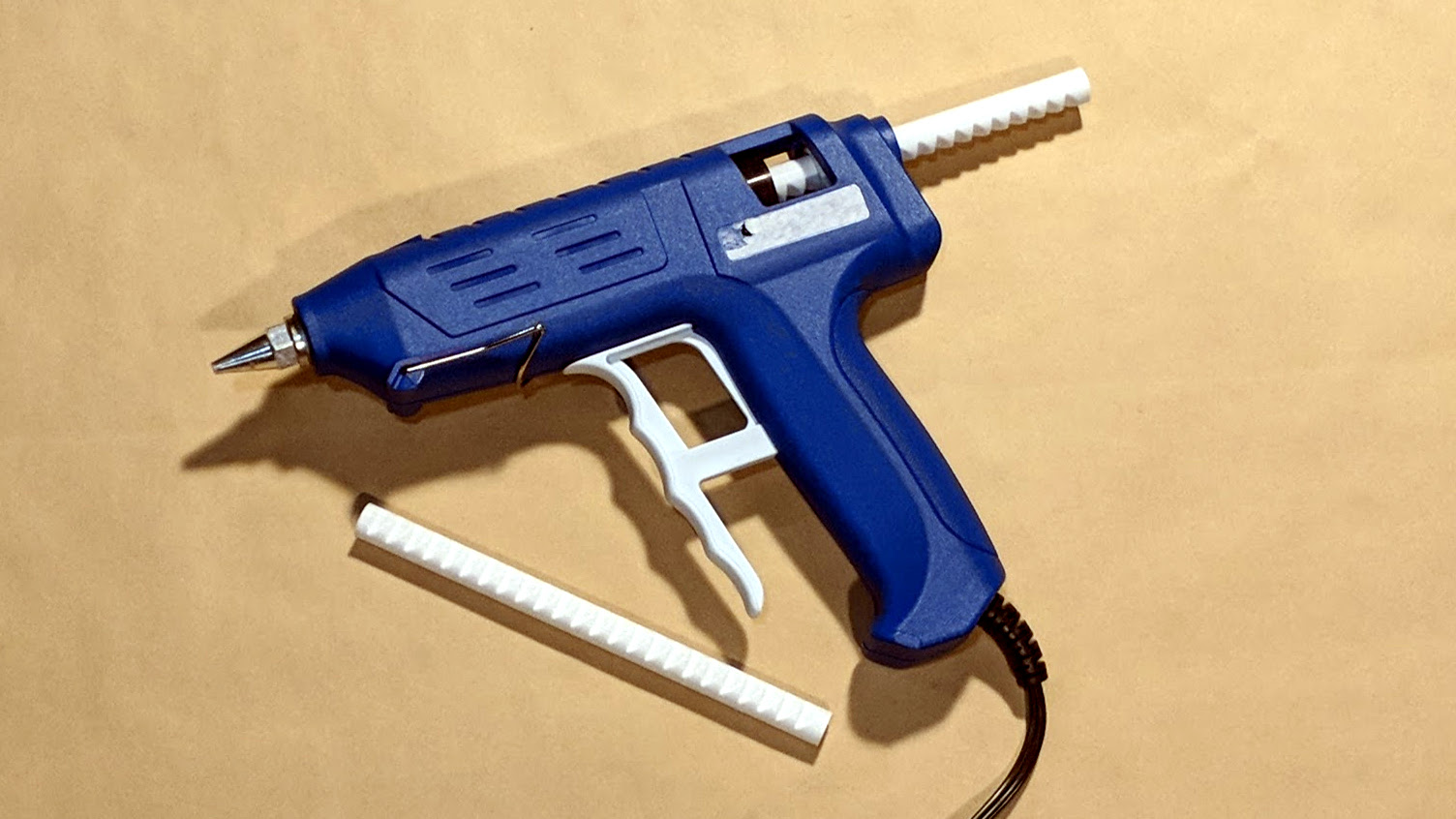
Was looking for a way to glue some PLA parts together, strong, and came across this:

Need to try it out.
 
Top
Sign up to the MyBroadband newsletter
X