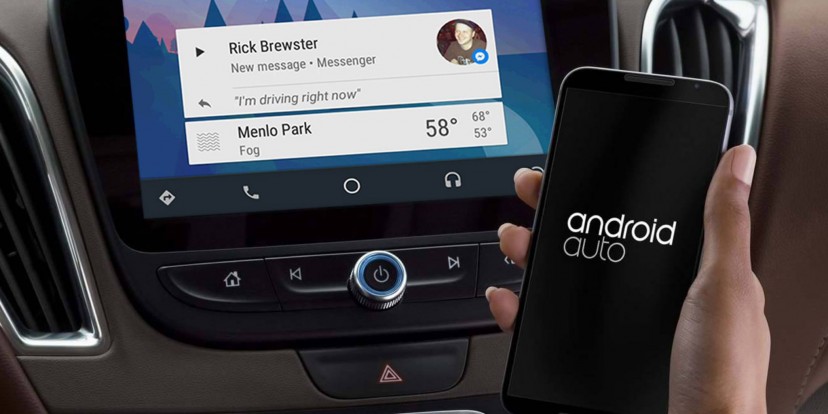
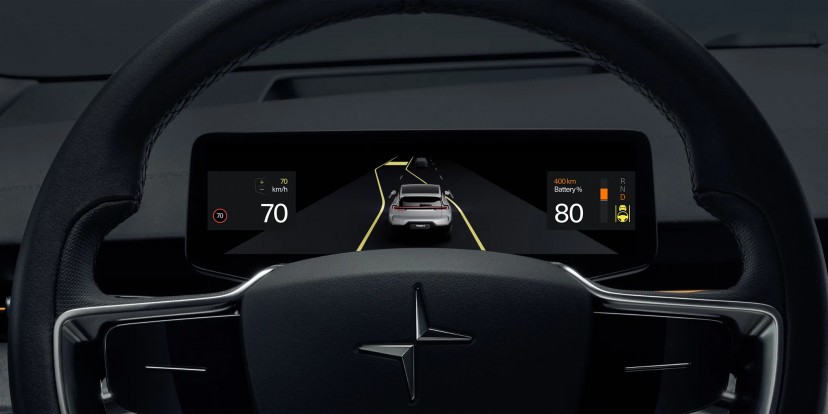
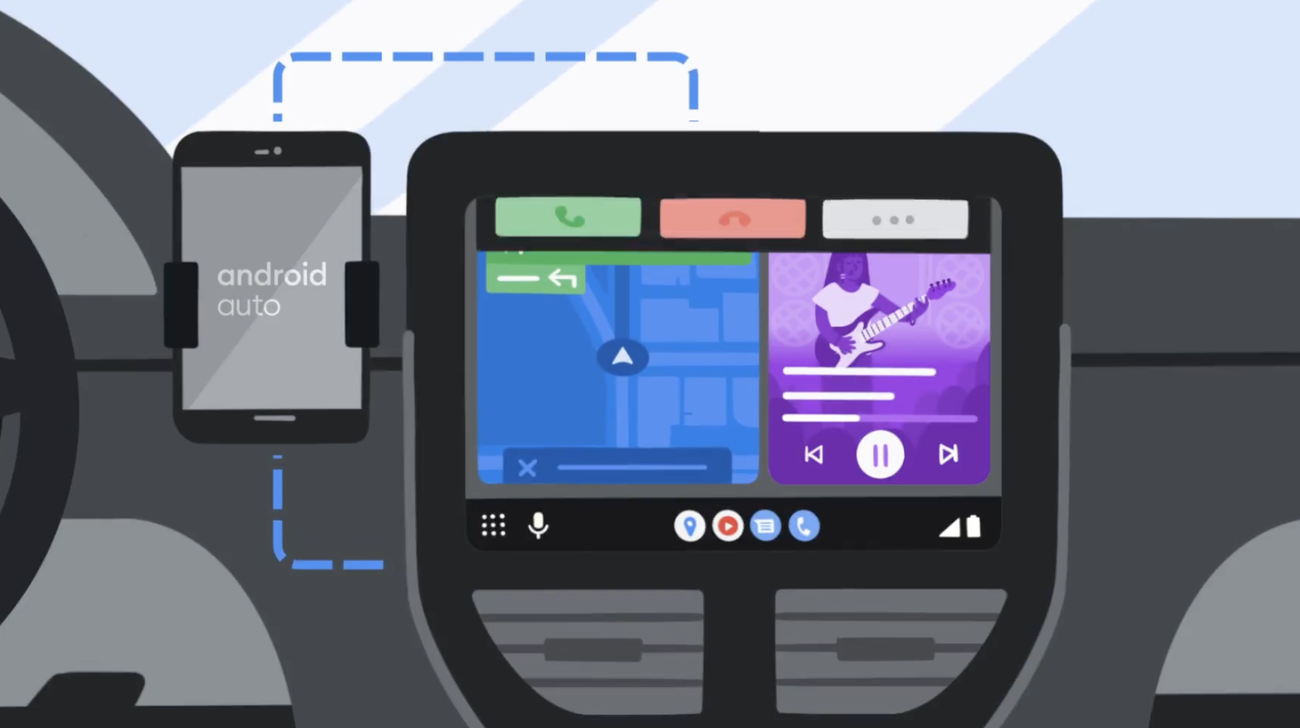
Android Auto (Google Assistant) vs Apple Carplay (Siri)

Google Is About to Stop You Using Android Auto on Your Phone - MUO​


Get ready to switch to Driving Mode in Google Assistant, because Google is set to kill off the Android Auto mobile app for everyone.

1654338225938.png

If you're still using Android Auto on your phone, the next time you open the app you're likely to see a warning: "Android Auto for phone screens will stop working soon."

Almost a year after the company announced plans to shut down the Android Auto for phone screens app, it looks like it's finally happening.

In its place, you'll need to use Driving Mode in Google Assistant.

The move to shut down Android Auto on phones does not come as a surprise as Google first announced its intention to do so in August 2021.

 
Apple's Next CarPlay Update Will Run Your Whole Car

Gauges, climate controls, and more will all run through your iPhone.

Car infotainment, when designed by automakers, is generally bad and getting worse. Modern cars are constantly knocked for infotainment failings, yet companies insist on adding more and more screen real estate anyway. But what if all that space could go to something else? Say, Apple CarPlay?

At today’s Worldwide Developer Conference, Apple laid out plans for the next version of its iOS mobile operating system. If you weren’t aware, iOS is the part of your iPhone on which all the apps run — what you see between closing Twitter and, three seconds later, reflexively re-opening Twitter.

iOS 16, the upcoming newest version, includes a wealth of upgrades for the world’s second-most-popular mobile operating system. Between the updates to the lock screen and the new ability to un-send iMessages, Apple included a little update with a big impact: Soon, CarPlay will take over your entire car.

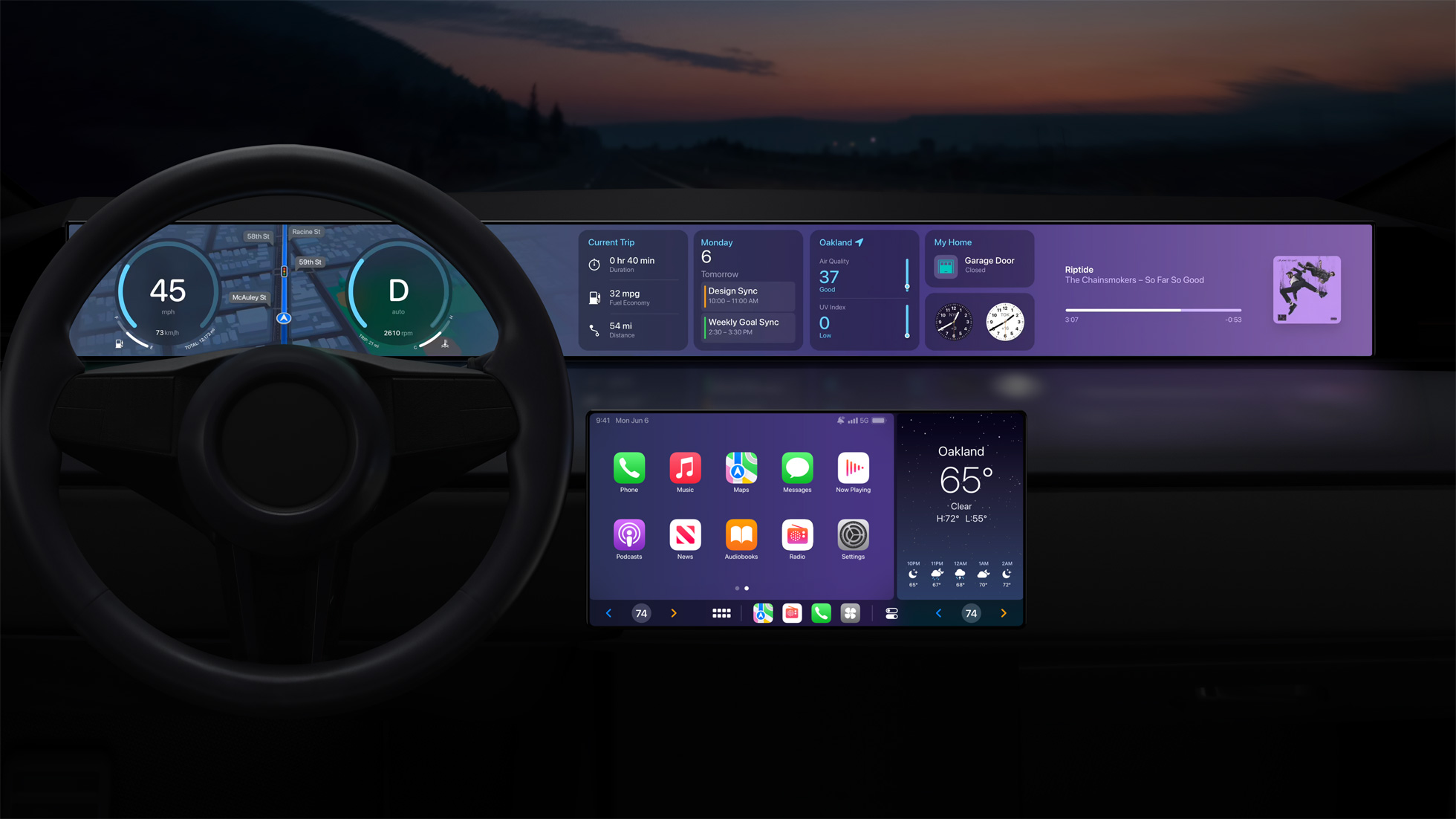
The upcoming new version of CarPlay won’t be limited to just your car’s infotainment screen. As cars continue to include more and more displays, CarPlay will run on every single one — replacing your factory gauge cluster, climate controls, and more.


AB0B9359-54F7-451E-8945-094EEE6FA487.jpeg
 
The new Apple CarPlay is here to save us from carmakers’ own software

Next-gen Apple CarPlay will be able to take over every screen in your car, including the dials

Ever heard of a small American company called Apple? Apparently it’s pretty good at the whole tech thing, which just so happens to be an area that carmakers tend to struggle with. Seriously, when was the last time you used an in-built satnav in a modern car?

Anyway, it looks as though those carmakers might soon be able to drop the whole software development and infotainment thing, because the latest generation of Apple CarPlay is here…

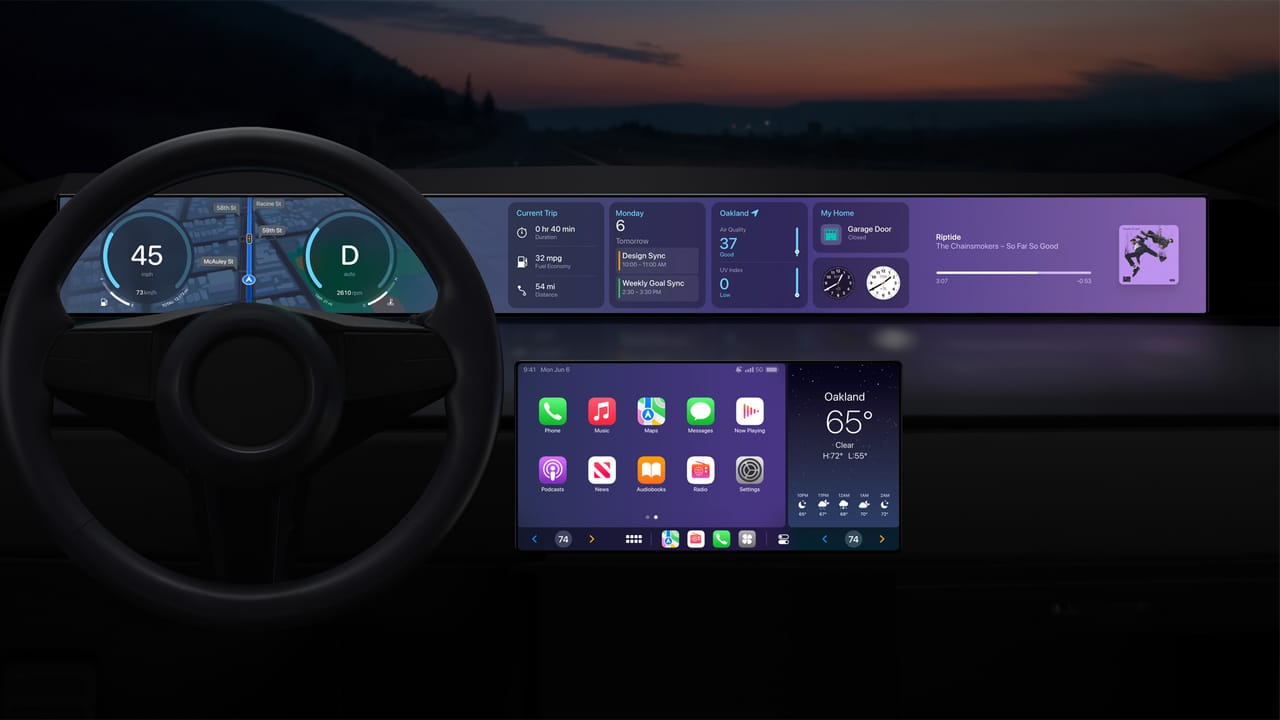
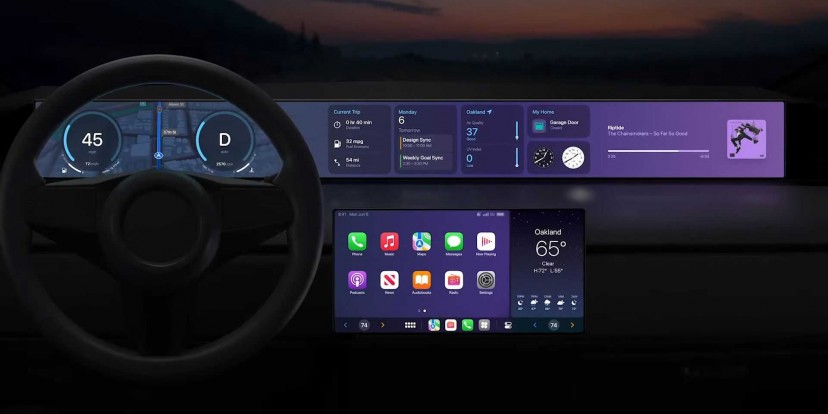
Get a look at that teaser image above. Yep, your phone will soon be able to control every single screen in your car. Next-gen CarPlay will take over your dial display and show speed, revs, fuel levels, temperatures and everything else that carmakers spend many hours and millions of pounds on currently.

Will any be brave enough to ditch their own development completely? It could leave more money to spend on physical engineering which is no bad thing. And if you don’t own an iPhone? Just make one an optional extra. What’s one more box to tick on the configurator?

 
Apple CarPlay goes Multi Screen and can control more than music

Apple showed the world a glimpse of the future during its 2022 Worldwide Developer Conference. A part of its iOS 16 announcement was a real gem - a fully updated Apple CarPlay that is no longer interested in just playing your favorite tunes. This all grown up CarPlay is ready to take full control of your car.

The updated CarPlay will integrate with the car’s entire infrastructure, taking over all of its screens in the process. With your phone connected you’ll be able to interact with your car through the CarPlay interface - adjusting temperature or looking for directions will no longer mean having to leave the Apple environment. The phone will be fully responsible for running graphics and relaying all the vehicle information to however many screens the car has.

Driver’s information will be fully controlled by Apple CarPlay with all the information laid out intuitively, it will be possible to adjust the displays to suit personal preferences. This is no longer just a music app, this is a full vehicle control and diagnostics run by your phone. It seems like a natural progress for Apple and its iOS to integrate further with cars since this is where we all spend a lot of our time.

 
Waze appears to be struggling with performance issues on Android Auto and CarPlay

Google’s other navigation app, Waze, is an incredibly helpful way to stay informed on your route, but lately, the app has been suffering from lag issues on Android Auto and CarPlay for some.

A trending support thread on Google’s forums as well as a second over on Waze’s own forums shows that there are quite a few Waze users seeing lag problems across CarPlay and Android Auto.

The problem at hand appears to be with the app struggling to keep up with touch input and showing updates to the display. Whether there’s active navigation or not, the app simply starts to experience stutters and other issues after just a few minutes. In some cases, the location shown on the display can be off, showing the car in a different place. On the CarPlay side of things, Waze “kills” the platform according to some users, but the issues stop as soon as Waze is not in use.

The majority of these reports seem to be stemming from CarPlay users, but Android Auto appears to be affected by the same basic issue.

It’s unclear what’s the precise culprit, but the good news is that other mapping apps are unaffected. That means you can still use Google Maps or Apple Maps if this issue is affecting you.


Wireless Android Auto and Google Maps are a match made in driving hell - Android Authority​

Android-Auto-in-Volkswagen-ID.4-Google-Maps-Navigation-840x472.jpg


Google has a lot to work on when it comes to real-life usage of wireless Android Auto and its own services.

On paper, wireless Android Auto is like a dream come true. You hop in the car, rev ‘er up, and your phone’s apps and services magically appear on your infotainment system. Within seconds, you’re listening to your music, receiving turn-by-turn navigation instructions, and delivering voice commands for texting, phone calls, and more. It’s like we’re living in the future!

Of course, that’s only on paper. In the real world, using Android Auto wirelessly can be such a hassle that you might want to jump back to using it wired — or even drop it altogether.
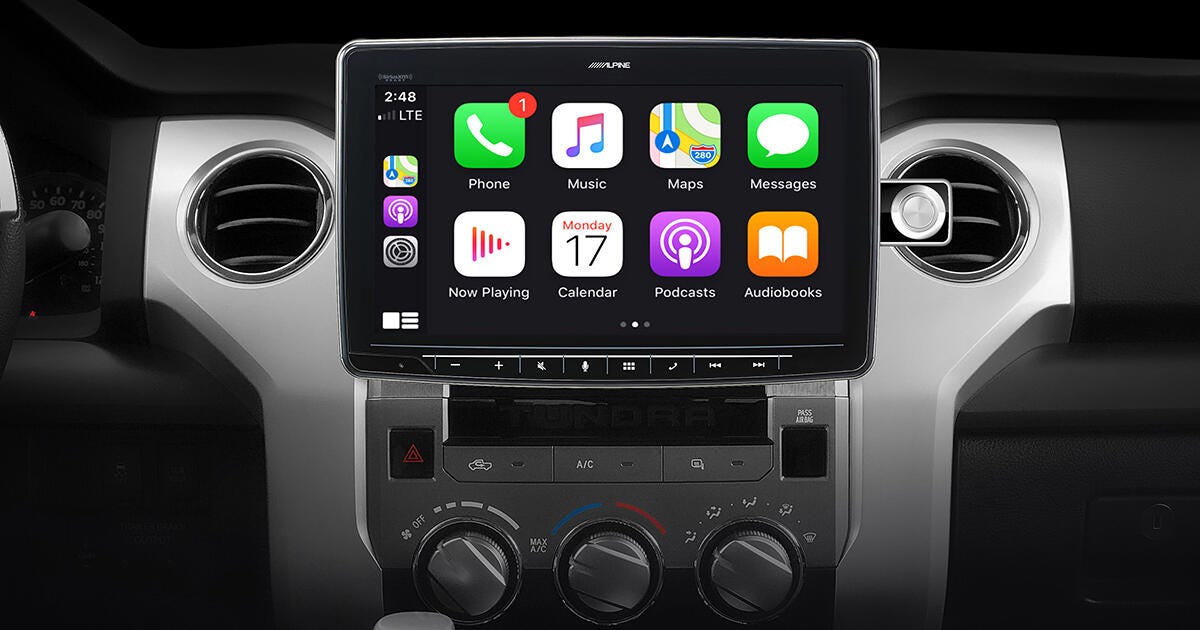
 
3 Benefits Of Aftermarket Apple Carplay Upgrade

 
New Android Auto UI is finally coming to public beta testers

You might remember that back In May, Google showed off a pretty major makeover to the Android Auto interface. The design overhaul was originally slated for a summer release, but that obviously didn't come to pass. We have no idea what caused the delay, but it seems to finally be coming to an end as the new UI has started seeding to public beta users.

Unfortunately, a quick peek at the Google Play Store listing for Android Auto reveals that all of the slots for the beta branch are already full. This means that if you aren't already a beta tester, you won't be able to experience the new UI quite yet.

https://www.gsmarena.com/new_android_auto_ui_is_finally_coming_to_public_beta_testers-news-56501.php

 
Android Auto phone app finally gets Material You redesign

The Android Auto phone app has had the same basic dating back to 2020 but the latest beta release has added a major refresh with Google’s Material You design. Users enrolled in the Android Auto beta program and running Android Auto beta version 8.6 will now get to experience the redesigned app UI which also brings dark mode. The release is limited to the Android Auto beta channel and all current slots are filled so those who have yet to register will need to wait.

The redesigned Android Auto app brings Google’s Material Design 3 to the Connection, Startup and Display menus with round button overlays and matching color accents to the rest of the UI. The header image is now gone. Google will likely implement the new Material You design in the next stable Android Auto release.


Snip.png
 
Google announces new high-definition maps, Android Auto redesign rolling out

Google announced a new HD version of its Maps service for cars with the Android Automotive operating system. The new HD maps will provide more detailed road markings, lane-level localization, road barriers and signs. The feature will debut on the Volvo EX90 and Polestar 3 models and will benefit from the lidar, radar and camera sensors on vehicles to ensure a safer driving experience.

Volvo’s HD maps demo shows users will get a detailed model of their vehicle on the screen which mimics all actions undertaken by the driver. HD maps will be available only on vehicles that use Google Automotive Services.

HD maps will also work in tandem with Volvo’s Pilot Assist feature and future autonomous driving platforms from other car makers to ensure the best driving experience on assisted and autonomous vehicles. Volvo and Polestar vehicles also gain remote check-in features via Google smart home devices. Users will be able to ask Google Assistant to warm up their cars, check battery percentage and all kinds of other useful features. The remote check-in feature will debut in the US and is coming to other markets later this year. Google also announced the new Waze app for Android Automotive is now available on Renault Austral Hybrid and Megane E-Tech cars.


Porsche expands CarPlay to more classic cars with new retrofit head units

Porsche is a strong supporter of Apple’s CarPlay platform, particularly in regards to helping owners retrofit CarPlay in classic Porsche cars. As part of those efforts, Porsche has expanded support for retrofitted Bluetooth and CarPlay infotainment systems to early-2000s cars…

This is an extension of what Porsche has been doing for the past few years. The company essentially offers a selection of factory-approved head units with what it calls “Porsche Classic Communication Management (PCCM) and Porsche Classic Communication Management Plus (PCCM Plus)” support.

The new lineup of head units is available only under the PCCM Plus category, which is a good thing for those users who want a larger display. The PCCM head units offer a 3.5-inch display, while the PCCM Plus head units offer a 7-inch display. As explained in a press release from Porsche, these head units come in a double DIN size and are approved for the following cars:

  • Sixth-generation 911 generation 997 for model years 2005 to 2008
  • Boxster and Cayman generation 987 for model years 2005 to 2008
  • First-generation Cayenne for model years 2003 to 2008
These head units offer support for CarPlay, Android Auto, USB connectivity, SiriusXM, and Bluetooth. In the 911, the Boxster, and Cayman, the head unit can store personal settings for things like the lights, the windshield wipers, the climate control, and the locking system.

 
The ‘next-generation’ of CarPlay is launching this year; here’s everything we know

 
Top
Sign up to the MyBroadband newsletter
X