Docker Thread

Thor

Honorary Master
Joined
Jun 5, 2014
Messages
44,413
Reaction score
7,522
Location
Bellville
Please can someone explain to me in simple terms what macvlan does?

Here is what I want to achieve;

I want my Raspberry Pi 4 to have the IP address of 192.168.88.5
I want to install docker
I want to set up Pi-hole with DHCP in docker and that must have the IP address of 192.168.88.6
I want to set up MySQL in docker and it must have an IP address of 192.168.88.7
I want to set up XYZ in docker and it must have an IP address of 192.168.88.x

Essentially I want the containers to have their own IP addresses so I can interact with it normally from the other machines on the network and have the RPI 4 to act as a host machine with it's own IP address if I need to interact with it for whatever reason outside of docker.

I believe to achieve this I will need to use macvlan, but for the life of me, it is not "clicking" in my head.
 
Last edited:
Code:
FROM thiswontendwell:again
WORKDIR /dev/null
RUN ./but_what_if_i_try_this.sh
 
On a quick 20 second read, almost sounds like what a virtual switch does for Hyper-V. But I haven't played with containers/docker.
 
So it’s basically a separate custom bridge which is in the desired IP range and then you attach the Docker to that instead.

It’s also the only way you can get dockets to look each other up by DNS, which is nice when you have a setup like Plex, Transmission, Sonarr, Radarr etc and each points to the other by container name rather than an IP address.

I’ve never actually specifically seen it called or referenced as macvlan, but this is how you achieve what you want.
 
Just to confirm so if I set up a macvlan called "skynet" this virtual network uses the same IP range as the host machine, same subnet, same gateway etc?
 
I think he wants to access them from different machines via different IP addresses, surely this requires your router to assign these ips with DHCP.

 
Please can someone explain to me in simple terms what macvlan does?

Here is what I want to achieve;

I want my Raspberry Pi 4 to have the IP address of 192.168.88.5
I want to install docker
I want to set up Pi-hole with DHCP in docker and that must have the IP address of 192.168.88.6
I want to set up MySQL in docker and it must have an IP address of 192.168.88.7
I want to set up XYZ in docker and it must have an IP address of 192.168.88.x

Essentially I want the containers to have their own IP addresses so I can interact with it normally from the other machines on the network and have the RPI 4 to act as a host machine with it's own IP address if I need to interact with it for whatever reason outside of docker.

I believe to achieve this I will need to use macvlan, but for the life of me, it is not "clicking" in my head.
Can you use the FQDN for each container instead of an IP?

If so, a container running Traefik can route to your different services from the single IP. Can do Letsencrypt certs for the services as well (use the DNS01 acme challenge if you don't want to expose the service on your firewall to the web.)
 
Wont this work ?
Map TCP port 80 in the container to port 8080 on the Docker host for connections to host IP 192.168.1.100.
Code:
"-p 192.168.1.100:8080:80"

Alternatively
When you connect an existing container to a different network using docker network connect, you can use the --ip or --ip6 flags on that command to specify the container’s IP address on the additional network.

** Disclaimer, I am interested in this myself, would like to do the same...
 
Just to confirm so if I set up a macvlan called "skynet" this virtual network uses the same IP range as the host machine, same subnet, same gateway etc?

You configure it, so you can make it whatever you want.

It gets bridged to the host network and anything can talk to it on that layer.

But as was said above it’s a bit unnecessarily and actually goes against general docker logic and security.

You’d rather want to expose the different ports on the one and the same host IP. Also makes hosting stuff much simpler as you only have one thing to remember.

I literally run like 15 services on one IP.
 
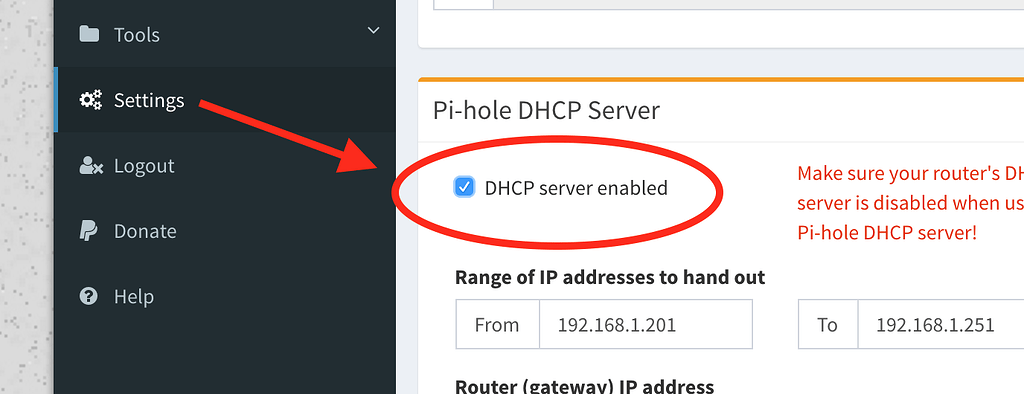
I need DHCP to work so was the initial motivation behind it and learning experience

Note to self, ubuntu sucks now. kill systemd with fire and please god why is yaml so popular, it is a shitty format
 
I need DHCP to work so was the initial motivation behind it and learning experience

Note to self, ubuntu sucks now. kill systemd with fire and please god why is yaml so popular, it is a shitty format

Why wouldn’t DHCP work?

It’s also just port based.

But you could run Pi directly on the host if you fancy to make that easier and then bridge everything else.
 
macvlan is used to assign a MAC address to a container so it can show up as a separate physical device on the LAN. It's most often used for legacy apps that want to be installed on a host rather than served in a container. It's different to the default bridge driver. There are a few options for Docker networking: bridge, host, overlay, ipvlan and macvlan.
Bridge can be used for inter-container comms using DNS, you just need to put containers on the same user defined bridge network.

Yeah I realised I conflated the two things.

Don’t see any reason why macvlan is required here.
 
macvlan is basically just the name of the network driver that docker uses and it basically allows you to give each container it's own mac address and IP on your network as if it's directly connected to the network.
I use it so that my dockers like Plex, Sonarr, etc. can get there own IP addresses, the downside though is that I've never been able to get the underlying host to talk to the containers, even though it's not actually needed, which I think is a limitation of the macvlan driver.

Docker's documentation has a quick tutorial on how to set it up, https://docs.docker.com/network/network-tutorial-macvlan/
 
Top
Sign up to the MyBroadband newsletter
X