Frigate is awesome

Looks nice but I prefer wireless
I used EZVIZ WiFi cameras for a long time, but I can tell you from experience it just sucks. Unreliable. And if you're going to have to get power to the camera anyway, then it's almost worth just putting in CAT5, or at a push Powerline Ethernet. Trust me, the WiFi stuff as Tinuva mentioned eats into everything.

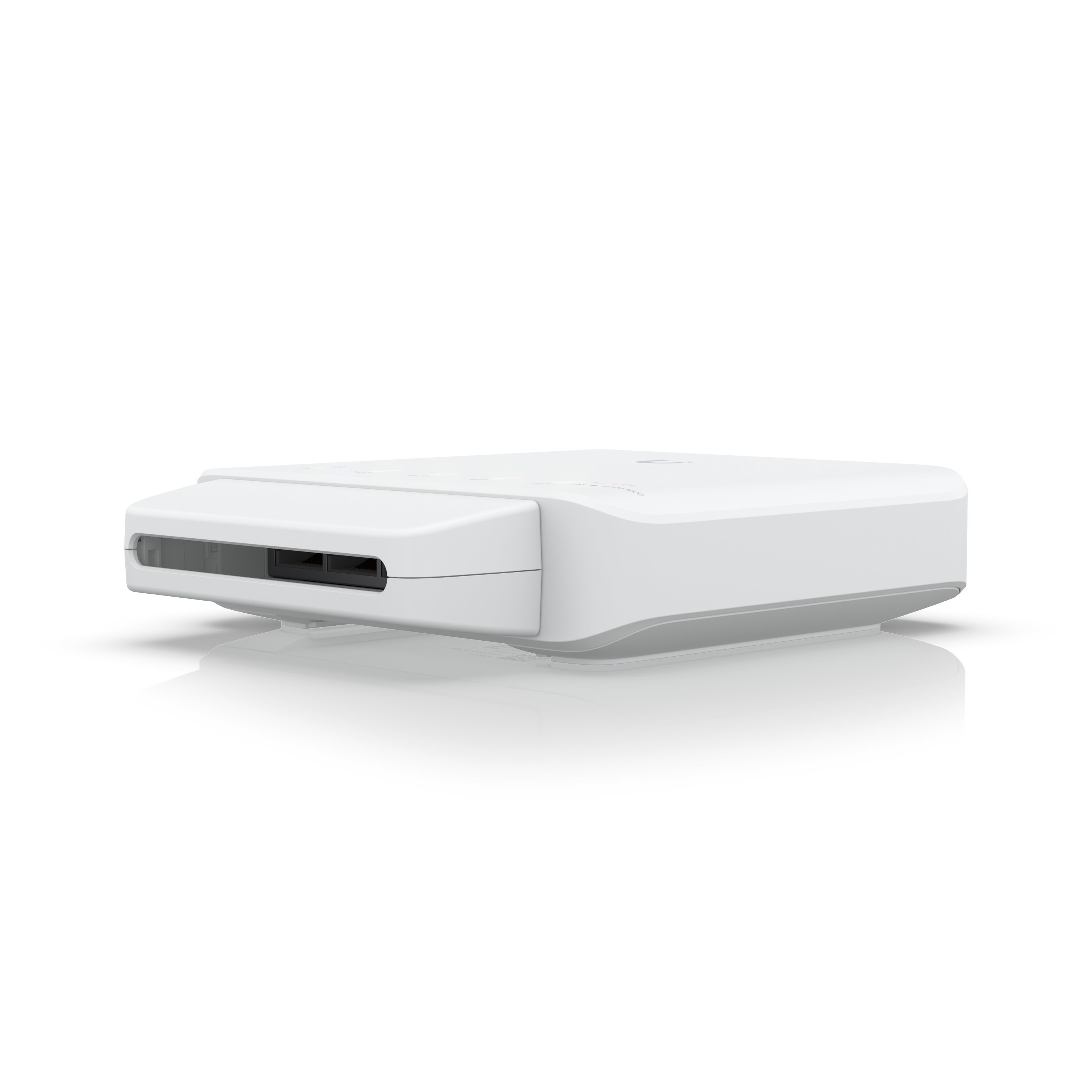
I've been replacing all my WiFi cameras with cabled ones, and where it was difficult to run cable I put one of the Unifi Flex switches outside in a strategic location with a single backhaul to a POE++ switch.

This means running a single CAT5 to your network rack, and being able to distribute multiple POE cameras from a convenient location, which reduces cable runs.

I still have one or two cameras on WiFi in really hard to reach places, but I'm going to move them to Powerline Ethernet soon.

"If you want it stable, use a cable".
 
The other thing I enjoy about the TP-Link Vigi cameras versus the EZVIZ stuff, is that RTSP, everything works out of the box without having to use an App, and tie it to the cloud. The Web interface is easy, works directly to the camera, and you can do everything without using an app. The cloud stuff is optional.

The ONVIF compatibility is also the best I've seen from any cheap camera, allowing you to use standards-based protocols to do things like manage PTZ, and other stuff.

Even the expensive HikVisions I had didn't have firmware and ONVIF compatibility this good.

I've not tried the TP-Link Tapo cameras as they seem largely WiFi oriented, and seems to be equivalent to the EZVIZ cams with the Mobile App and other stupid lock-ins, so I would steer clear of the Tapo range.

Stick a TP-Link Vigi camera on your LAN and stuff just works. Even the discovery protocols are standard, such as LLDP as factory included.
 
The other thing I enjoy about the TP-Link Vigi cameras versus the EZVIZ stuff, is that RTSP, everything works out of the box without having to use an App, and tie it to the cloud. The Web interface is easy, works directly to the camera, and you can do everything without using an app. The cloud stuff is optional.

The ONVIF compatibility is also the best I've seen from any cheap camera, allowing you to use standards-based protocols to do things like manage PTZ, and other stuff.

Even the expensive HikVisions I had didn't have firmware and ONVIF compatibility this good.

I've not tried the TP-Link Tapo cameras as they seem largely WiFi oriented, and seems to be equivalent to the EZVIZ cams with the Mobile App and other stupid lock-ins, so I would steer clear of the Tapo range.

Stick a TP-Link Vigi camera on your LAN and stuff just works. Even the discovery protocols are standard, such as LLDP as factory included.
I seriously considered the TP-Links. If it wasn't for the fact that I already had all my other cameras as Hikvisions (and thus good backup access via the Hikconnect app) I would have pulled the trigger on one of these.
 
Anyone played around with 0.16 yet and have feedback on ALPR and Face Recognition?

I noticed last night my app was updated and also saw in their github it has moved to released on the 16th
 
Been on 0.16 for 3 months - my first experience with Frigate in years as I wanted ALPR so stuck it out with Blueiris and CPAI. Been pretty happy with ALPR - I don't have the best camera setup but I get decent results. It's pretty heavy on resources though compared to the rest of my cameras. But still better than BI was! Haven't done face recognition or any of the other AI powered stuff so I can save resources for ALPR.

It's been really stable - not a single crash requiring a restart. Took some work to get my one Reolink camera working but all my Dahua and Hik cameras were easy. I find the interface can be a bit slow to load, especially compared to BI but it does eventually get there. Viewing the events timeline and scrolling through that is the worst, but I'm running my storage on an external 3.5" drive. BI didn't seem to mind though. I do miss being able to continuously record the sub stream and then record main stream on motion. Just recording on motion with the setting on the sensitive side has been working for now though.

I have 14 cameras (Most 4/5MP) and a 12500T Optiplex with no GPU/TPU.
 
How effective is the ALPR in Frigate out of interest?

Getting some TPLink Vigi cameras in the next few days and contemplating maybe using ALPR to be able to do some stuff in HA based on a Number plate arriving home on certain days in certain time frames.
 
How effective is the ALPR in Frigate out of interest?

Getting some TPLink Vigi cameras in the next few days and contemplating maybe using ALPR to be able to do some stuff in HA based on a Number plate arriving home on certain days in certain time frames.
Day time it's pretty good but still hit and miss sometimes. There are many factors that can affect the accuracy such as vehicle speed. Sun glare is also an issue and obviously night time my cameras can't see passed headlights so that is an issue.

The settings can be tweaked to better fine tune it. I have at this point not bothered yet as I still don't have a solid plan on how to use it, currently just have it as a "cool feature".

This is a snapshot of my vehicle being detected.
1759246563576.png
If the main purpose is for your own vehicles or vehicles that will likely stop near the camera then the likelihood of it accurately picking it up is pretty high.

Edit: with regards to the settings, you can add multiple results for a signal vehicle to ensure a match, for example if number plate is CAA 410-200 you can just set the following:
Code:
  known_plates:
    your_name:
      - "CAA 410-200"
      - "CAA 410 200"
      - "CAA410200"
      - "CAA410-200-"
      - "C44410-200"
      - "410200"

Essentially in the explore section of frigate you would click more filters where recognised number plates will be shown, compare to snapshot and decide to include that variation or exclude.
 
Last edited:
Day time it's pretty good but still hit and miss sometimes. There are many factors that can affect the accuracy such as vehicle speed. Sun glare is also an issue and obviously night time my cameras can't see passed headlights so that is an issue.

The settings can be tweaked to better fine tune it. I have at this point not bothered yet as I still don't have a solid plan on how to use it, currently just have it as a "cool feature".

This is a snapshot of my vehicle being detected.
View attachment 1852196
If the main purpose is for your own vehicles or vehicles that will likely stop near the camera then the likelihood of it accurately picking it up is pretty high.

Edit: with regards to the settings, you can add multiple results for a signal vehicle to ensure a match, for example if number plate is CAA 410-200 you can just set the following:
Code:
known_plates:
your_name:
- "CAA 410-200"
- "CAA 410 200"
- "CAA410200"
- "CAA410-200-"
- "C44410-200"
- "410200"

Essentially in the explore section of frigate you would click more filters where recognised number plates will be shown, compare to snapshot and decide to include that variation or exclude.
Yeah it would.mostly be about my own vehicles and slow moving.

Could provide some additional geolocation info/context in terms of arriving/leaving home and getting HA to do stuff based on that determination.
 
Been bashing my head against the wall with Frigate..

Some of the cameras just refused to show an image in frigate... and I go looking at all the settings and trying to figure out whats what.

30 minutes later, they just magically started working. Go Figure.

And wiring up cameras, sucks.
 
Does anyone have a link to any good guides regarding setting up Frigate on HA? I am planning on getting a small NUC (M80) to run HA and am quite keen on connecting some HIKVISION cameras up.
 
Does anyone have a link to any good guides regarding setting up Frigate on HA? I am planning on getting a small NUC (M80) to run HA and am quite keen on connecting some HIKVISION cameras up.

It’s all there in the official docs.
 
For ANPR especially at night, specific cameras work better. Just look for ANPR cameras.
Yeah I know, but their prices are crazy. Or at least crazy enough to outweigh the actual need for them, which for me is not really a need.
 
Yeah I know, but their prices are crazy. Or at least crazy enough to outweigh the actual need for them, which for me is not really a need.
I'm using a 2mp Dahua varifocal that zooms to 12mm and getting good results. Got a good deal secondhand for R800. Basically anything with a tighter field of view will be much better. It's just behind my gate post looking to the left up the road and ANPR hits 90% of the time and I can get a good number from reviewing it 99% of the time. Only misses are at night with dodgy non-reflective number plates. The trick at night is to set the brightness waaaay down. Without a car in view the image is completely black.
 
Frigate 0.17 is in early release. Been running for a few days now without issue. Definitely feels a bit quicker.

I like the GenerativeAI summaries. Been using an automation in my Home Assistant for a while on one camera - it would basically detect a car, then send it off to Gemini to analyse and return a description of the car, and then announce it over my Google Home speakers. It will be nice to switch this to Frigate native.

Hearing "A white Suzuki was detected" is much better than "A car was detected" (e.g. then I know it is my mother in law!)
 
Frigate 0.17 is in early release. Been running for a few days now without issue. Definitely feels a bit quicker.

0.17 is now fully released. State classification feature is amazing.

I have swing gates that don't close flush and thus adding some sort of contact sensor to detect open vs closed will not work. Now using state classification I can train Frigate to detect when the gate is open. I'm sure there are many more use cases for this feature but it really is an amazing addition.
 
I'm amazed at how easy state classification is to use! Had the reed switch on my garage door die yesterday and didn't feel like getting ladders out etc so thought I'd try use the garage camera to detect open/closed state. Within 10 minutes I had a working sensor in HA detecting garage door status! Now I'm trying to invent other things I could use this for 😅
 
I'm amazed at how easy state classification is to use! Had the reed switch on my garage door die yesterday and didn't feel like getting ladders out etc so thought I'd try use the garage camera to detect open/closed state. Within 10 minutes I had a working sensor in HA detecting garage door status! Now I'm trying to invent other things I could use this for 😅
This sounds great. I have a gate with a reed switch and often enough the thing isn't quite lining up. But I also have a camera pointing at the gate, so this sounds like a great solution.
 
Top
Sign up to the MyBroadband newsletter
X