Home WiFi Network Setup

My Wifi router that was given to me by MetroFibre isn't very strong. So I disabled the router's Wifi and used a cable to connect from the MetroFibre router to a new TP Link that is a lot stronger router. Chances are the LAN ability on the MetroFibre router is more then enough to handle the speed of the ONT so that solves that problem.

The new TP Link gives me full speed on all devices and I don't have a problem with internet anymore. I think MetroFibre can remote into their own Routers and mess with settings that is why I can't directly replace the MetroFibre router that is connected to the ONT.

Last thing I extended the cable to the hallway and now the TP Link is no more then 3m away from any room in the house. That helped a lot. I can test any of the 5 Phones, 2 Tablets and 4 Computers and all of them shows 19Mbs up and down. Kids are happy, wife is happy I can do work when I need to do it. It seems to work.

TP-Link Archer AX12 WI-FI 6 Router
 
My Wifi router that was given to me by MetroFibre isn't very strong. So I disabled the router's Wifi and used a cable to connect from the MetroFibre router to a new TP Link that is a lot stronger router. Chances are the LAN ability on the MetroFibre router is more then enough to handle the speed of the ONT so that solves that problem.

The new TP Link gives me full speed on all devices and I don't have a problem with internet anymore. I think MetroFibre can remote into their own Routers and mess with settings that is why I can't directly replace the MetroFibre router that is connected to the ONT.

Last thing I extended the cable to the hallway and now the TP Link is no more then 3m away from any room in the house. That helped a lot. I can test any of the 5 Phones, 2 Tablets and 4 Computers and all of them shows 19Mbs up and down. Kids are happy, wife is happy I can do work when I need to do it. It seems to work.

TP-Link Archer AX12 WI-FI 6 Router

Are you only on a 20Mbit line?

Because 19 is very low.
 
Are you only on a 20Mbit line?

Because 19 is very low.
Yes I am on 20Mbs line so it is full speed. What I found was with more then one Wifi router, is that the phones will lock on onto one router and just try and keep the connection and that didn't work so having only one WiFi connection solved 90% of my problems.
 
Yes I am on 20Mbs line so it is full speed. What I found was with more then one Wifi router, is that the phones will lock on onto one router and just try and keep the connection and that didn't work so having only one WiFi connection solved 90% of my problems.

Correct when you use just “normal” Access Points as per OP’s current configuration even with the same SSID and password there is no handover because the client is in control.

Hence why Mesh exists. All the AP’s appear as one unit and they manage themselves.

One single AP can work depending on the coverage required but will likely be quite poor at the edges or particular spots.
 
Correct when you use just “normal” Access Points as per OP’s current configuration even with the same SSID and password there is no handover because the client is in control.

Hence why Mesh exists. All the AP’s appear as one unit and they manage themselves.

One single AP can work depending on the coverage required but will likely be quite poor at the edges or particular spots.
The whole mesh thing I don't get. Is this special hardware or? I tried giving all the routers the same SSID and password once and I had a lot of trouble. I was using these TP-Link 300Mbps Wireless N Router I had two of them and they didn't work well.

All of the routers was linked via cable and I always had a problem with speed. But with the one stronger router I hardly have problems. Unless if someone wants to sit in a corner for the house I guess that can be a problem but for the most part all the rooms including my office aka toilet has full bars and full speed.
 
The whole mesh thing I don't get. Is this special hardware or? I tried giving all the routers the same SSID and password once and I had a lot of trouble. I was using these TP-Link 300Mbps Wireless N Router I had two of them and they didn't work well.

All of the routers was linked via cable and I always had a problem with speed. But with the one stronger router I hardly have problems. Unless if someone wants to sit in a corner for the house I guess that can be a problem but for the most part all the rooms including my office aka toilet has full bars and full speed.

Using a normal AP’s like that they are not “aware” of each other and so the client will hold onto any single one for dear life until it disconnects and then scans and connects to the strongest one. So a terrible experience all round for anything that moves around or you end up turning WiFi on and off.

Mesh solutions the AP’s are known to each other and controlled centrally and instead of leaving it to the client to decide the Mesh system will move a client around between AP’s based on signal or even load and the client device just silently roams between them.

Good example is being on a VOIP call. In your standard multiple AP setup just sharing a name and password you’ll lose multiple seconds of a call or drop entirely while roaming between access points.

On a mesh system the same thing will be seamless and nobody will notice the tiniest packet loss during handover.

“Mesh” has been the way of enterprise systems for years but is now basically the consumer word for the same thing built into the consumer products.
 
The whole mesh thing I don't get. Is this special hardware or? I tried giving all the routers the same SSID and password once and I had a lot of trouble. I was using these TP-Link 300Mbps Wireless N Router I had two of them and they didn't work well.

All of the routers was linked via cable and I always had a problem with speed. But with the one stronger router I hardly have problems. Unless if someone wants to sit in a corner for the house I guess that can be a problem but for the most part all the rooms including my office aka toilet has full bars and full speed.
That's not meshing.. APs with mesh capability are specifically made with that capability.. standard off the shelf consumer routers that ISPs issue hardly ever have mesh capability..
 
Yeah, tenda, tp-link, cudy and reyee is where you want to look for the entry level stuff.. just make extra sure about voltages and standards and make sure that you have enough power for all your poe devices..
Reyee entry level? False. They make products for consumers as well as enterprise. The latter often outperforms Ubiquiti, too.
 
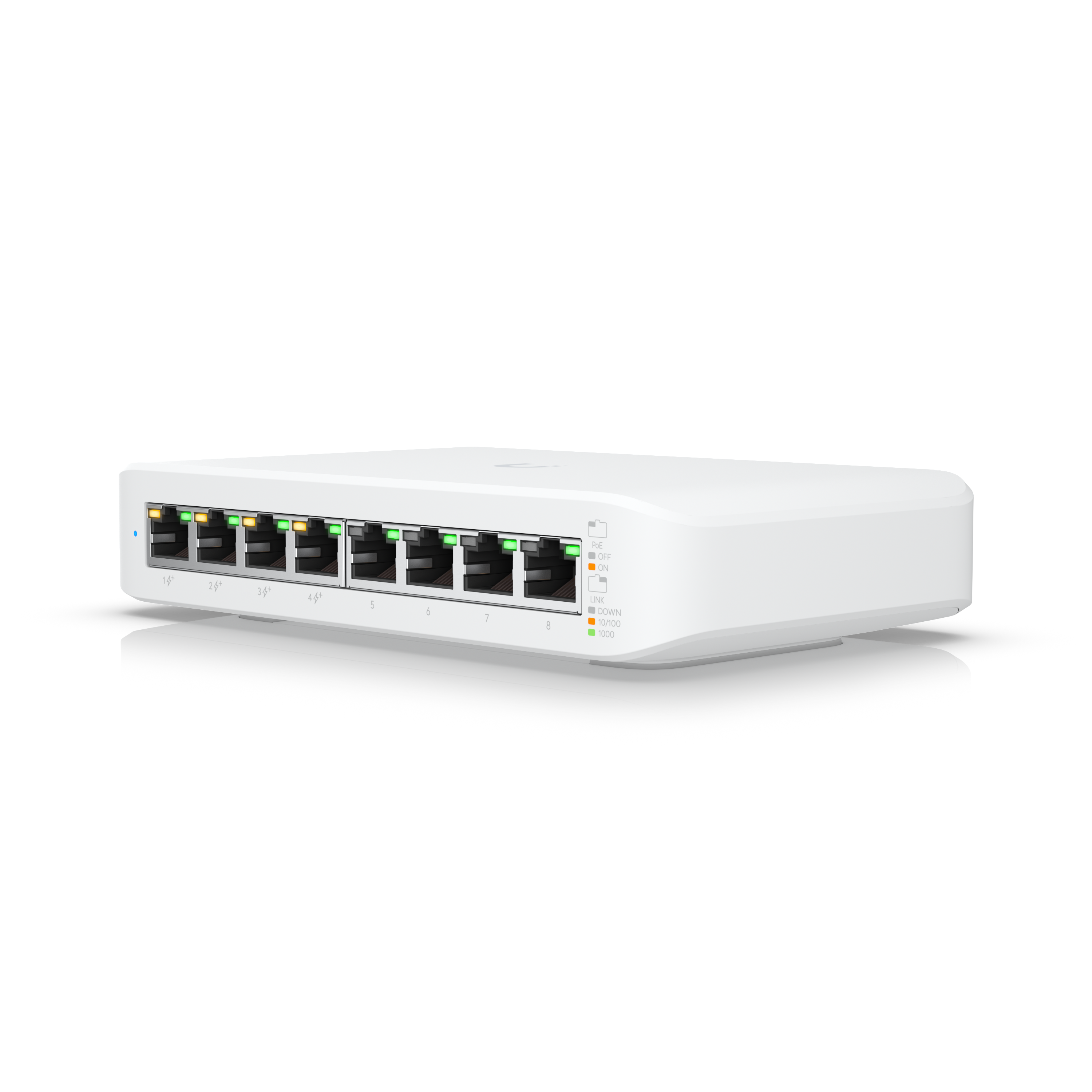
If you don't have any poe switches, pickup this one..


Thanks, pricy but I see the benefit if running other Ubiquiti products, I will have to find cheaper options for the short term though or delay getting everything in and working.
 
Was referring to the pricing....
Fair enough, bit misleading.

@Pho3nix Definitely check out Reyee cloud POE switches and their ceiling & wall mount APs.

I personally find switches are switches are switches but for the price and cloud management of the Reyee stuff, you can’t go wrong.
 
An update, a small one which I hope leads to bigger ones, although it will be a while before I have the kit I at least think I want...

I managed to find cables for the PoE adapters for the two UAP's I was gifted and plan to use in our house. I have also been gifted a USG which I need to figure out how to use because at the moment our existing UAP is merely an AP with no intelligence behind it. So I plan to get the USG up and running along with the two additional UAP's, keeping the existing Asus WiFi router and UAP running to minimise downtime and disruption.
 
I am not finding time to get to setting up the USG and two additional UAP's but did have a look at our network as there is a huge mess in the cupboard where the ONT, WiFi Router, Alarm Panel, etc. is installed and this is what I have thus far, I just need to confirm what is in the 'monitor' box in the driveway...

1724085968634.png

My plan is to setup the USG with a feed from the Asus router for internet connection and the two additional UAP's as a separate network so I can move devices around with minimal interruptions and/or downtime.
 
Last edited:
I am not finding time to get to setting up the USG and two additional UAP's but did have a look at our network as there is a huge mess in the cupboard where the ONT, WiFi Router, Alarm Panel, etc. is installed and this is what I have thus far, I just need to confirm what is in the 'monitor' box in the driveway...

View attachment 1751939

My plan is to setup the USG with a feed from the Asus router for internet connection and the two additional UAP's as a separate network so I can move devices around with minimal interruptions and/or downtime.

Just to clarify you want to have 2 separate networks, one on the USG and another on the ASUS? Seems overly complex
 
Just to clarify you want to have 2 separate networks, one on the USG and another on the ASUS? Seems overly complex
Seems temporary, while devices are moved to the USG backed network..

So keep everything connected, across two networks and only have one device disconnected at a time while it's moved to the USG side..
 
Seems temporary, while devices are moved to the USG backed network..

So keep everything connected, across two networks and only have one device disconnected at a time while it's moved to the USG side..

@Mzezman - @WAslayer explained it, I eventually just want the Unifi kit handling our network but have quite a few devices like smart switches, WiFi cameras, weather station, Sonos speakers, etc. that are a pain to connect to a new network and will take time to do so. So instead of canning the current network, get the Unifi one in and slowly move devices to it before removing the Asus WiFi router and only having the Unifi kit. Besides the Unifi kit allowing better management, security, etc. we have a long house so a mesh type network will just work way better than what we have now where I sometimes have to manually drop a WiFi network to connect to a stronger one.
 
@Mzezman - @WAslayer explained it, I eventually just want the Unifi kit handling our network but have quite a few devices like smart switches, WiFi cameras, weather station, Sonos speakers, etc. that are a pain to connect to a new network and will take time to do so. So instead of canning the current network, get the Unifi one in and slowly move devices to it before removing the Asus WiFi router and only having the Unifi kit. Besides the Unifi kit allowing better management, security, etc. we have a long house so a mesh type network will just work way better than what we have now where I sometimes have to manually drop a WiFi network to connect to a stronger one.
cost wise I'd just convert to Reyee... unifi is nice and all but like you said gonna take time to shift it all over. I do have a few tips but just wanted to say there is a cheaper option with almost the same performance. But meh... looks like an interesting setup.
 
cost wise I'd just convert to Reyee... unifi is nice and all but like you said gonna take time to shift it all over. I do have a few tips but just wanted to say there is a cheaper option with almost the same performance. But meh... looks like an interesting setup.

Thanks, I have a USG and two Unifi AP's sitting in a cupboard with a Unifi AP LR already running off the Asus WiFi router so besides some cabling, RJ45's and my time it isn't costing me anything. Time is the biggest issue, I just don't have much at all at the moment...
 
Thanks, I have a USG and two Unifi AP's sitting in a cupboard with a Unifi AP LR already running off the Asus WiFi router so besides some cabling, RJ45's and my time it isn't costing me anything. Time is the biggest issue, I just don't have much at all at the moment...
Yea. I get you. it's the config unifi just takes time well at least I feel that way same goes for the brands of choice. I just did a setup now with Reyee outdoor AP and their router switch and I think at most I spent like 35min to setup the entire network I mean whatever software they use for auto-provisioning is just amazing. Unifi gonna take a bit to setup, I also agree, run some cable and get rid of the bridges unless you really need to have them, simplify the network, will make it really robust.
 
Top
Sign up to the MyBroadband newsletter
X