My first order ...

Dolby

Honorary Master
Joined
Jan 31, 2005
Messages
39,132
Reaction score
6,138
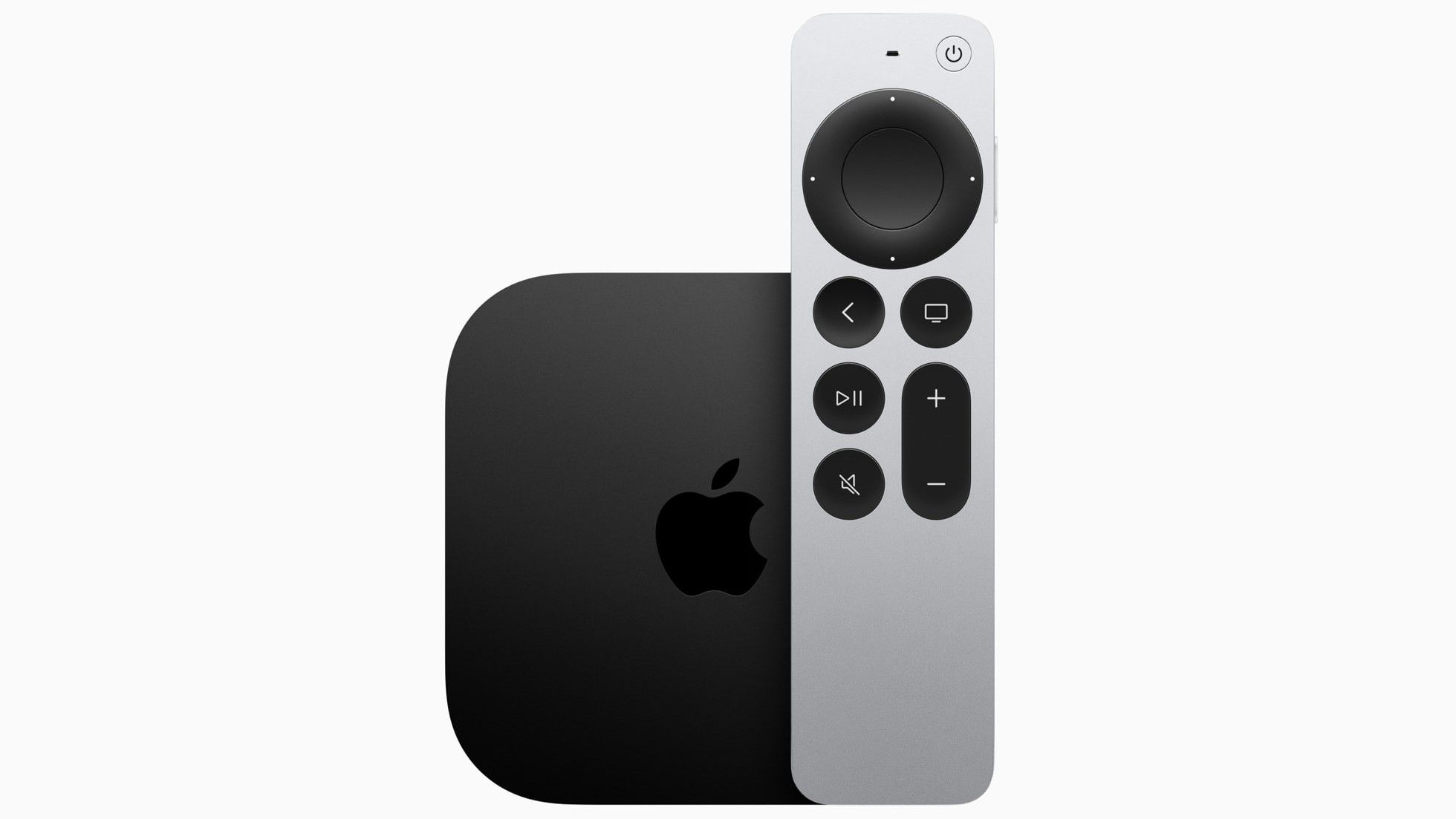
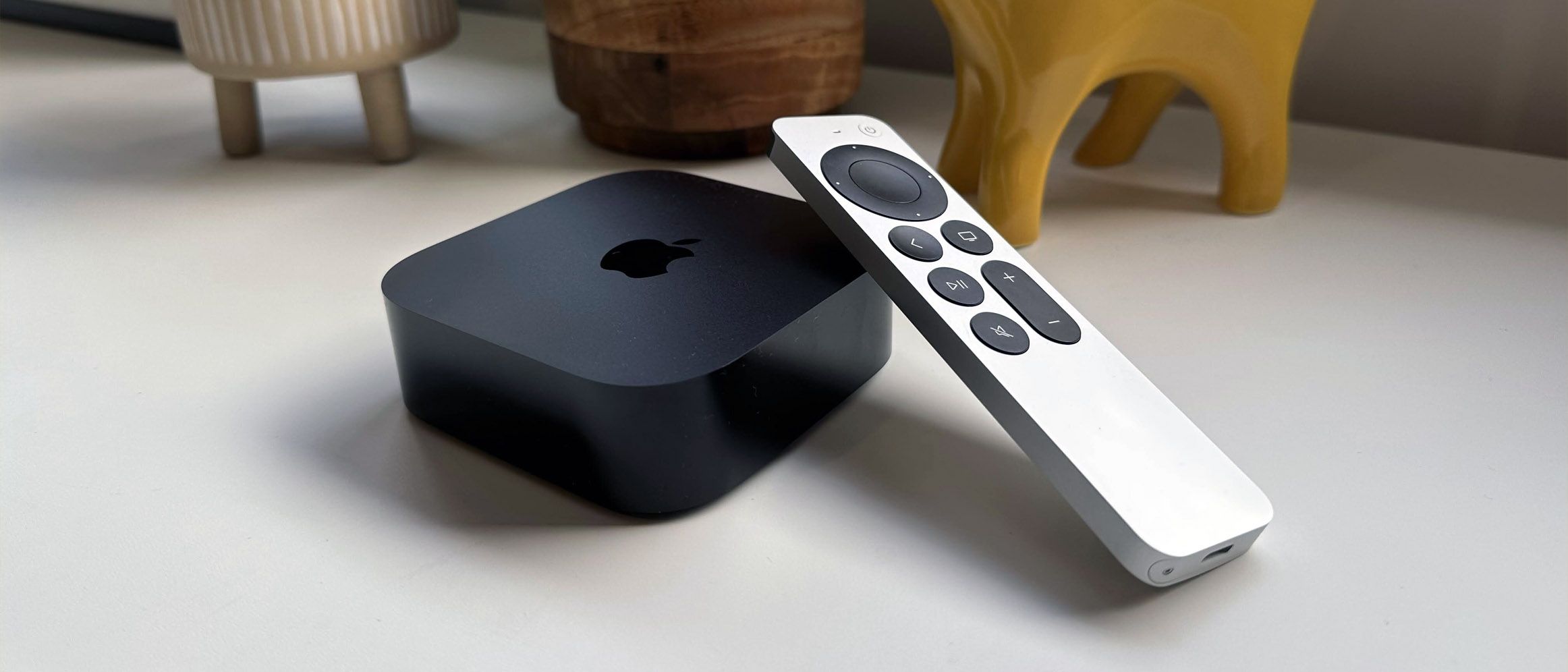
So, I ordered my first Apple product in many years - Apple TV 4K

I've had a previous generation Apple TV, iPads, iPods - but I haven't had anything nothing recently. I've also cancelled my Spotify & Tidal and going to be trying Apple One for both the movies and music. I'm aware they'll probably have a newer Apple TV 4K in the next 6 months, but doesn't really phase me. I've started looking for an older iPhone as well (maybe 11 or 12 Pro), but that'll more than likely happen a bit later

My question though - I have 3 terrors running around the house and I don't want then to go near the remote. Can I put it aside and use my TV remote via HDMI CEC only ? Not interested in Siri at all - really just navigation of the interface
 
You have a Samsung TV, right? Their modern TV remotes allow you to control things like the DSTV decoder so, I would imagine an Apple TV should be even better supported. Don't even need CEC, but Google says HDMI CEC is supported with the device.
 
So, I ordered my first Apple product in many years - Apple TV 4K

I've had a previous generation Apple TV, iPads, iPods - but I haven't had anything nothing recently. I've also cancelled my Spotify & Tidal and going to be trying Apple One for both the movies and music. I'm aware they'll probably have a newer Apple TV 4K in the next 6 months, but doesn't really phase me. I've started looking for an older iPhone as well (maybe 11 or 12 Pro), but that'll more than likely happen a bit later

My question though - I have 3 terrors running around the house and I don't want then to go near the remote. Can I put it aside and use my TV remote via HDMI CEC only ? Not interested in Siri at all - really just navigation of the interface

I would think it is possible but have not tried it since I just use my iPhone as a remote.
 
Samsung TV, yup ...

It controls everything else correctly, but I just wanted to double check the Apple TV and whether there was any other negative to hiding the remote
 
So, I ordered my first Apple product in many years - Apple TV 4K

I've had a previous generation Apple TV, iPads, iPods - but I haven't had anything nothing recently. I've also cancelled my Spotify & Tidal and going to be trying Apple One for both the movies and music. I'm aware they'll probably have a newer Apple TV 4K in the next 6 months, but doesn't really phase me. I've started looking for an older iPhone as well (maybe 11 or 12 Pro), but that'll more than likely happen a bit later

My question though - I have 3 terrors running around the house and I don't want then to go near the remote. Can I put it aside and use my TV remote via HDMI CEC only ? Not interested in Siri at all - really just navigation of the interface

Apple doesn't work like that, it will be a good few years before there's a new one.

The remote is metal now so it's near indestructible. Even the old glass one was actually pretty much bulletproof.

On an iPhone/iPad you could have just used that as the remote, it's baked right in.

You can use HDMI-CEC with it yes, but probably some limited functionality, specifically I would imagine with the pop-up menus. But I haven't tried hard enough to find the key that replicates that, so maybe it is there after all.
 
Apple doesn't work like that, it will be a good few years before there's a new one.

The remote is metal now so it's near indestructible. Even the old glass one was actually pretty much bulletproof.

On an iPhone/iPad you could have just used that as the remote, it's baked right in.

You can use HDMI-CEC with it yes, but probably some limited functionality, specifically I would imagine with the pop-up menus. But I haven't tried hard enough to find the key that replicates that, so maybe it is there after all.

My wife disagrees...

@Dolby - I agree, the new remote is quote tough, and you can get silicone covers for them as well.

 
My wife disagrees...

@Dolby - I agree, the new remote is quote tough, and you can get silicone covers for them as well.


I expected far worse but so far both of mine have survived two kids.
 
Yes you can setup your Samsung remote under the apple tv settings menu.

Not a bad idea, as the remotes costs almost the same as a new apple tv to replace.

I have the older and new version of the apple tv's on different setups, and my 1 year old has already destroyed the previous gen one with the glass, and its not worth replacing.
 
Apple doesn't work like that, it will be a good few years before there's a new one.
Rumours are all saying something may be announced in the next 6 months. But, I'm happy with this version and it does pretty much everything (though, I'm still sketchy on the HDR workings on YouTube, as it can't content match). Regardless though, it gives the most constant experience without me needing t change platforms to get the best .


The remote is metal now so it's near indestructible. Even the old glass one was actually pretty much bulletproof.

Yea I heard that glass one was terrible - but as the poster below said, I'll get the silicone rubber for it
On an iPhone/iPad you could have just used that as the remote, it's baked right in.
Touch screen remotes suck IMO - that's why I HATED the Chromecast while it still relied on having a phone in your hand. To me, the best remotes are still the tactile proper old school units.
You can use HDMI-CEC with it yes, but probably some limited functionality, specifically I would imagine with the pop-up menus. But I haven't tried hard enough to find the key that replicates that, so maybe it is there after all.
I guess if the remote isn't as fragile as I thought and I can the silicone, then this isn't as much of a concern to me :)
 
Rumours are all saying something may be announced in the next 6 months. But, I'm happy with this version and it does pretty much everything (though, I'm still sketchy on the HDR workings on YouTube, as it can't content match). Regardless though, it gives the most constant experience without me needing t change platforms to get the best .


Yea I heard that glass one was terrible - but as the poster below said, I'll get the silicone rubber for it

Touch screen remotes suck IMO - that's why I HATED the Chromecast while it still relied on having a phone in your hand. To me, the best remotes are still the tactile proper old school units.

I guess if the remote isn't as fragile as I thought and I can the silicone, then this isn't as much of a concern to me :)

Oh yeah I agree physical buttons are better, but for the lack of finding the real one or just needing to something from the other room the software one is great.

New one should be pretty damn durable and I wouldn’t even bother with the silicone, but it’s so cheap to do so give it a try.

I very much doubt a new Apple TV is coming unless it’s a much smaller/cheaper one as a secondary product.
 
So, I ordered my first Apple product in many years - Apple TV 4K

I've had a previous generation Apple TV, iPads, iPods - but I haven't had anything nothing recently. I've also cancelled my Spotify & Tidal and going to be trying Apple One for both the movies and music. I'm aware they'll probably have a newer Apple TV 4K in the next 6 months, but doesn't really phase me. I've started looking for an older iPhone as well (maybe 11 or 12 Pro), but that'll more than likely happen a bit later

My question though - I have 3 terrors running around the house and I don't want then to go near the remote. Can I put it aside and use my TV remote via HDMI CEC only ? Not interested in Siri at all - really just navigation of the interface

I use my LG magic remote to control my Apple TV 4K - it rare that I use the Apple TV remote now.

@SauRoNZA - The only limiting thing I found is not being able to swipe of course; which is needed in the F1 TV app to show a contextual menu. That's the only time I get out the Apple TV remote - is when using that app.
 
I use my LG magic remote to control my Apple TV 4K - it rare that I use the Apple TV remote now.

@SauRoNZA - The only limiting thing I found is not being able to swipe of course; which is needed in the F1 TV app to show a contextual menu. That's the only time I get out the Apple TV remote - is when using that app.

Speaking of which how is the streaming with the F1 TV App?

I’m so tired of the DSTV Now garbage streams I’m strongly considering it.
 
Speaking of which how is the streaming with the F1 TV App?

I’m so tired of the DSTV Now garbage streams I’m strongly considering it.

Dude, is 100% better than the potato stream DSTV gives us. For R80 a month you can't go wrong. The App is decent too
 
Dude, is 100% better than the potato stream DSTV gives us. For R80 a month you can't go wrong. The App is decent too

I avoided it for the longest time thinking there is no Apple TV app, only to realise this weekend they did the silly thing of having multiple F1 apps for no bloody sensible reason.

Will try it by the next race for sure.
 
I avoided it for the longest time thinking there is no Apple TV app, only to realise this weekend they did the silly thing of having multiple F1 apps for no bloody sensible reason.

Will try it by the next race for sure.

They didn't have an official app for a long time. They launched the official app for ATV last year I think. But it's really good.

One thing to note; you get two different stream options in the app - can either listen to F1 TV commentators - with exclusive footage. Or switch to the international stream with Brundle. I always use international.

Will be keen to see how you get on with it.
 
So, I got the Apple TV.

How does one know that you're getting Dolby Atmos on Disney+, other than the soundbar display?

Going to audio settings on an Android TV has the Dolby logo, so I assumed something similar.
 
So, I got the Apple TV.

How does one know that you're getting Dolby Atmos on Disney+, other than the soundbar display?

Going to audio settings on an Android TV has the Dolby logo, so I assumed something similar.
Can't you long press on the quality settings same as the Android TV app and it will bring up the stats page?
 
Top
Sign up to the MyBroadband newsletter
X