My graphics card driver keeps uninstalling itself

Agent67

Honorary Master
Joined
Nov 7, 2020
Messages
28,008
Reaction score
20,150
Location
Western Cape
So, for some reason, since last week, I've had to replace my graphics card drivers almost every day.

Since it seems my PC uninstalls my graphics card drivers for no reason (AMD RX 580 4GB), and I lose the display completely until I restart my PC (turning it off and cold booting it). When then I'd find that my drivers were uninstalled and I got the basic Microsoft Display Driver instead (along with not-so-great display performance, games don't even run properly).

I've gone to the gpedit and stopped Windows Update from updating my drivers as shown here (didn't work):

I've done a complete uninstall and reinstall of Adrenaline and drivers (Chose the Factory Reset option and everything, also didn't work).

So I don't know what else I could do here... Does anyone have some ideas?
 
AMD cards are complete @h!te.... take it out and install an Nvidia card... Seriously.

I have three AMD cards sitting in boxes in my garage....
 
AMD cards are complete @h!te.... take it out and install an Nvidia card... Seriously.

I have three AMD cards sitting in boxes in my garage....
I bought this thing brand new a few months ago to replace my GTX 750 TI.

This advice of yours doesn't help me here...
 
So, for some reason, since last week, I've had to replace my graphics card drivers almost every day.

Since it seems my PC uninstalls my graphics card drivers for no reason (AMD RX 580 4GB), and I lose the display completely until I restart my PC (turning it off and cold booting it). When then I'd find that my drivers were uninstalled and I got the basic Microsoft Display Driver instead (along with not-so-great display performance, games don't even run properly).

I've gone to the gpedit and stopped Windows Update from updating my drivers as shown here (didn't work):

I've done a complete uninstall and reinstall of Adrenaline and drivers (Chose the Factory Reset option and everything, also didn't work).

So I don't know what else I could do here... Does anyone have some ideas?
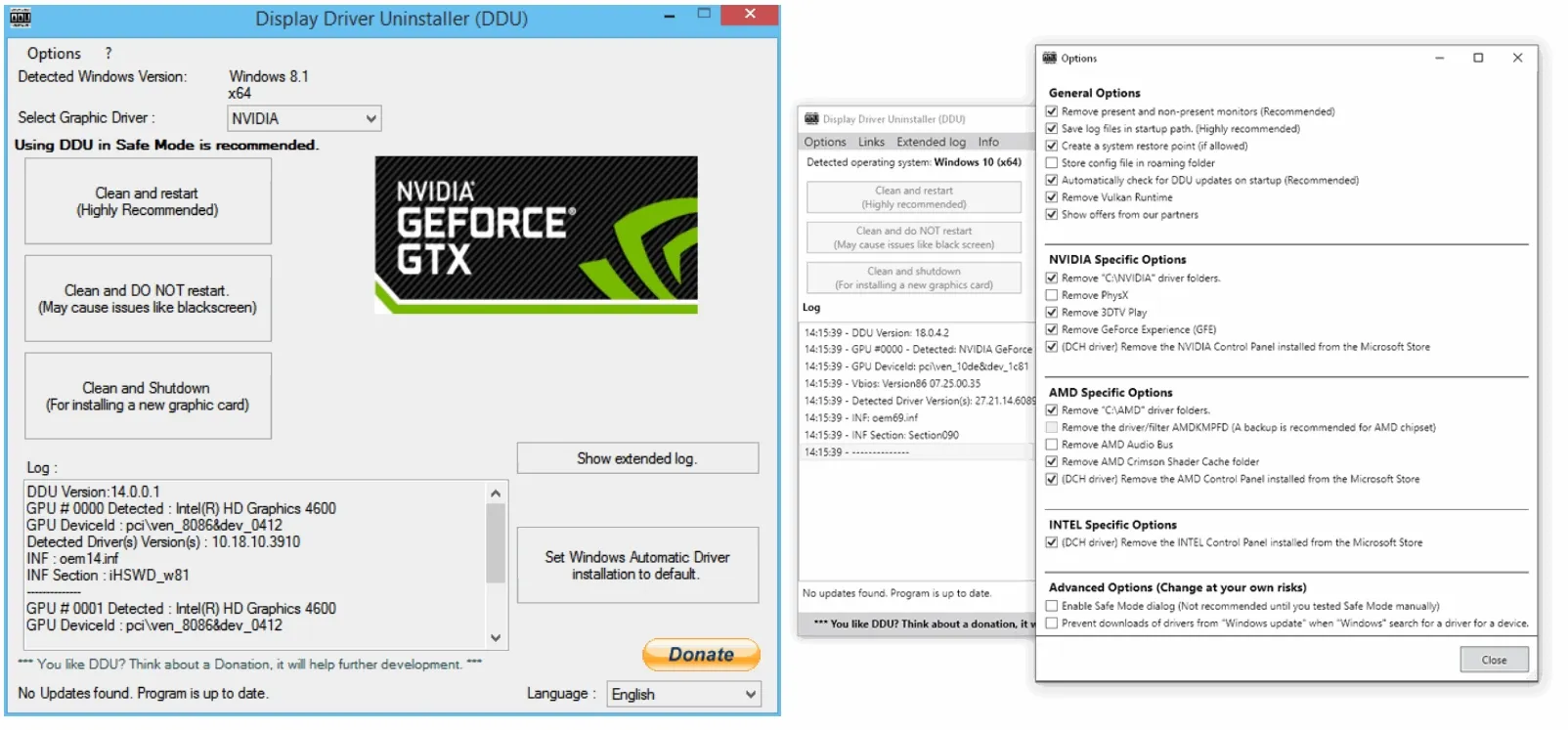
Did you try the ddu?

Otherwise I would also do remove not visible devices from device manager...
 
Did you try the ddu?

Otherwise I would also do remove not visible devices from device manager...
I'll try these. Thx.
 
Did you try the ddu?

Otherwise I would also do remove not visible devices from device manager...
1677660623831.png
For interest's sake...

The graphics card is detected, but I'm sure if I reenable the device I'll get black-screened again. Seems like the GPU is locking itself.
 
View attachment 1484753
For interest's sake...

The graphics card is detected, but I'm sure if I reenable the device I'll get black-screened again. Seems like the GPU is locking itself.
Honestly I would boot to save mode check this (device manager)

1677660874014.png

Then uninstall/remove everything from display adapters and remove drivers if prompted. Then after normal bootup, run DDU, let it restart, then finally attempt driver install. What more can be done than this?
 
I bought this thing brand new a few months ago to replace my GTX 750 TI.

This advice of yours doesn't help me here...
I'm sorry to hear that, but unfortunately you will end up taking the card out sooner or later.

So sad, that so many people get burned by this crapware.
 
If I am not mistaken, the latest drivers on AMD site are not compatible with older cards. Stop giving driver updates at some point, so need to use an older driver.
 
If I am not mistaken, the latest drivers on AMD site are not compatible with older cards. Stop giving driver updates at some point, so need to use an older driver.
What drivers would then work with my card?

What version number or..?
 
I did a fresh install of Windows 10 a couple of days ago, and the drivers it installed for the RX480 work fine.
Granted I have not gone ahead and then tried to install updated drivers from the AMD site, because I only use the GPU as a display out, not as a GPU (I don’t game on this PC)
 
Ok, so I did DDU. Got the latest drivers from the site.

Try to boot Serious Sam 4, and the game loads, I go to load game, loads game, press Continue, then get black-screened or the computer freezes up.

After the recent attempt, the drivers were uninstalled again. I ****ing got this:
fgdfgdfg.JPG

I followed the instructions on the MS link. Now to reinstall drivers (AGAIN).
 
Ok, so I did DDU. Got the latest drivers from the site.

Try to boot Serious Sam 4, and the game loads, I go to load game, loads game, press Continue, then get black-screened or the computer freezes up.

After the recent attempt, the drivers were uninstalled again. I ****ing got this:
View attachment 1485075

I followed the instructions on the MS link. Now to reinstall drivers (AGAIN).

or


maybe this will solve the issue
 
Top
Sign up to the MyBroadband newsletter
X