Positively Negative
Expert Member
Hey guys,
I would like to know how you guys manage all your passwords for Facebook,Twitter,Youtube,Google Plus,Blogs, Forums etc etc etc.
I currently have a few text files where I store all my passwords but if I think about it,it would be cake for someone to just get that folder someday and have access to my life
Do you guys generally use a standard password for all your passwords. That would make sense but then comes the hassle of usernames and remembering all of those.
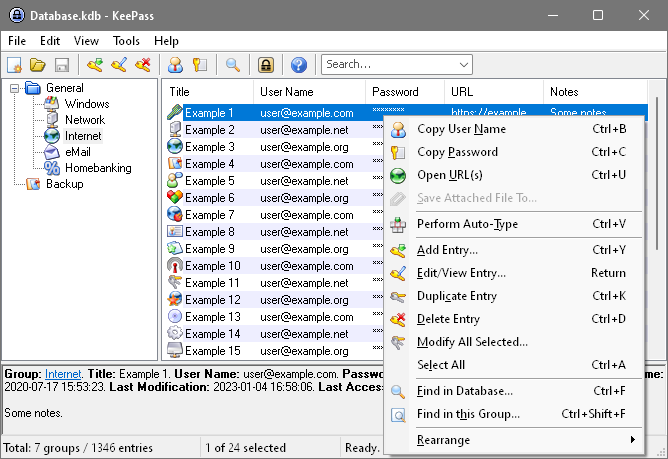
Is there a software I can use that stores passwords? I'm just a bit paranoid because my friend had my external recently and I know he wouldn't do anything swak like that , but it had me thinking I have to get my act in order.
Any advice on how you manage all your passwords to all the platforms we are connected to these days
Cheers
I would like to know how you guys manage all your passwords for Facebook,Twitter,Youtube,Google Plus,Blogs, Forums etc etc etc.
I currently have a few text files where I store all my passwords but if I think about it,it would be cake for someone to just get that folder someday and have access to my life
Do you guys generally use a standard password for all your passwords. That would make sense but then comes the hassle of usernames and remembering all of those.
Is there a software I can use that stores passwords? I'm just a bit paranoid because my friend had my external recently and I know he wouldn't do anything swak like that , but it had me thinking I have to get my act in order.
Any advice on how you manage all your passwords to all the platforms we are connected to these days
Cheers