Port Checking(which are open)

Ryansta

Senior Member
Joined
Nov 26, 2008
Messages
724
Reaction score
0
Hi all
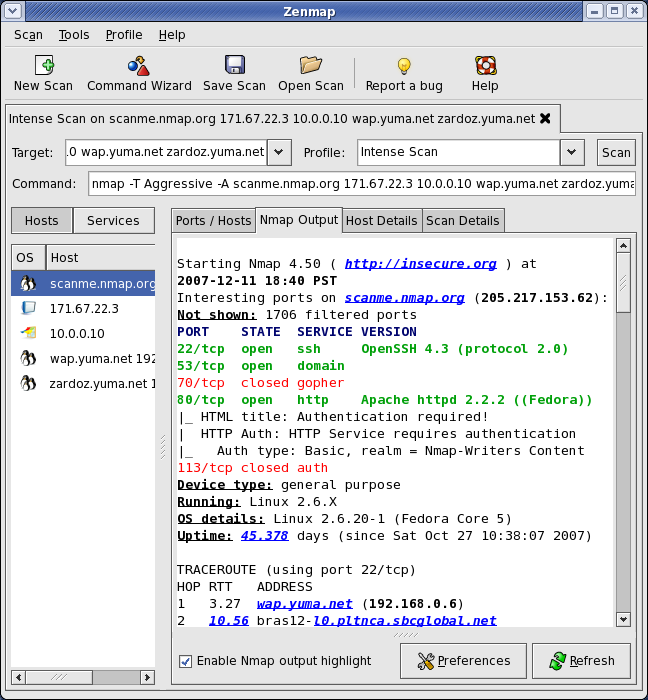
Wat is the easiest way to check for open ports? My ISP blocks none yet torrents and other programs that require odd ports are giving me issues. Same as i couldn't update steam on my pc, think that was vista related.
Thanks guys
 
Nice one guys thanks will give it a wirl tonight. If ports are blocked and its not my ISP any ideas of wats blocks them, using vista ultimate and i've even tried turning the firewall off.
 
Hey guys sorry but none of those work and netstat not sure wats potting. The first one just scans for active IP's the second one it a recovery tool and the last one i get an open physical memory error?
Help?
 
Angry IP scans for ports too. On the right of the Start button is a drop down. Click it and then check the Scan Ports box. Select the port range and go - Scan localhost. This will scan all ports and tell you which are open. As Veroland said, Netstat -a will show you all ports in use, listening ports and the program that opened the port. Useful if you wanted to know which ports are currently in use and why....
 
Angry IP scans for ports too. On the right of the Start button is a drop down. Click it and then check the Scan Ports box. Select the port range and go - Scan localhost. This will scan all ports and tell you which are open. As Veroland said, Netstat -a will show you all ports in use, listening ports and the program that opened the port. Useful if you wanted to know which ports are currently in use and why....

Cool thanks, tried playing around a bit but didnt have much luck.

@ all: If im being blocked on an external IP(not my own, i assume its my ISP's) is there anyting i can do?
 
Top
Sign up to the MyBroadband newsletter
X