Pulled out IDE HDD pin

So I basically just need to know if I can use a pin long enough to make contact with the PCB and IDE cable connector.

Or whether the pin has to be soldered to the PCB.
 
So I basically just need to know if I can use a pin long enough to make contact with the PCB and IDE cable connector.

Or whether the pin has to be soldered to the PCB.

Yes, the pin must be long enough to push through the pinless hole to the back. Where it must be soldered to the remaining part of the bend pin portion still soldered on the board. That simple.

The pin diameter must be the same as the existing pins so as to properly allow entry and connection to the ribbon cable socket without making the socket larger. If the pin is too thick then the ribbon cable could be "damaged" and prevent contact in future drives. If too thin then the same would happen with this current drive.
 
Yes, the pin must be long enough to push through the pinless hole to the back. Where it must be soldered to the remaining part of the bend pin portion still soldered on the board. That simple.

The pin diameter must be the same as the existing pins so as to properly allow entry and connection to the ribbon cable socket without making the socket larger. If the pin is too thick then the ribbon cable could be "damaged" and prevent contact in future drives. If too thin then the same would happen with this current drive.

Thanks. Hmmm, I have a pin from a fan connector that's almost identical to the width and length of the HDD pins.

But I see now that all the HDD pins are soldered to the "top" of the PCB - what's visible to the eye? So of course the fan pin needs to be bent so that it could be soldered, considering the pin missing isn't from the top level of the row of HDD pins.
 
You could always take a sewing pin, break off a small piece and use that as a pin.

I did that for an old 1.44" drive and it worked fine. Just try not unplug it, then the pin will fall out.

I won't take any responsibility for your actions though..

It's dodgy, I know - depends on how important your info is..

:)
 
You could always take a sewing pin, break off a small piece and use that as a pin.

I did that for an old 1.44" drive and it worked fine. Just try not unplug it, then the pin will fall out.

I won't take any responsibility for your actions though..

It's dodgy, I know - depends on how important your info is..

:)

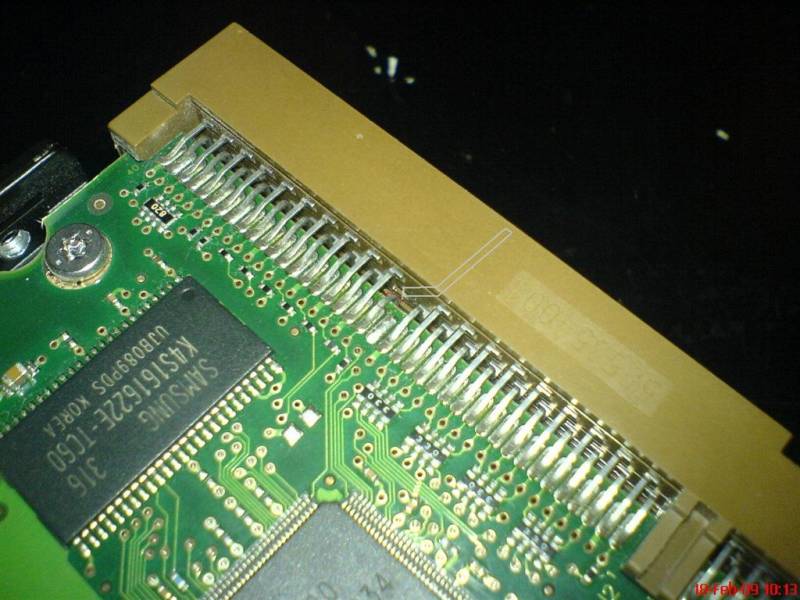
Yip. Except this pin was/is on the bottom row of HDD pins, so it needs to bend up after being put through the hole you see in the pic in one of the first posts, in order to touch the PCB.

Have tried a needle, snapped after trying to bend it, am now using a lighter to heat the next needle to bend it slightly...
 
Yip. Except this pin was/is on the bottom row of HDD pins, so it needs to bend up after being put through the hole you see in the pic in one of the first posts, in order to touch the PCB.

Have tried a needle, snapped after trying to bend it, am now using a lighter to heat the next needle to bend it slightly...

Good luck.

Wish you the best.

;)
 
Woot!

Got it working.

Thank goodness for the longer fan pin and superglue. ;)

Will add pics... Lol.
 
Awesome, had the same issue with a 300Gig! It was pushed in! :o

Only a millimeter stood out, took me a hour or so to pull it out! :p

Nice one!

I basically had to get the pin touching the couple of mm that stuck out from the PCB.

Thanks everyone for all input!
 
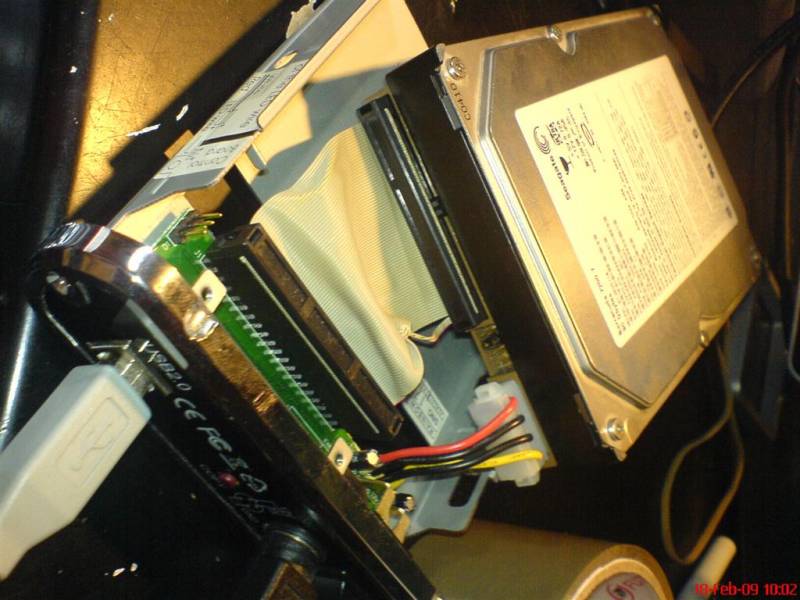
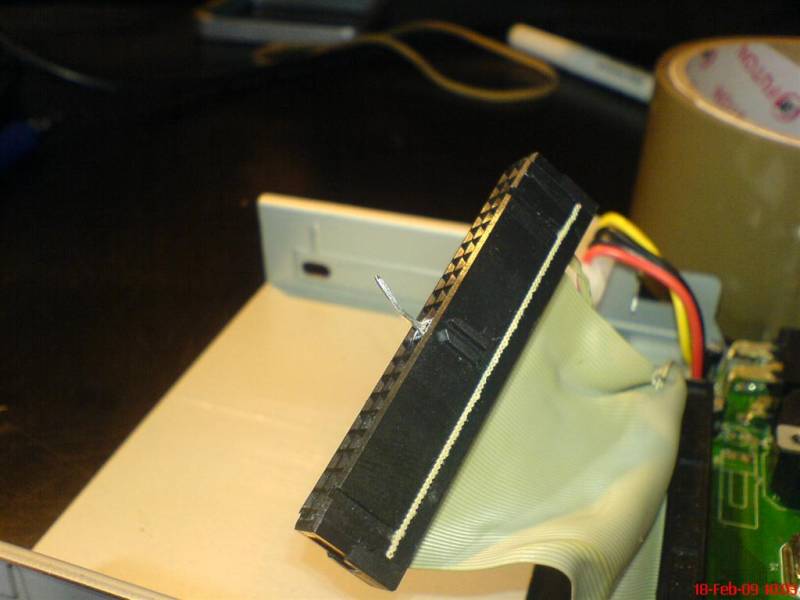
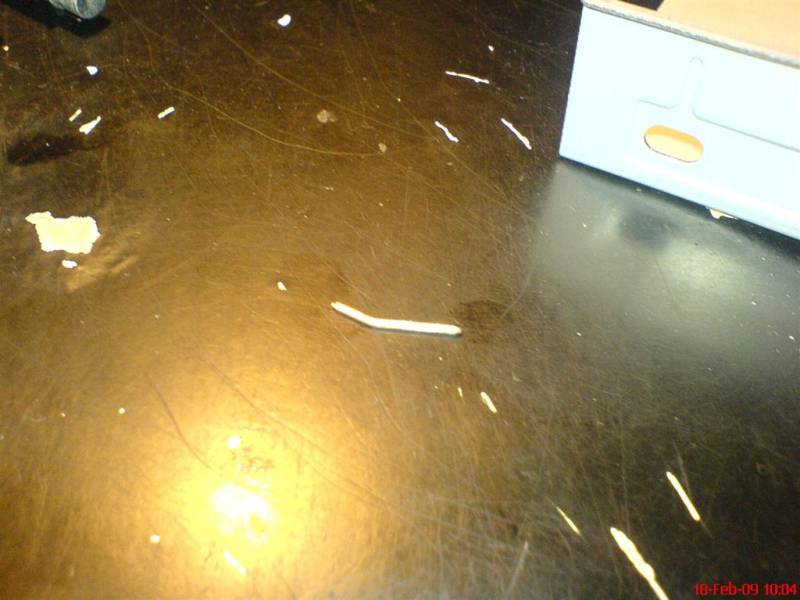
Here are the pics.

Couldn't get one of how neatly I had attached the fan pin through the IDE male connector to the PCB as after some use and super glue the fan pin stuck into the female ribbon connector.

DSC00173_Large_.JPG


DSC00175_Large_.JPG


DSC00176_Large_.JPG


DSC00178_Large_.JPG


:D
 
Top
Sign up to the MyBroadband newsletter
X