


quovadis
Honorary Master
Sonicwall can do this easily.I'm wanting failover and failback...
South Africa’s biggest forum. Discuss, discover, and connect with thousands of members.
Sonicwall can do this easily.I'm wanting failover and failback...
I ended up following this one:Sorry I thought I was linking this one
Hope that’s clearer. Really enjoyed his vids when I was in the MikroTik landscape. Is ROS7 that much different from 6?
Oh, and for anyone following thay one, the gent narrating is properly Hispanic... gwan = one, Bejon = beyond... LOLI ended up following this one:
There's a significant change from RouterOS 6 to 7 when it comes to recursive hops in routing, so instructions for 6 tend to use the same target scope when it should be higher than the static monitor routes for the two default routes. That had me spinning wheels for a bit, but all in all it wasn't too difficult once I figured out where the issue is. The only other thing I had a bit of trouble with was getting used to manually configuring interfaces etc. - e.g. I had to add my second router as a WAN interface after removing it from the bridge.
All in all it works way better than I'd hoped, thanks!
I'm looking forward to setting up some cool software and scripts on this baby.
Thanks everyone for the help!

Just searching for Draytek and came accross this, were can you get draytek routers in south africa? Google just giving me stuff that i can import.Importing? Distributor in Cape Town- can get them in a day. We resell the units weekly.

 miro.co.za
Mikrotik is far more capable in terms of what you can do with them but Ubiquiti has a very sleek hardware and admin which people love.So much hate for Mikrotik in this thread. Personally I've tried every brand under the sun and the only router that truly managed to help me get my home network under control was Mikrotik.
Mikrotik is far more capable in terms of what you can do with them but Ubiquiti has a very sleek hardware and admin which people love.

They can do what the Chinese routers can'tSo much hate for Mikrotik in this thread. Personally I've tried every brand under the sun and the only router that truly managed to help me get my home network under control was Mikrotik.
They can do what the Chinese routers can't
Also, the whole user interface is clearly aimed at programmers. So if you understand their lingo somewhat, then it becomes easier.
The only issue with their products is RF performance so I do not advise making them a WiFi AP for performance scenarios as interference is an issue and the RF output is not optimal.
My primary router is a Mikrotik rack mount RB951 series. On that unit I have a lot of scripts running, one of them send me a Telegram message when the IP address changes.
Absolutely the best adviceTo be honest.
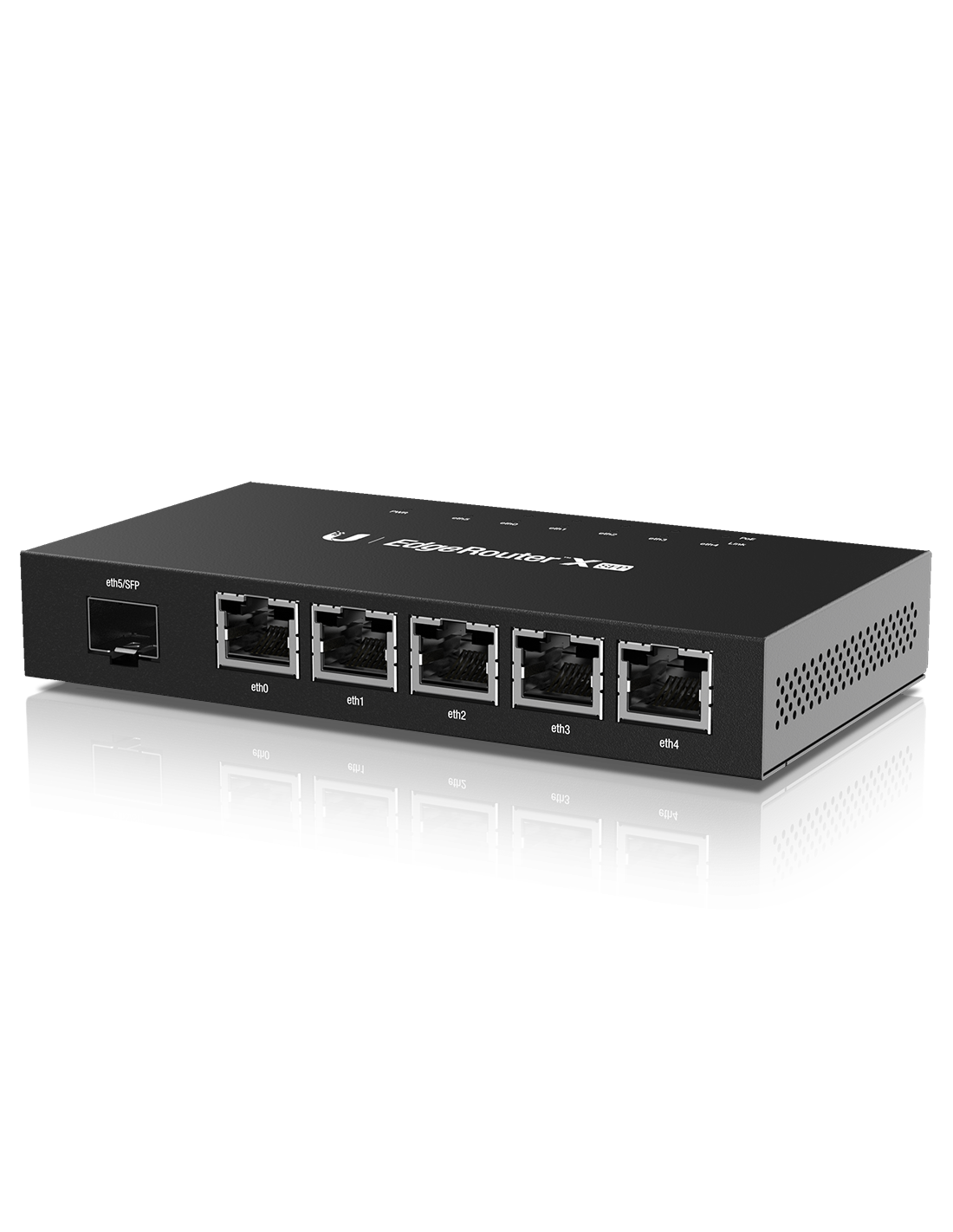
I would just import one of these
and install OpnSense or PFSense on it, it will do all the above you want.
OPNsense® is an open source, feature rich firewall and routing platform, offering cutting-edge network protection. - OPNsense
We’ve made digital security accessible to everyone. With our free OPNsense® platform, you get all the features of expensive commercial firewalls and more. Enjoy open and verifiable sources in a product developed with and for a large user community.opnsense.org
pfSense® - World's Most Trusted Open Source Firewall
pfSense is a free and open source firewall and router that also features unified threat management, load balancing, multi WAN, and morewww.pfsense.org
Even buy a small pc throw a few intel 1G network cards in there and be on the way.
if you really want
Local supplier for something similar but limited to pfsense only
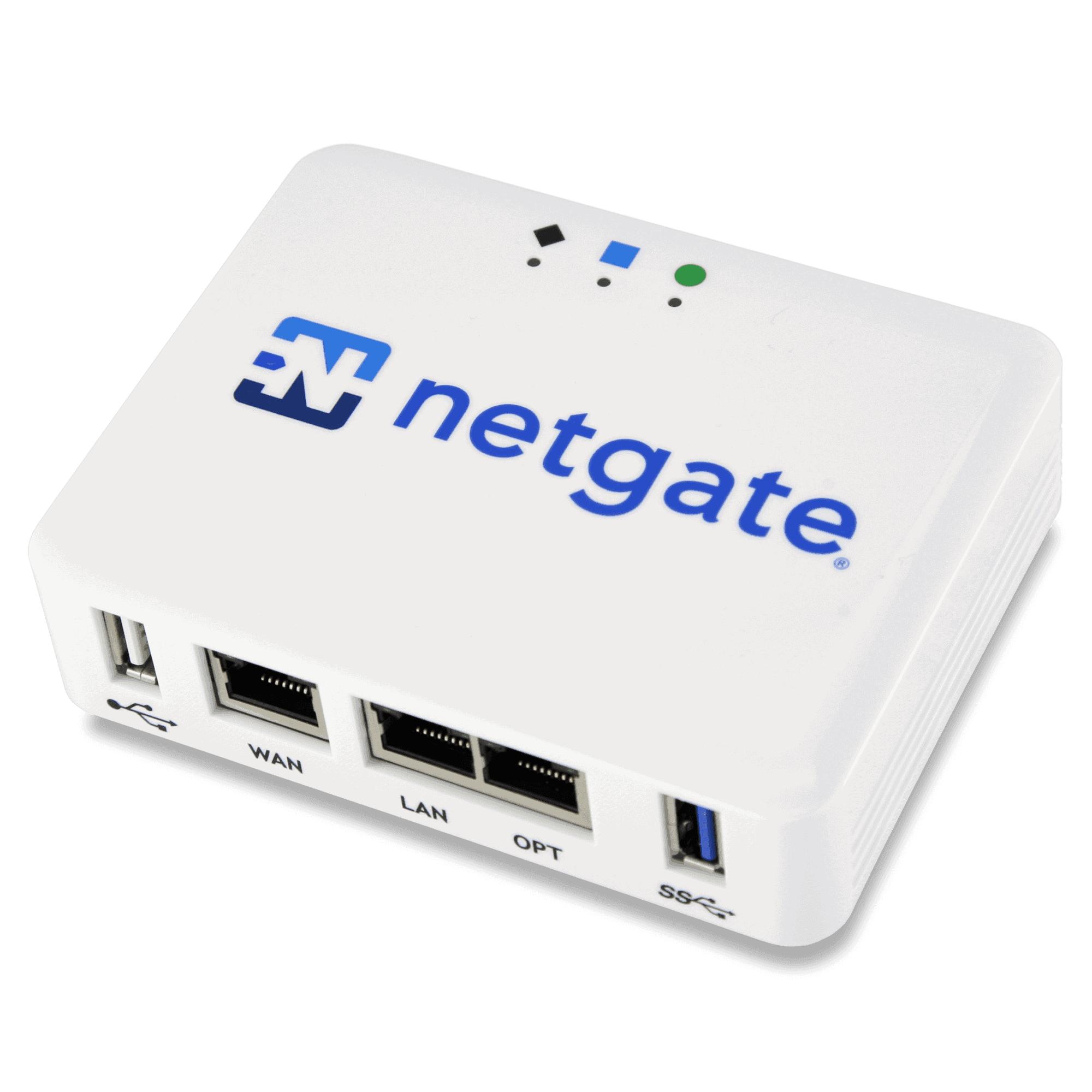
Netgate 1100 pfSense+ Security Gateway - tech.co.za
Buy Netgate 1100 pfSense+ Security Gateway online at tech.co.za. pfSense firewall ideal for SOHO ✓ Fast shipping ✓ Best prices.tech.co.za

