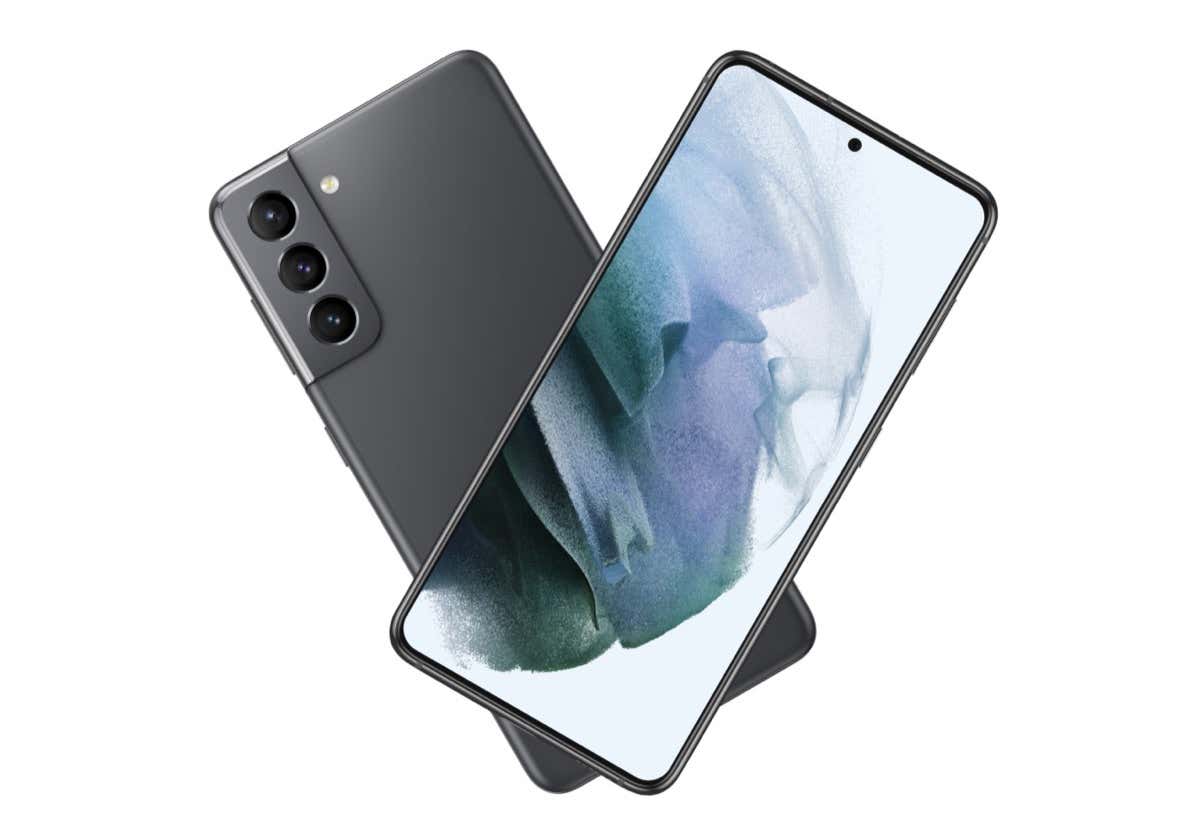
Samsung A34 firmware question

Hemps

Honorary Master
Joined
Jan 19, 2009
Messages
11,665
Reaction score
1,633
Location
Slummies
I bought a new Samsung A34 for R4000, I see it is a vodacom phone so uninstalled all their stuff I could and added my MTN sim to Sim1, all has been working fine for over 3 weeks , until Tuesday when I now get Emergancy calls only.
Reset phone but still Emergancy calls only.
Tried mtn sim in Sim2 and it has been working since but I have a 256gb micro SD card I would like to use.
Tried a Vodacom/Telkom sim in sim1 and it works, tried a buddies MTN sim and mine again in Sim1 but still Emergancy calls only.

Reddit people say I should flash firmware to get rid of Vodacom stuff?

Any ideas?
 
Did you try this?
 
I'm curious how Vodacom get their stuff/apps onto the phone ever after a reset.
 
I'm curious how Vodacom get their stuff/apps onto the phone ever after a reset.
It sounds like it's a Vodacom firmware, you could attempt to load a normal firmware?
 
Maybe from samfrew website they seem to have Android 14 firmware that matches mine.
 
Maybe from samfrew website they seem to have Android 14 firmware that matches mine.
Yeah, does sound like there is a Vodacom firmware currently, you'd just need to flash a none branded firmware, though I'm not sure warranty and such.
 
I see XFV (Vodacom) and XFE (MTN) and XFA (Unbranded)
 
Last edited:
Tried others and removed Vodacom stuff at least, reckon MTN has blocked emei no for sim1.
 
sim 1 is reserved for the brand ,sim 2 is open but sometimes not for full speed
 
So basically only a Vodacom sim will work in Sim1
I upgraded my personal Vodacom contract to get my SO his Samsung A34. He is on Capitec Connect though. The sim works fine in slot 1. Cals work, data works on 4G. Only thing that does not work is VoLTE, but that is because Capitec Connect does not yet suppot VoLTE as per their twitter post to me.
 
Options seem to only be, contact MTN which wont help as I dont have receipt or even original owners details.
Or local paki cell shops.
I was warned here on myBB to not buy it....eish
 
EMEI checks on various websites all show clean.
go get an original vendor pay as you go sim ,put it in slot 1 for a minimum of 24 hours ,then swop it out .that used to be how the pay as you go services phones were registered.
 
EMEI checks on various websites all show clean.
ie if the phone had to be registered to the vodacom network on purchase you had to put a vodacom card in for a minimum time ,that was 24 hours to 7 days .then you could swop out but it had to be a pay as you go .dont even load airtime just activate it,so you will need to put a mtn prepaid in for a few days to register it ,that is if it hasnt been registered to say cell c ,etc
 
Last edited:
Top
Sign up to the MyBroadband newsletter
X