The AirTies thread

With all the rain and load shedding this weekend, I had some time to karring rond in the study. Took out a 150W inverter, 18Ah battery box (Sherlotronics battery backup for cameras, alarm etc). Connect it all up and now I have the Fibre box thingy, router, efergy hub, 1x air tie and my HASSIO raspberry running smoothly during loadshedding. No more weird IP address issues when the other stuff start up after load shedding.

Would like to bypass the inverter and go DC-DC just to make the whole system more efficient, but this was a quick test and even with the inefficient inverter it easily last with al these devices.
 
With all the rain and load shedding this weekend, I had some time to karring rond in the study. Took out a 150W inverter, 18Ah battery box (Sherlotronics battery backup for cameras, alarm etc). Connect it all up and now I have the Fibre box thingy, router, efergy hub, 1x air tie and my HASSIO raspberry running smoothly during loadshedding. No more weird IP address issues when the other stuff start up after load shedding.

Would like to bypass the inverter and go DC-DC just to make the whole system more efficient, but this was a quick test and even with the inefficient inverter it easily last with al these devices.
Thanks. The UPS working for LTE modem router.

So 500W inverter should handle tv, fibre router and modem plus switch.

Why do you state inverter inefficient? Sorry pretty ignorant ito electrics.
 
Whenever you convert one thing to another (Either DC-DC, DC-AC or even AC-DC) there is losses. A very good DC-DC PSU is maybe 90%+ efficient, so you put in 100W and only get out 90W. Now the Waeco inverter is probably not the best on the market so I guess it might be maybe ±80% efficient (they claim up to 90%), so that is an almost 20% loss due to inefficient conversion.

The better efficiency the supply has, the more available power will be used by the devices and not wasted as heat (heat = wasted energy)
 
Whenever you convert one thing to another (Either DC-DC, DC-AC or even AC-DC) there is losses. A very good DC-DC PSU is maybe 90%+ efficient, so you put in 100W and only get out 90W. Now the Waeco inverter is probably not the best on the market so I guess it might be maybe ±80% efficient (they claim up to 90%), so that is an almost 20% loss due to inefficient conversion.

The better efficiency the supply has, the more available power will be used by the devices and not wasted as heat (heat = wasted energy)
Thanks

Any dc to dc ups? Currently smartpower inverter from takealot my preference.
 
Ordered a samsung smart things hub.


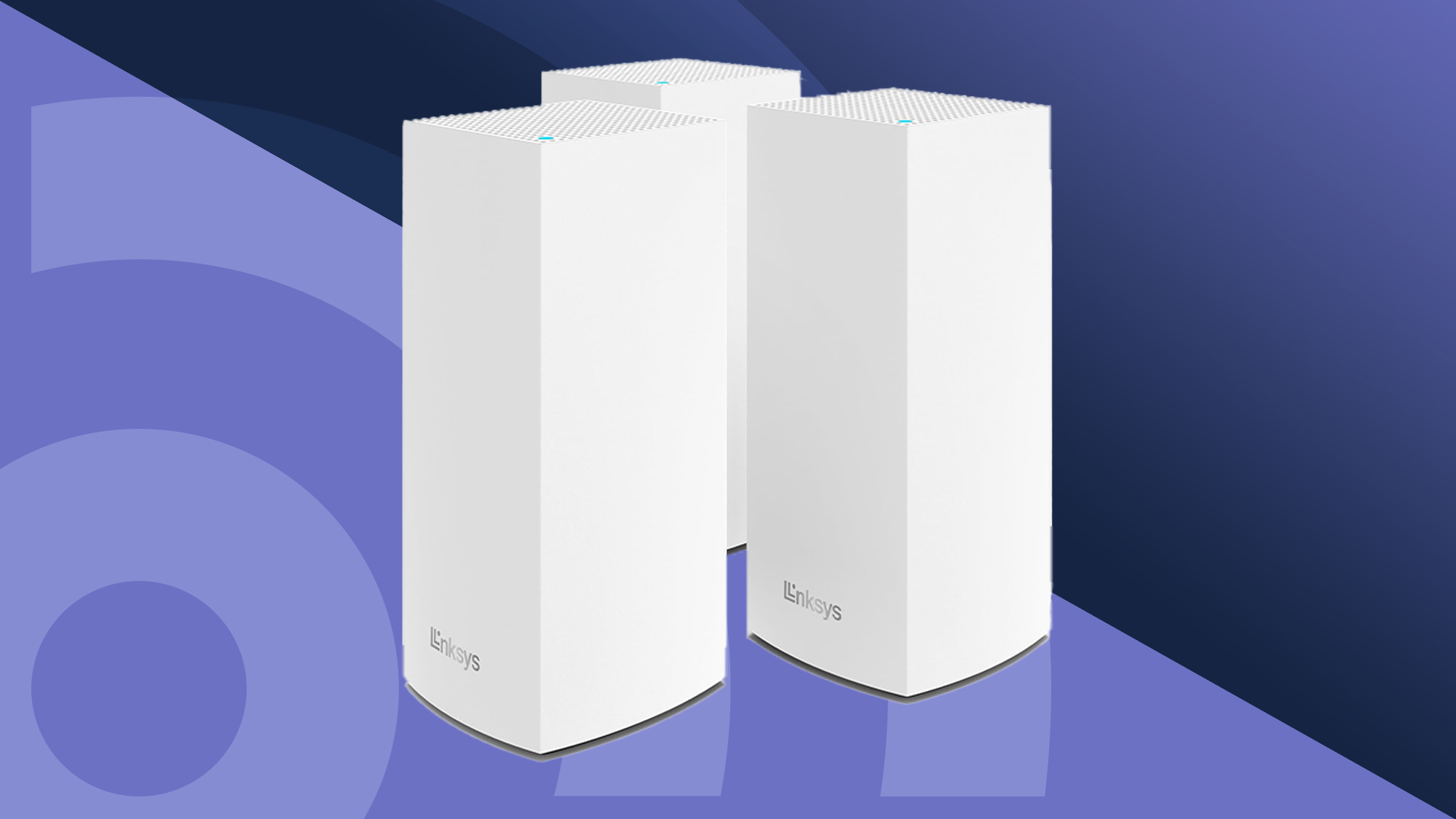
Wondering if I should replace airties mesh with the velop mesh as its a smart things compatible.

Cancelled the order. Rather stick to wifi devices. But still considering Velop mesh as an option.
 
Last edited:
One of my nodes just decided it didn't want to be a part of the family no more... :-| tried factory resetting it now the P8R8 network is showing up but it wont rejoin the mesh.. sigh. All because i tried changing the 5GHZ channel on the one device
 
Reset them all

Kept losing connection initially. Thought it was overheating but just reset all and set up afresh.
 
Reset them all

Kept losing connection initially. Thought it was overheating but just reset all and set up afresh.

I suppose i do have the configs saved so setting them up wouldn't be a mission -just a PITA that they crash every so often
 
2 of my devices just went blinking red, all by themselves :( Been having issues with them over the past 6 months or so, WiFi lights not coming on when starting up , power light not flickering on startup , etc.
Will give it one more reset and then start looking for something else. Maybe deco m5 or m9. Will need a triple pack m5 or maybe a double pack M9... m9 just pricey though

/update .. ok , so all are up again... really annoying though
20191229_135920533_iOS.png
 
Last edited:
2 of my devices just went blinking red, all by themselves :( Been having issues with them over the past 6 months or so, WiFi lights not coming on when starting up , power light not flickering on startup , etc.
Will give it one more reset and then start looking for something else. Maybe deco m5 or m9. Will need a triple pack m5 or maybe a double pack M9... m9 just pricey though

/update .. ok , so all are up again... really annoying though
View attachment 760972

Yeah they are buggy sometimes - Only 1 of mine has all green lights lit up, the other 2 are flashing white lights but all have connectivity, lol. Also the Ethernet backhaul is not really working but anyhow
 
2 of my devices just went blinking red, all by themselves :( Been having issues with them over the past 6 months or so, WiFi lights not coming on when starting up , power light not flickering on startup , etc.
Will give it one more reset and then start looking for something else. Maybe deco m5 or m9. Will need a triple pack m5 or maybe a double pack M9... m9 just pricey though

/update .. ok , so all are up again... really annoying though
View attachment 760972
Look below:


Personally like the velop system but I have partial bias towards the linksys brand.


Also see for wyze cameras:

 
Last edited:
Has anyone used / setup the guest wifi on these? Does the User isolation work or is it a gimmick?

I ask this because I created a guest network and enabled user isolation. I then added my phone to the guest network but was still able to see other devices on the LAN - now not sure if this is because i also have the non-guest network or if indeed it doesn't work. Any thoughts?
 
Have a guest network but haven't used it ... so not sure.
 
Connected Wyze cam to mesh. Strangely had to turn off the 5ghz.

Now my one airtie not connecting ... neither 2.4 nor 5ghz lights going on

Will reset everything and try again.
 
Connected Wyze cam to mesh. Strangely had to turn off the 5ghz.

Now my one airtie not connecting ... neither 2.4 nor 5ghz lights going on

Will reset everything and try again.
I've setup a separate SSID that's 2.4ghz only for IoT devices. I've also hidden it so that WiFi snoopers don't see it.

Now if only the Airties sent through VLAN data with each SSID then I could manage them more finely on my router
 
I've setup a separate SSID that's 2.4ghz only for IoT devices. I've also hidden it so that WiFi snoopers don't see it.

Now if only the Airties sent through VLAN data with each SSID then I could manage them more finely on my router
Had to do the same with one of my wifi cams, The other one had no problems connecting to 2.4 from the main SSID. Currently playing around with an Orbi setup, and both cams operate without issues. Just had to point the problem one to the main SSID
 
Had to do the same with one of my wifi cams, The other one had no problems connecting to 2.4 from the main SSID. Currently playing around with an Orbi setup, and both cams operate without issues. Just had to point the problem one to the main SSID
How is the Orbi? Anyways seen great things about it... In terms of coverage and throughput? Also options for configuration? VLAN? Etc
 
Top
Sign up to the MyBroadband newsletter
X