The Official Xiaomi Thread

No the UK site does not include it, the .com does:

zcPwAA7.png


If you add the $65 import fees to the .uk site you get roughly the same price.
 
The google search app also can search your phone apps, on my Redmi 8 it does this as I am typing into the search box. The setting for this (which was enabled by default for me) is found in the search app by:
-Press the G, or do a random search so the bottom menu with items "Discover, Snapshot, Search, Collections, More" appears, and then go into "More"
-Then: Settings>General>Personal results>Apps(Names of installed apps)
Thank you very much. Exactly what I was looking for.
 
No the UK site does not include it, the .com does:

zcPwAA7.png


If you add the $65 import fees to the .uk site you get roughly the same price.

Thanks
 
Is it not worth waiting for one of the new models released today?
 
Anyone using Android Auto with their Redmi Pro 9?

New phone. The AA screen doesn't come up when connecting my phone to the car system via usb. Worked perfectly on my old Huawei.
 
Those of you with xiaomi phones with android 10 that has the google dialer and want to record calls, I eventually found an app that works : Call recorder (com.fragileheart.callrecorder)
Just make sure 'voice call' is selected as audio source in settings menu.

Used to be on the play store but was removed I guess cause of the very fact that it bypass the limit of not being able to record calls due to privacy laws in certain countries.
Only other way I could find is people saying one should flash the global version of your phone with the india firmware as theirs come with the normal MIUI phone dialer / recorder.

BTW, I tested this on my new Xiaomi Poco X3 NFC and it works - now need to find another app to record whatsapp - any suggestions?
 
Those of you with xiaomi phones with android 10 that has the google dialer and want to record calls, I eventually found an app that works : Call recorder (com.fragileheart.callrecorder)
Just make sure 'voice call' is selected as audio source in settings menu.

Used to be on the play store but was removed I guess cause of the very fact that it bypass the limit of not being able to record calls due to privacy laws in certain countries.
Only other way I could find is people saying one should flash the global version of your phone with the india firmware as theirs come with the normal MIUI phone dialer / recorder.

BTW, I tested this on my new Xiaomi Poco X3 NFC and it works - now need to find another app to record whatsapp - any suggestions?
Ok so Cube ACR also seems to work, followed this reddit discussion. Set the app settings as in the pic posted in the thread. Can also record outgoing whatsapp calls but both such calls and normal calls are not as loud as abovementioned call recorder in my own experience. When listening to a recording of a received whatsapp call on cube recorder, I can only hear my own voice.
 
Anyone using Android Auto with their Redmi Pro 9?

New phone. The AA screen doesn't come up when connecting my phone to the car system via usb. Worked perfectly on my old Huawei.
Previously, I found that if you run dual apps on a Xiaomi, Android Auto did not work.
 
Ok so Cube ACR also seems to work, followed this reddit discussion. Set the app settings as in the pic posted in the thread. Can also record outgoing whatsapp calls but both such calls and normal calls are not as loud as abovementioned call recorder in my own experience. When listening to a recording of a received whatsapp call on cube recorder, I can only hear my own voice.

Ok did some more googling and testing of my own. Apparently the Cube ACR on play store is different from the apk on the developers website (https://cubeacr.app) Download the apk directly and sideload it. I have now got normal calls and whatsapp recording working!
I have attached screenshots of my settings to this post - these worked for me on my Xiaomi Poco X3 NFC.
 

Attachments

  • 1607550638257.jpg
    1607550638257.jpg
    425.7 KB · Views: 74
  • 1607550638267.jpg
    1607550638267.jpg
    436.1 KB · Views: 74
Ok did some more googling and testing of my own. Apparently the Cube ACR on play store is different from the apk on the developers website (https://cubeacr.app) Download the apk directly and sideload it. I have now got normal calls and whatsapp recording working!
I have attached screenshots of my settings to this post - these worked for me on my Xiaomi Poco X3 NFC.

Greatly appreciated.
 
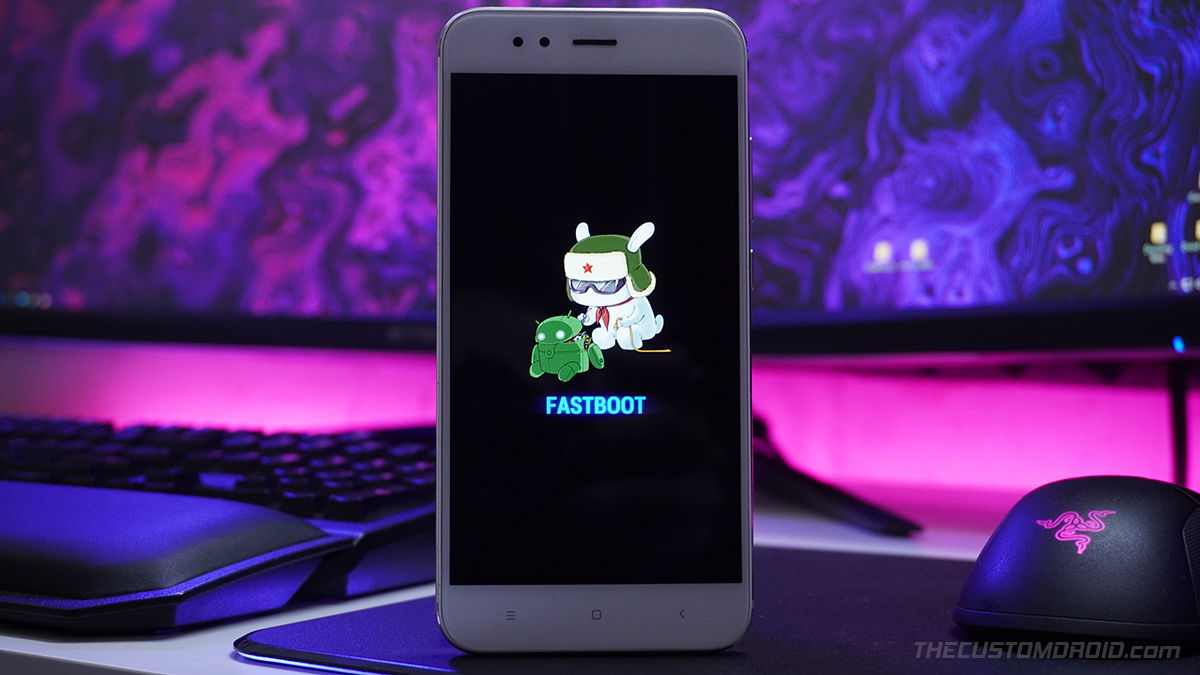
Hey, has anybody got a good idiot proof guide on flashing firmware for Xiaomi phones? I have googled and found plenty but I am worried about locking the bootloader etc and bricking the phone. So would prefer a recommended one here :)

The reason I need to do this is I imported a phone from China but the incorrect version of the firmware has been loaded and the camera doesn't work correctly (or keeps crashing). Basically I ordered a Mi 10 Lite 5G and they sent a Mi 10 Youth, they basically the same phone except they have different cameras, hence the problem with the camera keeping crashing if I try use anything beside the main lens. Thanks
 
Hey, has anybody got a good idiot proof guide on flashing firmware for Xiaomi phones? I have googled and found plenty but I am worried about locking the bootloader etc and bricking the phone. So would prefer a recommended one here :)

The reason I need to do this is I imported a phone from China but the incorrect version of the firmware has been loaded and the camera doesn't work correctly (or keeps crashing). Basically I ordered a Mi 10 Lite 5G and they sent a Mi 10 Youth, they basically the same phone except they have different cameras, hence the problem with the camera keeping crashing if I try use anything beside the main lens. Thanks
The easiest way is to use the Mi Flash Tool, with a Fastboot rom. Note that the boot loader must be unlocked and you need s Windows PC for this.

This is a fairly straightforward process. The link below gives nice instructions:

 
The easiest way is to use the Mi Flash Tool, with a Fastboot rom. Note that the boot loader must be unlocked and you need s Windows PC for this.

This is a fairly straightforward process. The link below gives nice instructions:

Thanks for the link, how do I know if the boot loader is unlocked? I see in the instruction you can unlock it with the unlock tool, so suppose I will just have to do that if it can't load.
 
Thanks for the link, how do I know if the boot loader is unlocked? I see in the instruction you can unlock it with the unlock tool, so suppose I will just have to do that if it can't load.
You can check with "Mi unlock status" under developer options. You will also see an unlocked padlock in the initial bit phase of the phone.
 
Top
Sign up to the MyBroadband newsletter
X