


Noted thanks,You can't punt your wares here unless you are registered as a company rep. Spammer accounts get banned.
Apologies
South Africa’s biggest forum. Discuss, discover, and connect with thousands of members.
Noted thanks,You can't punt your wares here unless you are registered as a company rep. Spammer accounts get banned.
Noted thanks,
Apologies

What/where is the best place (Cape Town area ideally) to use for a custom/gaming PC build? Any recommendations?
What/where is the best place (Cape Town area ideally) to use for a custom/gaming PC build? Any recommendations?
Wootware
Anyone know where I can pick up an external GPU enclosure?
The PC is designed for 2400MHz ram, can I safely use 2666MHz ram?
Likelihood is quite high, almost guaranteed, but you'll be running it at 2400 even though the module is capable of more.
Is there a way to know for sure that it will woek before buying?
I'm happy to run it at 2400MHz, the 2600 set is somehow cheaper than the 2400 ones.
Is there a way to know for sure that it will woek before buying?
Can I use this ram: https://raru.co.za/electronics/6091009-crucial-8gb-ddr4-2666mhz-memory-module
In this PC: https://www.lenovo.com/za/en/deskto...tower/Lenovo-V520-15IKL-Desktop/p/11LV1VDV520
The PC is designed for 2400MHz ram, can I safely use 2666MHz ram? Also, what would I need to do to make it work?

 www.crucial.com

 www.wootware.co.za
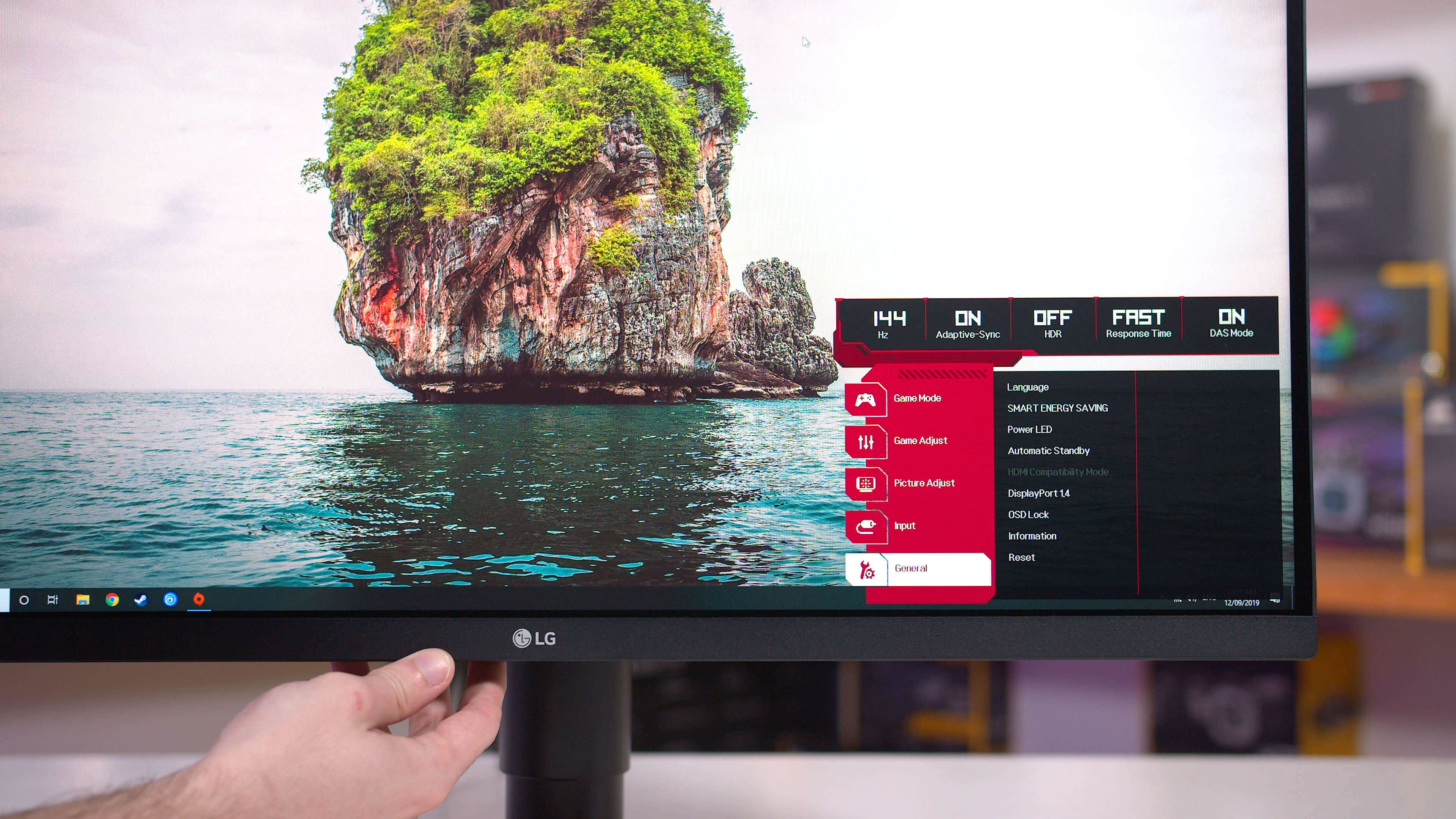
Also in the market for 1440p 144hz.Anyone have this monitor ? I read mixed reviews on it. Some people love it, and others say it's not that good. Anyone with it - what are your thoughts, and are there better alternatives in your opinion. I want 1440p - not HD
AOC CQ27G2 27" WQHD (2560x1440) 144Hz 1ms VA 1500R Curved FreeSync HDR Gaming Desktop Monitor - Wootware
Buy AOC CQ27G2 27" WQHD (2560x1440) 144Hz 1ms VA 1500R Curved FreeSync HDR Gaming Desktop Monitor at Wootware with fast shipping & superb service.
 www.techspot.com

Anyone have this monitor ? I read mixed reviews on it. Some people love it, and others say it's not that good. Anyone with it - what are your thoughts, and are there better alternatives in your opinion. I want 1440p - not HD
AOC CQ27G2 27" WQHD (2560x1440) 144Hz 1ms VA 1500R Curved FreeSync HDR Gaming Desktop Monitor - Wootware
Buy AOC CQ27G2 27" WQHD (2560x1440) 144Hz 1ms VA 1500R Curved FreeSync HDR Gaming Desktop Monitor at Wootware with fast shipping & superb service.


