The PC Build Thread

Status
Not open for further replies.
I also feel that way. Just itching for an upgrade.

oh forgot to add I also have a logitech z5500 sound system and was also thinking maybe get myself some nice edifier bookshelf speakers but going from 5.1 to 2.1 don't know if it's really a downgrade seeing as the actual speakers will be much better quality.

To scratch my itch, I got rid of all mechanical HDDs, and upgraded my OS drive to a 2TB 7Gbps NVME gen 4 SSD. It made a noticeable difference to my general windows experience. Now that my OneDrive is also no longer on my mechanical drive to save space, I don't have an OS freeze occasionally in Windows 11.
 
Are Mushkin SSD's ok. I had a Mushkin Helix 3 or 4 years back that I had to RMA and have been a bit sceptic. But I really need a SSD now.

MB: https://www.asus.com/za/motherboards-components/motherboards/prime/prime-a320m-k/

I was looking at either of these two drives: (which would you guys recommend and why?)

https://www.wootware.co.za/mushkin-...e-4-0-x4-nvme-m-2-2280-solid-state-drive.html

https://www.wootware.co.za/mushkin-...e-m-2-2280-pcie-3-0-x4-solid-state-drive.html

The Vortex LX seems the better purchase?
 
Are Mushkin SSD's ok. I had a Mushkin Helix 3 or 4 years back that I had to RMA and have been a bit sceptic. But I really need a SSD now.

MB: https://www.asus.com/za/motherboards-components/motherboards/prime/prime-a320m-k/

I was looking at either of these two drives: (which would you guys recommend and why?)

https://www.wootware.co.za/mushkin-...e-4-0-x4-nvme-m-2-2280-solid-state-drive.html

https://www.wootware.co.za/mushkin-...e-m-2-2280-pcie-3-0-x4-solid-state-drive.html

The Vortex LX seems the better purchase?
I have a Mushkin SSD. Haven't had any issues with mine. I have the Vortex one you mentioned, but the 1TB one.
 
Are Mushkin SSD's ok. I had a Mushkin Helix 3 or 4 years back that I had to RMA and have been a bit sceptic. But I really need a SSD now.

MB: https://www.asus.com/za/motherboards-components/motherboards/prime/prime-a320m-k/

I was looking at either of these two drives: (which would you guys recommend and why?)

https://www.wootware.co.za/mushkin-...e-4-0-x4-nvme-m-2-2280-solid-state-drive.html

https://www.wootware.co.za/mushkin-...e-m-2-2280-pcie-3-0-x4-solid-state-drive.html

The Vortex LX seems the better purchase?
Pilot-E would be my choice here.
Almost all of my devices have one of these running in em.
 
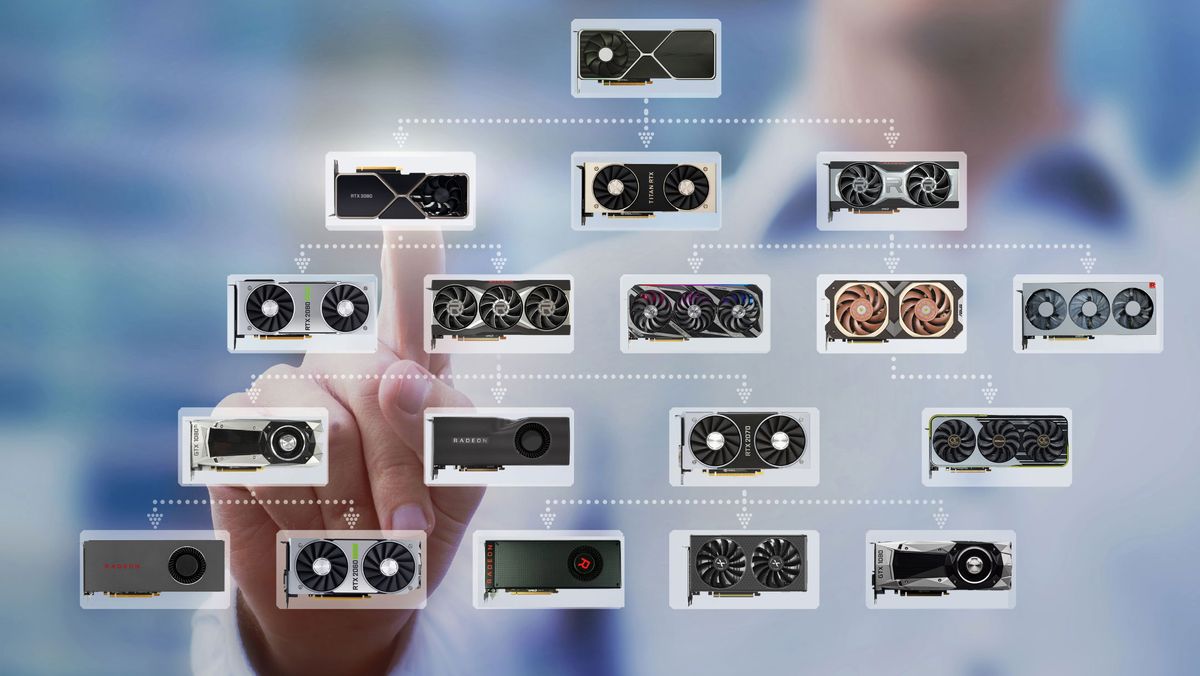
does anyone have a performance chart for the various GPU's... showing a score table/chart ?

G
For a specific game? Or in general? This will give you a relatively good look, though it does differ by game and resolution sometimes.

 
does anyone have a performance chart for the various GPU's... showing a score table/chart ?

G
I always look at the Tom's Hardware chart. In the past it was divided into tiers, and a good upgrade was 3 tiers up from your current GPU. Now it is an FPS comparison but still useful to compare different cards.

 
When it comes to SSD performance, Hardware Unboxed did a video (2 years ago) saying there wasn't much real world difference for gaming between the various drives.

Currently I have a WD 1.0TB 2.5" SATA3 SSD - Blue I got back in 2019. As I'm doing a CPU upgrade (i5-13600kf) I thought I might well pop in an M.2 SSD as the slot is under the CPU heatsink&fan.

Which would make more sense between these two nvme drives below? The Western Digital SSD is cheaper, but a stock check needs to be done so the options might be narrowed down to only the Samsung SSD.

R1,399.00 (mineaway)
Samsung MZ-V7S1T0BW 970 EVO Plus 1TB NVMe M.2 2280 PCI-Express 3.0 x4 Solid State Drive

vs

R1,299.00
Western Digital WDS100T3B0E Blue SN580 1TB M.2 2280 PCIe 4.0 x4 NVMe Solid State Drive
 
I'd spend the R200 extra and get the KC3000. It's one of the fastest NVMes you get and it's double the read/write of those you listed:

How is the reliability? The high transfer speeds will only really help for copying large files, not for gaming performance I assume.
 
How is the reliability? The high transfer speeds will only really help for copying large files, not for gaming performance I assume.
The Kingston is rated for 800TBW vs 600 on the other two, the faster read/write probably won't benefit your gaming but the higher IOPS on the KC3000 will.
 
Speaking of BIOS updates, I need to update my Gigabyte B660M DS3H DDR4 board soon to take a 13th gen CPU.

If one had to choose between a 13700KF (R8999 Wootware EFT price, else R9269) and 13700 (R8999 Computer Mania) is there any point getting the K cpu with a B660 board? The K chip has faster clock speeds it seems (or is that only if overclocking)? Base power of the K chip is 125W vs 65W for the F (or non-K). So are the non-K CPUs more energy efficient or is that only if idle? Or is that totally not the case if taking overclocking out of the picture?
So I received my i5-13600kf to upgrade with, still awaiting heatsink & fan (deepcool AG620) and new KC3000 M.2 NVMe SSD, but now I realised that my B660M motherboard might throttle the CPU, the VRMs on this board only support up to 125W if my understanding is correct based on this hardware unboxed vid where they tested various B660M motherboards' VRMs.

1694546829890.png

So I would need to get a new motherboard I assume or else risk being throttled.

If I get a new motherboard then at the very least a good Z690 board or even consider Z790? But then if going Z790 I'm at that point going to need DDR5 and then practically building a new PC. Which maybe I should do - I dont know...
 
So I received my i5-13600kf to upgrade with, still awaiting heatsink & fan (deepcool AG620) and new KC3000 M.2 NVMe SSD, but now I realised that my B660M motherboard might throttle the CPU, the VRMs on this board only support up to 125W if my understanding is correct based on this hardware unboxed vid where they tested various B660M motherboards' VRMs.

View attachment 1586002

So I would need to get a new motherboard I assume or else risk being throttled.

If I get a new motherboard then at the very least a good Z690 board or even consider Z790? But then if going Z790 I'm at that point going to need DDR5 and then practically building a new PC. Which maybe I should do - I dont know...
What is your use case, gaming? Or heavy CPU workloads?
If it's gaming you should be totally fine. It's a lower-end board, but should be perfectly fine for general use. If you start overclocking and whatnot then maybe I'd be concerned, but I think running it at standard loads should be fine man.

How's the airflow in your case?
 
What is your use case, gaming? Or heavy CPU workloads?
If it's gaming you should be totally fine. It's a lower-end board, but should be perfectly fine for general use. If you start overclocking and whatnot then maybe I'd be concerned, but I think running it at standard loads should be fine man.

How's the airflow in your case?
Thanks, my use case is purely gaming. GPU is a Gigabyte Gaming RTX 3080 OC10GB.

You mentioned overclocking, I would not be able to do so on a B660M board surely?

In the Hardware Unboxed vid some of the tests are done with power limits removed so is that a BIOS setting and therefore I could enable that if need be?

Airflow is decent, two Corsair 120mm intake fans and one Corsair 120mm venting air out the top of the case, and of course the standard fan at the back of the case venting air out the rear. Although both panels on either side of the case are ajar currently from when I was last looking inside and too lazy to put them back properly. If things get too hot is it better to just remove the side panels then?

The case is on the small side, a Corsair Carbide 100R, it will be barely wide enough to take the DeepCool AG620 (once received and installed), there's even the risk I might not be able to close the windowed panel side of the case.
 
You may be able to remove power limits but honestly, I don’t see why you would. Your CPU will have more than enough juice at stock to keep your GPU busy, even more so if you’re at 1440p.

Cooling sounds fine. You just need air moving through the case to keep VRMs and whatnot cool, in addition to the actual CPU cooler. Sounds like you’ll be fine, though I haven’t used that case personally.
 
Oh one other thing, using outervision's power supply calculator, it estimated I would need a 750W PSU, that was with me specifying the 13600KF coupled with an RTX 3080, 2 x 16GB 3600Mhz DDR4 DIMMs, 1x NVMe SSD, 1x SATA SSD, 3x SATA 5400rpm HDDs, 3x 120mm fans. Does a 750W PSU sound more or less like it will be sufficient?

1694560866510.png
 
Oh one other thing, using outervision's power supply calculator, it estimated I would need a 750W PSU, that was with me specifying the 13600KF coupled with an RTX 3080, 2 x 16GB 3600Mhz DDR4 DIMMs, 1x NVMe SSD, 1x SATA SSD, 3x SATA 5400rpm HDDs, 3x 120mm fans. Does a 750W PSU sound more or less like it will be sufficient?

View attachment 1586038
I've got a 750w with my 3070ti and R5 5600, 4 8gb sticks, 4 ssds, 2 hdds plus my 32" screen when gaming the total is 490w
 
Oh one other thing, using outervision's power supply calculator, it estimated I would need a 750W PSU, that was with me specifying the 13600KF coupled with an RTX 3080, 2 x 16GB 3600Mhz DDR4 DIMMs, 1x NVMe SSD, 1x SATA SSD, 3x SATA 5400rpm HDDs, 3x 120mm fans. Does a 750W PSU sound more or less like it will be sufficient?

View attachment 1586038

750w will be fine. I’m running a 7800x3D and 4070TI with the rest similar to yours on a 650W without issues.
 
Status
Not open for further replies.
Top
Sign up to the MyBroadband newsletter
X