What's the Best Android TV box currently?

airborne

Honorary Master
Joined
Jul 13, 2007
Messages
29,346
Reaction score
15,691
I have a Xiaomi Mibox 2nd Gen and I was hoping to rather get something with a dedicated Play/Pause button and next/previous track buttons but it seems they don't do anything like that on Android boxes?

I prefer having dedicated buttons when I'm listening to music so I can pause and change tracks without needing to think about it or look at the screen. I was planning on getting a Nova or Ematic TV box but neither has dedicated media control buttons.
 
I have Spotify on my Samsung A24 phone & on my Netogy Nova Android box - I am currently casting from my phone to the Nova (which is connected to my Sony Blu-Ray Home Theatre System) - and I can control the volume & skip tracks (FWD / REV) & PLAY / PAUSE using my phone... ;)

1000006907.jpg

1000006906.jpg
 
I have Spotify on my Samsung A24 phone & on my Netogy Nova Android box - I am currently casting from my phone to the Nova (which is connected to my Sony Blu-Ray Home Theatre System) - and I can control the volume & skip tracks (FWD / REV) & PLAY / PAUSE using my phone... ;)

View attachment 1653561

View attachment 1653563

that just means that everything is playing from the phone and is being controlled by the phone anyway - you are just basically using the Nova as a screen and transmitting device but everything is happening on the phone

To have the device controlling what the opening poster wants to do it is very software dependent - i have tried with KODI and i can make it happen ie where there is no phone or anything else casting or streaming but just the device browsing to selected music files on KODI and you can pause and skip and so forth as on any other android music app but its a long and tortuous process that is a nightmare - i had to play around so much that i can't even currently remember the steps and im sure i will eventually perfect it so that its a usable process but i'm not going to recommend KODI because to really make it work its a crazy procedure ..... suffice it to say though it all depends on the software that you use to play the music and not the device because the device will do whatever the software commands it to do - so if the software has a screen available where you can see all the functionality then what the opening poster wants to do will be easily possible
 
There is a KODI remote control app for Android available on the Play Store - I had it on my old phone, but haven't set it up on my new phone as yet. This lets you have full control of KODI on a PC / laptop (or an Android box) using your phone as a remote control... (both devices have to be on the same network)

 
Last edited:

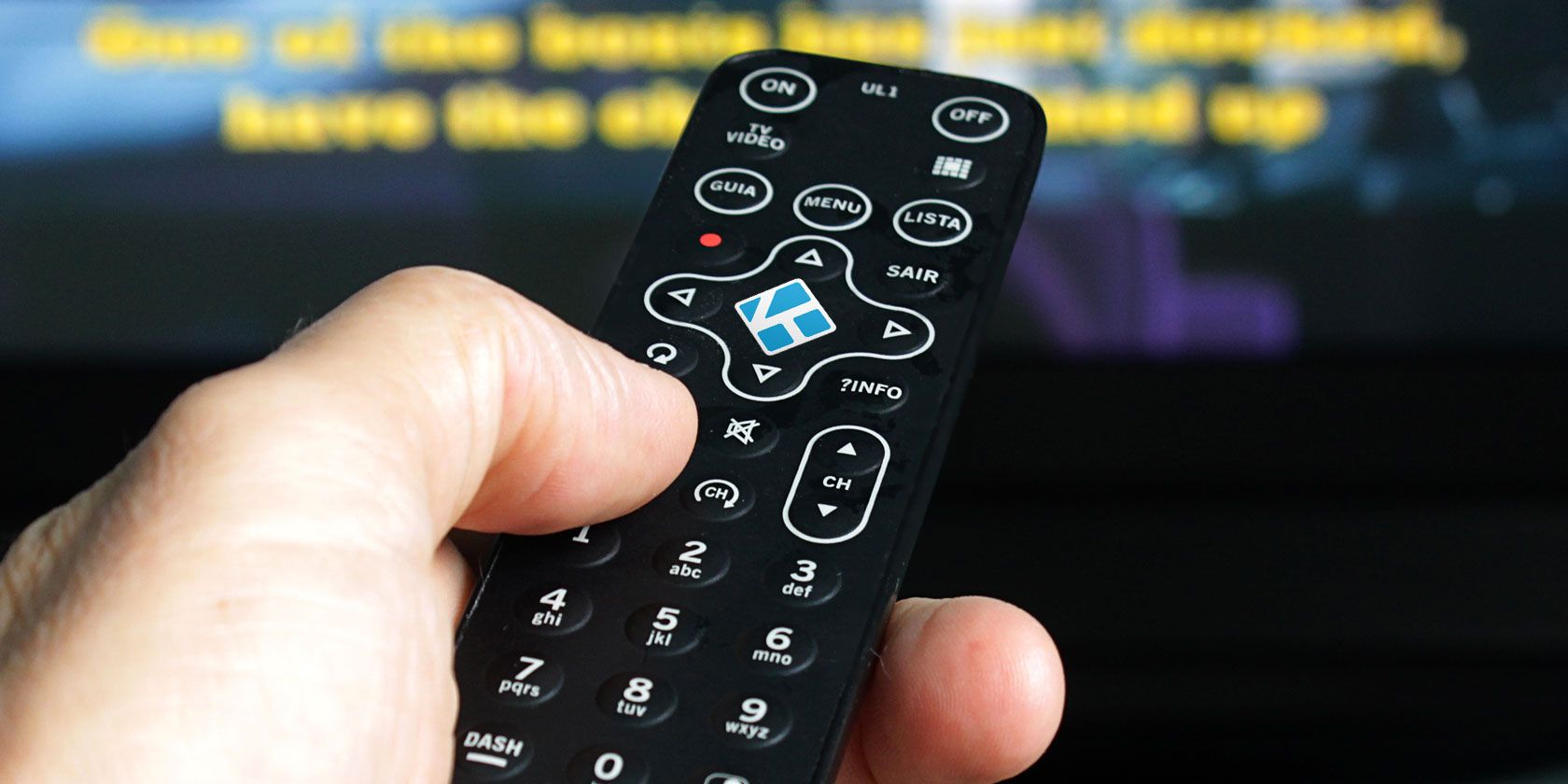
How to Set Up a Kodi Remote Control - muo​

So you've successfully installed Kodi? Now you just need to add a remote control! In this article we explain how to easily set up a Kodi remote control.

1706553616124.png

So, you have successfully set up Kodi on your favorite device, and now want to kick back and watch some movies. But what if the phone rings or the pizza guy knocks at the door? You'll need to pause Kodi. But how?

Simply put, you need to set up a Kodi remote control. Perhaps you didn't have one to start with, or you lost the one that shipped with your dedicated Kodi box.

Here's how to set up a remote with any Kodi media center.

 
that just means that everything is playing from the phone and is being controlled by the phone anyway - you are just basically using the Nova as a screen and transmitting device but everything is happening on the phone

To have the device controlling what the opening poster wants to do it is very software dependent - i have tried with KODI and i can make it happen ie where there is no phone or anything else casting or streaming but just the device browsing to selected music files on KODI and you can pause and skip and so forth as on any other android music app but its a long and tortuous process that is a nightmare - i had to play around so much that i can't even currently remember the steps and im sure i will eventually perfect it so that its a usable process but i'm not going to recommend KODI because to really make it work its a crazy procedure ..... suffice it to say though it all depends on the software that you use to play the music and not the device because the device will do whatever the software commands it to do - so if the software has a screen available where you can see all the functionality then what the opening poster wants to do will be easily possible

i tried to install Foobar 2000 for android from the playstore - and it installs on the Mi Box 2nd gen - i was able to get it to play music from my Microserver over the network using UPNP - and it has an option to show all the controls on the screen BUT these sadly don't work with the remote control because it expects a touch screen on a mobile device so while playing music you have to keep pressing back on the remote to browse back to the home screen and go to settings where they do have the options to use manually where you can pause or skip tracks or change albums - so its also a schlep for music playback

will try to see if poweramp or neutron will work without needing a touchscreen - but i'm sure that some android music player app will do what you want - you just need to find a relevant app that works how you need it to

one quick question though - are you streaming the music for example from spotify or tidal or the like OR do you want to play music from local files on your PC over the network or attach a hard drive via the USB - all these things will make a difference as to the app you need to use
 
There is a KODI remote control app for Android available on the Play Store - I had it on my old phone, but haven't set it up on my new phone as yet. This lets you have full control of KODI on a PC / laptop (or an Android box) using your phone as a remote control... (both devices have to be on the same network)


I do use Kore but the way KODI works on a TV box is pretty different to how it works on a PC ie on a PC its easy because you additionally have the Keyboard and mouse adding to the precision of the browsing so something thats easy to do in KODI on a PC is not the same on the TV box no matter the remote functionality you use
 
will try to see if poweramp or neutron will work without needing a touchscreen - but i'm sure that some android music player app will do what you want - you just need to find a relevant app that works how you need it to

okay tried this and both these apps are unavailable for installation on a TV box device and will only work on a phone :(
 
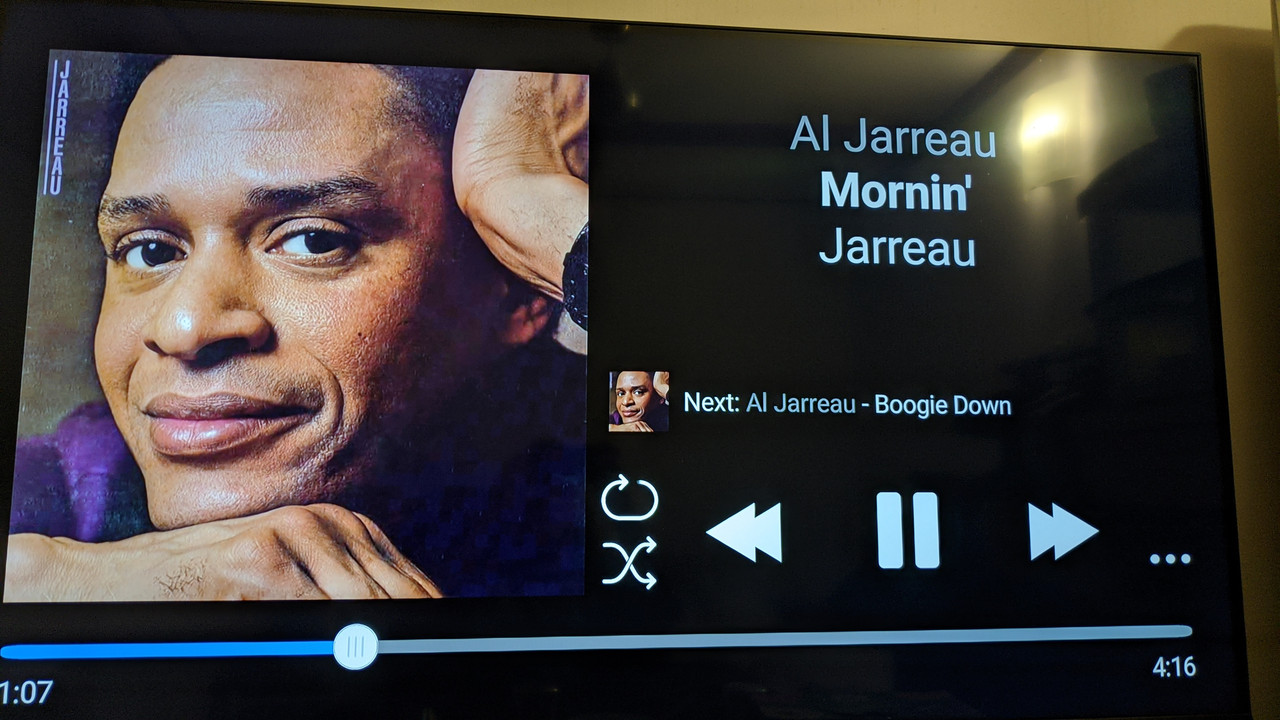
If the purpose of this exercise is to play locally stored files then for now all i can suggest is to install Foobar 2000 from your play store - then to use the relevant way to play your music i e plug in a hard drive directly or browse to the files over the network using SMB or UPNP or however you feel comfortable doing it - then play the music in Foobar BUT set Foobar to show the controls anyway even if you cant browse using those - it will look like this in your screen

playing-screen.jpg


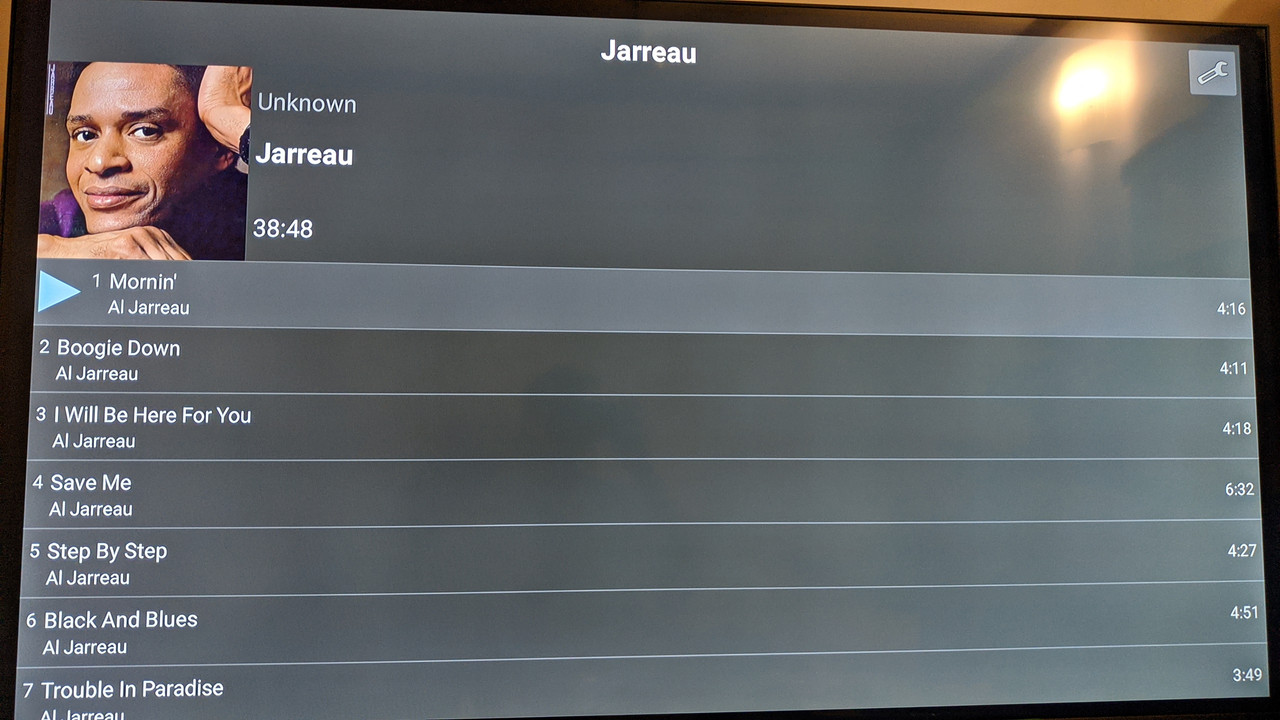
when you want to browse away to pause or skip tracks then just click back to the previous screen which looks like this

browse-album.jpg


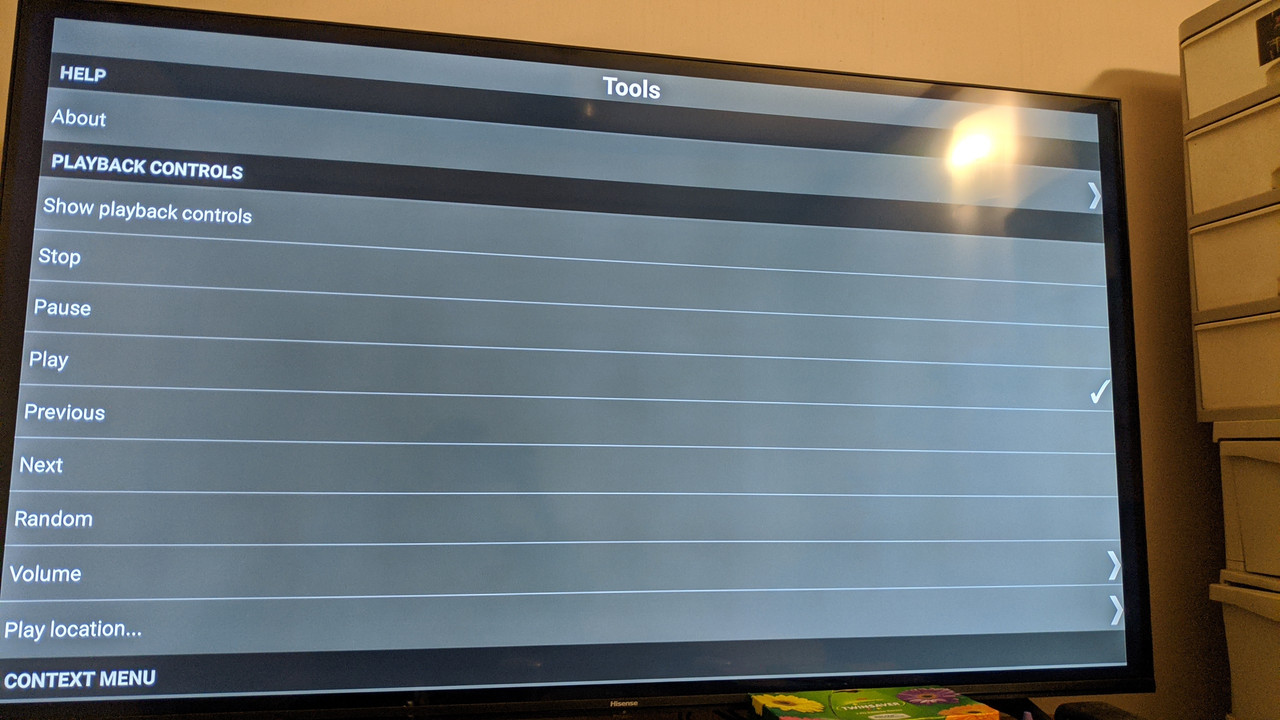
so you can skip tracks or browse to the album you want from here - but to pause you keep pressing the up button till you reach that spanner icon on top and click okay on the remote which takes you to :

settings.jpg


and here you can select whatever you want to do ie stop or pause or repeat previous track etc etc etc

it does seem a bit clumsy but there could be some setting that i missed that can revert those settings from touch screen only to allow for remote control ..... i looked in the settings but couldn't find anything but i could easily be missing something obvious - but as i said if you want to play local files this is a clumsy but usable solution - might take a bit of getting used to and you could find another app that works but till then this could do the job

if you are accessing music on a streaming service than that services app has to include the functionality you want otherwise there you are just stuck to whatever that services app allows you to do

alternatively to do exactly what you want ie without having to look at the screen etc - you need to use Kodi and set up a dedicated Kodi remote (possibly your TV remote connected via HDMI CEC) as in the method above suggested by ivan Leon - i will try that out (using TV remote connected by HDMI CEC) and see if it works and let you know
 
Last edited:
okay - tried KODI but it doesn't do anything close to what you want - there is nothing whereby you could just press a button on a remote to do the things you want - you have to look at the screen and take a few steps till you reach a screen that gives you the controls - then keep pressing buttons to browse to the function you want - similar to Foobar up above but the button functionality on the now playing screen does not need touch screen abilty

so it seems like you wont be able to just use it like a CD player ie just have a button on a remote to just do these things without looking - they all need your attention to use many steps to browse to the functionality you want

so possibly what ADrunkenSandwich says above regarding the telkom lit box and Apple TV is correct, ie you wont be able to do what you want on any android box ..... sorry
 
Top
Sign up to the MyBroadband newsletter
X