Windows 11 Support Thread

Windows 11’s final major update before Windows 12 could drop soon – and here’s what it will look like - Techradar​

Get ready to enhance Windows 11 soon

6wbUWoexMiL4mkYi9ZagDF-320-80.png


Keen-eyed observers have spotted ISOs of the next version of Windows 11, Windows 11 23H2, on Microsoft’s servers. This suggests that the company is preparing the update for public rollout very soon.

ISO files are digital versions or copies of a whole disk like CD, DVD, or Blu-ray - but all in a single smaller file. In this case, ISO files (or sometimes called ISO images) of Windows 11 23H2 have been seen on Microsoft’s servers.

It’s also expected that Windows 11 23H2 will have all the new features from the recent “Moment 4” update to Windows 11 22H2, and introduce some new changes like an enhanced notification center, a System Components page, and Microsoft's shiny new AI assistant, Copilot.

While the Windows 11 23H2 update isn’t the most ground-breaking in Windows 11’s history, it’s still worth installing to get the new features and ensure your PC gets support from Microsoft.

With rumors that Windows 12 could be coming sooner rather than later, this may be the last major update we get to Windows 11. The last major update to Windows 11 was version 22H2, which was released in September 2022, and has seen regular updates.

Windows 11 22H2 Home, Pro, Pro Education, and Pro for Workstations editions will be supported by Microsoft until October 8, 2024, according to its lifecycle policy. Meanwhile, Windows 11 Enterprise and Education editions will be supported a little longer until October 14, 2025.
 
So my pensioned mother decided to create a parents account after experiencing login issues logging in the normal way through user and password. She then created a parents account on her credentials. I tried to assist but when I even try to login through the parents account it sends me right back to the account homescreen despite using the password and cellphone credentials for a reset.

MS Login issue.JPGMS Login issue.JPG
 
So my pensioned mother decided to create a parents account after experiencing login issues logging in the normal way through user and password. She then created a parents account on her credentials. I tried to assist but when I even try to login through the parents account it sends me right back to the account homescreen despite using the password and cellphone credentials for a reset.

View attachment 1606508View attachment 1606508
Time to go back to Windows 10 ay.


I think the whole point of Windows 11 was to be a beta for Windows 12.
 
My laptop recently updated to Windows 11. Must have clicked on proceed without reading what I clicked. Anyways it is done now.

Issue:

Headset / Earphone Jack Mic not recognized / not plugged in even though it is plugged in and used to work in Windows 10.

1698139713415.png

Going to the sound settings which were previously a single click in the task bar and now hidden in sub menus under Settings > System > Sound> Select Input Device >Properties - The headset Mic was not available.

Solution:

Windows Search: Realtek Audio Console. Then select Device Advanced Settings.

1698139885392.png

1698139954384.png

Then select Headset (with Microphone)

1698139998904.png

You should now have your mic listed to be selected as the input device.
 
My laptop recently updated to Windows 11. Must have clicked on proceed without reading what I clicked. Anyways it is done now.

Issue:

Headset / Earphone Jack Mic not recognized / not plugged in even though it is plugged in and used to work in Windows 10.

View attachment 1606640

Going to the sound settings which were previously a single click in the task bar and now hidden in sub menus under Settings > System > Sound> Select Input Device >Properties - The headset Mic was not available.

Solution:

Windows Search: Realtek Audio Console. Then select Device Advanced Settings.

View attachment 1606648

View attachment 1606650

Then select Headset (with Microphone)

View attachment 1606652

You should now have your mic listed to be selected as the input device.
If it keeps giving issues, check for some driver updates on your devices manufacturer's website. In my experience I've had to do this to fix certain issues which were obviously not hardware related. My go-to would be to check BIOS + AUDIO drivers.
 
I notice that 23H2 is out on the windows download site this morning. Not sure how long it has been there.

Download Windows 11​

(Current release: Windows 11 2023 Update l Version 23H2)
 
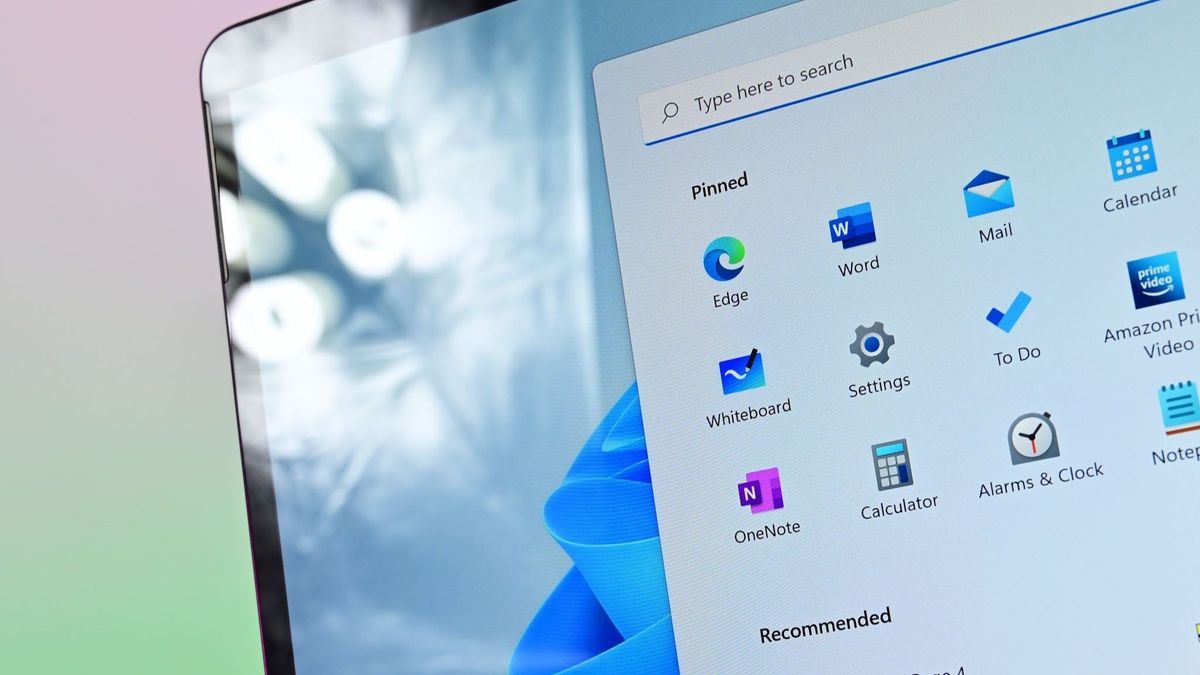
Windows menu no longer working. It doesn't matter if I click on it or if I use the windows button the keyboard. the windows menu refuse to load.
 
I had that happen once after an update. I think it was because I applied quite a few hacks with ViVetool.

Maybe check and see if your Start button process is running along with it's broker service?
1702013273707.png
 
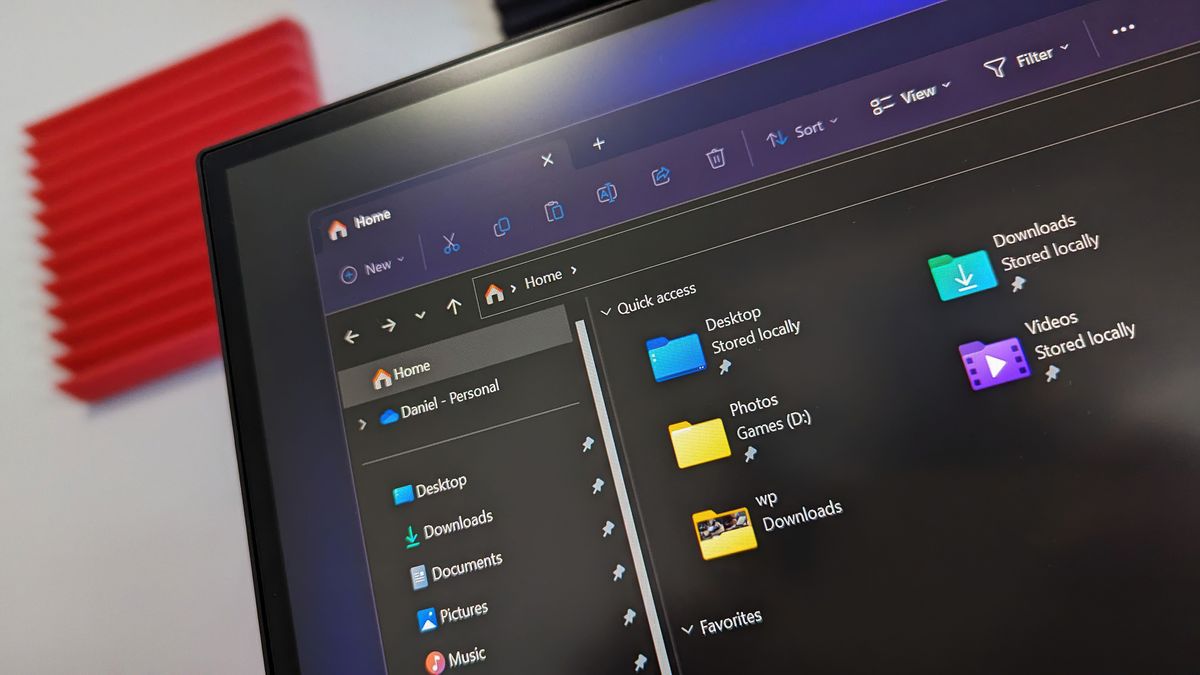
Has anyone had the File explorer issue after the last bigger update?
It’s a known issue that breaks file explorer so it crashes every time you open it, I’ve been affected, had to use a 3rd party explorer app for the last few weeks :(
 
Has anyone had the File explorer issue after the last bigger update?
It’s a known issue that breaks file explorer so it crashes every time you open it, I’ve been affected, had to use a 3rd party explorer app for the last few weeks :(
Microsoft recently issued a fix for an annoying Windows 11 bug that was affecting the File Explorer, causing it to pop up at the front of your screen at random intervals without launching it.

The issue was first reported by users last year when the Windows 11 Moment 2 update dropped.

Microsoft has finally fixed this issue after 15 months via December's cumulative update (KB5033375).


Microsoft killed 16 different Windows 11 features in 2023, let's take a look at what's being deprecated - Windows Central​

Everything from Cortana to WordPad is on the chopping block after a year of feature deprecation.

CEC6Gajrr8dzYqhbBoVh3i-320-80.jpg


2023 was a busy year for Microsoft and Windows 11, and not just because of AI. The company spent a lot of time deprecating a number of features that have been part of Windows for many years.

What is feature deprecation you ask? It's the process of slowing killing off, and eventually removing, a feature or component from the Windows OS that will no longer be updated.

But just how many features did Microsoft deprecate from Windows this year? By my count, 16 different features were announced as deprecated in the past 12 months. What were they? Let's dive in.

 
Top
Sign up to the MyBroadband newsletter
X