Windows 11 Support Thread

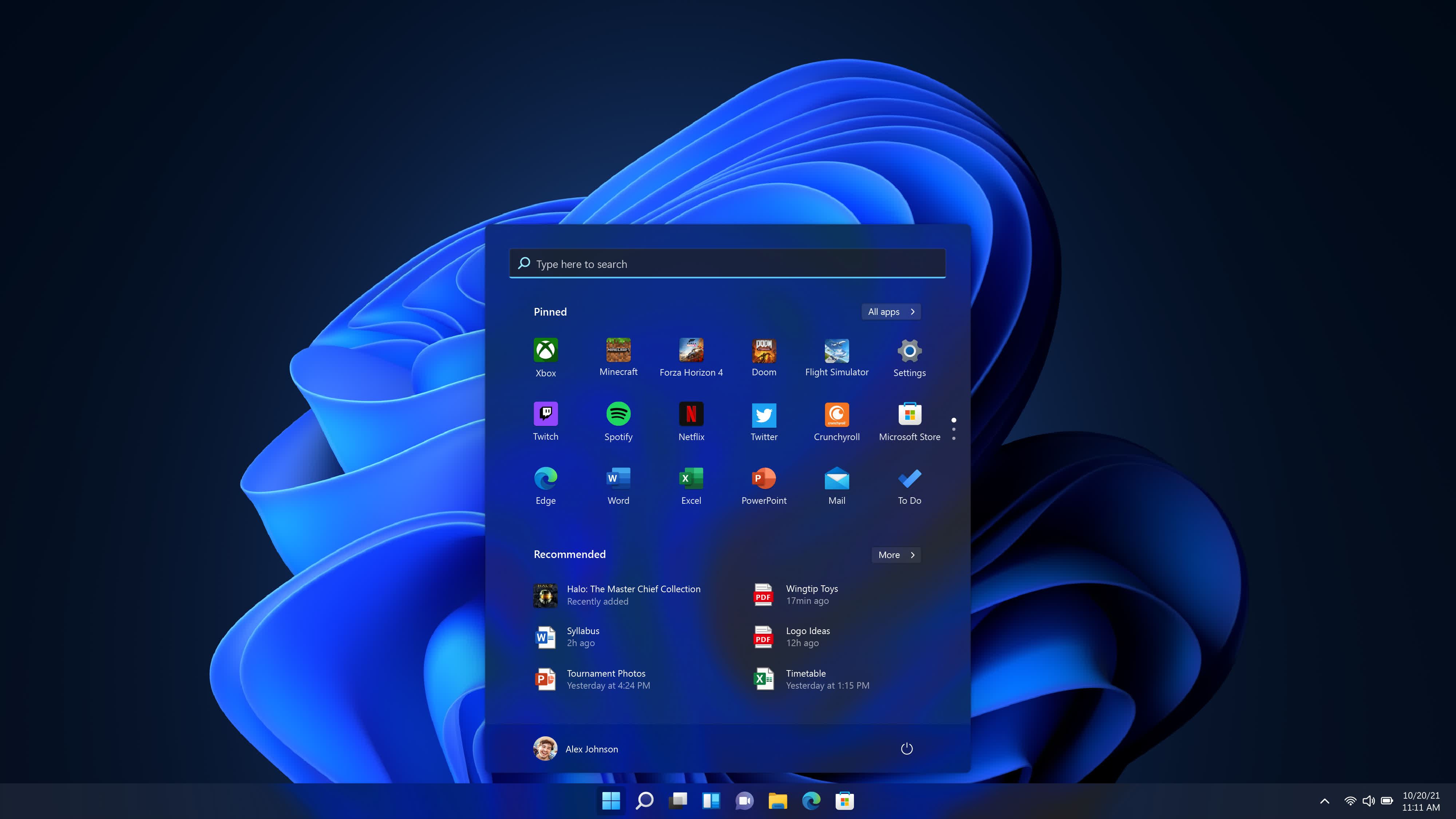
Maybe I’m confused as to what you’re referring to, but when I search on the start menu I start getting results as soon as I type the first letter.

MS Surface running Win 11 Pro.

View attachment 1690435
Perhaps I’m not describing it correctly but i've had some weird experiences with the Start menu search, it’s also progressively become more confusing with all the search types and web search integrated into it.
 
Maybe I’m confused as to what you’re referring to, but when I search on the start menu I start getting results as soon as I type the first letter.

MS Surface running Win 11 Pro.

View attachment 1690435
@chrisc Try that again but type "P2P" and let me know what happens.
On my machine unless there is an app that starts with P2P**** it won't find the HiP2P when you type P2P, whereas with apps like Flow launcher it will.
 
@chrisc Try that again but type "P2P" and let me know what happens.
On my machine unless there is an app that starts with P2P**** it won't find the HiP2P when you type P2P, whereas with apps like Flow launcher it will.

I know you asked ChrisC, but it works as expected when I do it.


IMG_0357.jpeg
 
Last edited:


That's the really sad part. Windows 11 sucks, it's slow in weird places in weird ways. It serves ads, yet it's still the best OS by far and the most popular.
 

If you've been blocked from receiving Windows 11 for the past couple of years, Microsoft may have some good news for you - XDA​

After placing a compatibility hold on certain Windows 10 devices due to an Intel driver bug over two years ago, Microsoft has finally fixed the issue.
1713104601278.png


Although Microsoft is keen on getting as many customers to upgrade to Windows 11 as possible - as is evident from its latest advertising push - many simply can't upgrade because they are using older hardware that isn't supported by the Redmond tech firm's latest operating system.

Then, there is another portion of users that have been restricted from receiving the update by Microsoft itself due to somewhat niche bugs and issues.

Now, the company has removed one such upgrade block after a period of over two years.

 
A problem I have only been experiencing since installing a clean copy Windows 11:

I've been using hibernation since the more intensive load shedding days have started and have grown quite accustomed to it by now, it is extremely convenient not having to restart multiple applications and get back to where I last left off. The problem I am having is that my screen saver and screen time-out do not activate after hibernation. If perform a shutdown or restart the screen saver and time-out behaves normally. I then do a hibernation and after resuming the PC the screen saver and time-out do not engage. Anyone else experience this issue?

I have resorted to creating a shortcut on the desktop to my screen saver of choice and then creating a keyboard shortcut key combination for that shortcut which works brilliantly but of course the screens do not time-out after the specified amount of time. One screen is an OLED so I'm taking great care not to incur any burn in as I do walk away from the PC sometimes for a few hours at a time.

Other than that, Windows 11 has matured into an incredibly solid platform with my only gripe being absolutely unable to remove the Recommended section from the start menu with out some form of 3rd part software.
 
Last edited:
A problem I have only been experiencing since installing a fresh copy Windows 11:

I've been using hibernation since the more intensive load shedding days have started and have grown quite accustomed to it by now, it is extremely convenient not having to restart multiple applications and get back to where I last left off. The problem I am having is that my screen saver and screen time-out do not activate after hibernation. If perform a shutdown or restart the screen saver and time-out behaves normally. I then do a hibernation and after resuming the PC the screen saver and time-out do not engage. Anyone else experience this issue?

I have resorted to creating a shortcut on the desktop to my screen saver of choice and then creating a keyboard shortcut key combination for that shortcut which works brilliantly but of course the screens do not time-out after the specified amount of time. One screen is an OLED so I'm taking great care not to incur any burn in as I do walk away from the PC sometimes for a few hours at a time.
Sleep / Hibernation has never worked properly on any of the windows for me.

Another irritation of Windows 11, they have removed some hibernation functionality and settings as well. (notebook).
 
Sleep / Hibernation has never worked properly on any of the windows for me.

Another irritation of Windows 11, they have removed some hibernation functionality and settings as well. (notebook).

In a way I'm glad to hear it's not only me and some weird quirk with my system.
 
Every time I walk away from the PC, I just press the sleep button on the keyboard, especially if i know im gonna be gone for a while. When I return I click the mouse and we're off to the races. Sreensaver ... nah, never been a fan of those even back in XP days .... and it is 2024 now so I don't see the need :p
 
Every time I walk away from the PC, I just press the sleep button on the keyboard, especially if i know im gonna be gone for a while. When I return I click the mouse and we're off to the races. Sreensaver ... nah, never been a fan of those even back in XP days .... and it is 2024 now so I don't see the need :p

I hear you but I've got some cool screen savers, some from back in the day, which look incredible on OLED...

One of them:
 
Top
Sign up to the MyBroadband newsletter
X