Windows 11 Support Thread

But wait, there's more... (bugs) in the latest 'Preview Update' (KB5067036)... 🇺🇸 💻🤡:p

Latest Windows 11 update has a weird bug that could slow down your PC – here's how to fix it - techradar​

New preview update has a Task Manager bug and other glitches

View attachment 1859690


Read the full article at the link below:

Yip, confirmed ...

Screenshot_24.jpg


giphy.gif
 
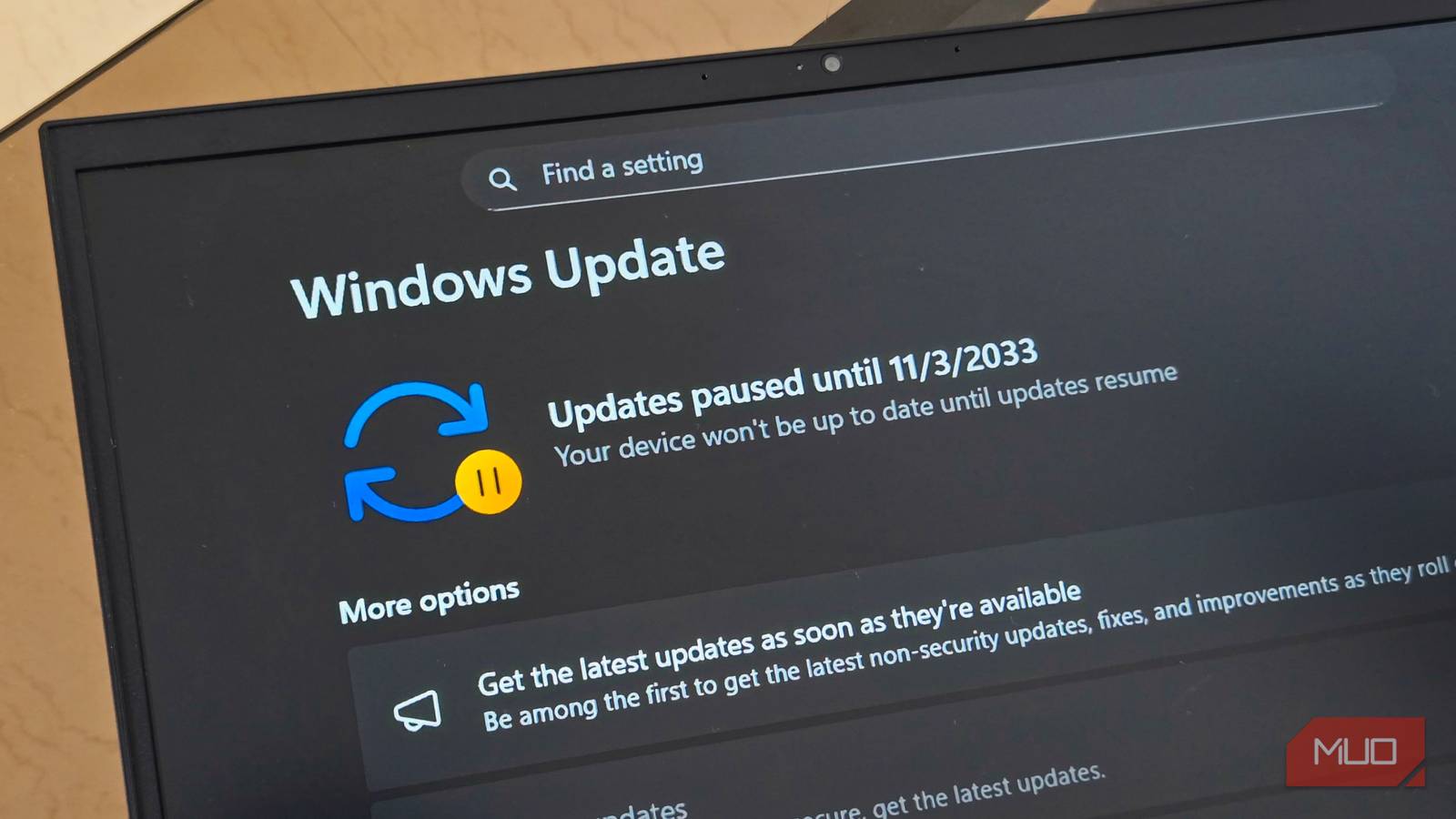
Both of my older devices - my 2015 Lenovo i3 5th Gen laptop & my dinosaur Core 2 Duo PC (with 'unsupported' installs of Win11 25H2 & 23H2 respectively) both refuse to install the latest Update Preview & throw up 'installation failed' error messages - so I am now pausing updates for 4 weeks to prevent them continually trying to download & then fail to install it - hopefully Microsh!t will sort out this FUBAR issue with their 2025-11 'Patch Tuesday' updates...

View attachment 1859547
UPDATE: Tried again yesterday - reactivated Windows Updates - I had success with the dinosaur desktop PC (it installed with no issues) but no luck as yet with my i3 laptop (still throwing out the 'installation failed' error message yet again)...
 
UPDATE: Tried again yesterday - reactivated Windows Updates - I had success with the dinosaur desktop PC (it installed with no issues) but no luck as yet with my i3 laptop (still throwing out the 'installation failed' error message yet again)...
One of my machines refused to install KB5066835 without a fail. I tried all the usually fixes known to man, NO GO.

Since this machine doesn't carry much info/data, I decided to format & reload. Did the updates afterwards and KB5066835 install first time .... fncking weird. 😡
 
One of my machines refused to install KB5066835 without a fail. I tried all the usually fixes known to man, NO GO.

Since this machine doesn't carry much info/data, I decided to format & reload. Did the updates afterwards and KB5066835 install first time .... fncking weird. 😡
giphy.gif
 
Finally decided to make the plunge and downgrade to windows 7 again. Yeah guess who is currently installing windows 11. Windows 7 went down like a sack of shyte, driver signing issues ect.........

Sigh, will see how windows 11 behaves on the old system and then I will either go back to win 10, should just have stayed on it and get it over and done with.
 
Finally decided to make the plunge and downgrade to windows 7 again. Yeah guess who is currently installing windows 11. Windows 7 went down like a sack of shyte, driver signing issues ect.........

Sigh, will see how windows 11 behaves on the old system and then I will either go back to win 10, should just have stayed on it and get it over and done with.

Nooit ... I hated the updates on W7 ... they took forever to down. Working with the OS was Okay, but behind the scenes there was way to many issues ... will not touch that OS ever again. !!
 
Nooit ... I hated the updates on W7 ... they took forever to down. Working with the OS was Okay, but behind the scenes there was way to many issues ... will not touch that OS ever again. !!

I couldn't even install AMD drivers with bcdedit testsigning on/off or any other way. Whether the driver was signed or not, windows was just fck you, right in your man cave.

It is weird to say the least, should have worked, ah well windows 11 installed and working, went with 24h2, which still has all the by pass hacks preinstalled with rufus.

Now I have to deal with all the nuances of getting shyte the way I want it again
 
Last edited:
Finally decided to make the plunge and downgrade to windows 7 again. Yeah guess who is currently installing windows 11. Windows 7 went down like a sack of shyte, driver signing issues ect.........

Sigh, will see how windows 11 behaves on the old system and then I will either go back to win 10, should just have stayed on it and get it over and done with.
My laptop finally has the upgrade to Win 11 notification in the Updates menu but after reading all the recent Win 11 update issues, I'm sticking with 10 for now.
 
Top
Sign up to the MyBroadband newsletter
X