Windows 11 Support Thread

Microsoft: December security updates cause Message Queuing failures - Bleeping Computer​

Microsoft has confirmed that the December 2025 security updates are breaking Message Queuing (MSMQ) functionality, affecting enterprise applications and Internet Information Services (IIS) websites.

This known issue affects Windows 10 22H2, Windows Server 2019, and Windows Server 2016 systems that have installed the KB5071546, KB5071544, and KB5071543 security updates released during this month's Patch Tuesday.

On impacted systems, users are experiencing a wide range of symptoms, from inactive MSMQ queues and IIS sites failing with "insufficient resources" errors to applications unable to write to queues. Some systems are also displaying misleading "There is insufficient disk space or memory," despite having more than enough resources available.

According to Microsoft, the problem stems from security model changes introduced to the MSMQ service that have modified permissions on a critical system folder, requiring MSMQ users to have write access to a directory usually restricted to administrators.

This means that the known issue will not affect devices where the users are logged in with an account that grants them full administrative privileges.
 
Dont know if Im just slow - I know you could do internet searches from Start, but now you can also generate images?

View attachment 1871123

Edit: Yes, I knew you could do it from Bing Image Creator which stores it in your Collections too. You could also do it from Edge's Copilot built in add on and you could also do it from the Copilot Windows app. I didn't know it does it from Start too.

I am curious with the direction of Start. Are they working towards an "Everything App" and maybe beating Elon Musk to the punch right under our noses?

Doesn't work once you strip out telemetry bull :D

1765804378873.png

IE: just the way its intended. If I wanna search the web I would use a browser. OS search should be limited to the OS.
 

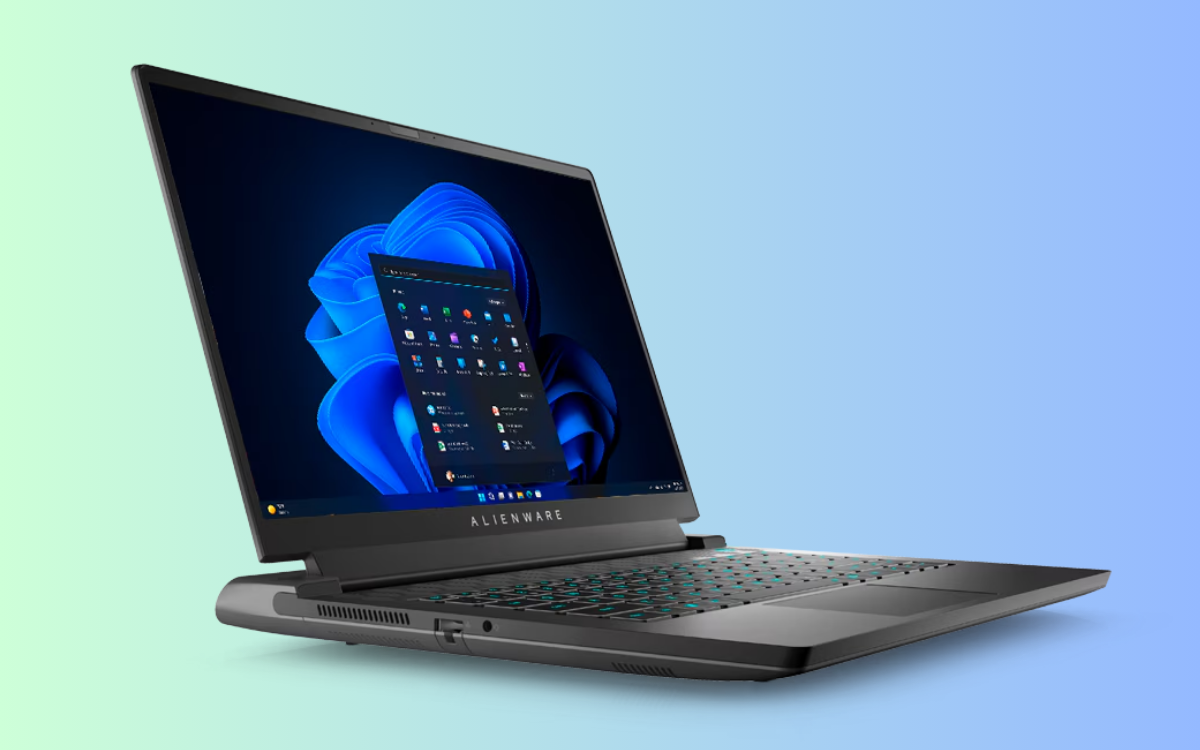
Dell PCs face installation failures and system freezes after Windows 11 December update - GizmoChina​

1765857697160.png

Several Dell PCs are facing critical issues after attempting to install Microsoft’s December cumulative update KB5072033 for Windows 11 versions 24H2 and 25H2. The problems include failed installations, frequent system freezes, and a non-functional Start Menu.

The update, released on December 9, has been failing to install on many Dell desktops and laptops. Users report that the progress bar halts mid-way and returns error code 0x800f0983.

A system administrator confirmed that a large number of new Dell systems under his management encountered the same issue. He attempted multiple troubleshooting methods, including System File Checker, Deployment Image Servicing and Management, and reinstalling Windows. None of these fixed the problem.

The situation is worse on Dell Pro Max 16250 devices. Several users reported that these systems freeze after installing the update. Initial speculation pointed to Intel Arc graphics drivers.

Further investigation by users revealed that a BIOS setting caused the issue. They found that disabling the “Enable adaptive c-States for discrete graphics” option under Advanced Setup > Performance in the BIOS stopped the system crashes.

Another reported issue affects the Start Menu. On some systems running Windows 11 24H2, the Start Menu fails to open after installing KB5072033.

One affected user suspects that the problem may be connected to a previously identified bug from update KB5072911, which affected File Explorer and other XAML-based apps on enterprise devices.


Microsoft has not released an official fix or statement addressing these problems. For now, Dell users are advised to delay the KB5072033 update or manually adjust BIOS settings if they face system freezes.

The update continues to raise concerns across Windows forums, especially among enterprise administrators managing large fleets of Dell hardware.

 
My xps used to sometimes run at 97C.
Fixed it by doing this:

It's obviously a bit slower now, but that's ok
I dont mind it running hot and throttling as I do quite intensive stuff. I would prefer it being fast and running hot than slower. Maybe he fans just need some cleaning. It hasnt done this before, but it has also been a while since it has been this hot. It could just be Delll and Windows being what they are and a driver issue somewhere.
 
I dont mind it running hot and throttling as I do quite intensive stuff. I would prefer it being fast and running hot than slower. Maybe he fans just need some cleaning. It hasnt done this before, but it has also been a while since it has been this hot. It could just be Delll and Windows being what they are and a driver issue somewhere.
Why not run HWinfo and take a look at the readings so you can be sure if its running hot or not

 
Top
Sign up to the MyBroadband newsletter
X