


-
- News
-
Categories
- 5G
- ADSL
- AI
- Banking
- Black Friday
- Broadband
- Broadcasting
- Business
- Business Telecoms
- Cellular
- Cloud and Hosting
- Columns
- Cryptocurrency
- Energy
- Enterprise
- Fibre
- Gadgets
- Gaming
- Government
- Hardware
- Industry News
- Internet
- Internet of Things
- Investing
- IT Services
- Motoring
- Reviews
- Science
- Security
- Smartphones
- Software
- Technology
- Telecoms
- Trending
- Wireless
- Press Office
- Forum
- Industry News
- What's Next
- Company hub
- Speed Test
- About us
- Advertise with us
- Contact
- Careers
-
Join the MyBroadband community
South Africa’s biggest forum. Discuss, discover, and connect with thousands of members.
You are using an out of date browser. It may not display this or other websites correctly.
You should upgrade or use an alternative browser.
You should upgrade or use an alternative browser.
Windows 11 Support Thread
- Thread starter UrBaN963
- Start date


garyc
Executive Member
- Joined
- Jun 30, 2010
- Messages
- 5,358
- Reaction score
- 3,972
I ran my Precision really hot for a while (summer+CAD+4k display). The extra heat degraded the battery, which then needed replacing. At least Dell parts are relatively easy to get hold of.Super hot today. My Precision 5690 (it is on a stand for ventilation) randomly goes into sleep mode. I assume it is because of the heat.
RedViking
Nord of the South
The heat degrades the battery + Precisions ALWAYS use battery + power to reach full performance. So what I am doing is to only let it charge when it reaches 85%, you'll notice even though it is plugged into the hub + power that the battery still slowly drains. Dell confirmed this is normal behaviour with the Precisions.I ran my Precision really hot for a while (summer+CAD+4k display). The extra heat degraded the battery, which then needed replacing. At least Dell parts are relatively easy to get hold of.

FiestaST
Honorary Master
Smiggles
Honorary Master
- Joined
- Feb 4, 2025
- Messages
- 12,041
- Reaction score
- 20,128
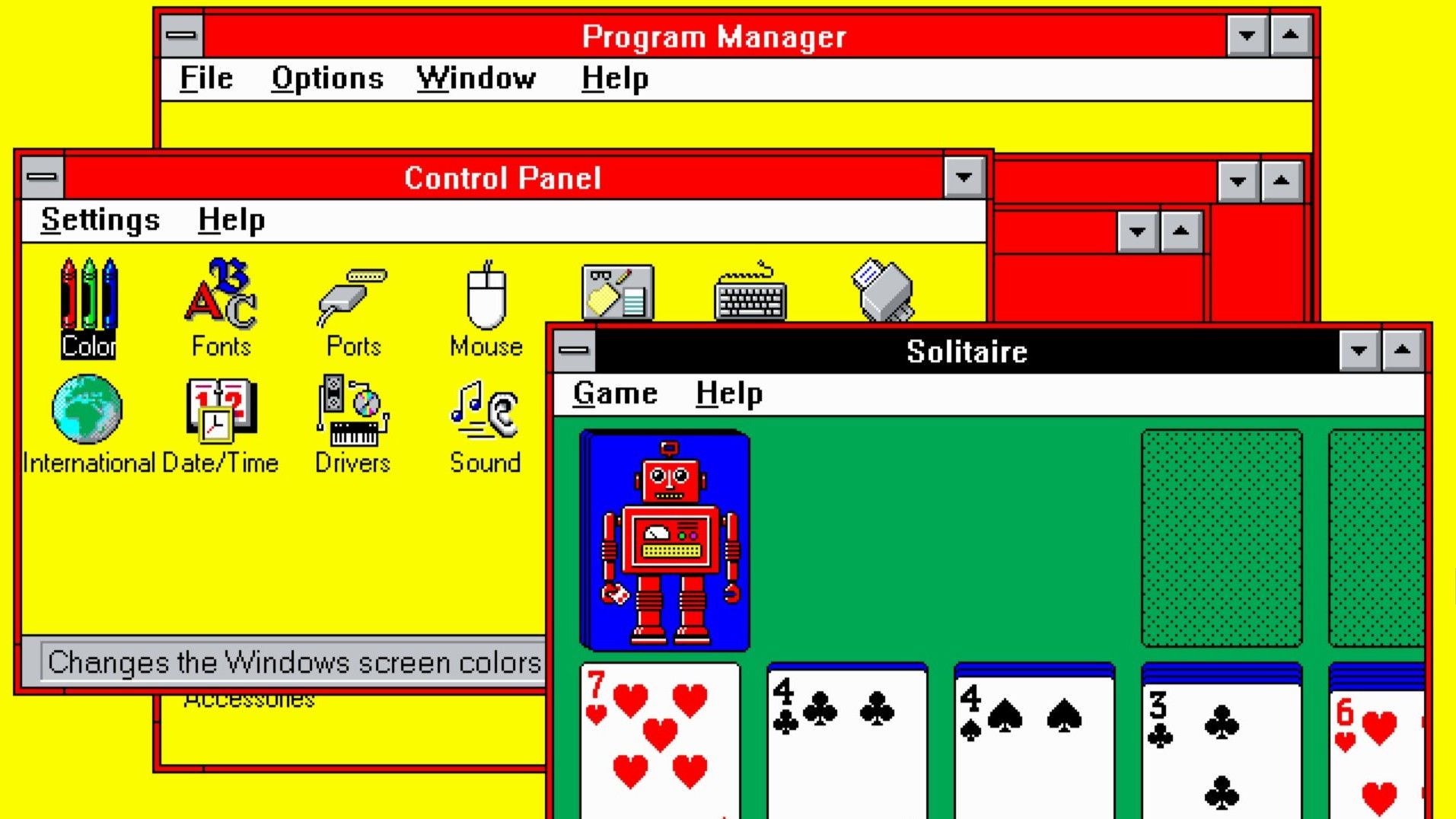
Windows 3.1 included a red and yellow 'Hot Dog Stand' color scheme so garish it was long assumed to be a joke, so I tracked down Microsoft's original UI designer to get the true story
Setting the record straight, 33 years later.
It's ugly but we'll ship it anyway. Lol never change M$ never change.I do remember some discussion about whether we should include it, and some snarky laughter. But it was not intended as a joke. It was not inspired by any hot dog stands, and it was not included as an example of a bad interface—although it was one. It was just a garish choice, in case somebody out there liked ugly bright red and yellow.
The 'Fluorescent' theme was also pretty ugly, but it didn't have a catchy name, so I've never heard anything about it.

FiestaST
Honorary Master

HAL 9000
Honorary Master
- Joined
- May 27, 2008
- Messages
- 22,703
- Reaction score
- 26,553
Been busy updating a friend's HP 250 G8 Notebook laptop (with 4GB RAM & a 500GB SATA HDD) from Windows 11 23H2 to 25H2 - I started the download at 02h52 this morning using wi-fi via my Huawei B315 router (Telkom LTE) - it's now at 88% downloaded at 08h52 (SIX HOURS LATER!) - FFS! 


Been busy updating a friend's HP 250 G8 Notebook laptop (with 4GB RAM & a 500GB SATA HDD) from Windows 11 23H2 to 25H2 - I started the download at 02h52 this morning using wi-fi via my Huawei B315 router (Telkom LTE) - it's now at 88% downloaded at 08h52 (SIX HOURS LATER!) - FFS!
Why not download the ISO and update it from that?
Unless you like pain.
HAL 9000
Honorary Master
- Joined
- May 27, 2008
- Messages
- 22,703
- Reaction score
- 26,553
I only have a copy of the Rufus & Win 11 24H2 ISO files on a USB drive, so it was six of 1 & half a dozen of the other as to doing the ISO download or going the Windows Update download route... 
On the plus side, it's now advanced to 90% downloaded...
On the plus side, it's now advanced to 90% downloaded...

Dimpie (JIGSAW)
Honorary Master
Done yet ?
HAL 9000
Honorary Master
- Joined
- May 27, 2008
- Messages
- 22,703
- Reaction score
- 26,553
It's now at 100% installed - 15 HOURS & 10 MINS later! -Done yet ?
- just waiting for the RESTART prompt to appear... EDIT 1: Restart prompt FINALLY popped up at 17h20 - now we wait for the inevitable multiple reboots...
EDIT 2: Laptop FINALLY completed the update from 23H2 to 25H2 - just finished at 18h50 & returned to the login screen - now at the 'Welcome' initialisation screen - so that ordeal took SIXTEEN HOURS to complete...
Last edited:
FiestaST
Honorary Master

The Voice
Honorary Master
OutlawJoseyWales
Executive Member
- Joined
- May 1, 2022
- Messages
- 6,859
- Reaction score
- 7,691


Dave
Honorary Master
Dell PCs face installation failures and system freezes after Windows 11 December update - GizmoChina
View attachment 1871403
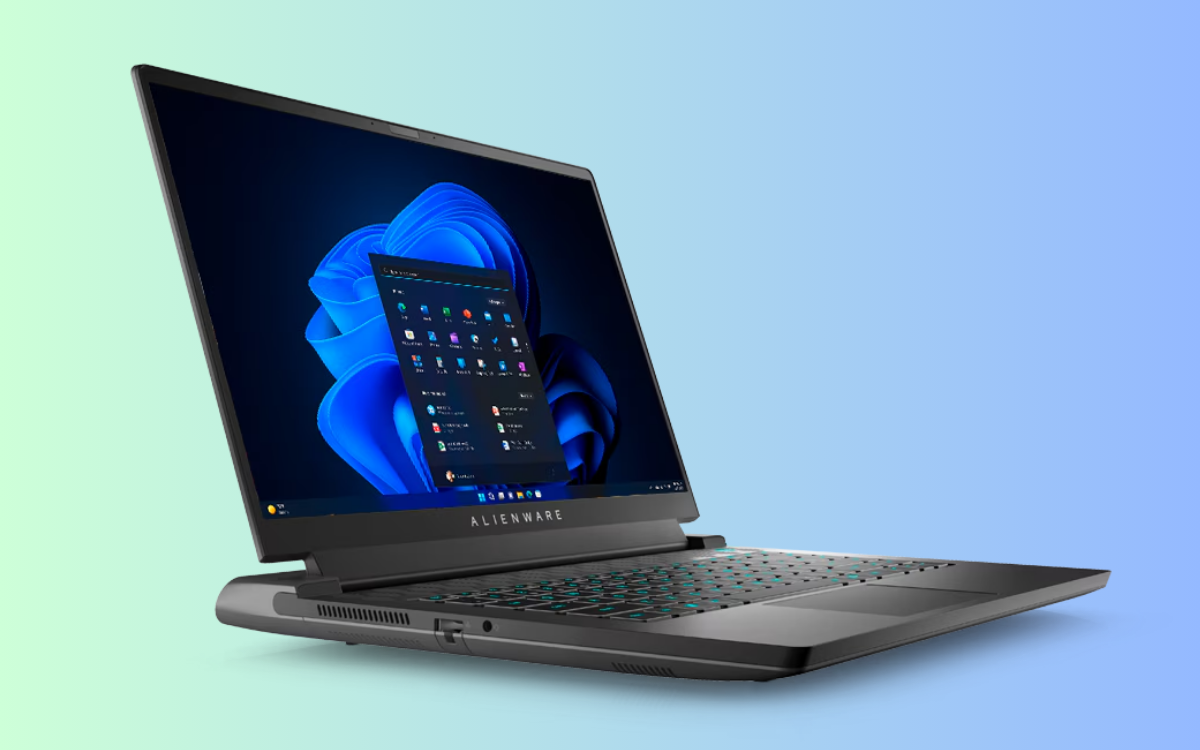
Dell PCs face installation failures and system freezes after Windows 11 December update - Gizmochina
Dell PCs face issues with Windows 11 update KB5072033, causing install failures, system freezes, and Start Menu bugs linked to BIOS and XAML errors.www.gizmochina.com
Dell, you say?
Surely you’d be mad to have a Dell these days?
I bet @RedViking has an opinion.
Dimpie (JIGSAW)
Honorary Master
Had to quote to see if there's actually something, cause on my side that post shows blank ....

Maybe you blocked conspiracy sites?Had to quote to see if there's actually something, cause on my side that post shows blank ....
View attachment 1872807

Pegging
Honorary Master
- Joined
- May 17, 2004
- Messages
- 27,185
- Reaction score
- 43,918
Yeah, that was the Windows 95 strategy. Needed a monthly install using a batch file that automates it.Same here. Also, I keep my data on a separate drive to the C: drive. C: is only for programs. This really helps to do a quick reinstall when a disk fails, PC is upgraded, etc.
Microsoft have come a long way since then.
The 2021 way (when I built my current PC) includes relatively expensive SSDs and much cheaper HDDs. SSD, being significantly faster, host the OS and program files. The HDDs are for media and data. Works great. Coincidentally, I recently ordered a 16 TB HDD to replace a few smaller, older disks. I shudder to think what 16 TB of NVME SSD would have costYeah, that was the Windows 95 strategy. Needed a monthly install using a batch file that automates it.
Microsoft have come a long way since then.

PS: I have upgraded from Win 95 to Win 11 without issues, gradually over about 25 years... Good strategies are generally built on sound basic principles that still remain valid.
Last edited: