Windows 11 Support Thread

If you’re using Microsoft’s Edge browser to save your passwords, you may want to think again. Security researcher Tom Jøran Sønstebyseter Rønning revealed this week that the browser loads all saved passwords in the browser’s memory in plain text upon launch, and this unencrypted data could potentially be accessed by attackers.

“When you save passwords in Edge, the browser decrypts every credential at startup and keeps them resident in process memory. This happens even if you never visit a site that uses those credentials,” the security researcher explained. “If an attacker gains administrative access on a terminal server, they can access the memory of all logged‑on user processes.”
 
We are all familiar with Windows 11 updates, which bug out and lead to various issues, ones that probably anger users the most are when they find themselves greeted with a BitLocker recovery screen or when the system keeps rebooting or blue-screening.

While it is easy and tempting to quickly point fingers at Microsoft, given its track record (although this is said to be changing soon for the better), the tech giant is likely not always responsible for such issues.

One such bug has popped up on Dell systems wherein affected users are finding themselves faced with a PC that constantly reboots after hitting a blue screen of death (BSOD).

The problem has been experienced by several people including one of Neowin's long-time forum members, polo69, who says they have been hitting BSODs every 30 mins or so after a new Dell software update.

Link to source here:

 
We are all familiar with Windows 11 updates, which bug out and lead to various issues, ones that probably anger users the most are when they find themselves greeted with a BitLocker recovery screen or when the system keeps rebooting or blue-screening.

While it is easy and tempting to quickly point fingers at Microsoft, given its track record (although this is said to be changing soon for the better), the tech giant is likely not always responsible for such issues.

One such bug has popped up on Dell systems wherein affected users are finding themselves faced with a PC that constantly reboots after hitting a blue screen of death (BSOD).

The problem has been experienced by several people including one of Neowin's long-time forum members, polo69, who says they have been hitting BSODs every 30 mins or so after a new Dell software update.

Link to source here:

RIP @RedViking :(
 
We are all familiar with Windows 11 updates, which bug out and lead to various issues, ones that probably anger users the most are when they find themselves greeted with a BitLocker recovery screen or when the system keeps rebooting or blue-screening.

While it is easy and tempting to quickly point fingers at Microsoft, given its track record (although this is said to be changing soon for the better), the tech giant is likely not always responsible for such issues.

One such bug has popped up on Dell systems wherein affected users are finding themselves faced with a PC that constantly reboots after hitting a blue screen of death (BSOD).

The problem has been experienced by several people including one of Neowin's long-time forum members, polo69, who says they have been hitting BSODs every 30 mins or so after a new Dell software update.

Link to source here:


Unlike you loosers I know how to navigate a BSOD. I'm a VIP BSOD GOAT
 
That said. Uninstalling Support Assist and any other Dell Software makes a big difference. Only need Dell Command Update. Just be careful as it will want to install support assist again. So never select "install all"
Support assistant loads so much garbage that runs at boot, it’s never been any help either in solving anything, it’s just trash bloatware that Dell probably uses for collecting some kind of hardware user metrics/data
 

Microsoft confirms Windows 11’s May 2026 update is failing to install with error 0x800f0922 and outlines a mitigation for affected PCs - Windows Central​

Windows 11 May 2026 update fails on some PCs, but Microsoft has already shipped a workaround, and it's working on a permanent fix.

1779429284097.png

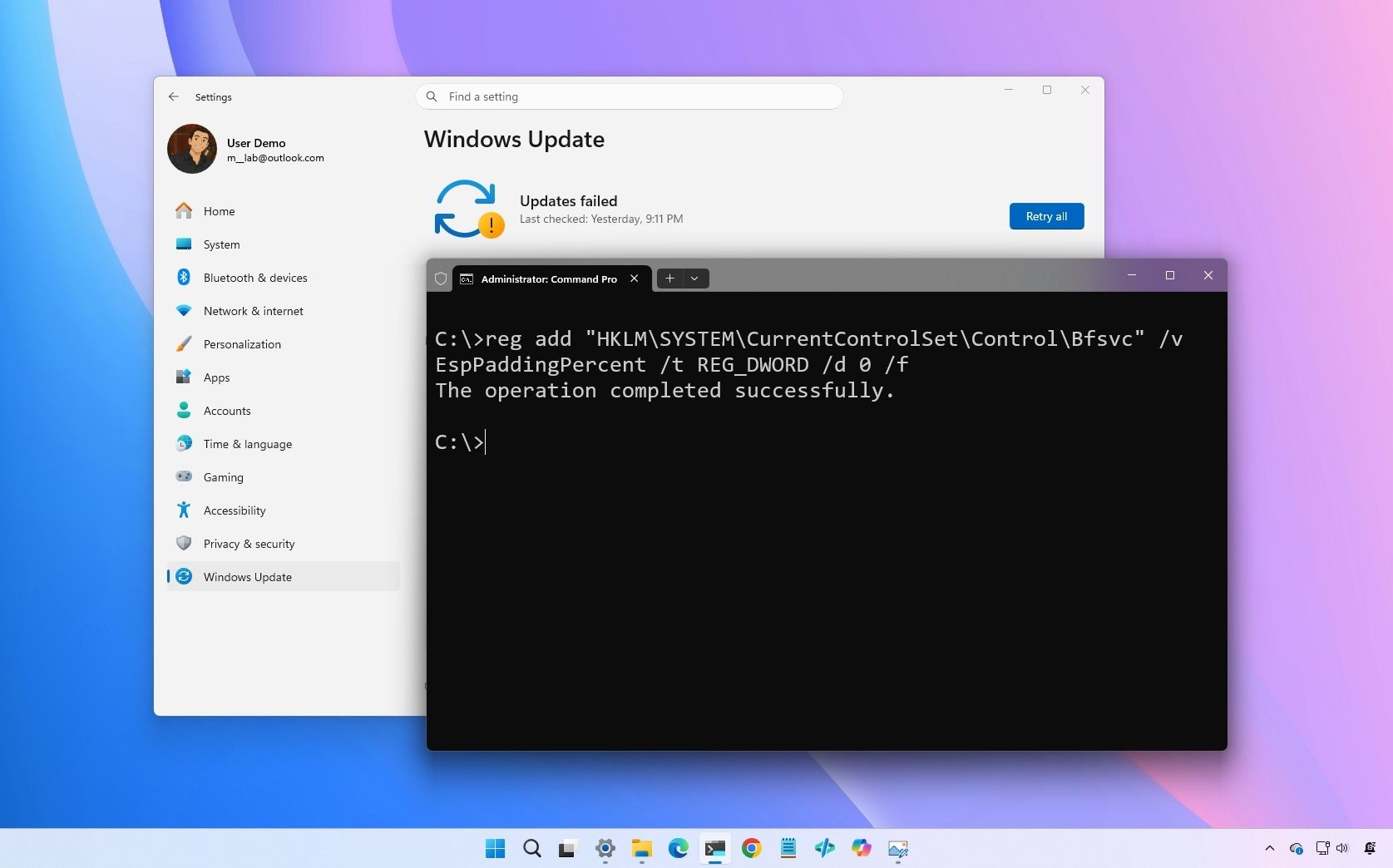
On Windows 11, Microsoft has confirmed that the May 2026 Security Update is failing to install on some devices, resulting in error code 0x800f0922. The issue affects systems running versions 24H2 and 25H2 after installing update (KB5089549), released on May 12. According to the company, the failures occur during the reboot phase of the installation process, typically around 35 percent complete.

The problem occurs on devices with limited free space in the EFI System Partition (ESP). Systems with 10MB or less available space are most likely to fail. When the installation breaks, the operating system rolls back the update and displays the familiar recovery "Something didn't go as planned. Undoing changes" error.

In affected devices, users may also find related entries in C:\Windows\Logs\CBS\CBS.log, pointing to insufficient free space on the EFI System Partition.

These logs can include messages such as:

  • SpaceCheck: Insufficient free space
  • ServicingBootFiles failed. Error = 0x70
  • SpaceCheck: used by third-party/OEM files outside of Microsoft boot directories

Microsoft already pushed a mitigation

Microsoft says the issue has already been mitigated through Known Issue Rollback (KIR) for consumer and unmanaged business devices. In many cases, simply restarting the computer and checking for updates again may resolve the problem.

For devices managed by an organization, network administrators must manually deploy a Group Policy workaround. However, Microsoft is also offering a direct fix for systems that continue to fail.

More details at the link below:


The 13 biggest Windows 11 changes from early May — and why these updates matter for how the OS evolves through the rest of 2026 - Windows Central​

Microsoft is reshaping Windows 11 with practical fixes users have wanted for years.

1779429747712.png

As part of the Windows Insider Program, Microsoft released several preview builds of Windows 11 in early May 2026. Although these releases didn't introduce many new experiences, the company dedicated most of the work to improving existing features.

In the first half of May, the software giant rolled out a new version of the Run dialog with a modern design, File Explorer has received several improvements, the Widgets experience introduced new defaults to reduce distractions, and brought back the ability to relocate the Taskbar anywhere on the screen.

In addition, there are new touchpad gesture controls, an updated version of the Task Manager, and Microsoft now provides free upgrades from Windows 11 Home to Pro Education at no extra cost for organizations.

In the Experimental track, we've seen builds 26300.8493, 28020.2134, 29591, 28020.2075, 29585, 26300.8376, 28020.1921, 29580, and 26300.8346, and builds 26220.8270 and 26220.8283 have been released in the Beta Channel, which is still in the legacy channel.

Also, the company released build 26300.8276 in the Dev Channel, build 26220.8271 in the Beta Channel, and builds 28020.1863 and 29570 in the Canary Channel.

In this recap, I'll highlight the latest and most interesting changes available through the Windows Insider Program.

More details at the link below:


Windows K2 status tracker: Keeping tabs on every Windows 11 commitment Microsoft has made in 2026 - Windows Central​

Microsoft has promised to fix Windows 11's biggest flaws, but actions speak louder than words. So, let's track its progress.

1779430149030.png

Microsoft has made a lot of promises about Windows over the last couple of months, and we know it's important to hold the company accountable for the things it says. Microsoft has said a lot of the right things about how it's going to fix Windows 11 as part of its special Windows K2 effort, but actions speak louder than words, and it can be hard to keep track of everything the company plans to deliver.

So, we're doing the leg work and compiling it all into one handy, easy to view table that will keep on top of Microsoft's commitments and their status. We'll update this page as often as progress is made!

Microsoft has already published a handy recap that goes over some of the changes that are already being delivered or previewed in the Windows Insider Program, with more to come!

Below, you'll find every commitment Microsoft has announced as part of its "Our commitment to Windows quality" blog post, alongside whether the feature or change is available or not. Some commitments are already shipping, whereas others are partly delivered or in preview, or not yet delivered at all. Microsoft hasn't given a timeframe for any of its commitments.

More details at the link below:


"Atrocious implementation": Microsoft's unremovable Copilot button is driving Excel users crazy with forced AI in spreadsheets - Windows Central​

Excel users want Microsoft to let them hide the new, unremovable floating Copilot button, which gets in the way of data.

1779431034344.png

I had my head buried behind a Windows PC as early as the Microsoft Encarta days, but I’ve never quite managed to master Microsoft Excel. However, Microsoft's strategic partnership with OpenAI and the consequent integration of generative AI across its tech stack seemingly aimed to transform the user experience from an uphill climb to a walk in the park.

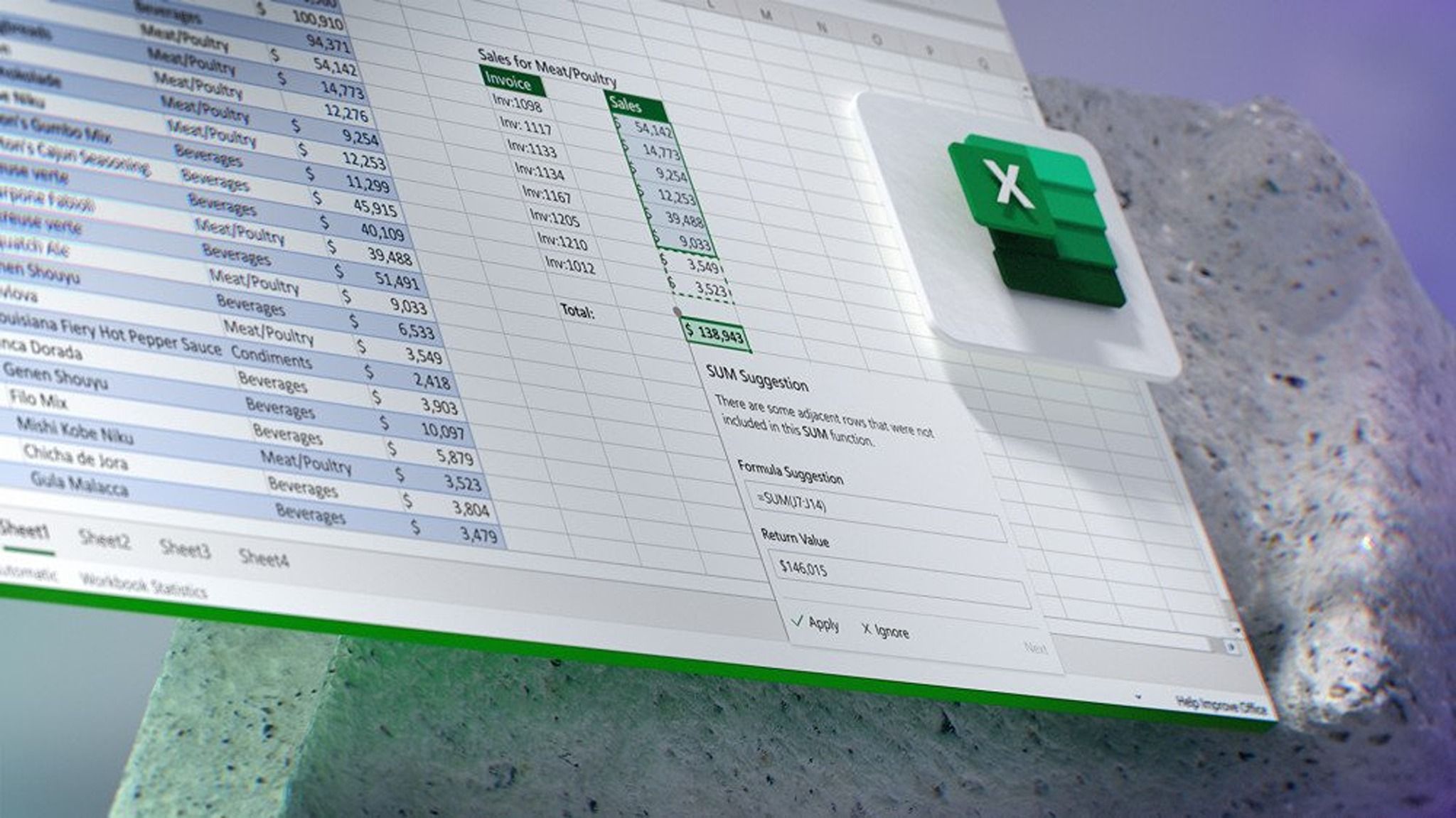
While Copilot in Excel might be viewed as a game-changer, allowing users to generate and explain formulas, summarize large datasets into charts, and more, Microsoft has seemingly resorted to disrupting the app's user experience with a floating Copilot button (via Neowin).

The change has received backlash from users because there's no way to hide the button from your user interface. However, you can right-click the floating Copilot button and select the Dock option, which will only slide the button to the side of the screen "with a caret-like behavior that launches the Copilot side panel and returns the floating button if you click on it," as the outlet describes the experience.

"The icon is visually disruptive and gets in the way for those that do NOT want to use Copilot - and lots of people don't," a user lamented. "And of course, speaking of which, even uninstalling it does not work, because it just gets reinstalled in the next update. What gives? Please stop trying to force people to use your apps when they do not want to. The only thing that it does is to make them look at alternatives. I know I certainly am."

The floating Copilot button does ship with useful capabilities, including options to either conduct research or create a table. Still, users have expressed reservations about the change and requested that Microsoft return it to its original position in the toolbar at the top or include an option to hide the floating button completely, while describing it as "visually disruptive."

According to a user in Excel's dedicated feedback hub: "Please get rid of the floating copilot icon at the bottom right of my Excel screen, or give me a way to turn it off. I do not want, nor need, Copilot in any capacity. Its presence is infuriating."
"This is atrocious implementation," another user added. "I capture screenshots for validation, and this is inserting itself over the data, which already has limited space on my screen. The button also blocks clicking the scroll bar at the point it overlaps (docked and undocked), at least on MacOS 26.4.1 (25E253)."

"Putting a button over the working content was not a good move by Microsoft. There needs to be a toggle or something to move it back to the ribbon (without requiring the admin to do it for our work 365 accounts). Or just undo this change, it was completely unnecessary."

In the past, Microsoft has been on the spot for forcibly integrating Copilot across its tech stack, specifically Windows 11. It's only recently that the company decided to scale back its aggressive AI push across its operating system by reducing where Copilot buttons and menus appear as part of its broader Windows "K2" initiative, which is designed to address pain points across the operating system and improve its overall user sentiment.

It'll be interesting to see whether Microsoft listens to feedback about adding an option to hide the floating Copilot button in Excel, and how fast it acts. While the integration can be useful, Microsoft should always give users control over Copilot, allowing them to surface it when they need it.

I've reached out to Microsoft for a comment about the issue and will update this article as more information becomes available.

Disclaimer

Updated 19/5/2026: This article has been updated to reflect a statement from Microsoft. I heard back from Microsoft about the issue flagged by Excel users about the unremovable floating Copilot button.

The company shared two resources: one on how to disable Copilot in Excel and Word, and the other talked about architecting Copilot into Office apps as part of its broader strategy to "build an AI-forward design system that supports work today, while carrying us into tomorrow."

 
Top
Sign up to the MyBroadband newsletter
X