


-
- News
-
Categories
- 5G
- ADSL
- AI
- Banking
- Black Friday
- Broadband
- Broadcasting
- Business
- Business Telecoms
- Cellular
- Cloud and Hosting
- Columns
- Cryptocurrency
- Energy
- Enterprise
- Fibre
- Gadgets
- Gaming
- Government
- Hardware
- Industry News
- Internet
- Internet of Things
- Investing
- IT Services
- Motoring
- Reviews
- Science
- Security
- Smartphones
- Software
- Technology
- Telecoms
- Trending
- Wireless
- Press Office
- Forum
- Industry News
- What's Next
- Company hub
- Speed Test
- About us
- Advertise with us
- Contact
- Careers
-
Join the MyBroadband community
South Africa’s biggest forum. Discuss, discover, and connect with thousands of members.
-
Question of the Day: Should driver's licences suffice as ID for voting?
-
Question of the Day: How do you decide who to vote for in local elections?
-
Question of the Day: How far do you have to travel to vote?
You are using an out of date browser. It may not display this or other websites correctly.
You should upgrade or use an alternative browser.
You should upgrade or use an alternative browser.
Windows 11 Support Thread
- Thread starter UrBaN963
- Start date

Dimpie (JIGSAW)
Honorary Master
WhatsApp is the worst app on your Windows 11 PC right now, eating 1.2GB of RAM doing nothing - Windows Latest
View attachment 1914978
Read the full article here:
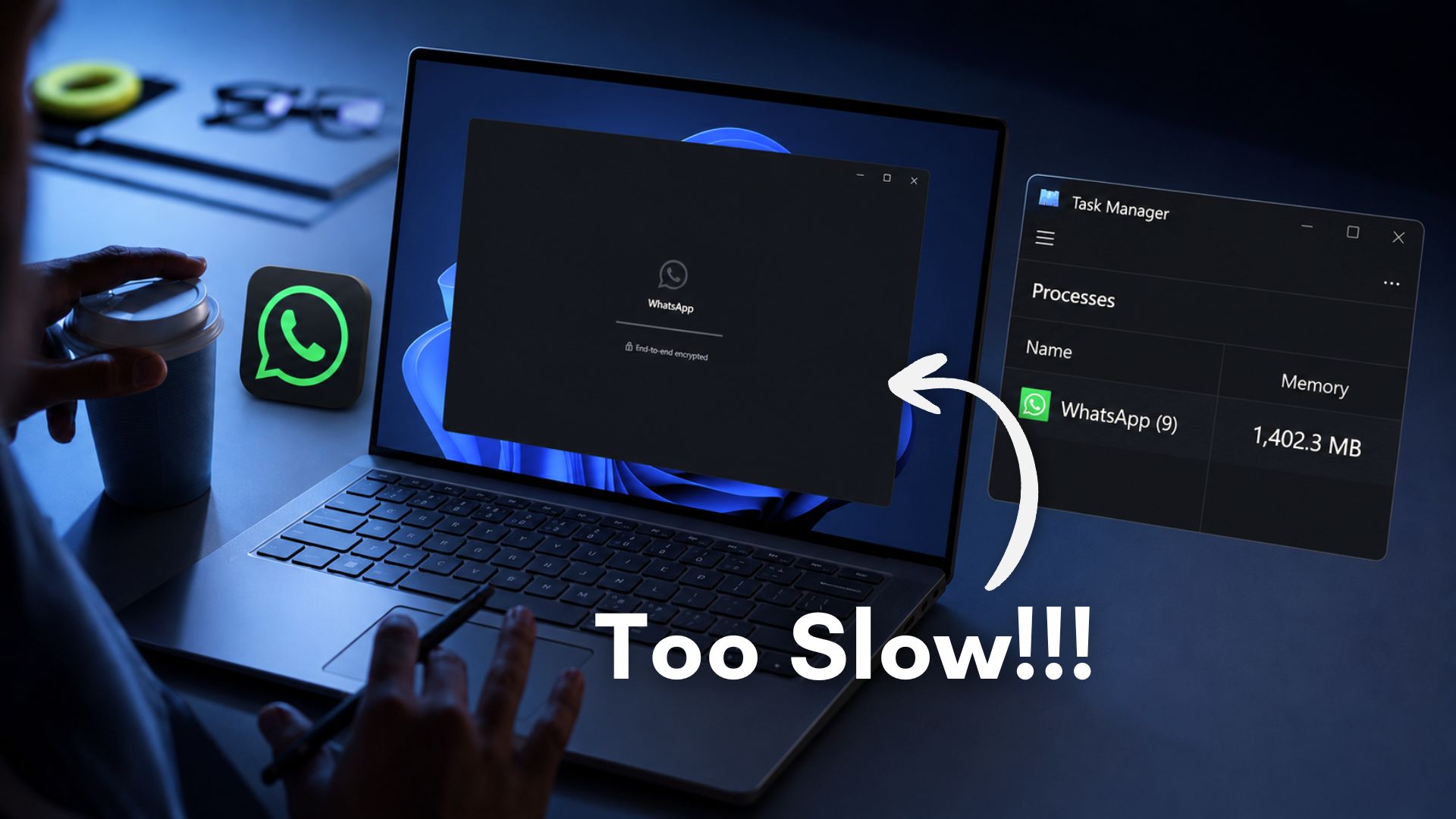
WhatsApp is the worst app on your Windows 11 PC right now, eating 1.2GB of RAM doing nothing
WhatsApp for Windows is a slow, RAM-hungry web wrapper. With Microsoft committed to WinUI, there's no excuse not to build a native app.www.windowslatest.com


garyc
Executive Member
- Joined
- Jun 30, 2010
- Messages
- 5,386
- Reaction score
- 4,012
Even though it is a web wrapper, I have found that running it directly as a PWA is quicker. It seems that Microsoft managed to add some extra friction.Microsoft’s new Outlook takes 10 seconds to do what Outlook Classic does instantly on Windows - Windows Latest
View attachment 1914983
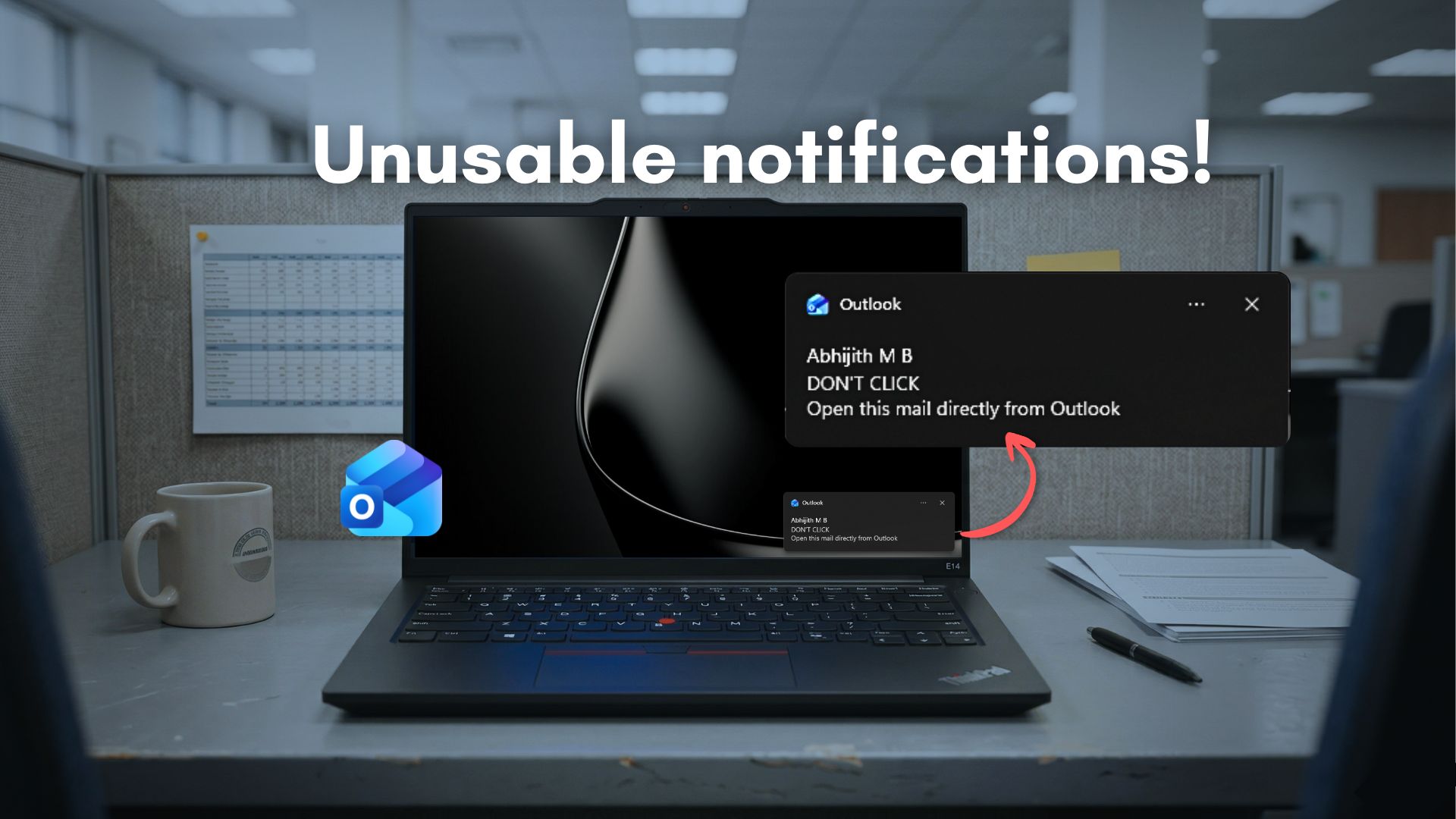
Microsoft's new Outlook takes 10 seconds to do what Outlook Classic does instantly on Windows
New Outlook takes 10 seconds to show an email after clicking a Windows 11 notification. Outlook Classic does it instantly. Here's why.
Dimpie (JIGSAW)
Honorary Master
SearchLeak: How We Turned M365 Copilot Into a One-Click Data Exfiltration Weapon
Varonis Threat Labs discovered SearchLeak, a critical vulnerability chain in Microsoft 365 Copilot Enterprise that allows an attacker to steal sensitive data — MFA codes, email messages, meeting details, and private organizational files — with a single click.
Smiggles
Honorary Master
- Joined
- Feb 4, 2025
- Messages
- 12,319
- Reaction score
- 20,700
Microsoft still can't make Windows 11's New Outlook work offline because it refuses to go native
After all these years of trying to kill Outlook Classic, Microsoft is still struggling to make the new Outlook work properly work.
www.windowslatest.com
Can we go back to the 1990's when apps were actually native dear Lord. I'm sure Outlook '97 worked beautifully offline.Windows 11’s “new” Outlook is a hot mess, and nobody likes it, including many people who work at Microsoft. After all these years of trying to kill Outlook Classic, Microsoft is still struggling to make the new Outlook work properly without an internet connection. A new update promises better offline support, but it’s far from perfect.
As you may be aware, the new Outlook for Windows 11 is a web app that loads Outlook.com in a WebView2 container, which is basically the same as opening Outlook in an Edge tab.
Last edited:


RedViking
Nord of the South
Haven't updated yet. Too expensive.

HAL 9000
Honorary Master
- Joined
- May 27, 2008
- Messages
- 23,036
- Reaction score
- 27,055

HAL 9000
Honorary Master
- Joined
- May 27, 2008
- Messages
- 23,036
- Reaction score
- 27,055
Windows 11 KB5095093 update rolls out new Point-in-Time restore feature - Bleeping Computer
Microsoft has released the KB5095093 preview cumulative update for Windows 11 24H2 and 25H2, which fixes numerous bugs and begins rolling out new features, including the new Point-in-Time restore feature.
The KB5095093 update is part of the company's optional non-security preview update schedule, which releases updates at the end of each month to test new fixes and features coming in next month's Patch Tuesday.
Unlike regular Patch Tuesday cumulative updates, monthly non-security preview updates do not include security updates and are optional.
You can install the KB5095093 update by opening Settings, clicking on Windows Update, and then "Check for Updates."
Because this is an optional update, you will be asked if you want to install it by clicking the "Download and install" link unless you have the "Get the latest updates as soon as they're they're available" option enabled, which will cause the update to automatically install.
You can also manually download and install the KB5095093 preview update from the Microsoft Update Catalog.
Full details at the link below:
Windows 11 KB5095093 update rolls out new Point-in-Time restore feature
Microsoft has released the KB5095093 preview cumulative update for Windows 11 24H2 and 25H2, which fixes numerous bugs and begins rolling out new features, including the new Point-in-Time restore feature.
Dimpie (JIGSAW)
Honorary Master
Done


Dimpie (JIGSAW)
Honorary Master
Microsoft confirms Windows 11 26H2 for fall 2026 release, reveals supported PCs and other details
Microsoft reveals Windows 11 26H2 will be a 200KB update, killing major feature releases for the second year.
www.windowslatest.com
HAL 9000
Honorary Master
- Joined
- May 27, 2008
- Messages
- 23,036
- Reaction score
- 27,055
Windows 10 support quietly extended until Oct 2027, as users reject Windows 11 - Windows Latest

In a surprising move, Microsoft has quietly confirmed that it’s extending Windows 10 support until October 12, 2027, which is one full year beyond the October 2026 cutoff that home users had been planning around.
First spotted by Windows Latest, Microsoft now says it has extended both the enrollment deadline and coverage period, meaning Windows 10 users who have not yet signed up still have time to get covered, and those already enrolled do not need to do anything.
“Windows 10 support has ended. You can enroll in ESU any time until the programme ends on 12 October, 2027,” Microsoft noted in a support document first spotted by Windows Latest. “If you’re already enrolled, your coverage will automatically continue through that date—no action needed.”
In a statement to Windows Latest, Microsoft confirmed Windows 10’s new October 2027 deadline isn’t an error in its documentation, and it’s a real change to help consumers transition to Windows 11 PCs.
“Windows 10 Extended Security Updates (ESU) program for personal use devices is being provided for an additional year, with coverage now available through Oct. 12, 2027,” Microsoft told Windows Latest. “This extension provides customers with more time to transition to a new Windows 11 PC while continuing to receive critical security updates.”
For the hundreds of millions of PCs still running Windows 10, another year of monthly security patches just became available.
As the RAM apocalypse continues to plague all of us, it’s only fair for users to continue using the more efficient Windows 10, instead of the memory-hogging Windows 11.
Just this week, we reported that Microsoft’s own budget Surface laptops arrived at $849 with older chips and just 8GB of RAM. The company also walked back years of pushing 16GB as the baseline and said 8GB is fine for everyday use. Well, it is fine if you’re on Windows 10!..
Read the full article at the link below:
Windows 10 support quietly extended until Oct 2027, as users reject Windows 11
Microsoft extends Windows 10 ESU for home users to October 2027, one year longer than planned. Here's the changes, the cost and how to enroll
www.windowslatest.com
HAL 9000
Honorary Master
- Joined
- May 27, 2008
- Messages
- 23,036
- Reaction score
- 27,055
Microsoft reveals 5 long-overdue Windows 11 features arriving in 30 days, no AI required - Windows Latest

Windows 11 has been getting a lot of improvements and features lately. In June alone, Microsoft shipped its biggest Patch Tuesday of 2026, with the Low Latency Profile CPU boost, Shared Audio for Bluetooth headsets, Multi-App Camera support, and a two-character Windows Search threshold. And Microsoft is not slowing down.
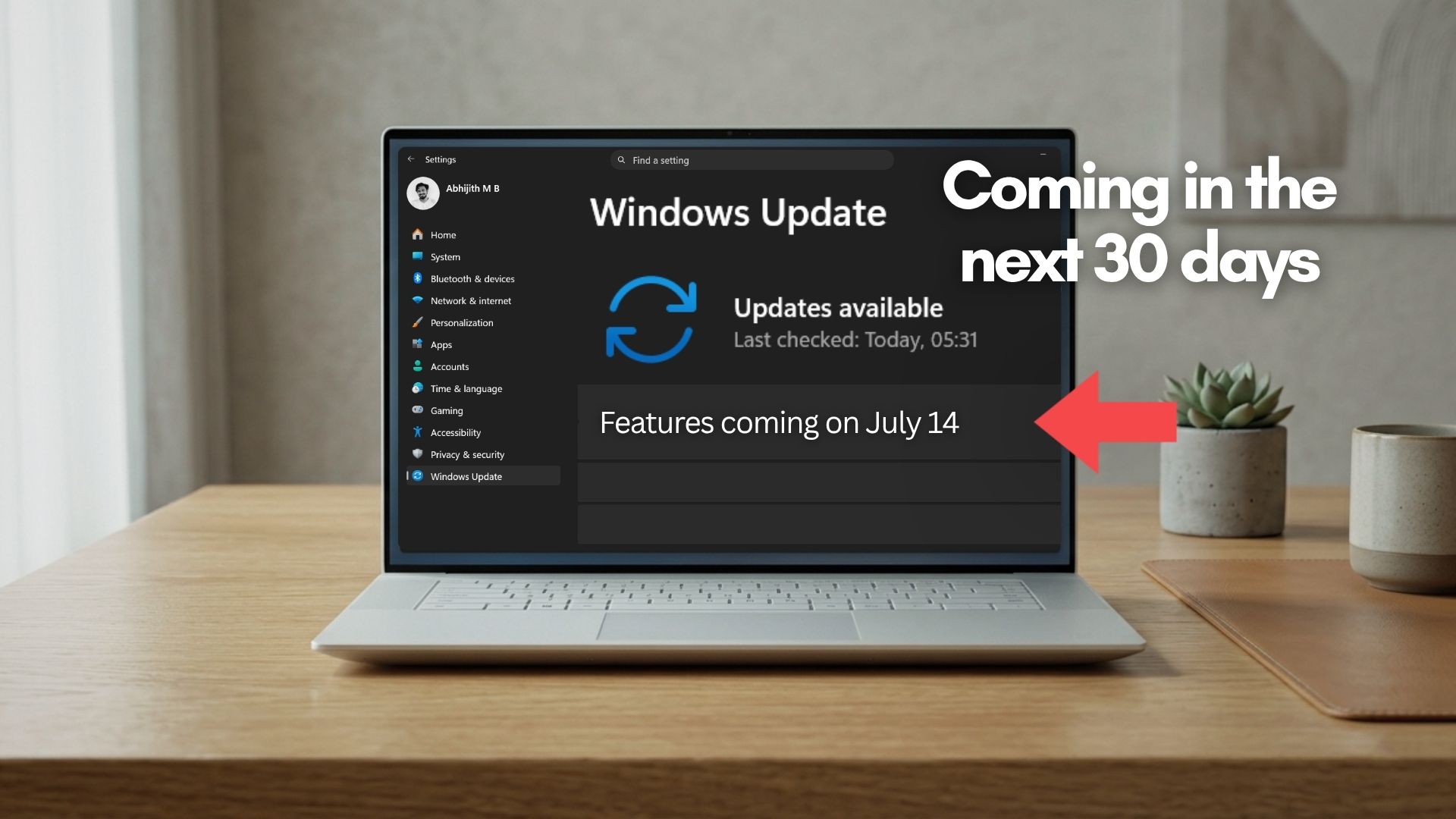
In the next 30 days, five more practically useful features are heading to all Windows 11 PCs. These are coming first as an optional update in June itself, and will then reach everyone as part of the July 2026 Patch Tuesday update.
None of them requires a Copilot+ PC, and none of them are related to any AI subscription. We are talking about things like rolling back your PC if something breaks, a smarter way to pause updates, a quieter Widgets experience, a screen overlay for eye strain, and a long-overdue reliability fix for Bluetooth.
Here is a closer look at all five.
Read the full article at the link below:
Microsoft reveals 5 long-overdue Windows 11 features arriving in 30 days, no AI required
Windows 11 is getting 5 good features in 30 days, including quieter Widgets, a calendar-based update pause, Point-in-time Restore, and more.
www.windowslatest.com
HAL 9000
Honorary Master
- Joined
- May 27, 2008
- Messages
- 23,036
- Reaction score
- 27,055
HAL 9000
Honorary Master
- Joined
- May 27, 2008
- Messages
- 23,036
- Reaction score
- 27,055
Microsoft admits Windows 11’s slow shutdown is a bug, plus blank taskbar icons in a new update - Windows Latest

If you’ve been sitting on the “Shutting down” screen for more than a few seconds, it’s not due to random third-party software or slow hardware. It’s due to a bug in Windows 11. Microsoft has finally admitted that a Windows 11 bug has been causing slow shutdowns, where you need to wait longer than usual to restart or turn off the PC.
On June 23, Microsoft rolled out Windows 11 KB5095093 (Build 26200.8737 and 26100.8737) with a long list of improvements, including a few noticeable features. One of my favorites is Point-in-time Restore, which allows you to restore a working snapshot of Windows, and another notable addition is greater control over Windows Updates.
We’ve also spotted Bluetooth advancements in Windows 11’s June 2026 optional update, and they’ll be rolling out to everyone with the July 2026 Patch Tuesday update.
But it’s not the only quality-of-life improvement that deserves your attention. I noticed that Microsoft also addressed a long-standing shutdown bug.
What’s causing the slow shutdown in Windows 11?
Microsoft says a bug in Windows causes BITS, the service it uses for background update or download-related tasks, to delay PC shutdown.
In other words, Windows may be checking for updates, downloading updates, deploying Microsoft Store updates, or performing other downloads/uploads, and that could delay shutdown even when you’re already on the shutdown screen.
With Windows 11 KB5095093, Microsoft has finally reduced the time Windows takes to stop BITS during shutdown. It does not mean every PC will suddenly shut down much faster, but if your PC was hanging or taking extra seconds while shutting down, this should help.
Read the full article here:
Microsoft admits Windows 11's slow shutdown is a bug, plus blank taskbar icons in a new update
If you've been sitting on the "Shutting down" screen for more than a few seconds, it's not due to a slow hardware. It's a Windows 11 bug.
www.windowslatest.com
HAL 9000
Honorary Master
- Joined
- May 27, 2008
- Messages
- 23,036
- Reaction score
- 27,055
Windows 11 Secure Boot update released to all, hours ahead of expiry - Wondows Latest

Read the full article at the link below:Microsoft has pushed the Secure Boot 2023 certificate update to all eligible Windows 11 and Windows 10 PCs, hours before the first expiration deadline hits on June 24, 2026.
We have received a statement from Microsoft confirming the wider rollout:
“With this update, Windows quality updates include additional high confidence device targeting data, increasing coverage of devices eligible to automatically receive new Secure Boot certificates. Devices receive the new certificates only after demonstrating sufficient successful update signals, maintaining a controlled and phased rollout.”
If your PC received the June 2026 Patch Tuesday update, there is a very good chance the Secure Boot 2023 certificates have already landed on your device without you doing anything.
Here is how to check and what to do if your PC is showing a warning.
Windows 11 Secure Boot update released to all, hours ahead of expiry
Microsoft has released Secure Boot 2023 certificates to all eligible Windows 11 and Windows 10 PC. Here's how to check if you got the update.
www.windowslatest.com
HAL 9000
Honorary Master
- Joined
- May 27, 2008
- Messages
- 23,036
- Reaction score
- 27,055
5 years ago, the first public build of Windows 11 was sent out to Windows Insiders...

 blogs.windows.com
Announcing the first Insider Preview for Windows 11
Hello Windows Insiders, we are excited to release the first Windows 11 Insider Preview build to the Dev Channel, Build 22000.51! As we finalize the product over the coming months, we will work with you to validate the experience. You will get to tr
blogs.windows.com
RedViking
Nord of the South
Not updating.

Defiler
Expert Member
I had some frustrating PC issues yesterday on my Win 11 workstation (first time in a while). There was a 15 hour scheduled power cut for maintenance, so I updated and shut down the machine for the first time in a month. Power was back on at 10am, and PC should have turned on automatically - nothing, PC was dead, not even the power LED on the motherboard was indicating power.
First thought was PSU, so grabbed my PSU tester, unplugged the mainboard, and tested the PSU, all LEDs green, no issues with the PSU. Plugged everything back in again, nothing...
Thought I would have to rebuild or replace the mainboard, but tried one more time a good few hours later, boom, PC turned on and finished installing updates.
Finally get into Windows and all my Docker containers are gone and so is my WSL config... Still have to sort that out...
First thought was PSU, so grabbed my PSU tester, unplugged the mainboard, and tested the PSU, all LEDs green, no issues with the PSU. Plugged everything back in again, nothing...
Thought I would have to rebuild or replace the mainboard, but tried one more time a good few hours later, boom, PC turned on and finished installing updates.
Finally get into Windows and all my Docker containers are gone and so is my WSL config... Still have to sort that out...

ArmatageShanks
Honorary Master
Well... sheeetI had some frustrating PC issues yesterday on my Win 11 workstation (first time in a while). There was a 15 hour scheduled power cut for maintenance, so I updated and shut down the machine for the first time in a month. Power was back on at 10am, and PC should have turned on automatically - nothing, PC was dead, not even the power LED on the motherboard was indicating power.
First thought was PSU, so grabbed my PSU tester, unplugged the mainboard, and tested the PSU, all LEDs green, no issues with the PSU. Plugged everything back in again, nothing...
Thought I would have to rebuild or replace the mainboard, but tried one more time a good few hours later, boom, PC turned on and finished installing updates.
Finally get into Windows and all my Docker containers are gone and so is my WSL config... Still have to sort that out...
I also have a strange issue lately where my C drive will randomly stop responding, but with no event log errors or anything, just a crash eventually, I've found that if I notice it and cycle the power plug to it it just recovers as if nothing has happened.