Windows blue screen

shakeel123

Active Member
Joined
Jul 31, 2017
Messages
33
Reaction score
0
HI All,

I have the following error and nothing on the internet seems to be working I tried it ALL.

log file: C:\Windows\System32\Logfiles\SrtTrail.txt for Windows 10.

The question, how can I reinstall windows and without using a new key(i already paid for windows), I dont have my windows installation disc.

Thanks
S
 
What is the error code? And when do you get the bluescreen, startup or randomly while already running?
 
HI All,

I have the following error and nothing on the internet seems to be working I tried it ALL.

log file: C:\Windows\System32\Logfiles\SrtTrail.txt for Windows 10.

The question, how can I reinstall windows and without using a new key(i already paid for windows), I dont have my windows installation disc.

Thanks
S

Windows 10 Control panel = Reset Windows is found under Update & Security - Recovery. WIndows will get the key from MS servers or from your MS account if you use one.

Or download the ISO or USB create tool : https://www.microsoft.com/en-gb/software-download/windows10
 
What is the error code? And when do you get the bluescreen, startup or randomly while already running?
Thats the error code (log file: C:\Windows\System32\Logfiles\SrtTrail.txt for Windows 10. )
and i cannot get into windows at all.
 
Thats the error code (log file: C:\Windows\System32\Logfiles\SrtTrail.txt for Windows 10. )
and i cannot get into windows at all.

No no thats not a error code, this is:

img_598bc7d9d8c1c.jpg
 
HI All,

I have the following error and nothing on the internet seems to be working I tried it ALL.

log file: C:\Windows\System32\Logfiles\SrtTrail.txt for Windows 10.

The question, how can I reinstall windows and without using a new key(i already paid for windows), I dont have my windows installation disc.

Thanks
S
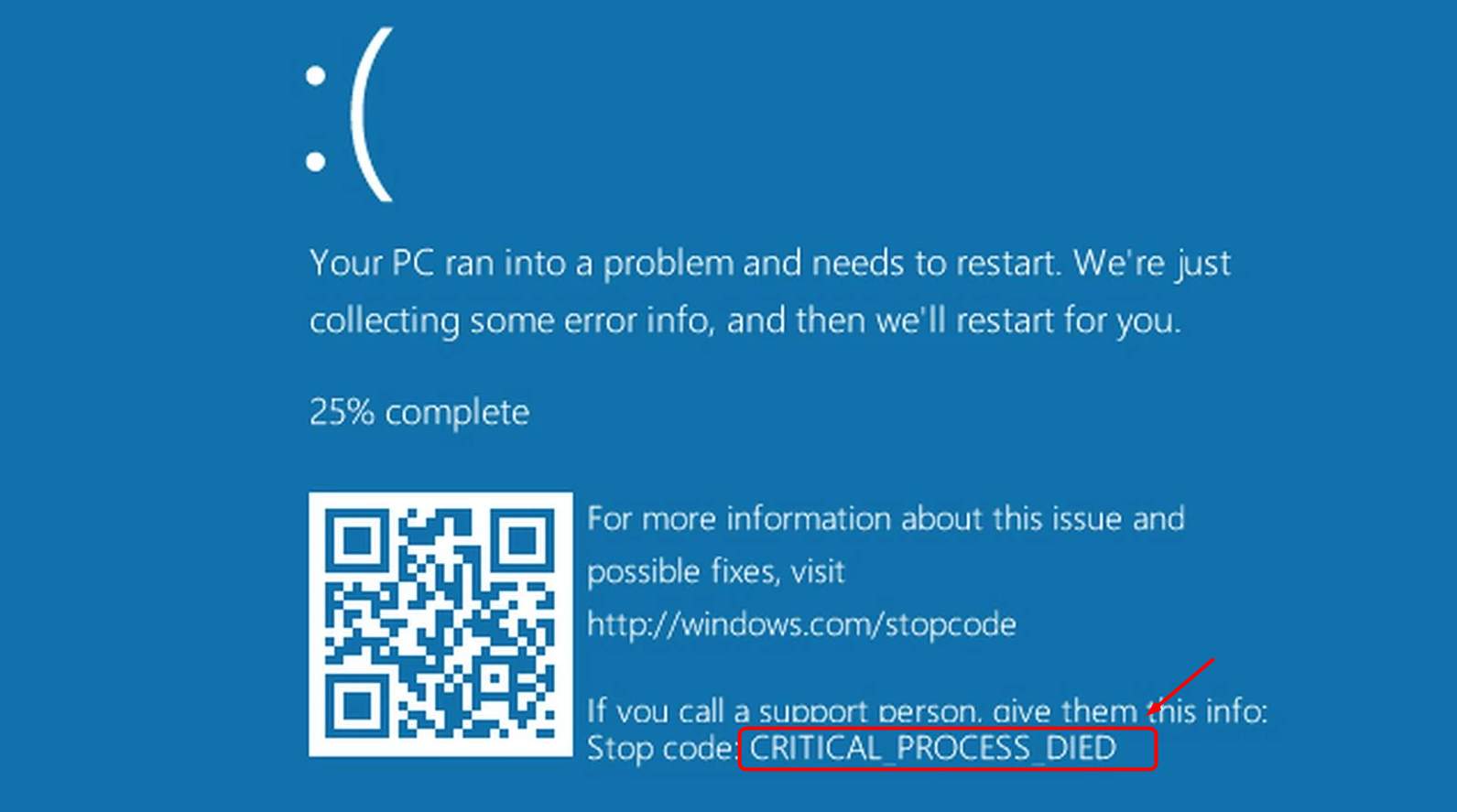
Your windows key is stored in the BIOS, no need to re-enter it.
 
Was there anything you changed before this happened? Installed some new software or something? And can you get into windows in safe mode?
 
Was there anything you changed before this happened? Installed some new software or something? And can you get into windows in safe mode?
yes a tp link, but i remove it and still nothing i removed all usb inputs, i cannot get into safe mode too.
 
yes a tp link, but i remove it and still nothing i removed all usb inputs, i cannot get into safe mode too.

The driver for the TP link product is still there, which is whats causing the crash, can you go through advanced options and find system restore? So you can restore to a previous time?
 
The driver for the TP link product is still there, which is whats causing the crash, can you go through advanced options and find system restore? So you can restore to a previous time?
no restore point available lol, trust me this is now hopeless.
 
Haha I agree, time to reinstall, setup automatic restore points once you are up and running again, or better still, try Linux, Ubuntu is very good.
Can i install adobe photoshop on Linux or ubuntu?
 
"The question, how can I reinstall windows and without using a new key(i already paid for windows), I dont have my windows installation disc." How is it really possible here anyway ? I do not see any case how it will happen here. Thanks.
 
Top
Sign up to the MyBroadband newsletter
X