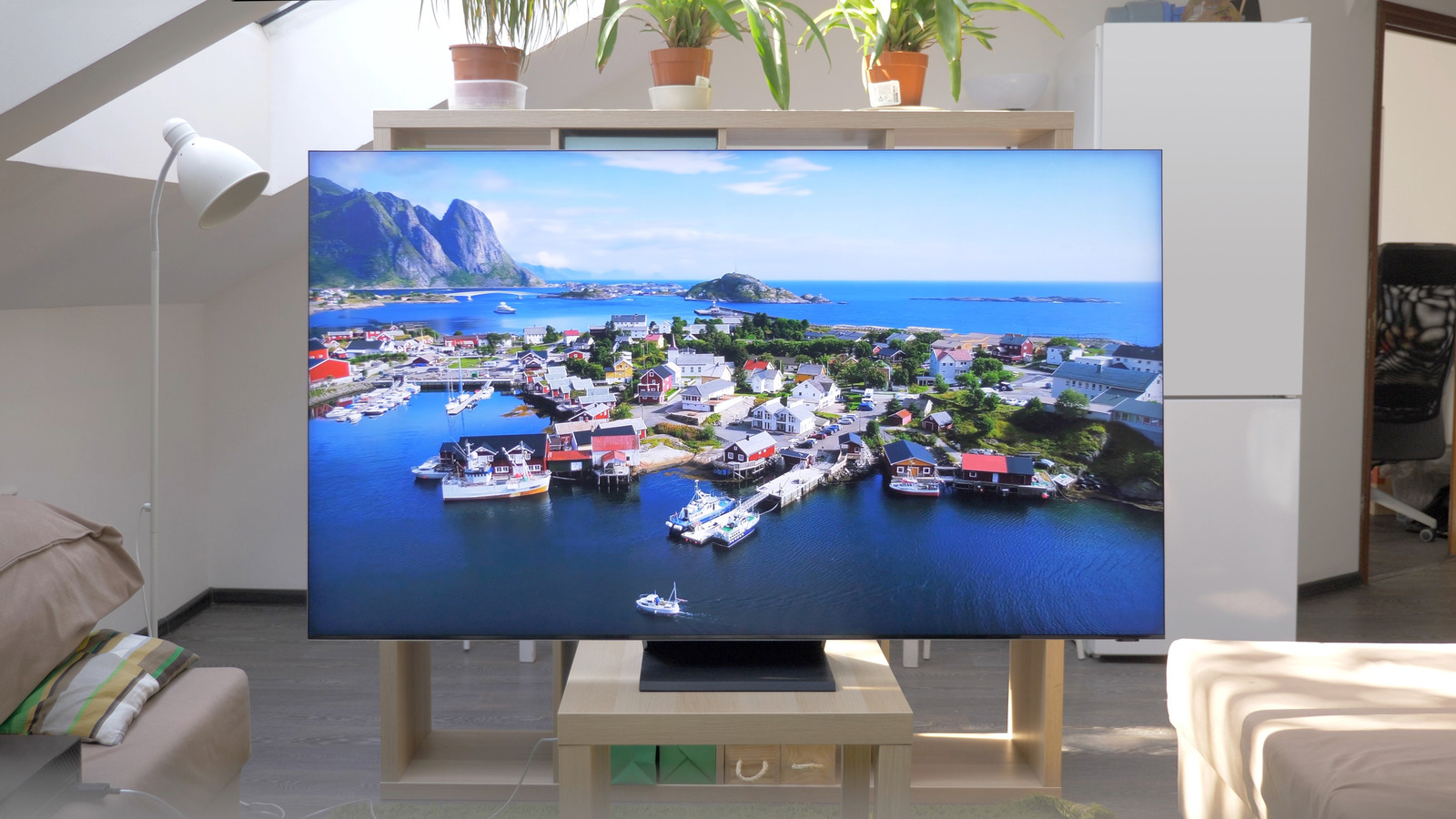
Try adjusting your TV's Picture menu options to the 'Movie' or 'Filmmaker' setting & see if that improves it for you - also turn OFF the 'Picture Clarity' (also known as 'Auto Motion Plus' / 'Motion Smoothing' / 'Sports' / 'Soap Opera') setting.
You can also try different settings for the 'HDMI Black Level' & 'Dynamic Contrast' options as well.
Samsung Care is here to help you with 4K Suhd Tvs. Get started, find helpful content and resources, and do more with your Samsung product.

www.samsung.com
Other links:
Unlock the best picture quality on your Samsung 4K UHD TV with expert tips for adjusting settings to match movies, games, and more.

www.lifewire.com
Whether you're a cinephile or hardcore gamer, you want the best video quality from your Samsung TV. Here's how to optimize settings for any use of your TV.

www.slashgear.com


:max_bytes(150000):strip_icc()/samsung-led-lcd-lifestyle-19-e-992ea50f085e438f957e67d4fe96a26f.jpg)