
Big changes coming to Google Assistant
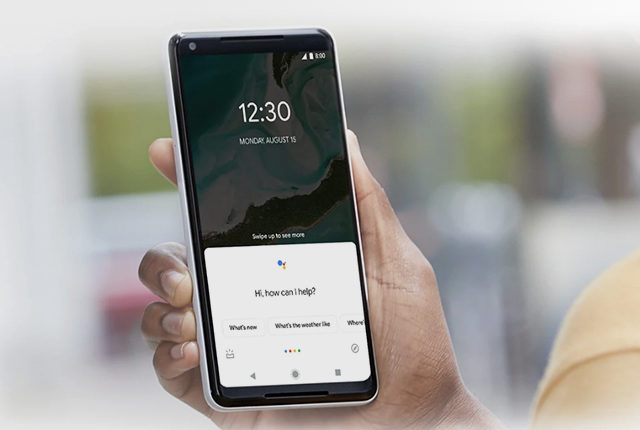
Google has announced several updates to Google Assistant coming in 2020.
The company said Assistant is now available on over 1 billion devices, and it will expand support to a range of new smart displays, speakers, headphones, and soundbars from multiple manufacturers.
It also unveiled the new features that will be introduced this year, detailed below.
Scheduled Actions
Google plans to implement a feature called Scheduled Actions, which will allow users to ask Google Assistant to schedule specific times for compatible devices to be turned on or off or to start and stop particular tasks.
For example, a user could schedule a cup of coffee in the morning by saying, “Hey Google, run the coffee maker at 6 a.m”.
Users will be able to control more than 20 new devices from within the Google Home app, including aircon units, air purifiers, bathtubs, and vacuums.
Notes and speed dial
Other upcoming features include the ability to generate notes and quickly place calls to close contacts.
By saying “Hey Google, leave a note that says -“, followed by the message, users will be able to post notes on a supported smart display.
Google is also adding a “speed dial” function which lets users instantly dial the number of a person on their household contact list.
Listen to webpages
Google Assistant will soon be able to read long-form content out loud upon command.
“Unlike traditional screen readers, this experience is built on new voice datasets to create more expressive and more natural sounding voices, so it’s easier to listen for a longer period of time,” Google said.
The company said this feature will have many applications but may be especially helpful in listening to content from webpages, like news articles or blogs.
Assistant will be able to translate the content into 42 languages.
This feature will be available on phones running Android version 5 or above later this year.
Privacy enhancements
Lastly, Google announced two new voice actions that enhance privacy control.
The command “Hey Google, that wasn’t for you” can be used to let Assistant forget what it had listened to, in the event of inadvertent activation.
Asking Assistant, “Hey Google, are you saving my audio data?” will provide more information about users’ privacy controls and give direct access to the settings screen to personalise privacy preferences.
Now read: Google Chrome to hide annoying notifications


 Loading ...