Help with short term load shedding solution

Assassin99091

Member
Joined
Oct 14, 2020
Messages
11
Reaction score
4
Hey guys wondering if someone could help me, looking at getting this inverter for my set up, not sure if it will be a good choice:
--> Axpert Type Pure Sine 3000VA Inverter + 2x 100Ah Battery (deep cycle)

I'm really not clued up with this kind of stuff

I need it to run 2 PC's and 4 screens for about 2-3 hours no more during times of load shedding
Average power consumption of each PC is about 350 Watts, each screen is is about 50-60 Watts
 
Hey guys wondering if someone could help me, looking at getting this inverter for my set up, not sure if it will be a good choice:
--> Axpert Type Pure Sine 3000VA Inverter + 2x 100Ah Battery (deep cycle)

I'm really not clued up with this kind of stuff

I need it to run 2 PC's and 4 screens for about 2-3 hours no more during times of load shedding
Average power consumption of each PC is about 350 Watts, each screen is is about 50-60 Watts
I think it's a good choice, where are you getting it from and how much?
 

Yeah definitely do not want to reach <50% , I dont need the 4 screens so could realistically then be 840W
 
You sure about that power consumption for each PC..? Seems a bit much, unless you are running a constant high load on it.. I recently bought a device to measure my office devices consumption.. on the high end, I was peaking at 220watt for the following:

3 LED screens
1x small form factor desktop
1x standard size desktop
2x laptops
2x 5 port switches
1x 8 port switch
2x APs
1x router

The small form factor desktop is around 40% load and I haven't measured total load as yet, with a proper load on the full size desktop.. Though, I doubt it would be going past 400 watt total load if I were to push the full size desktop..
 
Is there a way of working it out, would just need the pcs on for reading and browsing

PC 1 - ssd, gtx 1060 card, core i5 9400
PC 2 - ssd, gtx 1070ti, core i5 8400

The screens are 2 stanssd 27 inch Samsung, one Samsung 4k and one 32 inch mecer

Tried using an online tool but seems I have overestimated it
 
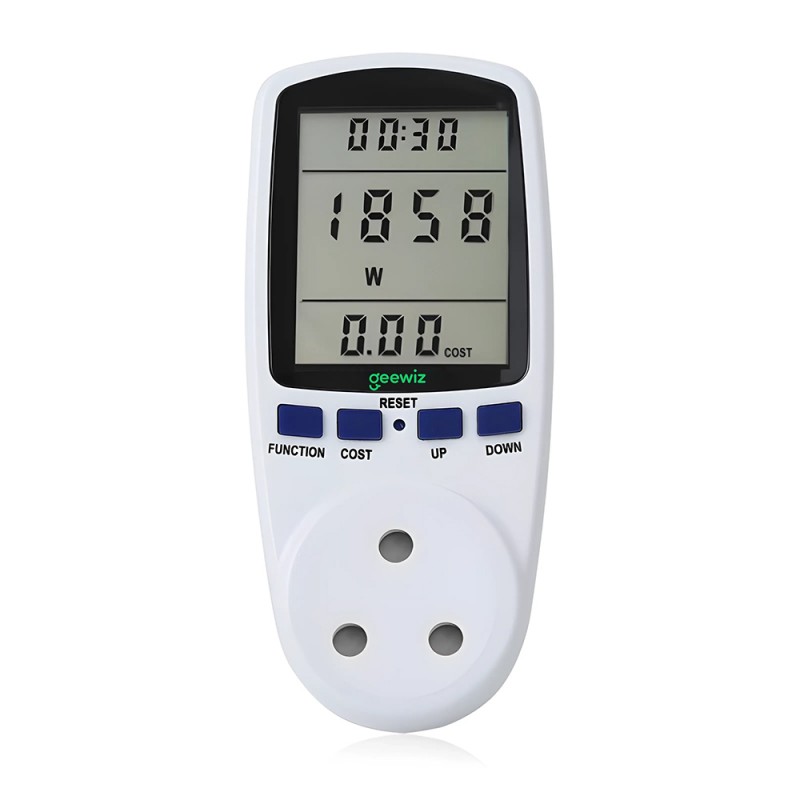
Buy a kill-a-watt meter from Geewiz or wherever. Then test your equipment load. Then order what you need. You anyways going to always leave it plugged in to check your load. Then get the correct amount of batteries. Pay a bit extra to get as many charging cycles as possible on the batteries.


Last edited:
Is there a way of working it out, would just need the pcs on for reading and browsing

PC 1 - ssd, gtx 1060 card, core i5 9400
PC 2 - ssd, gtx 1070ti, core i5 8400

The screens are 2 stanssd 27 inch Samsung, one Samsung 4k and one 32 inch mecer

Tried using an online tool but seems I have overestimated it
Unless you to run the GPU full load (gaming, gpu rendering etc). Each PC under normal load will be about 200W. If that mutch. I doubt even the screens use that much. Take the brightness down and it will use even less.

So I would so on average, no more than 400W for both Pc's and two Screen and Router. Max 500W, if that much at all.

So should be okay for 2 hours. 3 hours is a bit of a push if calculated on 50%DoD.
 
Last edited:
Don't ever run batteries flat or run it till inverter switches off. Depending on battery, no more than 50%. Get a Digital Voltage Meter for each battery to monitor their voltage and health.
 

Yeah definitely do not want to reach <50% , I dont need the 4 screens so could realistically then be 840W
Get 600 cycle AGM at least.

That is R12600. Shipping is probably going to be another R900 if not included due to the weight. This batteries are super heavy. so about R13500

3000W is super overkill. You probably only need 700-1000W max.

You don't really want to use more than 400W if you only gonna get 2 batteries and want to run longer than an hour. So what you gonna do with the other 2600W?

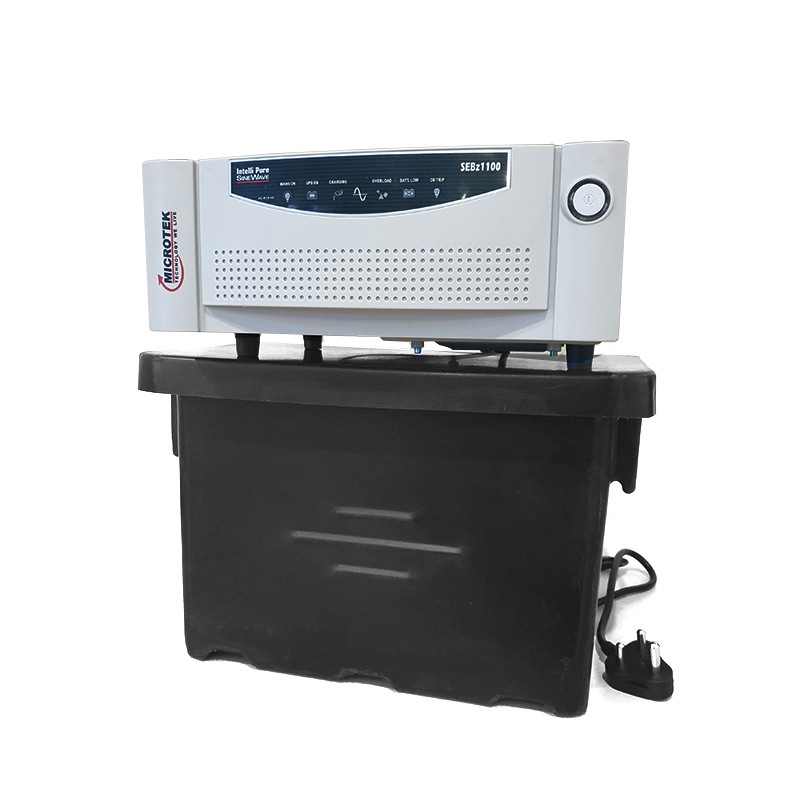
Please check with the experts, but for 2 Pc's and no plan to go Solar, won't this be a better option or something similar?

 
Last edited:
1st you need to see what your usage is using either:
Kill-A-Watt
Sonoff POW2
Efergy

then, look at batteries.
This site will help

Inverter option is up to you depending on features want can afford:
Axpert
Mercer
Nova UPS
Synapse
Ellis
 
1st you need to see what your usage is using either:
Kill-A-Watt
Sonoff POW2
Efergy

then, look at batteries.
This site will help

Inverter option is up to you depending on features want can afford:
Axpert
Mercer
Nova UPS
Synapse
Ellis
Remember the power factor when using the calculator. PF = inverter W divide by VA. Take W on killawatt and divide by PF. eg: 500W (killawatt reading) divide by 0.6 or 0.8 or 1 PF = 833W or 625W or 500W, in the case of the axpert geewiz inverter (3000W divide 3000VA) has PF of 1 so will still be 500W.
 
I would rather 1440watt mecer at R2000 bucks, and 2x 200ah Gel at R3600 or so each.

My money is also on Mercer + 2 x AGM (Not Gel) for best fit,

But if you have money an Axpert gives you proper future expansion with solar and a Nova Venus can downgrade to a simple UPS when replaced. Ellis and Synapse both have 1000W pure sine so you can use them with fans.

All of them use 12V batteries but 1st you need to know how many WH's you need so you can work out the V/AH size.

Edit: Example 2 x AGM + Mercer 1440 = R7950 Works out (Without loss) to max 1200WH (2400*50%)
For 900W usage you not gonna get full 2 hours out of it without risk/damage
 
Last edited:
My money is also on Mercer + 2 x AGM (Not Gel) for best fit,

But if you have money an Axpert gives you proper future expansion with solar and a Nova Venus can downgrade to a simple UPS when replaced. Ellis and Synapse both have 1000W pure sine so you can use them with fans.

All of them use 12V batteries but 1st you need to know how many WH's you need so you can work out the V/AH size.

Edit: Example 2 x AGM + Mercer 1440 = R7950 Works out (Without loss) to max 1200WH (2400*50%)
For 900W usage you not gonna get full 2 hours out of it without risk/damage
He wants everything in a nice box to plug n play so that he does not have to fiddle, is R7950 for a trolley or standalone components?
 
He wants everything in a nice box to plug n play so that he does not have to fiddle, is R7950 for a trolley or standalone components?
Components... Box you can build or buy depending on taste. They have boxes on that site as well. I just used it as an example ;)

Problem is you cant spec if you don't know the usage. Cause I know my Gaming PC eats 380W easy so 2 of them will kill my 1440 Mercer in no time flat.

If its truly 900W he would need an Axpert + 2 x 200 ah Lithium's in my view
Edit: Something like This
 
Last edited:
Hey guys wondering if someone could help me, looking at getting this inverter for my set up, not sure if it will be a good choice:
--> Axpert Type Pure Sine 3000VA Inverter + 2x 100Ah Battery (deep cycle)

I'm really not clued up with this kind of stuff

I need it to run 2 PC's and 4 screens for about 2-3 hours no more during times of load shedding
Average power consumption of each PC is about 350 Watts, each screen is is about 50-60 Watts
Battery voltage = 24V (2 x 12V in series makes a 24V battery)
100aH (when connecting batteries in series the voltage is the sum of the batteries, but the aH stays the same)
Lead Acid batteries so you don't want your Depth of Discharge to be more than 50%
Load = 350W+60W x 2 pcs = 820W
Pure sin inverter power factor is 90% - 95%

24 x 100 / 820 / 2 x 0.9 = 1.32 hours = 1 hour 20 minutes

That is how long your batteries will last without damaging them.
So for 3 hours you will need 6 batteries which will give you 3hours 57minutes.
4 batteries will fall just short of the 3 hours. Remember batteries degrade over time so in a few years they will not give you the nearly 4 hours anymore.
 
Components... Box you can build or buy depending on taste. They have boxes on that site as well. I just used it as an example ;)

Problem is you cant spec if you don't know the usage. Cause I know my Gaming PC eats 380W easy so 2 of them will kill my 1440 Mercer in no time flat.

If its truly 900W he would need an Axpert + 2 x 200 ah Lithium's in my view
Edit: Something like This
I get you 100%, buying components and assembling them is most of the time cheaper, I still cannot reconcile myself with the fact that some people believe connecting clearly marked and colour coded cables to clearly marked positive and negative terminals is too much effort for them, but that's just how it is.
 
Top
Sign up to the MyBroadband newsletter
X