


So I've done some testing and it seems when Dolby Vision content is playing, the backlight is set to Medium local dimming and a brightness of 100 (Dolby Vision Bright profile). Not sure why this decision was made by Hisense but at lease it is active.
-
- News
-
Categories
- 5G
- ADSL
- AI
- Banking
- Black Friday
- Broadband
- Broadcasting
- Business
- Business Telecoms
- Cellular
- Cloud and Hosting
- Columns
- Cryptocurrency
- Energy
- Enterprise
- Fibre
- Gadgets
- Gaming
- Government
- Hardware
- Industry News
- Internet
- Internet of Things
- Investing
- IT Services
- Motoring
- Reviews
- Science
- Security
- Smartphones
- Software
- Technology
- Telecoms
- Trending
- Wireless
- Press Office
- Forum
- Industry News
- What's Next
- Company hub
- Speed Test
- About us
- Advertise with us
- Contact
- Careers
-
Join the MyBroadband community
South Africa’s biggest forum. Discuss, discover, and connect with thousands of members.
-
Question of the Day: Do you get motion sick?
You are using an out of date browser. It may not display this or other websites correctly.
You should upgrade or use an alternative browser.
You should upgrade or use an alternative browser.
Hisense Q8600 Thread
- Thread starter dhirennaidoo
- Start date
The local equivalent of the H9G will be replacing the Q8600. I recall it being mentioned that it's launching later this year.Yeah, just found out from a hirch's store that the q8600 is discontinued. Wonder which model they are going to replace it with? They should just give us the H9F
Black Smoke
Active Member
- Joined
- Dec 15, 2013
- Messages
- 84
- Reaction score
- 10
Cool thanks man. May I ask how you did the testing?So I've done some testing and it seems when Dolby Vision content is playing, the backlight is set to Medium local dimming and a brightness of 100 (Dolby Vision Bright profile). Not sure why this decision was made by Hisense but at lease it is active.

The whole point with Dolby Vision is it includes metadata about the brightness, etc. to set it for the optimal for the video it is showing.Also have this exact same issue.
Does anybody have a fix for this?
So I think they disable it for that reason.
Dolby Vision = 8Bit + HDR + metadata about the video and how to configure the picture...
Haven't had that problem but having owned 2x Onkyo Amps so far, they have problems. I had some issue with mine doing the same and did a factory reset. There is some weird button combinations you need to press. But that sorted it for meI added a onkyo nr575e amp and speakers to the setup.
With ARC it works very oddly.
If I try to play Netflix/prime/showmax it won't play sound, it gives me volume control and the amp changes volume but it does not play any audio.
If I open YouTube and play a video sound starts working and then I can go into an app and it will play sound.
It used to work perfectly with my old Samsung HT system.
In the Netflix app, when you select a movie or series, it shows a preview. That preview switches the profile if it's in Dolby Vision. I compared the black level of my Cinema Night profile to when it switches to Dolby Vision. When set to Medium Local dimming and 100 brightness, I see no difference when it switches. Hope that makes sense.Cool thanks man. May I ask how you did the testing?

FoxFire675
Well-Known Member
- Joined
- May 17, 2019
- Messages
- 320
- Reaction score
- 229
Yeah, just found out from a hirch's store that the q8600 is discontinued. Wonder which model they are going to replace it with? They should just give us the H9F
I believe this is it. The U8QF
The whole point with Dolby Vision is it includes metadata about the brightness, etc. to set it for the optimal for the video it is showing.
So I think they disable it for that reason.
Dolby Vision = 8Bit + HDR + metadata about the video and how to configure the picture...
Haven't had that problem but having owned 2x Onkyo Amps so far, they have problems. I had some issue with mine doing the same and did a factory reset. There is some weird button combinations you need to press. But that sorted it for me
I did a bit of research on this and it seems like other brands (Panasonic, Visio and, Sony and LG are among the ones I found) do allow you to adjust the local dimming while watching Dolby Vision content. Even the international equivalent Hisense H9F allows adjustment of local dimming on Dolby Vision but it is running Android.
Although Dolby Vision is sending the metadata to adjust brightness, I don't think it contains data to change local dimming specifically because the number of dimming zones vary widely between TVs. It might just be a bug in the Vidaa software and hopefully Hisense would be able to sort it out in an update.

Adeptus Mechanicus
Expert Member
Hmm, I wonder if this is something worth waiting for as opposed to picking up a Q8600 for, likely, significantly cheaper.
Hey guys, just a quick question with the q8600 being a 120Hz panel. Is this 120Hz at 4k? Or is it at lower resolutions only? Im quite confused because it will need HDMI 2.1 for 4k at 120Hz if im not mistaken. Or does that not matter for this tv? Reason being im looking into upgrading to this tv for the release of the xbox series x
FoxFire675
Well-Known Member
- Joined
- May 17, 2019
- Messages
- 320
- Reaction score
- 229
Hey guys, just a quick question with the q8600 being a 120Hz panel. Is this 120Hz at 4k? Or is it at lower resolutions only? Im quite confused because it will need HDMI 2.1 for 4k at 120Hz if im not mistaken. Or does that not matter for this tv? Reason being im looking into upgrading to this tv for the release of the xbox series x
Q8600 does not support 4k @ 120hz. Hdmi 2.0b supports a max of 4k @ 60hz. The panel may be 120hz on the the Q8600 as seen from the specs however during the short period I had mine, the options for 1080p and 1440p @ 120hz were not available on my Xbox One X. Maybe other members can chip in here if there were successful in getting a 120hz signal to the tv
I am assuming the 120Hz is the same as the H9F international version. Taken from the rtings.com review they say the following:
"We rechecked the H9F, and it is possible to send a 120Hz signal, but it simply skips every other frame. We confirmed this from an Xbox One S and a a PC.
This TV supports most of the common input formats, but only at 60Hz. Despite the 120Hz panel, it can't display any 120Hz signal."
I think the 120Hz is only for Black Frame Insertion and Motion Interpolation. Not for displaying actual 120Hz input.
"We rechecked the H9F, and it is possible to send a 120Hz signal, but it simply skips every other frame. We confirmed this from an Xbox One S and a a PC.
This TV supports most of the common input formats, but only at 60Hz. Despite the 120Hz panel, it can't display any 120Hz signal."
I think the 120Hz is only for Black Frame Insertion and Motion Interpolation. Not for displaying actual 120Hz input.

Lupus
Honorary Master
- Joined
- Apr 25, 2006
- Messages
- 92,049
- Reaction score
- 62,570
It's called CMR it's not real 120hzI am assuming the 120Hz is the same as the H9F international version. Taken from the rtings.com review they say the following:
"We rechecked the H9F, and it is possible to send a 120Hz signal, but it simply skips every other frame. We confirmed this from an Xbox One S and a a PC.
This TV supports most of the common input formats, but only at 60Hz. Despite the 120Hz panel, it can't display any 120Hz signal."
I think the 120Hz is only for Black Frame Insertion and Motion Interpolation. Not for displaying actual 120Hz input.
FoxFire675
Well-Known Member
- Joined
- May 17, 2019
- Messages
- 320
- Reaction score
- 229
Xbox One X can do 120hz. It comes up as an option if your tv can support itThanks for the infoim sure it wont show the option for xbox one x because that is capped at 60Hz. I think the only way we would know is if someone has plugged the pc in the tv and used the high refresh rate
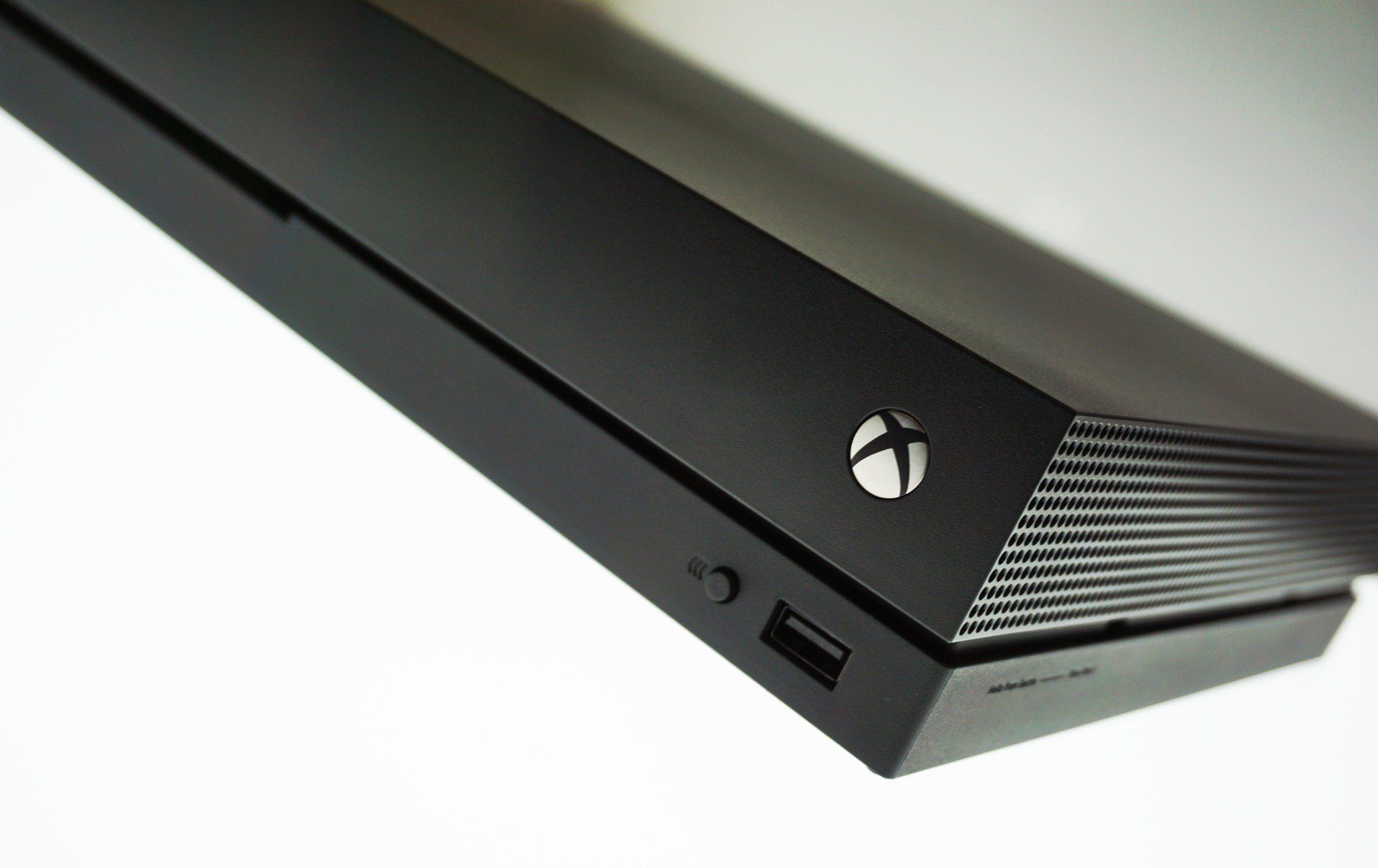
Xbox One X & S only appear to be HDMI 2.0, so no 4K @120hz, but can do 1080P & 1440P at 120
 www.windowscentral.com
Xbox One 120Hz support: Everything you need to know
You can get Xbox One gameplay that's silky smooth thanks to the newly-added support for high refresh rate displays.
www.windowscentral.com

Q8600 does not support 4k @ 120hz. Hdmi 2.0b supports a max of 4k @ 60hz. The panel may be 120hz on the the Q8600 as seen from the specs however during the short period I had mine, the options for 1080p and 1440p @ 120hz were not available on my Xbox One X. Maybe other members can chip in here if there were successful in getting a 120hz signal to the tv
You are correct , in order to get 4k @ 120Hz from consoles, you will need HDMI 2.1 which this tv does not have.
It will however stream 4K@120Hz
FoxFire675
Well-Known Member
- Joined
- May 17, 2019
- Messages
- 320
- Reaction score
- 229
I think the original question this all stemmed from was
To this we know it definitely not support 4k @120hz however to the second part of the question, is this TV capable of displaying any other signal be it 1080p or 1440p at 120hz as the panel is a 120hz panel. I said I have tried and failed with my Xbox One X when I had my Q8600. Has anyone else tried and got different results when trying to send a 120hz signal to this tv?
q8600 being a 120Hz panel. Is this 120Hz at 4k? Or is it at lower resolutions only?
To this we know it definitely not support 4k @120hz however to the second part of the question, is this TV capable of displaying any other signal be it 1080p or 1440p at 120hz as the panel is a 120hz panel. I said I have tried and failed with my Xbox One X when I had my Q8600. Has anyone else tried and got different results when trying to send a 120hz signal to this tv?
Black Smoke
Active Member
- Joined
- Dec 15, 2013
- Messages
- 84
- Reaction score
- 10
Can owners of the Q8600 please confirm if the backlight option is grayed out for you when viewing Dolby Vision content?
Or are you able to change it?
Have spoken to Hisense and trying to get them to look into this.
Or are you able to change it?
Have spoken to Hisense and trying to get them to look into this.

alqassam
Expert Member
- Joined
- Aug 11, 2014
- Messages
- 4,254
- Reaction score
- 828
Do you perhaps remember what buttons.The whole point with Dolby Vision is it includes metadata about the brightness, etc. to set it for the optimal for the video it is showing.
So I think they disable it for that reason.
Dolby Vision = 8Bit + HDR + metadata about the video and how to configure the picture...
Haven't had that problem but having owned 2x Onkyo Amps so far, they have problems. I had some issue with mine doing the same and did a factory reset. There is some weird button combinations you need to press. But that sorted it for me
So my fix was go to YouTube app on the TV then sounds starts to work, it sort of forces the HDMI as arc connect as the TV then says HDMI signal recieved.
So this was working fine until I connected my lit box to one of the HDMI ins on the amp. So now if I go to the YouTube app it says HDMI connected, sounds plays for 5 seconds and then the TV switches to the HDMI 1(amp) and the amp goes from TV to STRM box HDMI.