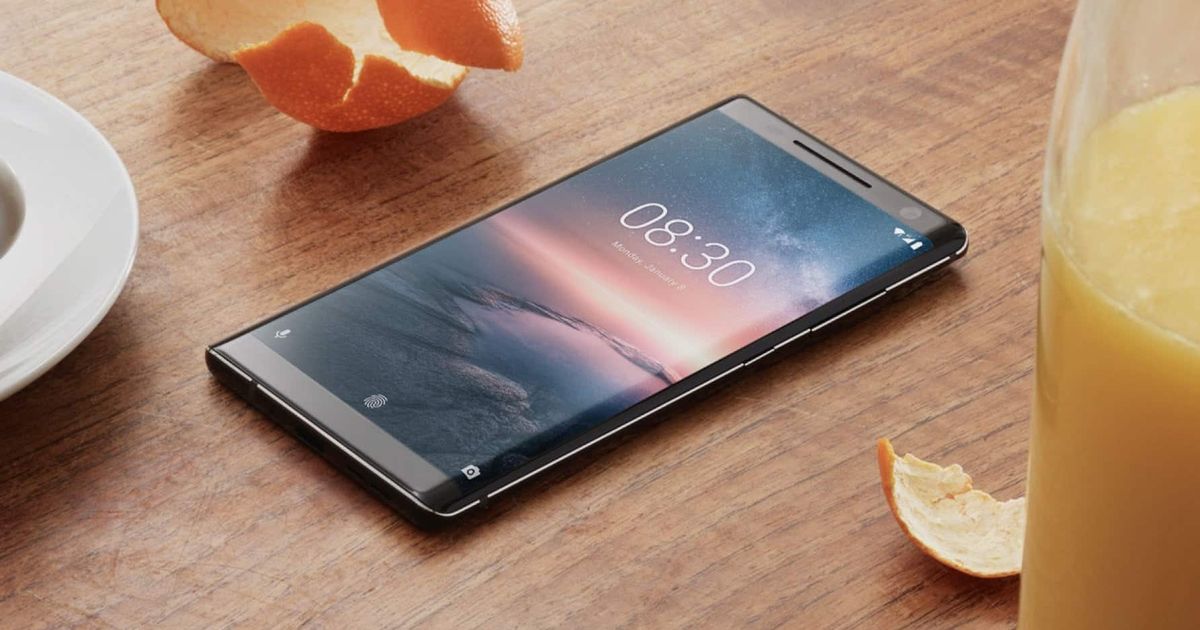
Nokia 8 Sirocco

Nokia 8 Sirocco receiving Android 10 update with April security patch

HMD Global has released the Android 10 update for the Nokia 8 Sirocco, making it the third Nokia smartphone after Nokia 3.2 and 4.2 to get the latest version of Android this month.

The new firmware sports version V5.120 and requires a download of around 1.4GB. It comes with a new UI in addition to Dark Mode, Smart Reply, new gesture navigation, and new controls for location and privacy.

The new build also bumps up the Android security patch level on the Nokia 8 Sirocco to April 2020.


Nokia.jpg
 
@FiestaST -Thanks for this info, we will keep a lookout for this update.
Just noticed on my Sirocco that all the app icons within the Play Store are blank leaving the text description etc. after some recent updates. Tried Factory Reset that did not fix the issue, so we presume the issue is in anticipation of this Android 10 upgrade :)
 
Update completely screwed up my wifi. Anyone experiencing anything similar? Disconnects the whole time.
 
nope
I have an issue with car bluetooth though.
Everytime i leave the car and go back it refuses to connect and i need to turn bluetooth off and on again and it works.
freaking annoying

I haven't tried my bluetooth yet. Haven't driven anywhere since the update :(
 
My WiFi and Bluetooth is fine after the update. Have an issue with my fingerprint sensor though.

Sometimes the screen doesn't turn on when I unlock the phone (the haptic feedback is there). I have to press the power button twice and tap the fingerprint sensor again.

Thinking of doing a factory reset and starting off clean.

Not liking the new gesture to bring up the app drawer. The swipe distance is too long.
 
Update completely screwed up my wifi. Anyone experiencing anything similar? Disconnects the whole time.
Ok not sure if this is what you experience but noticed this when i took one of my AP's of yesterday, when wifi signal is weaker (but not very weak in that other phones have an issue) the phone refuses to connect especially if mobile data is on (connected no issue when i turned mobile data off).
Another thing is when crossing between AP's it refuses to just swap to the stronger one , like stubbornly hangs on to the weaker signal , and just refuses to go to the stronger one for quite a long time.
 
Ok not sure if this is what you experience but noticed this when i took one of my AP's of yesterday, when wifi signal is weaker (but not very weak in that other phones have an issue) the phone refuses to connect especially if mobile data is on (connected no issue when i turned mobile data off).
Another thing is when crossing between AP's it refuses to just swap to the stronger one , like stubbornly hangs on to the weaker signal , and just refuses to go to the stronger one for quite a long time.

Yip. That's it. And then it suddenly jumps off the one, and stays on mobile. Or it just shows an x over the wifi. Never used to do that. Internet recommends that I drop my WPA2 on my router.. But, I have a secondary access point that I assigned an IP to, and I can't find the bloody thing on the network to access it and change the security... I know... :(
 
Top
Sign up to the MyBroadband newsletter
X